การแนะนำ
This manual provides essential instructions for the safe operation and maintenance of your Pyle PSBV40BT Bluetooth Audio Soundbar. Please read this manual thoroughly before using the device and retain it for future reference.
คำแนะนำเพื่อความปลอดภัย
- อย่าให้ Soundbar โดนฝนหรือความชื้น
- ห้ามปิดกั้นช่องระบายอากาศใดๆ
- ตรวจสอบให้แน่ใจว่าปริมาณแหล่งจ่ายไฟที่เหมาะสมtage as indicated on the power adapter.
- Keep the soundbar away from heat sources such as radiators, heat registers, stoves, or other apparatus that produce heat.
- ใช้เฉพาะอุปกรณ์เสริม/สิ่งที่แนบที่ผู้ผลิตกำหนดเท่านั้น
- Unplug the soundbar during lightning storms or when unused for long periods.
เนื้อหาแพ็คเกจ
ตรวจสอบว่ามีรายการทั้งหมดอยู่ในแพ็คเกจ:
- Main Soundbar Unit
- อะแดปเตอร์แปลงไฟ
- รีโมทคอนโทรล
- สายโคแอกเชียล
- RCA Cable (Audio Cable)

Image: Contents of the Pyle PSBV40BT Soundbar package, showing the main unit, remote control, power adapter, coaxial cable, and RCA audio cable.
สินค้าเกินview
The Pyle PSBV40BT is a 2.1 channel soundbar designed to enhance your audio experience. It features multiple input options and Bluetooth connectivity for versatile use.
Front and Top Panel Controls
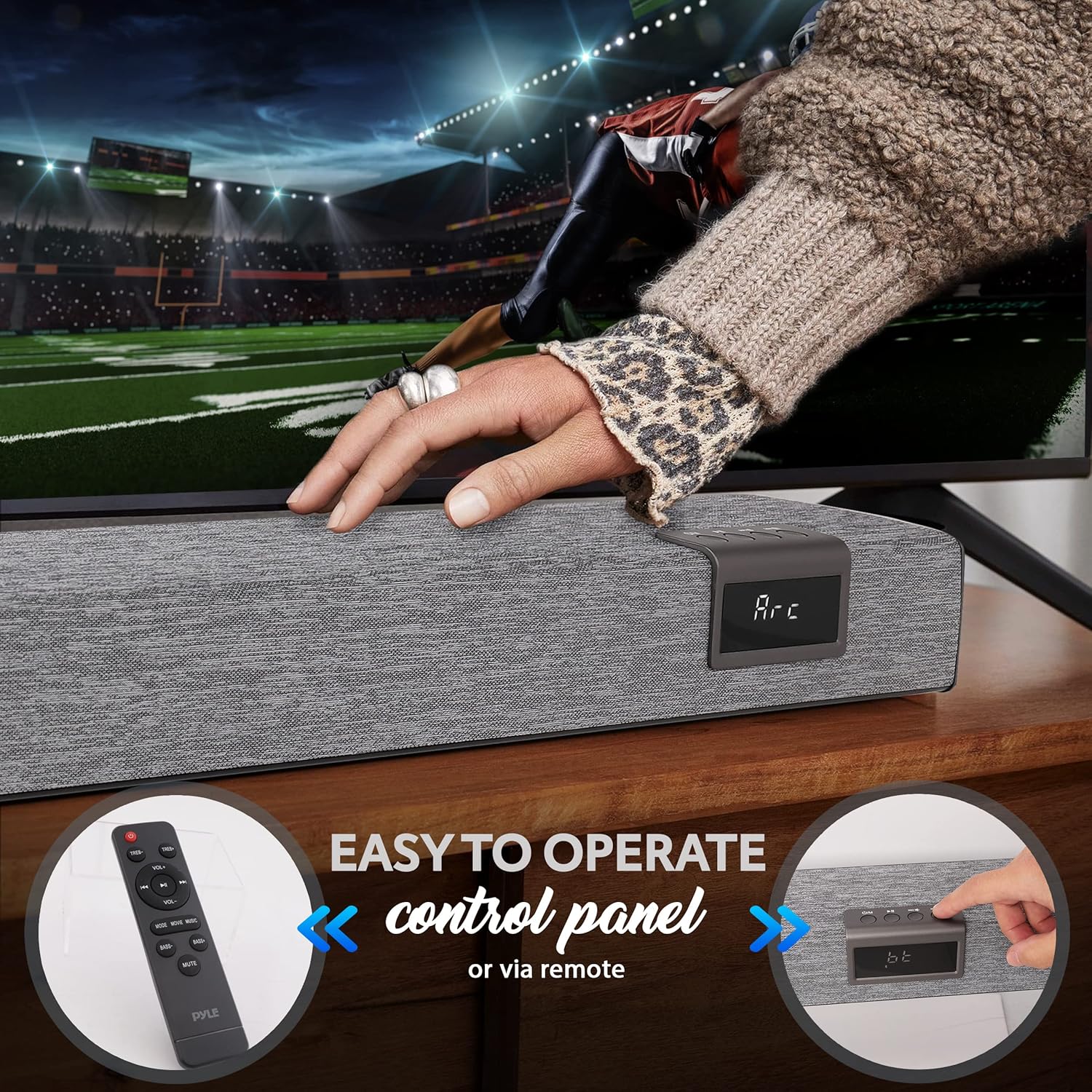
Image: The front of the Pyle PSBV40BT Soundbar showing the digital display and control buttons, alongside the included remote control.
- ปุ่มเปิด/ปิด: เปิดหรือปิด Soundbar
- ปุ่มเลือกอินพุต/โหมด: Switches between input sources (Bluetooth, Optical, HDMI ARC, AUX, USB/TF).
- ปุ่มปรับระดับเสียงขึ้น / ลง: ปรับระดับเสียง
- จอแสดงผล LED: Shows current input mode and volume level.
การเชื่อมต่อแผงด้านหลัง

ภาพ: ด้านหลัง view of the Pyle PSBV40BT Soundbar, highlighting the various input ports: USB, AUX, Coaxial, Optical, and HDMI ARC.
- USB/TF Card Input: สำหรับการเล่นเสียง files from USB drives or TF cards.
- AUX (3.5mm) Input: เชื่อมต่ออุปกรณ์เสียงภายนอกผ่านสายสัญญาณเสียงขนาด 3.5 มม.
- อินพุตโคแอกเชียล: Connect to devices with a coaxial digital audio output.
- อินพุตออปติคอล: Connect to devices with an optical digital audio output.
- อินพุต HDMI ARC: Connect to a TV's HDMI ARC port for audio and control.
- DC IN: Power adapter connection port.
การตั้งค่า
1 การวาง
Place the soundbar on a stable, flat surface directly in front of your television. Ensure there are no obstructions blocking the soundbar's speakers or the remote control sensor.
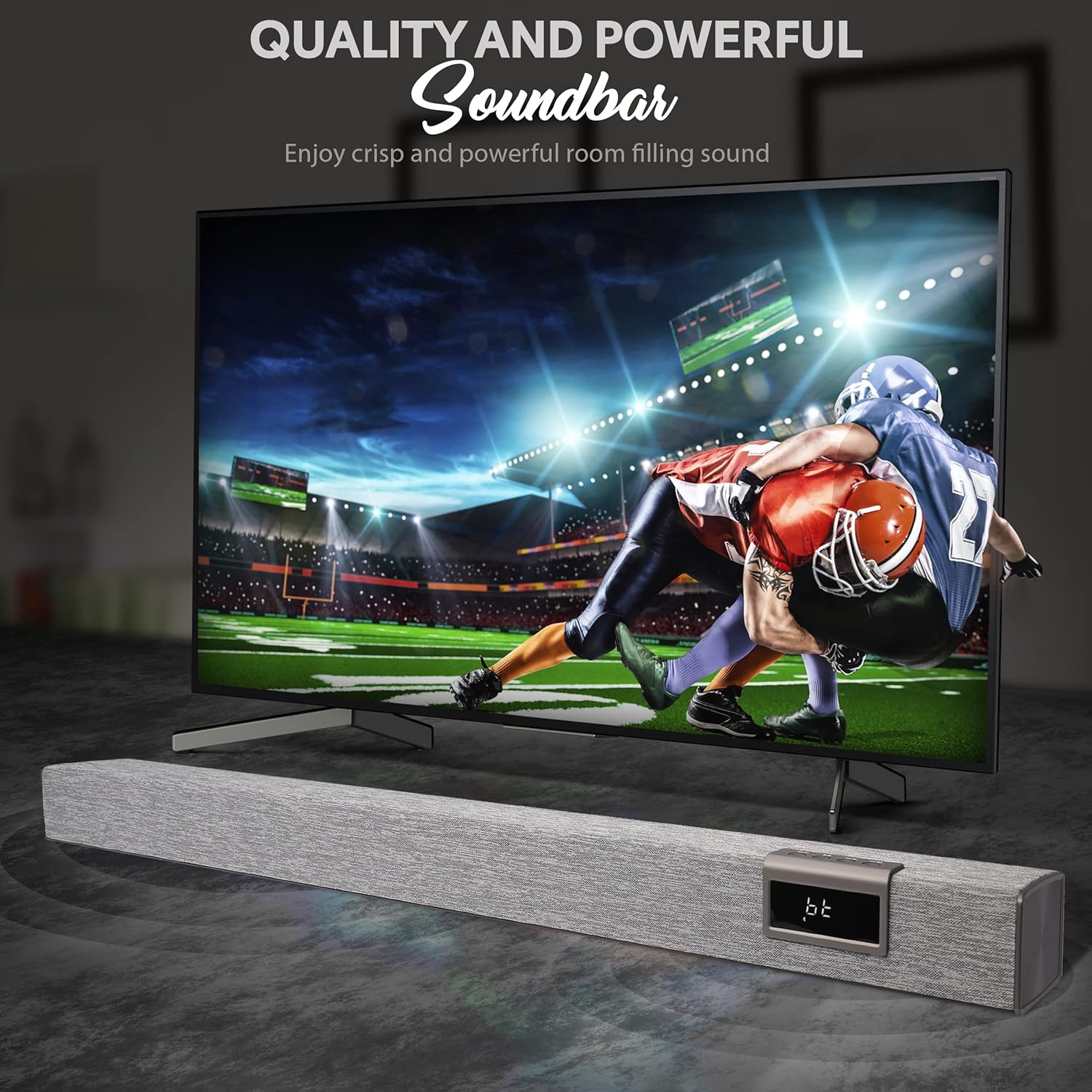
Image: The Pyle PSBV40BT Soundbar positioned horizontally on a media console, directly beneath a television screen.
2. การเชื่อมต่อไฟฟ้า
- ต่ออะแดปเตอร์แปลงไฟเข้ากับพอร์ต DC IN ที่ด้านหลังของซาวด์บาร์
- เสียบปลายอีกด้านหนึ่งของอะแดปเตอร์เข้ากับเต้ารับที่ผนัง
3. การเชื่อมต่อเสียง
Choose one of the following connection methods based on your television or audio source:
- HDMI ARC (แนะนำ):
Connect an HDMI cable (not included) from the HDMI ARC port on the soundbar to the HDMI ARC port on your TV. This allows your TV remote to control the soundbar's volume and power.
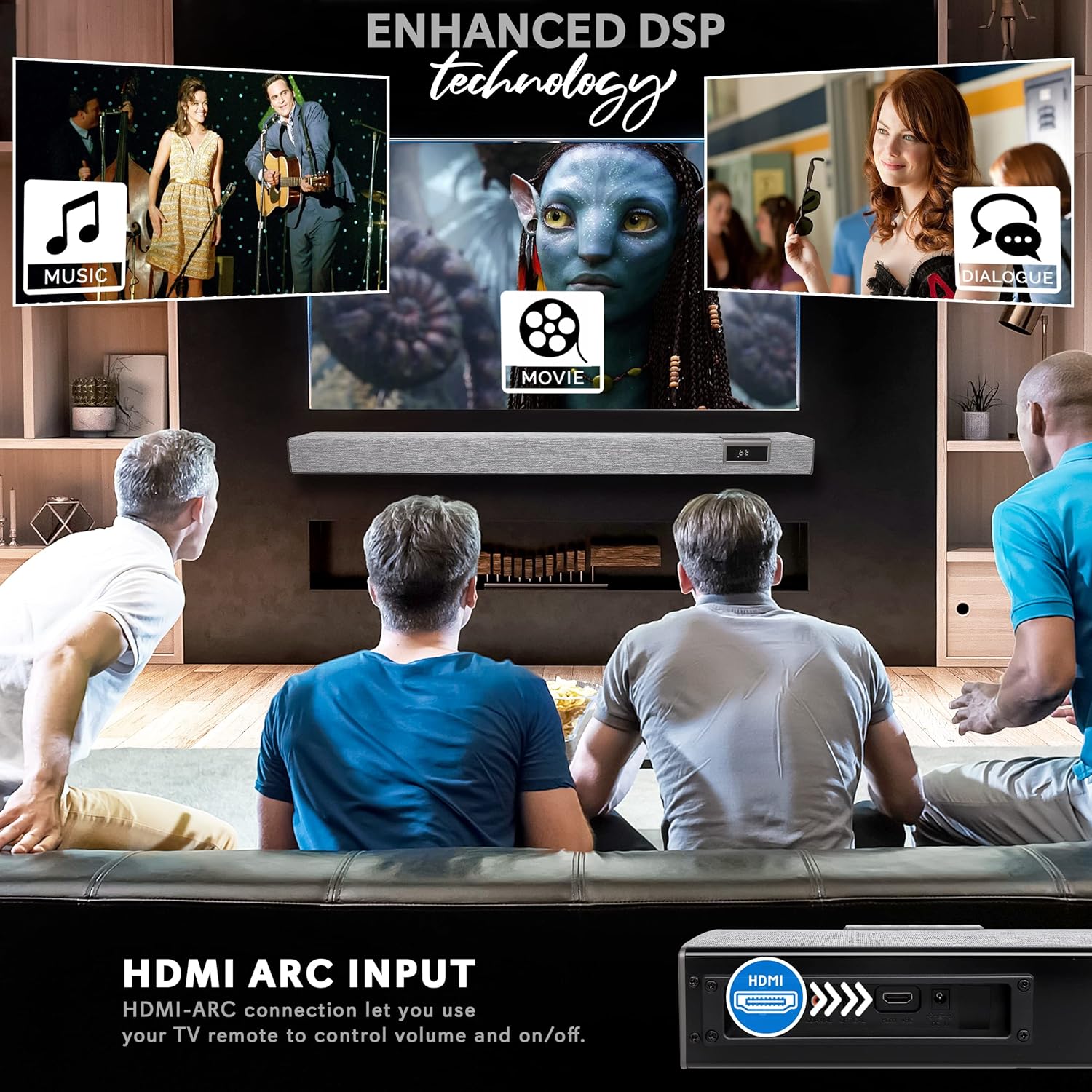
Image: Detail of the HDMI ARC input port on the Pyle PSBV40BT Soundbar.
- ออปติคอล:
Connect an optical cable (not included) from the OPTICAL port on the soundbar to the optical digital audio output on your TV or other audio source. Ensure your TV's audio output is set to "PCM" if you experience no sound.
- โคแอกเซียล:
Connect the included coaxial cable from the COAXIAL port on the soundbar to the coaxial digital audio output on your TV or other audio source.
- ช่องต่อ AUX (3.5 มม.):
Connect the included RCA cable (or a 3.5mm to 3.5mm cable, not included) from the AUX port on the soundbar to the 3.5mm headphone jack or RCA audio output on your TV or audio source.
การดำเนินการ
เปิด/ปิดเครื่อง
กดปุ่มเปิด/ปิดบนซาวด์บาร์หรือรีโมทคอนโทรลเพื่อเปิดหรือปิดเครื่อง
การเลือกอินพุต
Press the "Input" or "Mode" button on the soundbar or remote control repeatedly to cycle through the available input sources: Bluetooth (BT), Optical (OPT), HDMI ARC (ARC), AUX, USB/TF.
การควบคุมระดับเสียง
ใช้ปุ่มเพิ่มเสียง (+) และลดเสียง (-) บนซาวด์บาร์หรือรีโมทคอนโทรลเพื่อปรับระดับเสียง
จับคู่บลูทู ธ
- Turn on the soundbar and select "BT" mode using the Input/Mode button. The LED display will show "BT" and flash, indicating it's in pairing mode.
- เปิดใช้งานบลูทูธบนอุปกรณ์เคลื่อนที่ของคุณ (สมาร์ทโฟน แท็บเล็ต ฯลฯ)
- ค้นหา "PyleUSA" in your device's Bluetooth settings and select it to pair.
- Once paired, the "BT" indicator on the soundbar will stop flashing, and you can play audio from your device.

Image: A user holding a smartphone, demonstrating the process of connecting to the Pyle PSBV40BT Soundbar via Bluetooth for wireless audio streaming.
เล่นการ์ด USB/TF
เสียบไดรฟ์ USB หรือการ์ด TF (ที่มีไฟล์เสียง MP3) files) into the corresponding port. The soundbar will automatically switch to USB/TF mode and begin playback. Use the remote control for playback functions (play/pause, skip tracks).
ฟังก์ชั่นการควบคุมระยะไกล
The included remote control provides full functionality for the soundbar, including power, input selection, volume, mute, and playback controls for USB/TF and Bluetooth modes.
การซ่อมบำรุง
- การทำความสะอาด: ใช้ผ้านุ่มและแห้งเช็ดทำความสะอาดพื้นผิวของซาวด์บาร์ ห้ามใช้น้ำยาทำความสะอาดหรือวัสดุขัดถู
- พื้นที่จัดเก็บ: หากต้องเก็บรักษาซาวด์บาร์เป็นเวลานาน ควรดึงปลั๊กออกจากเต้าเสียบและเก็บไว้ในที่แห้งและเย็น
การแก้ไขปัญหา
| ปัญหา | วิธีแก้ปัญหาที่เป็นไปได้ |
|---|---|
| ไม่มีไฟฟ้า | ตรวจสอบให้แน่ใจว่าอะแดปเตอร์แปลงไฟเชื่อมต่อกับซาวด์บาร์และเต้ารับไฟฟ้าที่ใช้งานได้แน่นหนาแล้ว |
| ไม่มีเสียง |
|
| การจับคู่บลูทูธล้มเหลว |
|
| รีโมตคอนโทรลไม่ทำงาน |
|
ข้อมูลจำเพาะ
| คุณสมบัติ | รายละเอียด |
|---|---|
| แบบอย่าง | PSBV40BT |
| MAX Power | 60วัตต์ |
| กำลัง RMS | 30วัตต์ |
| ไดรเวอร์ | (2) 3" Full-range, (2) 3" Subwoofer |
| เวอร์ชันบลูทูธ | 5.0 |
| ชื่อเครือข่ายบลูทูธ | Pyleสหรัฐอเมริกา |
| ช่วงสาย | 32.8 ฟุต |
| ข้อมูลอินพุต | 3.5mm AUX, Optical, USB/TF, HDMI ARC, Coaxial |
| สื่อที่รองรับ Files | เสียง MP3 |
| อิมพีแดนซ์ | 4 โอห์ม |
| Frequency Response (Bass) | 20Hz-150Hz |
| Frequency Response (Soundbar) | 120เฮิรตซ์-20กิโลเฮิรตซ์ |
| ขนาดสินค้า (กว้าง x ยาว x สูง) | 35.4 นิ้ว x 2.4 นิ้ว x 2.4 นิ้ว |
| น้ำหนักสินค้า | 9.08 ปอนด์ |
การรับประกันและการสนับสนุน
This Pyle PSBV40BT Soundbar comes with a limited warranty. For detailed warranty information, technical support, or service inquiries, please visit the official Pyle webเว็บไซต์หรือติดต่อฝ่ายบริการลูกค้าของพวกเขา
ไพล์ ออฟฟิเชียล Webเว็บไซต์: www.pyleusa.com


