1. บทนำ
This manual provides detailed instructions for the setup, operation, and maintenance of your JLab Go Air Pop True Wireless Bluetooth Earbuds. Please read this guide thoroughly to ensure optimal performance and longevity of your device.
2. สิ่งที่รวมอยู่
- หูฟังไร้สาย JLab Go Air Pop True
- Charging Case with Integrated USB Charging Cable
- 3 Sets of Gel Ear Tips (Small, Medium, Large)
- JLab Two Year Warranty Information

Image: Contents of the JLab Go Air Pop package, including earbuds, charging case, and various ear tip sizes.
3. สินค้าหมดview

Image: The JLab Go Air Pop earbuds and their charging case. The earbuds feature a compact design with touch-sensitive surfaces. The charging case is small and portable.

Image: The compact charging case fits easily in the palm of a hand, emphasizing its portability.
4. การตั้งค่า
4.1 การชาร์จเคสและหูฟัง
Before first use, fully charge the earbuds and charging case. The case features an integrated USB charging cable for convenience.
- Locate the integrated USB cable at the bottom of the charging case.
- Plug the USB cable into a USB-A power source (e.g., computer, wall adapter).
- The indicator light on the case will show charging status. A solid red light indicates charging, and a solid blue light indicates fully charged.
- วางหูฟังลงในกล่องชาร์จ หูฟังจะเริ่มชาร์จโดยอัตโนมัติ

Image: The charging case with its built-in USB cable, ready to be plugged into a power source. This design eliminates the need for a separate charging cable.
Video: This video demonstrates the charging process of the JLab Go Air Pop earbuds using the integrated USB cable and shows the earbuds being placed into the charging case.
4.2 การจับคู่บลูทูธ
- Remove the earbuds from the charging case. They will automatically enter pairing mode (indicated by a flashing blue/white light on one earbud).
- Open your device's Bluetooth settings and select "JLab Go Air Pop" from the list of available devices.
- Once connected, you will hear a voice prompt "Bluetooth Connected" and the light on the earbud will turn solid blue.
Video: This video illustrates the pairing process and highlights the dual connect feature, allowing users to use either earbud independently.
4.3 การติดตั้งหูฟัง
For optimal sound quality and comfort, select the correct size of gel ear tips. Experiment with the three provided sizes (Small, Medium, Large) to find the best fit for your ears.
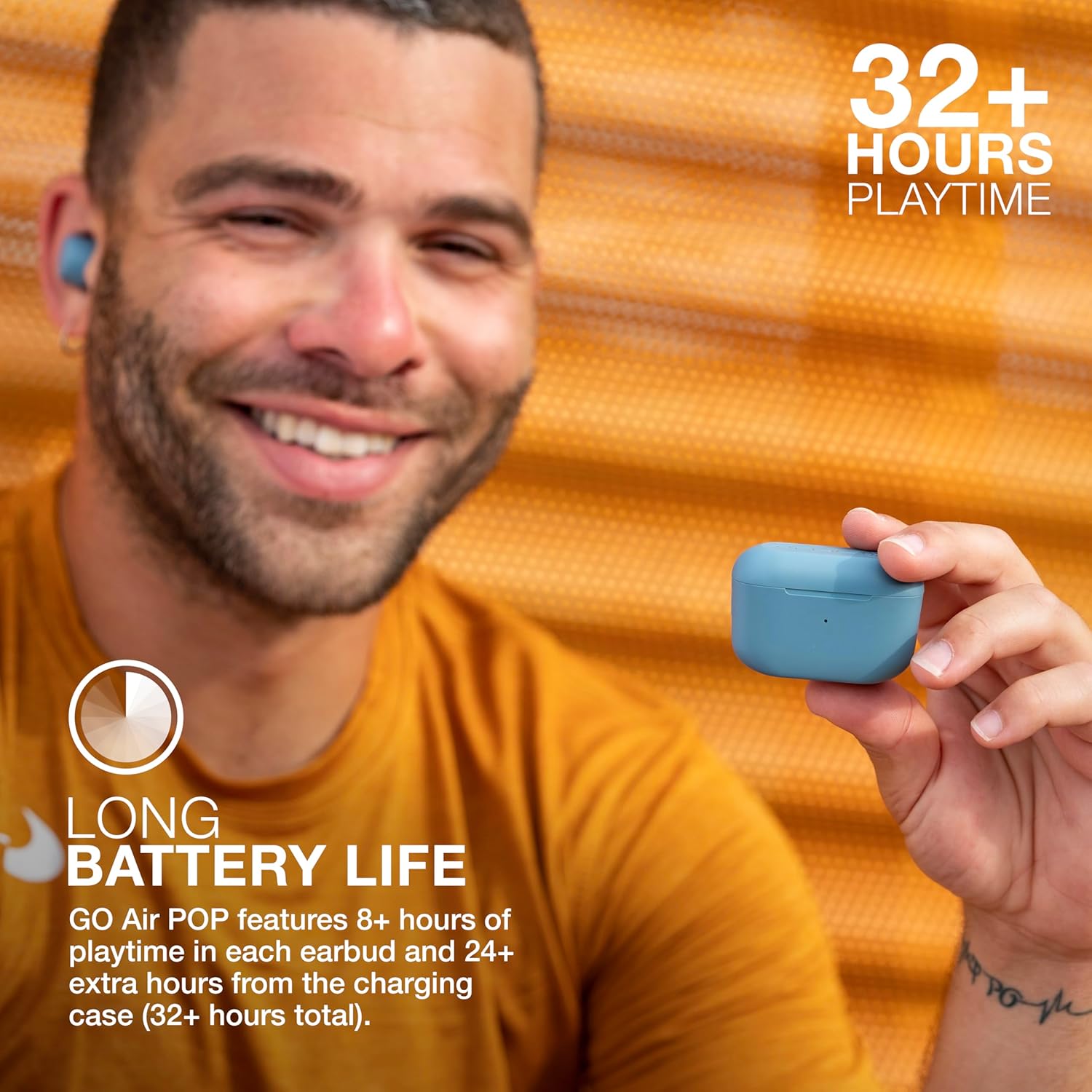
Image: A person wearing a JLab Go Air Pop earbud, demonstrating a proper fit. A snug fit is crucial for sound isolation and comfort.
5. คู่มือการใช้งาน
5.1 ระบบควบคุมแบบสัมผัส
The JLab Go Air Pop earbuds feature intuitive touch controls on each earbud. A few taps allow you to manage audio playback, calls, and activate your smart assistant.
- เล่น/หยุดชั่วคราว: แตะที่หูฟังข้างใดข้างหนึ่งเพียงครั้งเดียว
- ปรับระดับเสียงขึ้น: แตะที่หูฟังด้านขวาสองครั้ง
- ลดเสียงลง: แตะที่หูฟังด้านซ้ายสองครั้ง
- ติดตามไปข้างหน้า: Tap and hold the right earbud for 1+ second.
- ติดตามย้อนหลัง: Tap and hold the left earbud for 1+ second.
- รับสาย/วางสาย: แตะที่หูฟังข้างใดข้างหนึ่งเพียงครั้งเดียว
- ปฏิเสธสาย: Tap and hold either earbud for 1+ second.
- Activate Smart Assistant: แตะสามครั้งที่หูฟังข้างใดข้างหนึ่ง

Image: A hand interacting with the touch-sensitive surface of an earbud, demonstrating how to use the touch controls for various functions.
5.2 EQ3 Sound Modes
Customize your listening experience with three Equalizer (EQ3) sound modes: JLab Signature, Balanced, and Bass Boost. You can switch between these modes directly from the earbuds without needing an app.
- ลายเซ็น JLab: Ampเสียงร้องและเสียงเบส
- สมดุล: Even sound for podcasts and classical music.
- เพิ่มเสียงเบส: Amplified เบสและซับเบส
To cycle through EQ3 settings, triple tap the right earbud.
5.3 Dual Connect
The JLab Go Air Pop earbuds support Dual Connect technology, allowing you to use either earbud independently or both together. This is ideal for situations where you need to remain aware of your surroundings or extend battery life by using one earbud at a time.

Image: The earbuds in their charging case, illustrating the ability to use them individually or as a pair.
6. การบำรุงรักษา
6.1 การทำความสะอาด
การทำความสะอาดเป็นประจำช่วยรักษาคุณภาพเสียงและสุขอนามัย
- เช็ดหูฟังและกล่องชาร์จเบาๆ ด้วยผ้าแห้งนุ่มที่ไม่เป็นขุย
- ถอดปลายหูออกแล้วทำความสะอาดด้วยสบู่ชนิดอ่อนและน้ำ จากนั้นเช็ดให้แห้งสนิทก่อนใส่กลับเข้าไปอีกครั้ง
- ใช้สำลีแห้งเช็ดทำความสะอาดจุดสัมผัสการชาร์จทั้งบนหูฟังและภายในเคสอย่างระมัดระวัง
6.2 พื้นที่จัดเก็บ
When not in use, store your earbuds in their charging case to protect them and keep them charged. Avoid exposing the earbuds or case to extreme temperatures, humidity, or liquids.
7 การแก้ไขปัญหา
- หูฟังไม่จับคู่: Ensure both earbuds are fully charged. Place them back in the case, close the lid, then open it and remove them to re-initiate pairing mode. Check your device's Bluetooth settings to forget previous connections and try pairing again.
- Only one earbud playing audio: Place both earbuds back in the charging case. Remove them simultaneously. If the issue persists, perform a factory reset (refer to JLab's official support for specific steps).
- ปัญหาการชาร์จ: Verify the integrated USB cable is securely connected to a working power source. Ensure the charging contacts on the earbuds and case are clean and free of debris.
- ระดับเสียงต่ำหรือคุณภาพเสียงไม่ดี: Adjust the earbud fit and try different sized ear tips. Clean the ear tips and earbud nozzles. Cycle through the EQ3 sound modes to see if a different setting improves the audio.
8. ข้อมูลจำเพาะ
| คุณสมบัติ | ข้อมูลจำเพาะ |
|---|---|
| ชื่อรุ่น | Go Air Pop |
| เทคโนโลยีการเชื่อมต่อ | บลูทูธ, ไร้สาย |
| เวอร์ชันบลูทูธ | 5.1 |
| อายุการใช้งานแบตเตอรี่ | 32 Hours (8+ hours in earbuds, 24+ hours from case) |
| เวลาในการชาร์จ | 2 ชั่วโมง |
| ระดับความต้านทานต่อน้ำ | กันน้ำ (IPX4) |
| ขนาดไดร์เวอร์เสียง | 8 มิลลิเมตร |
| การตอบสนองความถี่ | ความถี่ 20 กิโลเฮิรตซ์ |
| ประเภทการควบคุม | Volume Control (Touch) |
| คุณสมบัติพิเศษ | รวมไมโครโฟน |
| น้ำหนักสินค้า | 0.3 กรัม (หูฟัง) |
| น้ำหนักของกระเป๋าใส่ | 59 กรัม |
9. การรับประกันและการสนับสนุน
Your JLab Go Air Pop True Wireless Bluetooth Earbuds come with a JLab Two Year Warranty. For detailed warranty information, product registration, or further support, please visit the official JLab webตรวจสอบรายละเอียดเพิ่มเติมได้ที่เว็บไซต์ หรือดูจากบัตรรับประกันที่อยู่ในบรรจุภัณฑ์
คุณยังสามารถเยี่ยมชม JLab Store on Amazon สำหรับผลิตภัณฑ์และทรัพยากรสนับสนุนเพิ่มเติม


