1. บทนำ
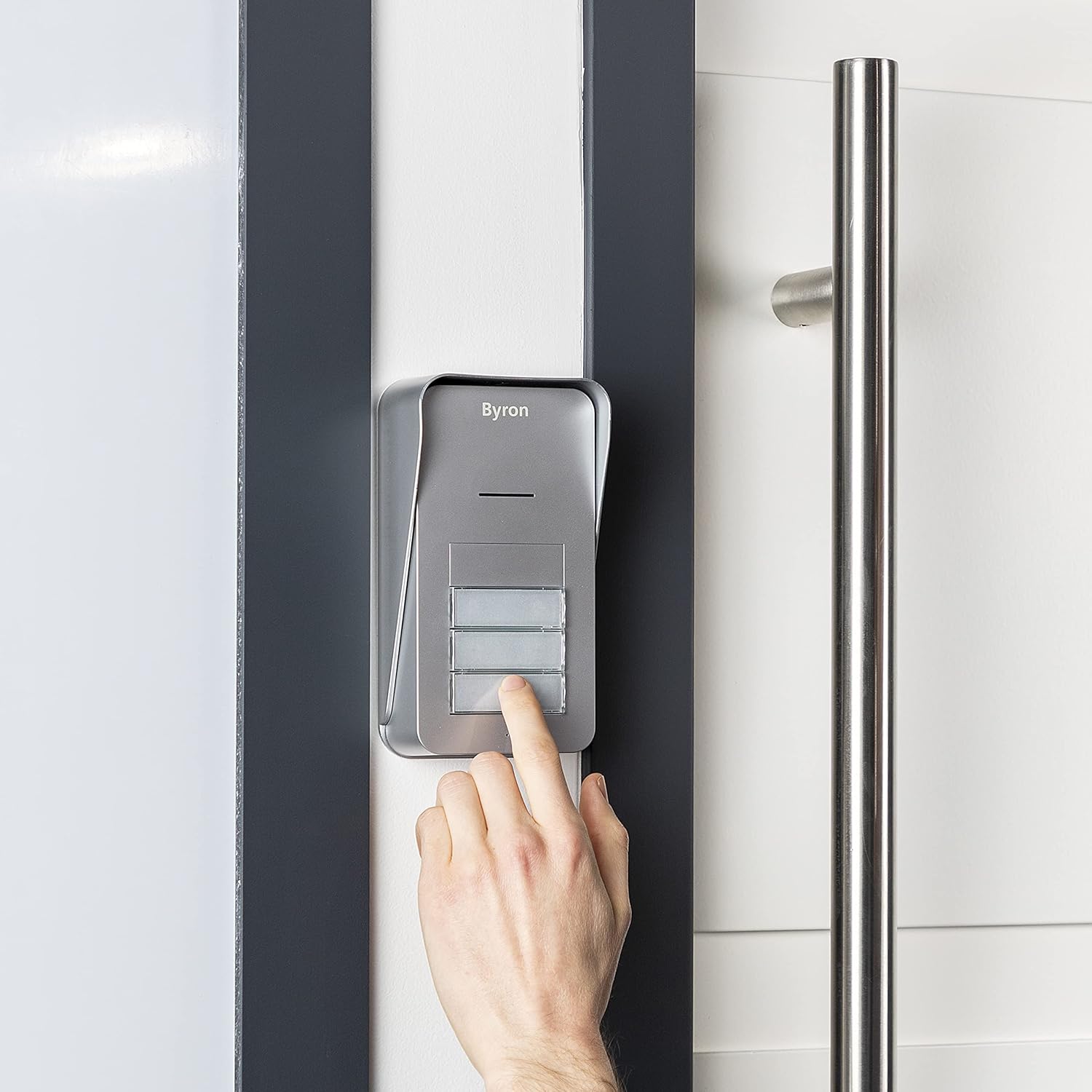
The Byron DIC-21535 is a wireless audio intercom system designed to facilitate communication between visitors at your entrance and residents across up to three apartments. This system offers convenient two-way audio communication and the ability to remotely open an electric door strike (if installed).
คุณสมบัติที่สำคัญ ได้แก่:
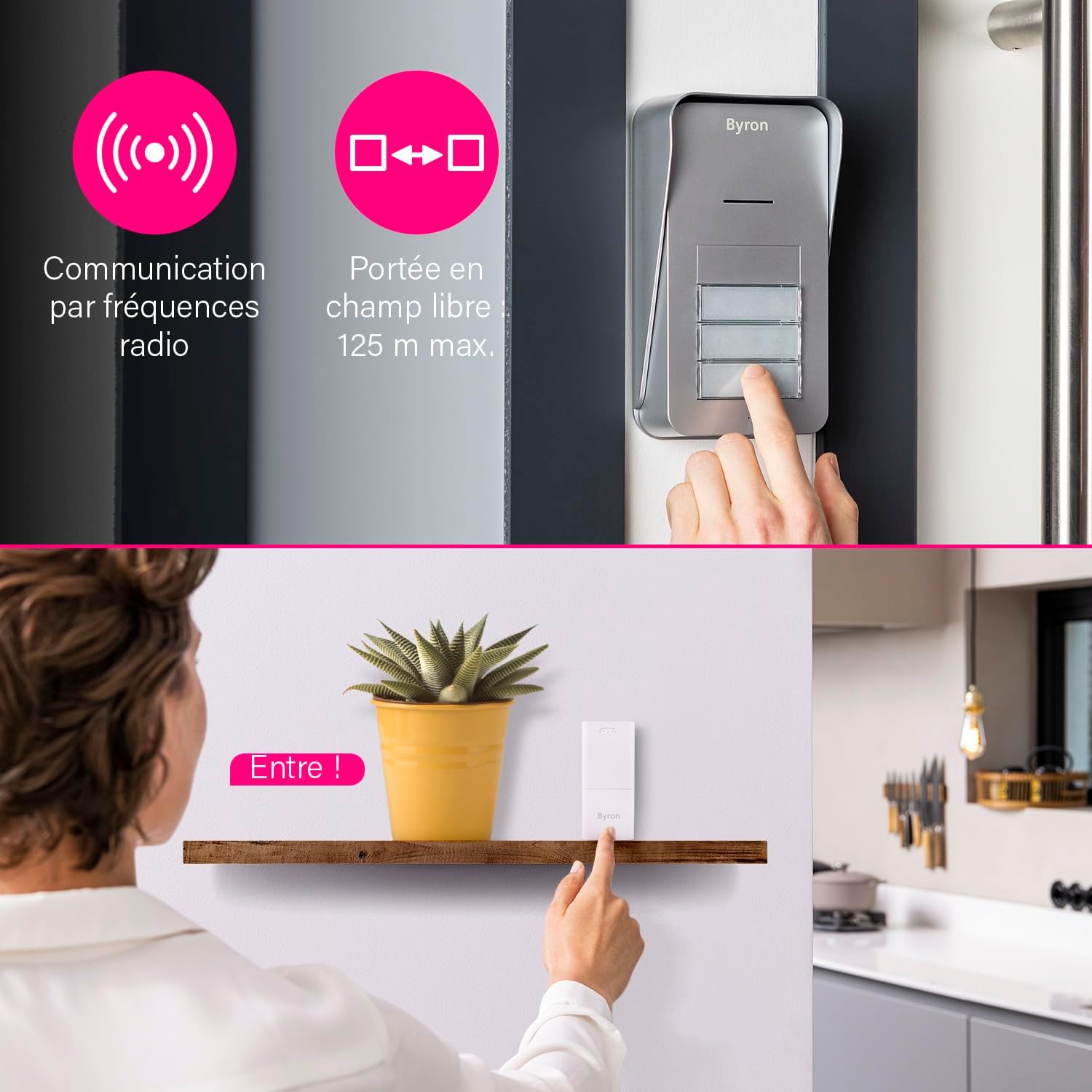
- Wireless communication via 868 MHz radio frequency.
- Up to 125 meters (open field) range.
- การสื่อสารด้วยเสียงสองทาง
- 5 adjustable volume levels (up to 80 dB).
- 15 selectable melodies.
- Expandable system with additional indoor units.
2. เนื้อหาบรรจุภัณฑ์
โปรดตรวจสอบให้แน่ใจว่ามีส่วนประกอบทั้งหมดครบถ้วนก่อนเริ่มการติดตั้ง:
- 1 x หน่วยภายนอก
- 3 x Indoor Units (Chimes)
- 3 x Power Adapters for Indoor Units
- 1 x Mounting Plate for Outdoor Unit
- ฮาร์ดแวร์สำหรับติดตั้ง (สกรู, ปลั๊กผนัง)
- 1 x คู่มือผู้ใช้ (เอกสารนี้)
Note: 6x AA batteries for the outdoor unit and an 8-24V adapter for wired outdoor unit power (if desired) are not included.
3. การตั้งค่าและการติดตั้ง
3.1 การติดตั้งเครื่องนอกอาคาร
The outdoor unit can be powered by batteries or a wired connection.
Battery Power (Wireless)
- Open the battery compartment on the outdoor unit.
- Insert 6x AA batteries (not included), ensuring correct polarity.
- ปิดช่องใส่แบตเตอรี่ให้แน่น
- Mount the outdoor unit using the provided mounting plate and hardware in a suitable location near your entrance. Ensure it is protected from direct heavy rain.
Wired Power (Optional)
For continuous power and to enable the electric door strike function, the outdoor unit can be connected to an 8-24V DC adapter (not included).
- Connect the 8-24V DC power adapter to the designated terminals on the outdoor unit.
- If using an electric door strike, connect its wires to the appropriate terminals on the outdoor unit. Refer to the door strike's manual for specific wiring.
- Mount the outdoor unit using the provided mounting plate and hardware.
3.2 Indoor Unit (Chime) Installation
The indoor units are plug-and-play.
- Plug each indoor unit into a standard electrical outlet within range of the outdoor unit.
- Ensure the indoor units are placed in locations where the chime can be heard clearly by residents.

3.3 Pairing Units
The units are typically pre-paired from the factory. If re-pairing is needed or if adding new units:
- Ensure both the outdoor unit and the indoor unit are powered on.
- Refer to the specific pairing instructions in the detailed manual provided in the box, as the process may vary slightly for adding new components.
4. คู่มือการใช้งาน
4.1 การรับสาย
- When a visitor presses a call button on the outdoor unit, the corresponding indoor unit(s) will chime.
- To answer the call, press the talk button on the indoor unit. You can now engage in two-way audio communication with your visitor.
- To end the call, press the talk button again or the call will automatically end after a set period.
4.2 Opening the Door/Gate (Optional)
If an electric door strike or gate opener is connected to the outdoor unit (and the outdoor unit is wired for power), you can open it remotely.
- During an active call with a visitor, press the door/gate release button on the indoor unit.
- The electric strike will activate, allowing the visitor to enter.

4.3 Adjusting Volume and Melody
Each indoor unit allows for personalized settings.
- ปริมาณ: Locate the volume control button or switch on the indoor unit. Cycle through the 5 available volume levels to set your preferred loudness.
- ทำนอง : Locate the melody selection button on the indoor unit. Press it repeatedly to cycle through the 15 available melodies until you find your desired chime.

5. การบำรุงรักษา
To ensure optimal performance and longevity of your Byron DIC-21535 intercom system, follow these maintenance guidelines:
- การทำความสะอาด: Wipe the outdoor and indoor units with a soft, damp ผ้า ห้ามใช้สารทำความสะอาดที่มีฤทธิ์กัดกร่อนหรือตัวทำละลาย
- การเปลี่ยนแบตเตอรี่ (ตัวเครื่องภายนอก): If the outdoor unit is battery-powered, replace all 6x AA batteries when the low battery indicator appears or when performance degrades. Always use new, high-quality batteries.
- การจัดวางหน่วยภายนอก: Periodically check that the outdoor unit remains securely mounted and that its location offers adequate protection from extreme weather conditions.
- ตรวจสอบช่วง: If you experience reduced range or intermittent communication, check for new obstructions or sources of interference.
6 การแก้ไขปัญหา
หากคุณพบปัญหาเกี่ยวกับระบบอินเตอร์คอม โปรดดูปัญหาทั่วไปและวิธีแก้ไขต่อไปนี้:
| ปัญหา | สาเหตุที่เป็นไปได้ | สารละลาย |
|---|---|---|
| No sound from indoor unit when button is pressed. | Indoor unit not powered, out of range, or outdoor unit batteries are dead. | Ensure indoor unit is plugged in. Move indoor unit closer to outdoor unit. Replace outdoor unit batteries. |
| คุณภาพเสียงไม่ดีหรือมีสัญญาณรบกวน | Interference, units too far apart, or low batteries. | Relocate indoor unit away from other electronic devices. Check range. Replace outdoor unit batteries. |
| Door/gate release not working. | Outdoor unit not wired for power, electric strike not connected, or faulty wiring. | Ensure outdoor unit is connected to an 8-24V DC power supply. Verify electric strike wiring. Ensure you are in an active call before pressing the release button. |
| Indoor unit not pairing. | Incorrect pairing procedure or units out of range. | Refer to the detailed pairing instructions in the full manual. Ensure units are close during pairing. |
หากปัญหายังคงมีอยู่หลังจากลองวิธีแก้ไขเหล่านี้แล้ว โปรดติดต่อฝ่ายสนับสนุนลูกค้า
7. ข้อมูลจำเพาะ
| คุณสมบัติ | รายละเอียด |
|---|---|
| หมายเลขรุ่น | DIC-21535 |
| ประเภทของระบบ | Wireless Audio Intercom |
| Apartment Capacity | อพาร์ตเมนต์มากถึง 3 ห้อง |
| ความถี่ในการสื่อสาร | 868 เมกะเฮิรตซ์ |
| Open Field Range | สูงสุด 125 เมตร |
| พลังงานหน่วยกลางแจ้ง | 6x AA batteries (not included) or 8-24V DC adapter (not included) |
| กำลังไฟฟ้าภายในอาคาร | 230V Mains (via included adapter) |
| ระดับเสียง | 5 levels, up to 80 dB |
| ทำนองเพลง | 15 เลือกได้ |
| วัสดุ | พลาสติก |
| สี | White (Indoor Units), Grey (Outdoor Unit) |
| ขนาดของตัวเครื่องภายใน (สูง x กว้าง x ลึก) | ประมาณ 11 ซม. x 5 ซม. x 5 ซม |
| ขนาดของชุดภายนอก (สูง x กว้าง x ลึก) | ประมาณ 16.5 ซม. x 9 ซม. x 5 ซม |
| น้ำหนักรวม | 650 Grams (entire package) |
8. ข้อมูลการรับประกัน
The Byron DIC-21535 Audio Intercom System comes with a manufacturer's warranty of 2 ปี ตั้งแต่วันที่ซื้อ การรับประกันนี้ครอบคลุมถึงข้อบกพร่องในวัสดุและฝีมือการผลิตภายใต้การใช้งานปกติ
Please retain your proof of purchase for any warranty claims. The warranty does not cover damage caused by misuse, accident, unauthorized modification, or improper installation.
9. การสนับสนุน
For further assistance, technical support, or to inquire about additional components for your Byron intercom system, please refer to the contact information provided in the original packaging or visit the official Byron webเว็บไซต์.
When contacting support, please have your model number (DIC-21535) and purchase details readily available.


