การแนะนำ
The Chuango OV-300 Smart WiFi Alarm Kit is a comprehensive wireless security system designed for homes, apartments, and small businesses. This kit provides real-time security alerts and remote control capabilities through a dedicated smartphone application. It includes a smart hub, a door/window sensor, and a remote control, offering an expandable and user-friendly solution for enhanced property protection.
Please read this manual carefully before installation and operation to ensure proper use and optimal performance of your alarm system.
เนื้อหาแพ็คเกจ
ตรวจสอบว่ามีรายการทั้งหมดต่อไปนี้รวมอยู่ในแพ็คเกจของคุณ:
- 1x Chuango Smart WiFi Alarm Hub
- 1x Door/Window Sensor
- 1x รีโมทคอนโทรล
- อะแดปเตอร์ไฟฟ้า 1x
- 1x คู่มือผู้ใช้

Image description: The complete Chuango Smart WiFi Alarm Kit laid out on a white surface, featuring the main smart hub, a two-part door/window sensor, and a black remote control with four buttons.
คำแนะนำการตั้งค่า
1. การแกะกล่องและการจัดวาง
Carefully unpack all components. Place the Chuango Smart WiFi Alarm Hub on a flat, stable surface in a central location within your property. Ensure it is within reliable range of your Wi-Fi router.
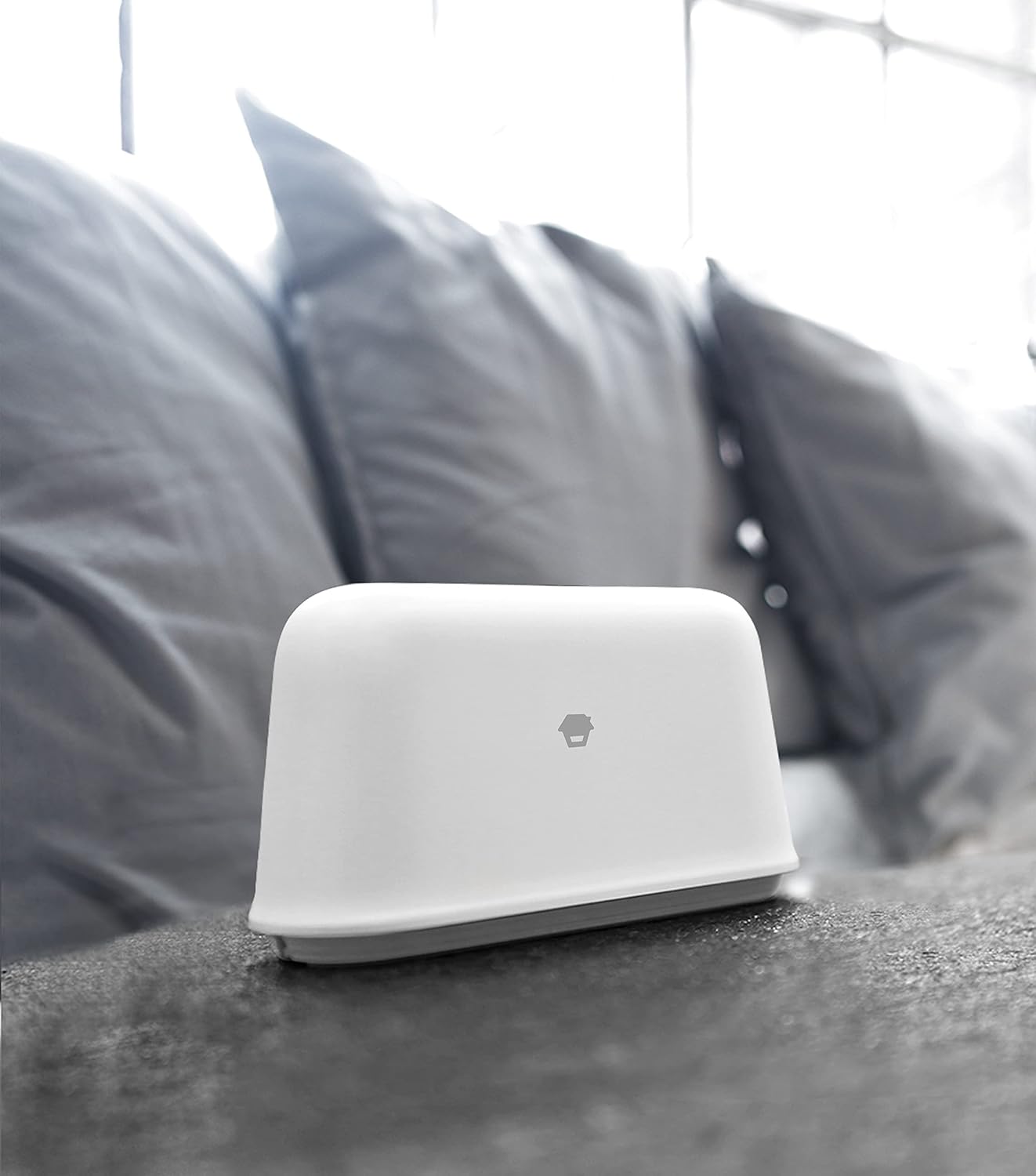
Image description: A white Chuango Smart WiFi Alarm Hub is positioned on a dark, textured surface, likely a table or shelf, with a blurred background of a sofa, indicating its integration into a living space.
2. การเชื่อมต่อไฟฟ้า
Connect the provided power adapter to the Smart WiFi Alarm Hub and plug it into a standard electrical outlet. The hub is equipped with an internal backup battery for continued operation during power outagใช่
3. การดาวน์โหลดและติดตั้งแอป
ดาวน์โหลด "DreamCatcher Life" application from your smartphone's app store (available for iOS and Android). Create an account or log in if you already have one.

Image description: A close-up of a smartphone screen showing the "DreamCatcher Life" app icon, which features a house symbol within a blue square, and a glimpse of the app's user interface.
4 การเชื่อมต่อ Wi-Fi
Open the "DreamCatcher Life" app and follow the on-screen instructions to connect the Smart WiFi Alarm Hub to your home Wi-Fi network. Ensure your Wi-Fi network is 2.4GHz, as the hub may not support 5GHz networks.
5 การจับคู่เซ็นเซอร์และรีโมท
Follow the app's instructions to pair the included door/window sensor and remote control with the Smart WiFi Alarm Hub. Install the door/window sensor on the desired door or window frame using the adhesive backing or screws. Ensure the two parts of the sensor are aligned and close to each other when the door/window is closed.
คำแนะนำการใช้งาน
1. การเปิดใช้งานและปิดใช้งานระบบ
You can arm or disarm the alarm system using the "DreamCatcher Life" app or the provided remote control.
- แขน: Activates all paired sensors. If any sensor is triggered, the alarm will sound, and you will receive notifications.
- ปลดอาวุธ: Deactivates the entire alarm system.
- แขนบ้าน: ระบบจะเปิดใช้งานเซ็นเซอร์ตรวจจับบริเวณรอบนอก (เช่น เซ็นเซอร์ประตู/หน้าต่าง) ในขณะที่ยังคงอนุญาตให้เคลื่อนไหวได้อย่างอิสระภายในบริเวณบ้าน
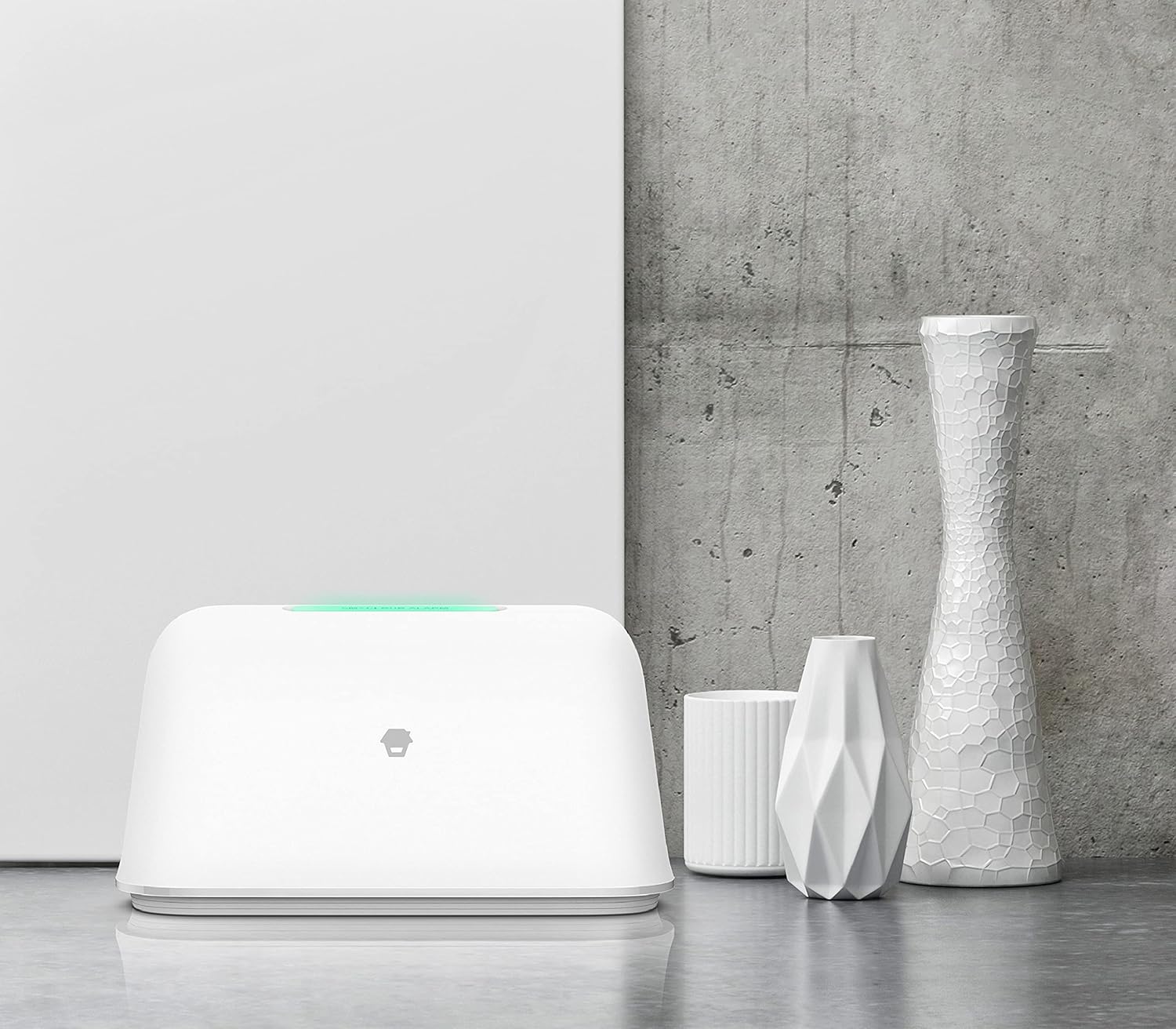
Image description: The white Chuango Smart WiFi Alarm Hub is shown from the front, with a subtle green light emanating from its top surface, indicating its operational status.
2. การรับการแจ้งเตือน
When a sensor is triggered while the system is armed, the Smart WiFi Alarm Hub will activate its built-in siren (97 dB) and send real-time notifications directly to your smartphone via the "DreamCatcher Life" app.
3. การบูรณาการบ้านอัจฉริยะ
The Chuango OV-300 system is compatible with popular smart home platforms such as อเมซอนอเล็กซา และ ผู้ช่วย Google. This allows for convenient voice control to arm or disarm your alarm system. You can also utilize the "DreamCatcher Life" app to create custom smart home scenes and automatic rules, integrating your alarm system with other compatible smart devices for enhanced automation.
4. การขยายระบบ
The Chuango Smart WiFi Alarm Hub is designed for expandability, supporting up to 50 additional sensors และ 10 รีโมทคอนโทรล. Refer to the "DreamCatcher Life" app for detailed instructions on how to add and configure new accessories to your system.
การซ่อมบำรุง
1. การจัดการแบตเตอรี่
The door/window sensor operates on batteries. Monitor the battery status through the "DreamCatcher Life" app. Replace batteries promptly when indicated to ensure continuous protection. The hub's internal backup battery is designed for temporary power outages and does not typically require user replacement.
2. การทำความสะอาด
Wipe the surfaces of the Smart WiFi Alarm Hub, sensors, and remote control with a soft, dry cloth. Avoid using liquid cleaners, abrasive materials, or harsh chemicals, as these can damage the devices.
3. การอัปเดตเฟิร์มแวร์
Periodically check the "DreamCatcher Life" app for available firmware updates for the Smart WiFi Alarm Hub. Install updates as recommended to ensure optimal performance, security, and access to new features.
การแก้ไขปัญหา
If you encounter issues with your Chuango OV-300 Smart WiFi Alarm Kit, refer to the following common troubleshooting steps:
- ไม่ได้รับการแจ้งเตือน:
- ตรวจสอบให้แน่ใจว่าสมาร์ทโฟนของคุณมีการเชื่อมต่ออินเทอร์เน็ตที่ใช้งานได้
- Verify that the "DreamCatcher Life" app has notification permissions enabled in your phone's settings.
- Check if the Smart WiFi Alarm Hub is connected to your Wi-Fi network and has a stable internet connection.
- Confirm the alarm system is armed when expecting notifications.
- ฮับไม่ได้เชื่อมต่อกับ Wi-Fi:
- Ensure your Wi-Fi network is 2.4GHz. The hub may not support 5GHz networks.
- ตรวจสอบว่ารหัสผ่าน Wi-Fi ที่ป้อนในแอปถูกต้อง
- Move the hub closer to your Wi-Fi router to improve signal strength.
- Restart your Wi-Fi router and the Smart WiFi Alarm Hub.
- เซ็นเซอร์ไม่ส่งสัญญาณเตือน:
- Check if the sensor is properly paired with the hub via the app.
- ตรวจสอบให้แน่ใจว่าแบตเตอรี่ของเซ็นเซอร์ไม่หมด
- Verify the sensor's two parts are correctly aligned and within the specified gap when the door/window is closed.
- Confirm the alarm system is armed.
- พลัง Outage:
- The Smart WiFi Alarm Hub has a backup battery. If power is lost, the system will continue to operate for a limited time.
- You will receive a notification about the power status change if configured in the app.
- Ensure your internet router also has backup power for remote notifications during an extended outage.
ข้อมูลจำเพาะ
| คุณสมบัติ | รายละเอียด |
|---|---|
| หมายเลขรุ่น | CGA-0884-OV |
| ขนาด (กว้าง x ยาว x สูง) | 24.25 x 10.5 x 5.5 ซม. |
| น้ำหนัก | 564 กรัม |
| แหล่งพลังงาน | Mains powered (adapter included) with backup battery |
| เล่มที่tage | 230 Volts (for mains adapter) |
| วิธีการติดตั้ง | DIY ไร้สาย |
| Sound Level (Siren) | 97 เดซิเบล |
| เทคโนโลยีการเชื่อมต่อ | ไร้สาย (Wi-Fi) |
| อุปกรณ์ที่รองรับ | สมาร์ทโฟน, แท็บเล็ต, อเมซอน อเล็กซา, กูเกิล แอสซิสต์ |
| Max. Accessories | Up to 50 sensors, 10 remote controls |
| Battery Composition (Sensors) | ด่าง (สำหรับเซ็นเซอร์) |
การรับประกันและการสนับสนุน
Chuango products are guaranteed against manufacturing defects for a period of 1 ปี from the date of purchase. The warranty period for accessories and adapters may vary. Please retain your proof of purchase for warranty claims.
For any questions, technical assistance, or support needs regarding your Chuango OV-300 Smart WiFi Alarm Kit, please contact Chuango customer service. Refer to the official Chuango website or the "DreamCatcher Life" application for the most up-to-date contact information and support resources.


