1. บทนำและเรื่องอื่นๆview
The GrillEye Max is an advanced smart meat thermometer designed for precise temperature monitoring in various cooking environments, including ovens, grills, kitchens, BBQs, and smokers. It offers exceptional accuracy, rapid temperature readings, and extensive connectivity options for a seamless grilling experience.
คุณสมบัติที่สำคัญ ได้แก่:
- ความแม่นยำ: Measures temperature with an accuracy of ±0.18°F (0.1°C) for both food and ambient temperatures.
- ความเร็ว: ให้การอ่านอุณหภูมิภายใน 2 วินาที
- ความสะดวกในการใช้งาน: Supports up to 8 probes simultaneously with an Adaptive Display System that is readable in various lighting conditions.
- การเชื่อมต่อ: Features 802.11 b/g/n Wi-Fi (2.4 GHz) and Cloud-based technology, allowing remote monitoring via the GrillEye Hyperion app on Android and iOS devices.
- ความทนทาน: Constructed with a robust, drop-resistant body and a magnetic mount for convenient placement.

2. การตั้งค่า
2.1 การแกะกล่องและส่วนประกอบ
เมื่อเปิดบรรจุภัณฑ์ ให้แน่ใจว่ามีส่วนประกอบทั้งหมดครบถ้วน:
- 1 GrillEye® Max device
- 2 GrillEye® Iris probes
- 2 Probe wraps
- 2 คลิป
- 1 Quick User Manual (QUM)
- สายชาร์จ USB Type-C จำนวน 1 เส้น
2.2 การชาร์จอุปกรณ์
Before first use, fully charge your GrillEye Max using the provided USB Type-C cable. The device is powered by 1 Lithium Ion battery (included).
2.3 ดาวน์โหลดและติดตั้งแอพ
The GrillEye Hyperion app is essential for utilizing the full capabilities of your GrillEye Max. Download it from your device's app store:
- สำหรับอุปกรณ์ Android: ค้นหา "GrillEye Hyperion" on Google Play Store.
- สำหรับอุปกรณ์ iOS: ค้นหา "GrillEye Hyperion" on Apple App Store.
ทำตามคำแนะนำบนหน้าจอเพื่อติดตั้งแอป
2.4 Initial Pairing and Connection
Once the app is installed, open it and follow the prompts to pair your GrillEye Max. The device connects via Wi-Fi (2.4 GHz) or Cloud-based technology, offering unlimited range for monitoring.
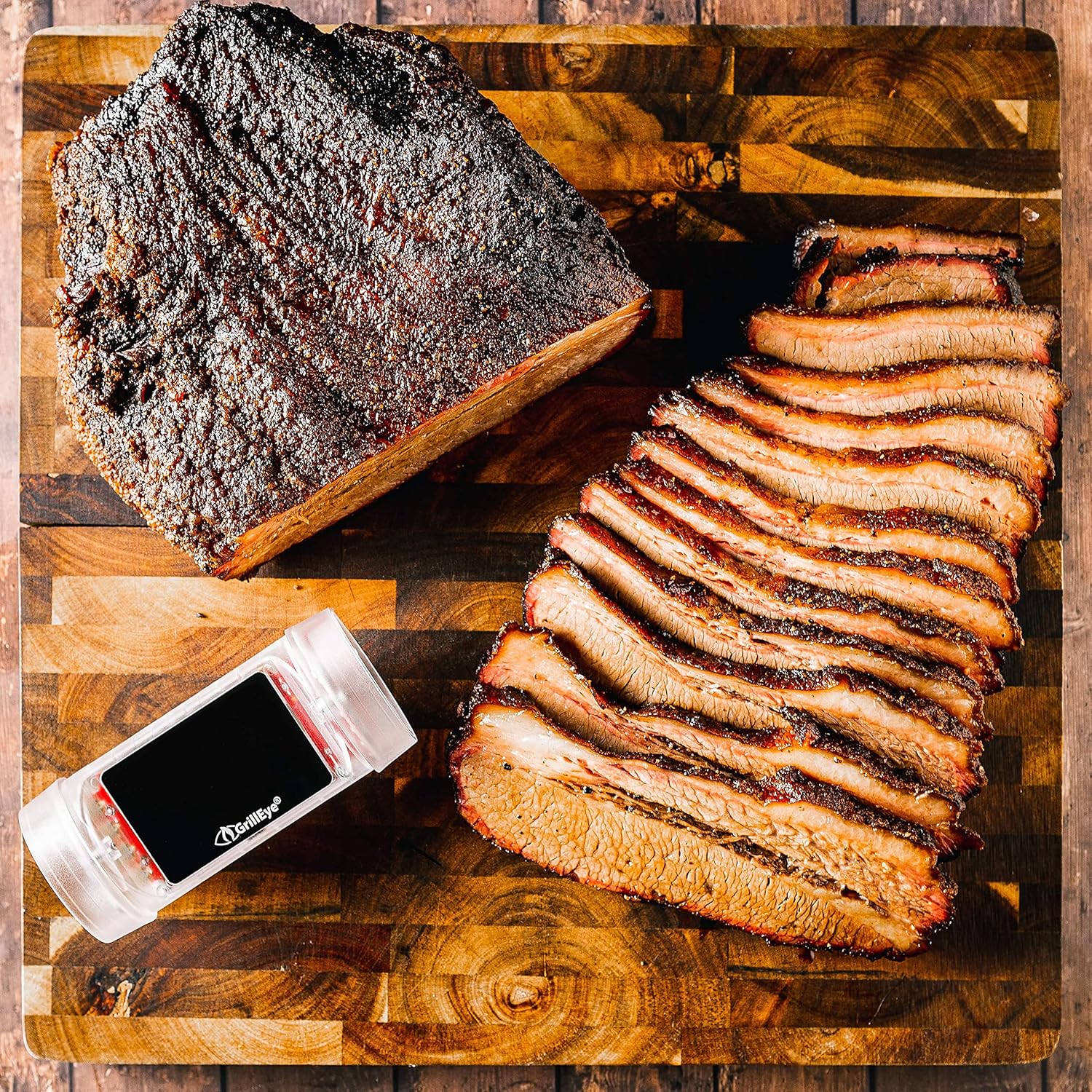
3. คู่มือการใช้งาน
3.1 Connecting and Placing Probes
The GrillEye Max can accommodate up to 8 probes. Insert the probes into the designated ports on the device. For accurate food temperature readings, insert the probe into the thickest part of the meat, avoiding bones. Use the included clips to monitor ambient temperatures in your cooking environment.
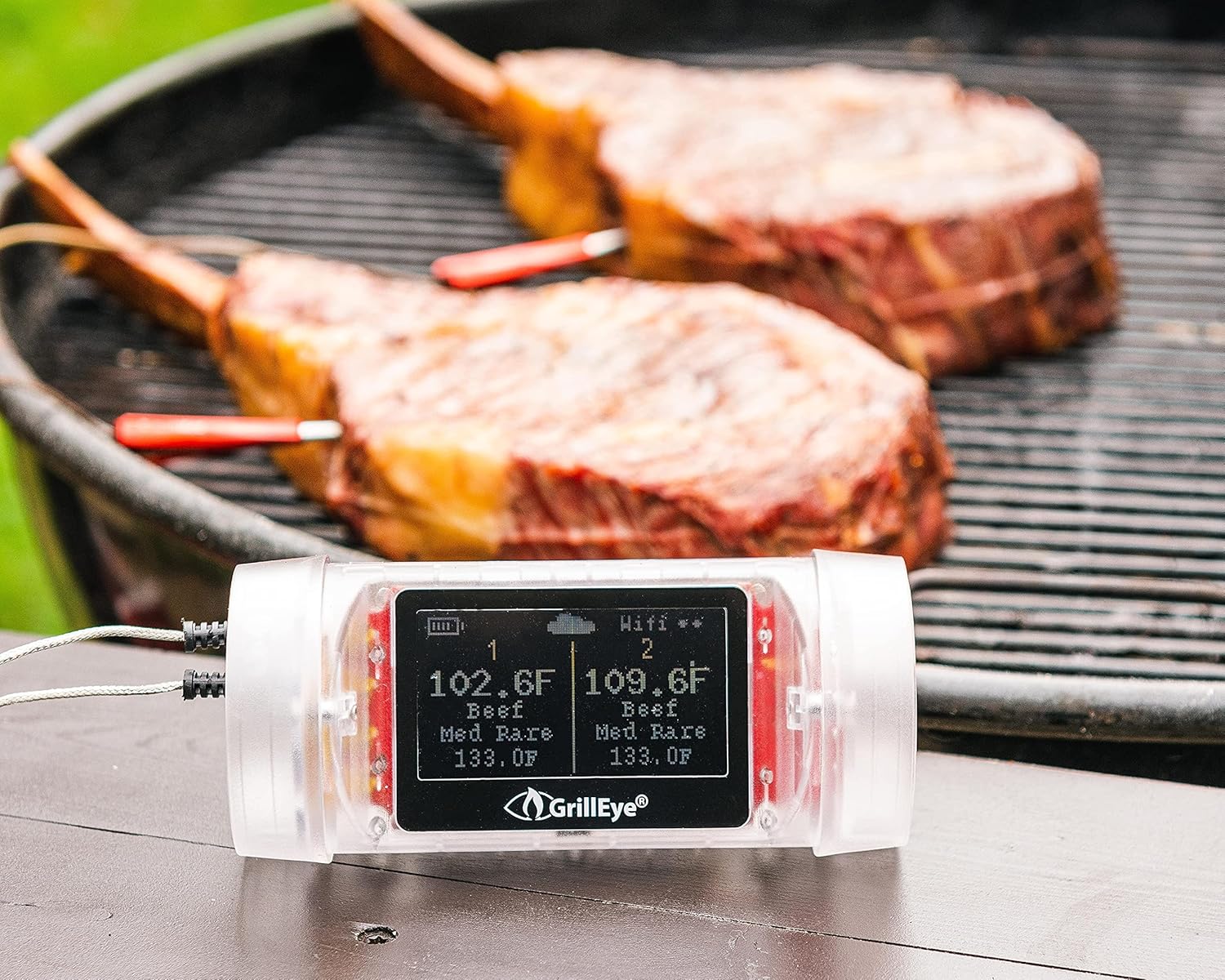

3.2 Monitoring Temperatures with the Adaptive Display System and App
The GrillEye Max features an Adaptive Display System that provides clear, real-time temperature readings with 0.1-degree resolution, visible even in direct sunlight or darkness. For detailed monitoring, open the GrillEye Hyperion app on your smartphone or tablet.
ภายในแอป คุณสามารถ:
- View current temperatures for all connected probes.
- Set target temperatures based on meat type and desired doneness.
- Receive notifications and alerts when target temperatures are reached or if temperatures deviate significantly.
- Track temperature history and trends.

3.3 การใช้งานอเนกประสงค์
The GrillEye Max is suitable for a wide range of cooking applications:
- BBQ Grills: Perfect for monitoring large cuts of meat during long smoking sessions.
- เตาอบ: Ensures precise internal temperatures for roasts, poultry, and baked goods.
- Smokers: Helps maintain consistent low-and-slow cooking temperatures.
- Kitchen Use: Ideal for everyday cooking, ensuring food safety and optimal taste.
- Fridges & Freezers: Can also be used to monitor ambient temperatures in cold storage.


4. การบำรุงรักษา
4.1 คำแนะนำในการทำความสะอาด
To ensure the longevity and accuracy of your GrillEye Max and its probes, follow these cleaning guidelines:
- โพรบ: After each use, allow probes to cool. Wipe them clean with a damp cloth and mild detergent. Do not immerse the probe's cable or the main unit in water.
- หน่วยหลัก: The GrillEye Max unit is wipe clean only. Do not submerge it in water or expose it to excessive moisture.
- พื้นที่จัดเก็บ: Store the device and probes in a clean, dry place when not in use. Use the provided probe wraps to keep cables tidy.
4.2 การดูแลแบตเตอรี่
The GrillEye Max uses a rechargeable Lithium Ion battery. For optimal battery life:
- Charge the device regularly, especially before long cooking sessions.
- หลีกเลี่ยงการระบายแบตเตอรี่จนหมดบ่อยครั้ง
- หากจะเก็บรักษาเป็นเวลานาน ควรชาร์จแบตเตอรี่ให้ได้ประมาณ 50% ก่อนเก็บรักษา
5 การแก้ไขปัญหา
If you encounter issues with your GrillEye Max, consider the following common troubleshooting steps:
- No Temperature Readings: Ensure probes are fully inserted into the device and the meat/environment. Check for any visible damage to the probes or cables.
- ปัญหาการเชื่อมต่อ: Verify your Wi-Fi network is active and within range. Ensure the GrillEye Hyperion app is updated to the latest version. Try restarting both the GrillEye Max and your smart device.
- การอ่านค่าที่ไม่ถูกต้อง: Ensure probes are clean and properly inserted. Calibrate probes if necessary (refer to app instructions for calibration).
- การแจ้งเตือนแอปไม่ทำงาน: Check your smartphone's notification settings for the GrillEye Hyperion app to ensure they are enabled. Ensure the app is not being put to sleep by battery optimization settings.
- อุปกรณ์ไม่ตอบสนอง: Try performing a factory reset on the device (refer to the Quick User Manual for specific instructions).
If problems persist, contact GrillEye customer support for further assistance.
6. ข้อมูลจำเพาะ
| คุณสมบัติ | ข้อมูลจำเพาะ |
|---|---|
| ยี่ห้อ | กริลอาย |
| ชื่อรุ่น | แม็กซ์ |
| หมายเลขรุ่นสินค้า | GE0006 |
| คุณสมบัติพิเศษ | ระบบอ่านเร็ว |
| เทคโนโลยีการเชื่อมต่อ | Wi Fi (802.11 b/g/n, 2.4 GHz) |
| ประเภทจอภาพ | Active Matrix LED |
| ปณิธาน | 0.1 องศา |
| เวลาตอบสนอง | 2 วินาที |
| คะแนนอุณหภูมิบน | 212 Degrees Fahrenheit (for ambient probes) |
| แหล่งพลังงาน | ใช้พลังงานจากแบตเตอรี่ (รวมแบตเตอรี่ลิเธียมไอออน 1 ก้อน) |
| วัสดุภายนอก | พลาสติก |
| น้ำหนักสินค้า | 8.5 ออนซ์ |
| ความยาวสินค้า | 9.1 นิ้ว |
| การใช้งานภายใน/ภายนอกอาคาร | ในร่ม |
| การนำกลับมาใช้ซ้ำ | สามารถนำกลับมาใช้ใหม่ได้ |
| คำแนะนำการดูแลผลิตภัณฑ์ | เตาอบปลอดภัย เช็ดทำความสะอาด |
| ตรงตามข้อกำหนด | FDA, CE, FCC, NIST |
7. การรับประกันและการสนับสนุน
GrillEye products are manufactured to high-quality standards and come with a manufacturer's warranty. For specific warranty details, please refer to the documentation included with your product or visit the official GrillEye webเว็บไซต์.
For technical support, troubleshooting assistance, or to purchase additional accessories, please utilize the GrillEye Hyperion app's support features or visit the GrillEye support page online. Regular app updates ensure optimal performance and access to the latest features and support resources.


