1. บทนำ
Thank you for choosing the DAEWOO DLE-525 Cordless 3-in-1 Epilator. This manual provides essential information for the safe and effective use, maintenance, and care of your device. Please read these instructions carefully before first use and retain them for future reference.
2. สินค้าหมดview
The DAEWOO DLE-525 is a versatile personal care device designed for hair removal. It features a cordless, rechargeable design and comes with three interchangeable heads for various functions: epilation, body shaving, and bikini trimming. The device also includes an LED light for enhanced visibility during use and offers two speed settings.

Image 2.1: The DAEWOO DLE-525 Cordless 3-in-1 Epilator, showcasing its ergonomic design and control button.
เนื้อหาแพ็คเกจ:
- DAEWOO DLE-525 Main Unit
- หัวกำจัดขน
- หัวโกนร่างกาย
- หัวทริมเมอร์บิกินี่
- Charging Adapter (220/240V)
- แปรงทำความสะอาด
- กระเป๋าใส่ตาข่าย

Image 2.2: All components included with the DAEWOO DLE-525 epilator, including the main unit, three interchangeable heads, charging adapter, cleaning brush, and mesh bag.
3. การตั้งค่าและการชาร์จ
3.1 การชาร์จเริ่มต้น
- ก่อนใช้งานครั้งแรก โปรดตรวจสอบว่าอุปกรณ์ชาร์จเต็มแล้ว
- Connect the charging adapter to the device and plug it into a 220/240V power outlet.
- ไฟแสดงสถานะการชาร์จจะสว่างขึ้น
- Allow 8 to 12 hours for a complete charge. A full charge provides approximately 50 minutes of cordless operation.
- To optimize battery life, it is recommended to fully discharge the battery before recharging it completely. The device features overcharge protection.
3.2 การติดตั้ง/ถอดหัว
The DLE-525 features easily interchangeable heads. To attach a head, align it with the main unit and press gently until it clicks into place. To detach, press the release button (if present, or gently pull) and slide the head off.
4. คู่มือการใช้งาน
Always ensure your skin is clean and relaxed before use. Do not use on irritated, damaged, or broken skin.
4.1 Power On/Off and Speed Settings
To turn the device on, slide the power switch to the desired speed setting (1 or 2). Slide it back to '0' to turn off the device. The integrated LED light will activate when the device is on, illuminating the area for better visibility.
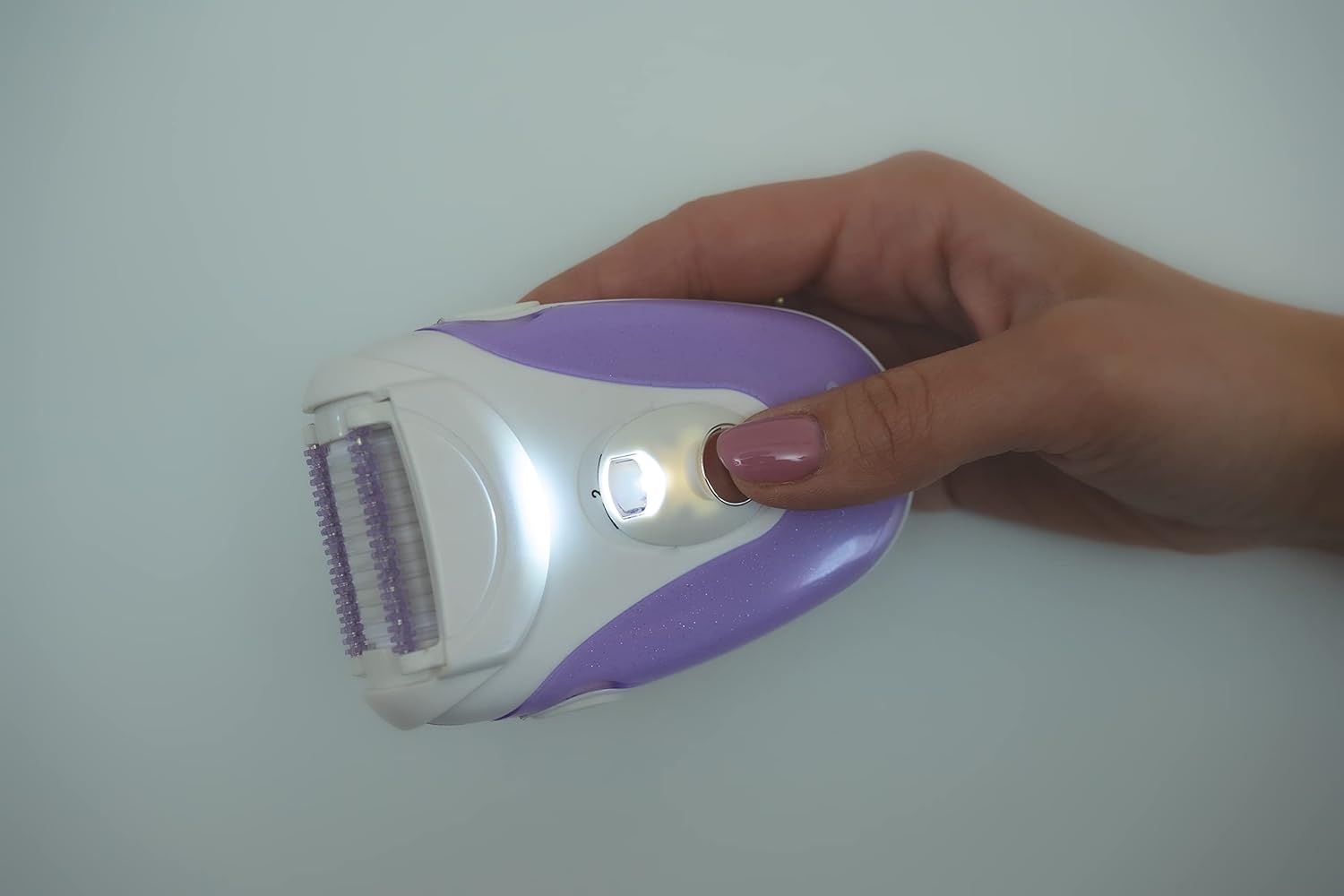
Image 4.1: The DAEWOO DLE-525 epilator in use, demonstrating the activated LED light for improved visibility.
4.2 Using the Epilator Head

ภาพที่ 4.2: รายละเอียด view of the epilator head, showing the rotating tweezers designed for efficient hair removal.
Attach the epilator head. Hold the device at a 90-degree angle to your skin and move it slowly against the direction of hair growth. Stretch your skin taut with your free hand to minimize discomfort. For optimal results, ensure hair is not too short or too long.
4.3 Using the Body Shaver Head

Image 4.3: A close-up of the body shaver head, featuring a foil and trimmer for a smooth shave.
Attach the body shaver head. Move the shaver gently over the skin in the direction of hair growth for a close shave. This head is suitable for larger body areas.
4.4 การใช้หัวตัดแต่งขนบิกินี่
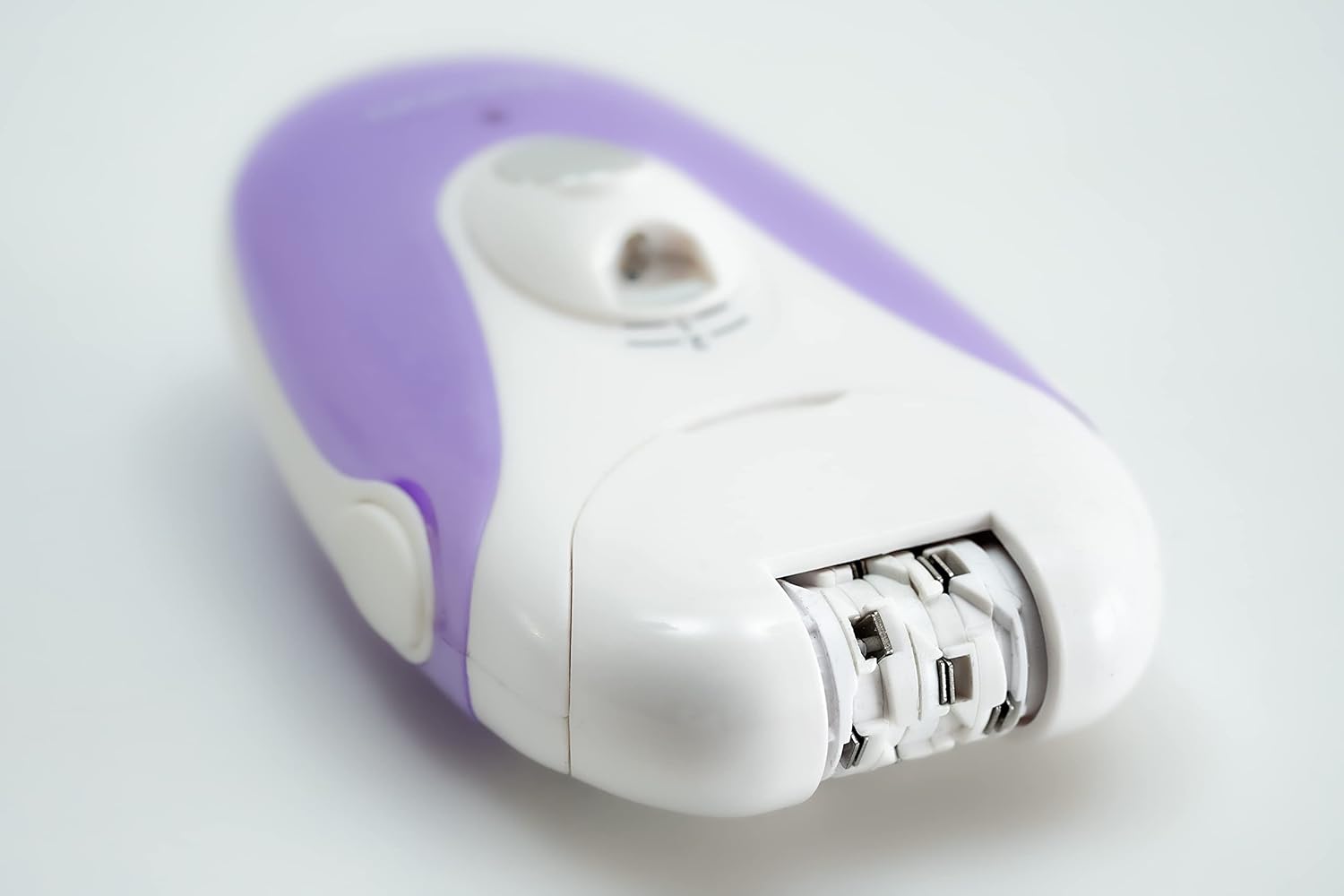
ภาพที่ 4.4: รายละเอียด view of the bikini trimmer head, designed for precise trimming in sensitive areas.
Attach the bikini trimmer head. Use this head for precise trimming and shaping in sensitive areas. Move the trimmer gently over the skin.
5. การบำรุงรักษา
5.1 การทำความสะอาดเครื่อง
- ควรปิดเครื่องและถอดปลั๊กทุกครั้งก่อนทำความสะอาด
- After each use, remove the head and use the provided cleaning brush to remove any trapped hairs from the head and the main unit.
- Regularly disinfect the heads with alcohol applied using compressed cotton swabs.
- Do not rinse the main unit under water. The device is not waterproof.
5.2 พื้นที่จัดเก็บ
Store the device and its accessories in the mesh carrying bag in a dry place, away from direct sunlight and extreme temperatures. Ensure the device is fully charged before long-term storage to prevent battery degradation.
6. ข้อควรระวังเพื่อความปลอดภัย
- อุปกรณ์นี้มีไว้สำหรับใช้ส่วนตัวเท่านั้น
- Do not use the epilator under the shower or immerse it in water.
- Do not use on irritated, inflamed, infected, or broken skin. Avoid using if you experience constant irritation, pain, or heavy bleeding.
- If you have a skin condition, diabetes, or poor circulation, consult a medical professional before use.
- After epilation, minor redness or small blood spots may appear on the skin. This is a normal reaction and varies by individual. Applying a cold, damp towel to the affected area can help soothe the skin.
- If symptoms persist or worsen several hours after use, discontinue use and consult a medical professional.
- เก็บอุปกรณ์ให้พ้นจากมือเด็ก
- อย่าพยายามซ่อมแซมหรือดัดแปลงอุปกรณ์ด้วยตนเอง โปรดติดต่อฝ่ายสนับสนุนลูกค้าเพื่อขอความช่วยเหลือ
7 การแก้ไขปัญหา
7.1 อุปกรณ์ไม่เปิด
- Ensure the device is fully charged. Connect it to the charger for 8-12 hours.
- Check that the power switch is correctly set to speed '1' or '2'.
7.2 Poor Hair Removal Performance
- Ensure the correct head is attached for the desired function (epilator for hair removal, shaver for shaving).
- Clean the head thoroughly to remove any trapped hairs or debris.
- Ensure hair length is suitable for epilation (not too short or too long).
- Move the device slowly against the direction of hair growth, keeping the skin taut.
7.3 อายุการใช้งานแบตเตอรี่ลดลง
- Ensure the device is fully charged for the recommended 8-12 hours.
- For best results and longer battery life, fully discharge the battery before recharging.
- Battery performance may decrease over time with regular use.
8. ข้อมูลจำเพาะ
- แบบอย่าง: ดีแอลอี-525
- ยี่ห้อ: แดวู อิเล็คทรอนิคส์
- ขนาด : 10 x 7 x 4 ซม.
- น้ำหนัก: 140 กรัม
- แหล่งพลังงาน: แบตเตอรี่แบบชาร์จไฟได้
- ปริมาณการชาร์จtage: 220/240V (Adapter included)
- เวลาในการชาร์จ: 8-12 ชั่วโมง
- เวลาทำการ : ชาร์จเต็มประมาณ 50 นาที
- ประเภทแบตเตอรี่: 1 แบตเตอรี่เฉพาะรุ่น (มีให้ในชุด)
- ฟังก์ชั่น: 3 interchangeable heads (Epilator, Body Shaver, Bikini Trimmer), 2 speeds, LED light
9. การรับประกันและการสนับสนุน
For warranty information or technical support, please refer to the warranty card included with your product or contact Daewoo Electronics customer service. Keep your proof of purchase for any warranty claims.


