1. บทนำ
The SYNCWIRE Auxiliary Audio Cable 3.5mm (Model SW-SC644) is designed to provide a reliable and high-quality audio connection between various devices. This cable features a male-to-male 3.5mm jack, making it compatible with a wide range of audio equipment. Its construction emphasizes durability and clear sound transmission.
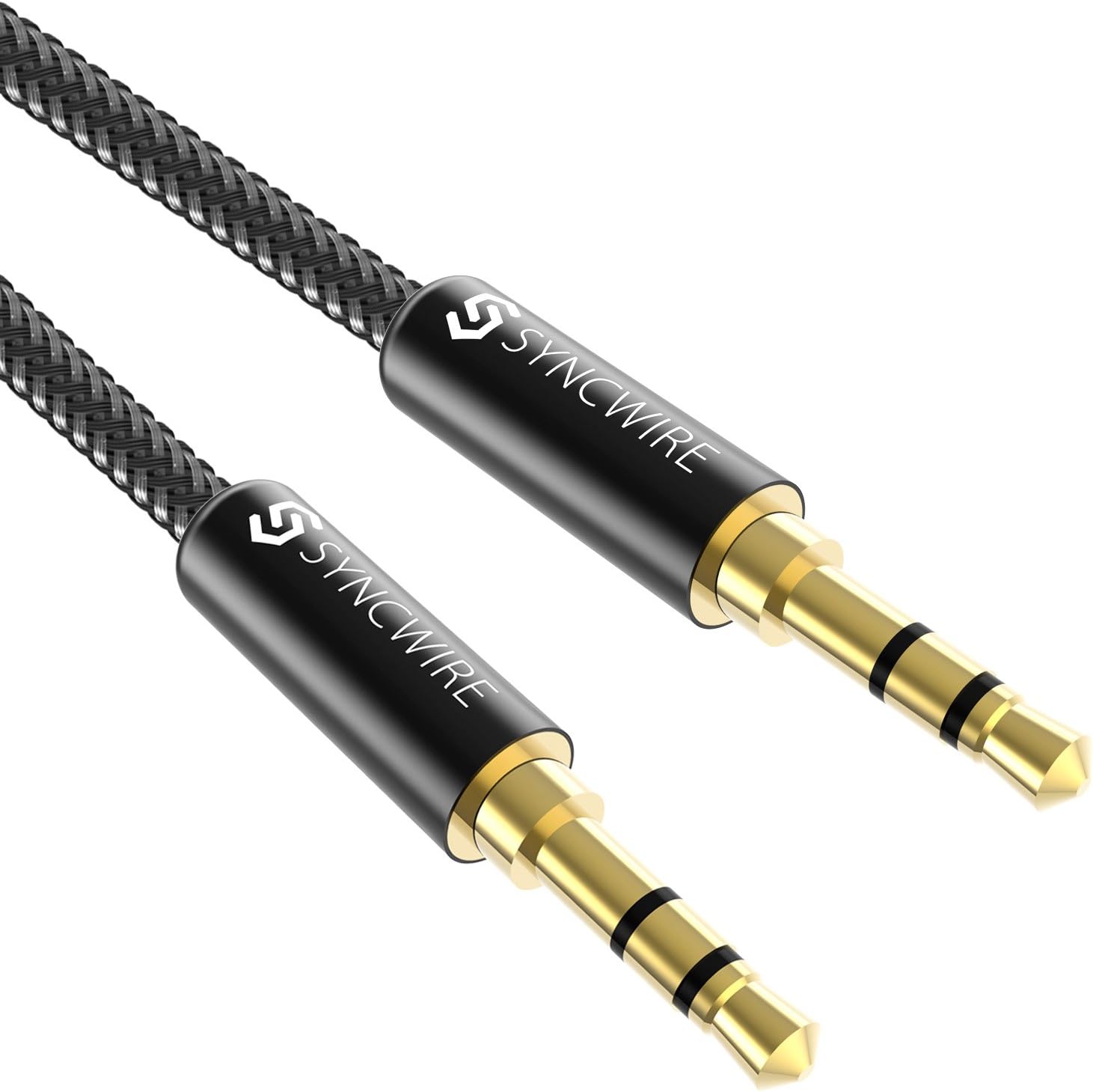
Image 1.1: The SYNCWIRE 3.5mm Auxiliary Audio Cable, featuring a braided black nylon exterior and gold-plated connectors.
2. การตั้งค่าและการติดตั้ง
Connecting your SYNCWIRE auxiliary audio cable is a straightforward process. Ensure both devices you intend to connect have a standard 3.5mm audio jack port.
- ระบุพอร์ต: ค้นหาแจ็คเอาต์พุตเสียงขนาด 3.5 มม. บนอุปกรณ์แหล่งที่มาของคุณ (เช่น สมาร์ทโฟน แท็บเล็ต เครื่องเล่น MP3) และแจ็คอินพุตเสียงขนาด 3.5 มม. บนอุปกรณ์รับสัญญาณของคุณ (เช่น หูฟัง เครื่องเสียงในรถยนต์ ลำโพง)
- เชื่อมต่อปลายด้านแรกก่อน: Insert one end of the SYNCWIRE 3.5mm auxiliary cable firmly into the audio output jack of your source device.
- เชื่อมต่อปลายด้านที่สอง: Insert the other end of the SYNCWIRE 3.5mm auxiliary cable firmly into the audio input jack of your receiving device.
- ตรวจสอบการเชื่อมต่อ: Ensure both connectors are fully inserted to prevent loose connections and potential audio interference.

Image 2.1: Illustrates the connection of the 3.5mm auxiliary cable to a smartphone's audio jack.
3. คู่มือการใช้งาน
Once connected, the SYNCWIRE auxiliary audio cable facilitates audio transmission between your devices. No additional software or drivers are required.
- การเล่นเสียง: Begin playing audio on your source device. The sound will be transmitted through the cable to your connected receiving device.
- การควบคุมระดับเสียง: Adjust the volume directly on your source device or the receiving audio device (e.g., car stereo, speaker, headphones).
- เข้ากันได้สากล: This cable is compatible with a wide array of devices including, but not limited to, headphones, iPhone (series 6-12), iPod, iPad, Echo Dot, home/car stereos, smartphones, tablets, laptops, and MP3 players.

Image 3.1: A visual representation of the cable's universal compatibility with various input and output devices.

Image 3.2: Diagram illustrating the TRS (Tip-Ring-Sleeve) connector type, which supports Hi-Fi stereo audio, as used in this cable.
4. การบำรุงรักษา
Proper care and maintenance will extend the lifespan of your SYNCWIRE auxiliary audio cable.
- พื้นที่จัดเก็บ: When not in use, coil the cable loosely. The nylon braided design is tangle-free, but proper coiling prevents unnecessary stress on the cable and connectors.
- การทำความสะอาด: ใช้ผ้าแห้งนุ่มเช็ดทำความสะอาดสายเคเบิลและขั้วต่อ หลีกเลี่ยงการใช้สารเคมีรุนแรงหรือวัสดุที่มีฤทธิ์กัดกร่อน
- การจัดการ: Always grasp the connector housing when plugging or unplugging the cable, rather than pulling on the cable itself. This prevents damage to the internal wiring.
- ความทนทาน: The cable is designed for ultra-durability, capable of withstanding over 15,000 bends. However, avoid extreme bending or sharp angles to maintain optimal performance.

Image 4.1: The SYNCWIRE cable coiled, highlighting its flexible and durable nylon braided exterior.
5 การแก้ไขปัญหา
If you encounter issues with your SYNCWIRE auxiliary audio cable, refer to the following common solutions:
| ปัญหา | สาเหตุที่เป็นไปได้ | สารละลาย |
|---|---|---|
| ไม่มีเสียงออก | Loose connection, incorrect port, device volume too low, cable damage. | Ensure both ends of the cable are fully inserted. Verify you are using the correct audio output/input ports. Increase volume on both source and receiving devices. Test with another cable if available. |
| เสียงรบกวนหรือเสียงผิดเพี้ยน | Loose connection, interference, dirty connectors, cable damage. | Re-seat the connectors firmly. Ensure the cable is not near strong electromagnetic sources. Clean connectors with a dry cloth. If distortion persists, the cable may be damaged. |
| Only one channel (left/right) playing | Partial connection, incompatible port (e.g., TS instead of TRS), cable damage. | Ensure the cable is fully inserted. Verify both devices support stereo audio (TRS). Test with another cable. |
6. ข้อมูลจำเพาะ
Key technical specifications for the SYNCWIRE Auxiliary Audio Cable 3.5mm (Model SW-SC644).
- ยี่ห้อ: ซิงค์ไวร์
- แบบอย่าง: SW-SC644
- ประเภทตัวเชื่อมต่อ: 3.5mm Male to Male (Auxiliary)
- ประเภทสายเคเบิล: อ๊อกซ์
- เพศของตัวเชื่อมต่อ: ชายเป็นชาย
- คุณสมบัติพิเศษ: Braided Nylon Exterior
- วัสดุเชื่อมต่อ: ชุบทอง 24K
- วัสดุเปลือก: โลหะผสมอลูมิเนียมคุณภาพสูง
- ความทนทานของสายเคเบิล: Tested for over 15,000 bends
- อุปกรณ์ที่รองรับ: Laptop, Smartphone, Tablet, Headphones, Car Stereo, MP3 Player, Echo Dot, Hi-Fi Systems, Speakers.
- น้ำหนักผลิตภัณฑ์: 18 กรัม
- ขนาดแพ็คเกจ: 9.3 x 9.09 x 0.89 ซม.

Image 6.1: Detail of the 24K gold-plated connectors and high-quality aluminum alloy shell, designed for durability and optimal signal transfer.

Image 6.2: Cross-section diagram illustrating the cable's internal structure, including nylon woven jacket, TPE jacket, military fiber, and enameled copper wires for enhanced sound quality and durability.
7. การรับประกันและการสนับสนุน
SYNCWIRE provides premium customer support for its products.
- การรับประกัน: The product includes an easy warranty support without additional cost.
- บริการลูกค้า: Accessible and prompt customer service is available to resolve issues within 24 hours. For support, please refer to the contact information provided with your product packaging or visit the official SYNCWIRE webเว็บไซต์.


