การแนะนำ
The Pknight 2.4G Wireless WiFi DMX EasyNode Plug is designed to provide seamless wireless control for your DMX512 lighting fixtures. This compact device simplifies your setup by eliminating the need for extensive XLR cabling and traditional physical consoles. It supports various operational modes to suit different control environments and automatically saves your settings for convenience. Experience enhanced flexibility and extended range for your lighting control needs.
การตั้งค่า
Follow these steps to set up your Pknight EasyNode Plug:
- เปิดเครื่อง: Connect the EasyNode Plug to a power source using the provided USB cable. The LED indicator will blink slowly, indicating a hot spot signal has been generated.
- Connect to DMX Fixture: Plug the EasyNode Plug directly into the DMX IN port of your DMX-compatible lighting fixture (e.g., a DMX PAR light).
- เชื่อมต่อกับ Wi-Fi: On your mobile device (iPad, iPhone, Android phone), go to Wi-Fi settings and connect to the Pknight Wi-Fi network. The default password is 'PKNIGHT.WIFI'. Once connected, the LED indicator on the EasyNode Plug will blink fast, signifying that a DMX signal is being received.
- ดาวน์โหลดแอพ: Download the 'WIFI-DMX PRO' app from your device's app store. You can scan the QR code below for direct access.

Image: Pknight EasyNode Plug connected to a smartphone, illustrating the wireless control setup.

Image: QR code to download the free WIFI-DMX PRO app, along with various screenshots of its user interface for color and effect control. ดาวน์โหลดแอปที่นี่
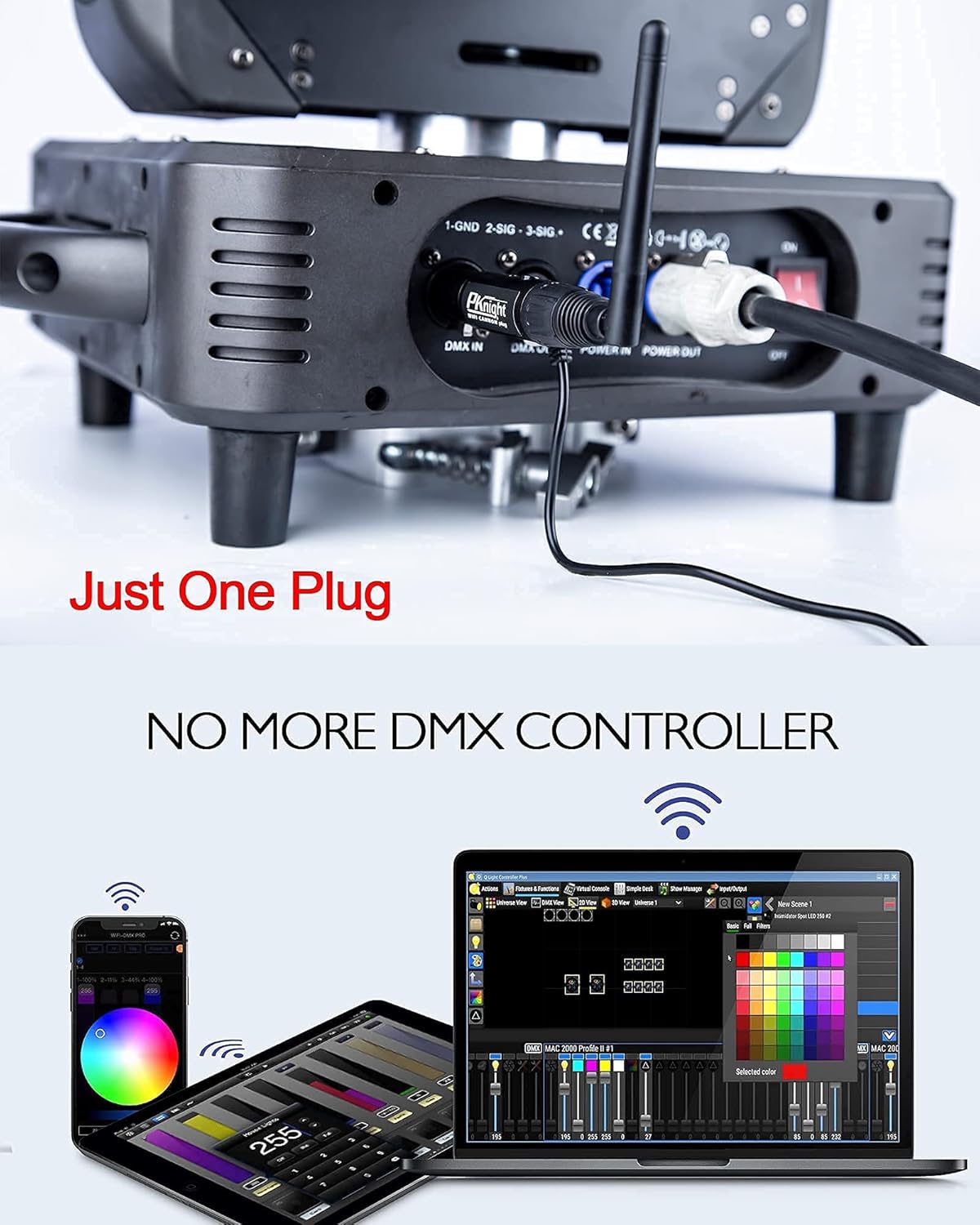
Image: The Pknight EasyNode Plug directly connected to a DMX light, highlighting its 'Just One Plug' design that eliminates the need for a traditional DMX controller.

Image: Detail of the EasyNode Plug, pointing out the Function Button and LED Indicator for status feedback.
Setup Video Tutorial
Video: This tutorial demonstrates the direct mode setup for the Pknight EasyNode Plug, showing how to power it on, connect to a DMX light, and establish Wi-Fi communication for basic control.
โหมดการทำงาน
The Pknight EasyNode Plug supports multiple operating modes to provide flexible control over your DMX fixtures:
- โหมดตรง: Connect your mobile device directly to the EasyNode Plug's Wi-Fi hotspot for immediate control. Ideal for quick setups and single-device control.
- โหมดเราเตอร์: Connect the EasyNode Plug to an existing Wi-Fi router. This mode allows for extended range (up to 1500 wireless feet with a powerful router) and enables multiple devices to control the lighting system simultaneously.
- EasyLink Mode: This mode simplifies the connection process, allowing for quick pairing with compatible devices.
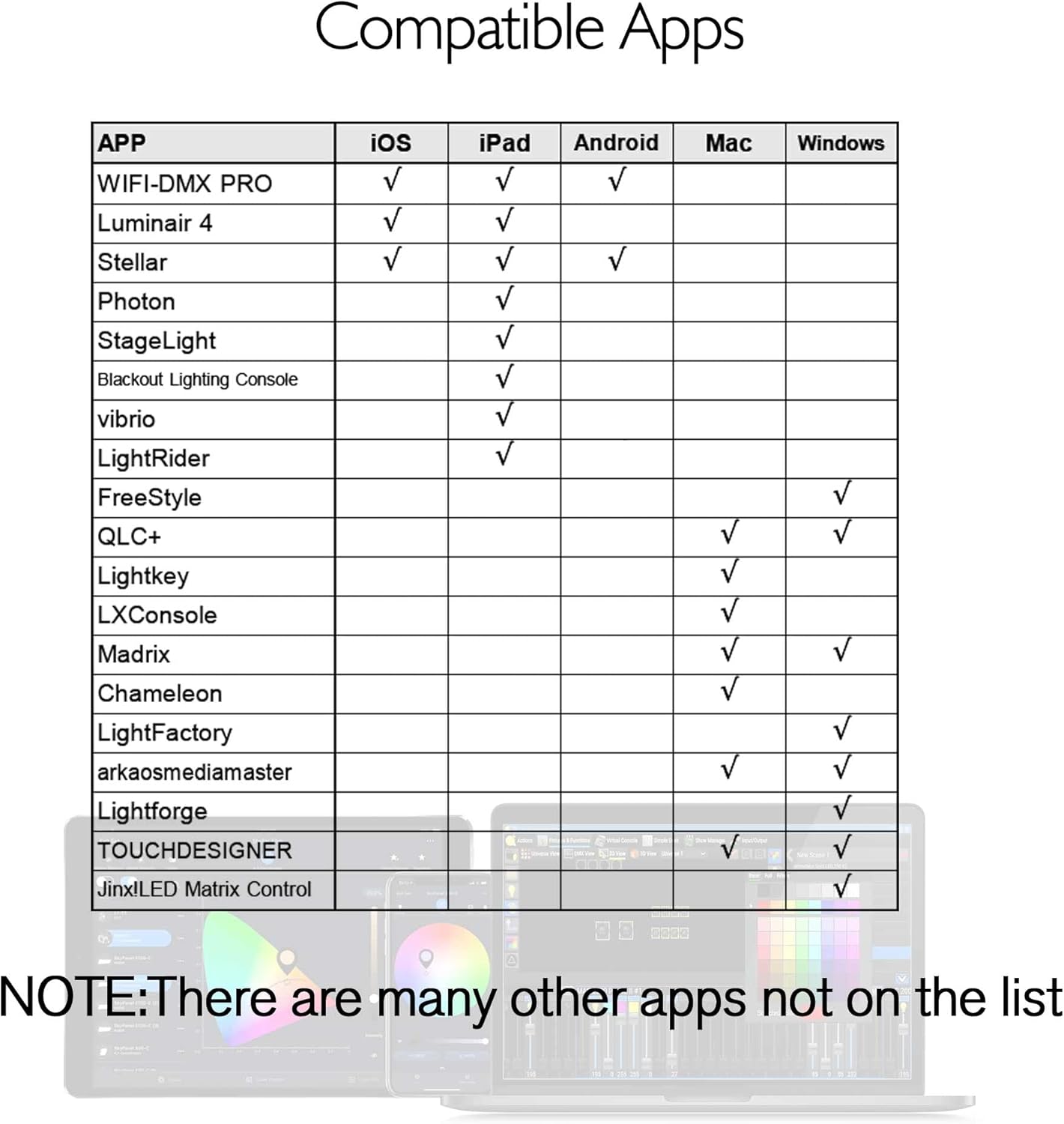
Image: Diagram illustrating the wireless connection between the Pknight EasyNode Plug (2.4G Receiver) and a 2.4G Transmitter, enabling wireless control of multiple DMX lights.

Image: Diagram depicting the Router Mode setup, where multiple Pknight EasyNode Plugs connect to a central Wi-Fi router, extending the wireless control range up to 1500 feet.
App Interface Tutorial
Video: This video provides a comprehensive tutorial on using the WIFI-DMX PRO app, covering various features like channel control, color selection, scene generation, and fixture patching for effective DMX lighting management.
การซ่อมบำรุง
To ensure the longevity and optimal performance of your Pknight EasyNode Plug, follow these maintenance guidelines:
- การทำความสะอาด: Regularly wipe the device with a soft, dry cloth to remove dust and debris. Avoid using harsh chemicals or abrasive materials.
- พื้นที่จัดเก็บ: When not in use, store the EasyNode Plug in its provided EVA bag in a cool, dry place away from direct sunlight and extreme temperatures.
- การจัดการ: Handle the device with care to prevent physical damage to the connectors or antenna.
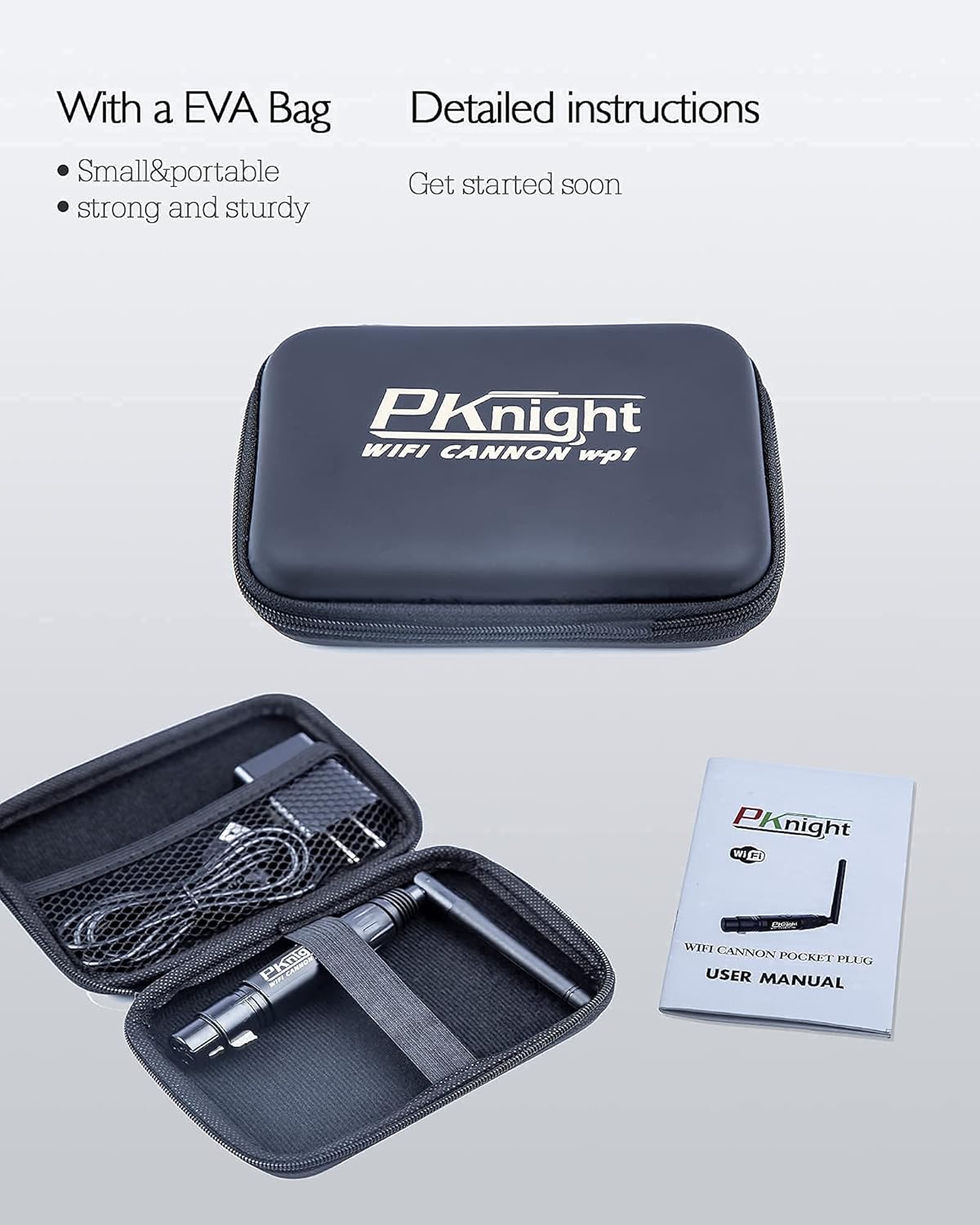
Image: The Pknight EasyNode Plug and its accessories neatly packed in a durable EVA bag, emphasizing its portability and the inclusion of a detailed user manual.
การแก้ไขปัญหา
If you encounter issues with your Pknight EasyNode Plug, consider the following common solutions:
- ไม่มีสัญญาณ Wi-Fi: Ensure the device is properly powered on. Try restarting the EasyNode Plug and your mobile device. Verify that the Wi-Fi password is entered correctly.
- ไม่มีสัญญาณ DMX: Check if the EasyNode Plug is securely connected to the DMX IN port of your fixture. Ensure your DMX fixture is powered on and set to the correct DMX mode.
- ปัญหาการเชื่อมต่อแอพ: Close and reopen the WIFI-DMX PRO app. Ensure your mobile device's Wi-Fi is connected to the Pknight network.
- การรบกวน: If experiencing signal drops, try moving the EasyNode Plug closer to your mobile device or router (in Router Mode). Minimize other 2.4Ghz wireless devices in the area.
For more detailed troubleshooting steps, please refer to the comprehensive user manual included with your product or contact Pknight customer support.
ข้อมูลจำเพาะ
| คุณสมบัติ | รายละเอียด |
|---|---|
| น้ำหนักสินค้า | 8.8 ออนซ์ |
| ขนาดสินค้า | 6.5 x 4.5 x 1.8 นิ้ว |
| ASIN | B091DS89M4 |
| หมายเลขรุ่นสินค้า | EN-3P |
| วันที่พร้อมใช้งานครั้งแรก | 31 มีนาคม 2021 |
การรับประกันและการสนับสนุน
Your Pknight EasyNode Plug comes with a detailed user manual to assist you with setup and operation. For any questions or support needs, Pknight is committed to providing prompt assistance. All inquiries will be answered within 24 hours.
หากต้องการความช่วยเหลือเพิ่มเติม โปรดดูที่ คู่มือผู้ใช้ (PDF).


