การแนะนำ
This manual provides comprehensive instructions for the setup, operation, and maintenance of your Reflex Active Series 3 Smart Watch. This device features a color screen, crown navigation, and up to 7 days of battery life. It is designed to help you manage notifications, track activities, and monitor health metrics.

Image: The Reflex Active Series 3 Smart Watch with a black strap and rose gold case, showing the time 10:56 and the date on its circular color display.
มีอะไรอยู่ในกล่อง
Your Reflex Active Series 3 Smart Watch package includes the following items:
- Reflex Active Series 3 Smart Watch (with sealed rechargeable battery)
- เครื่องชาร์จ USB
- คู่มือการใช้งาน (เอกสารนี้)
- 2-Year Manufacturer Guarantee Information

Image: The white Reflex Active presentation gift box, indicating the product's packaging.
การตั้งค่า
1. การชาร์จอุปกรณ์
Before first use, fully charge your smart watch. Connect the provided USB charger to a power source and attach the magnetic end to the charging points on the back of your watch. A full charge typically provides up to 7 days of battery life.

ภาพ: ภาพระยะใกล้ view of the black USB charging cable with magnetic contacts, used to charge the smart watch.
2. Downloading the Reflex Active App
To unlock all features and synchronize data, download the free Reflex Active App from your device's app store. The app is compatible with both iOS and Android operating systems.
- For iOS devices: Search "Reflex Active" in the Apple App Store.
- For Android devices: Search "Reflex Active" in the Google Play Store.
3. การจับคู่อุปกรณ์
- ตรวจสอบให้แน่ใจว่าได้เปิดใช้งาน Bluetooth บนสมาร์ทโฟนของคุณแล้ว
- เปิดแอป Reflex Active
- Follow the on-screen instructions within the app to search for and connect to your smart watch.
- ยืนยันคำขอจับคู่บนนาฬิกาและสมาร์ทโฟนของคุณทั้งสอง

Image: A person holding a smartphone displaying the Reflex Active app interface, showing activity tracking data, while wearing the smart watch.
คำแนะนำการใช้งาน
การนำทางพื้นฐาน
The Reflex Active Series 3 Smart Watch features a color touchscreen and crown navigation for easy interaction.
- หน้าจอสัมผัส: Swipe left, right, up, or down to navigate through menus and screens. Tap to select options.
- มงกุฎ: หมุนเม็ดมะยมเพื่อเลื่อนดูรายการหรือปรับการตั้งค่า กดปุ่มเม็ดมะยมเพื่อกลับไปยังหน้าจอหลักหรือยืนยันการเลือก
คุณสมบัติและฟังก์ชั่นหลัก
Your smart watch offers a range of functionalities to enhance your daily life:

Image: A graphic illustrating the key features of the Reflex Active Smart Watch, including message notifications, step counter, sleep tracker, calorie counter, weather updates, call notifications, distance tracker, sports tracking, remote selfie camera, and find phone function.
- การแจ้งเตือนการโทรและข้อความ: Receive alerts for incoming calls and messages directly on your watch.
- การติดตามกิจกรรม: Track specific activities such as running, walking, cycling, and climbing in real-time.
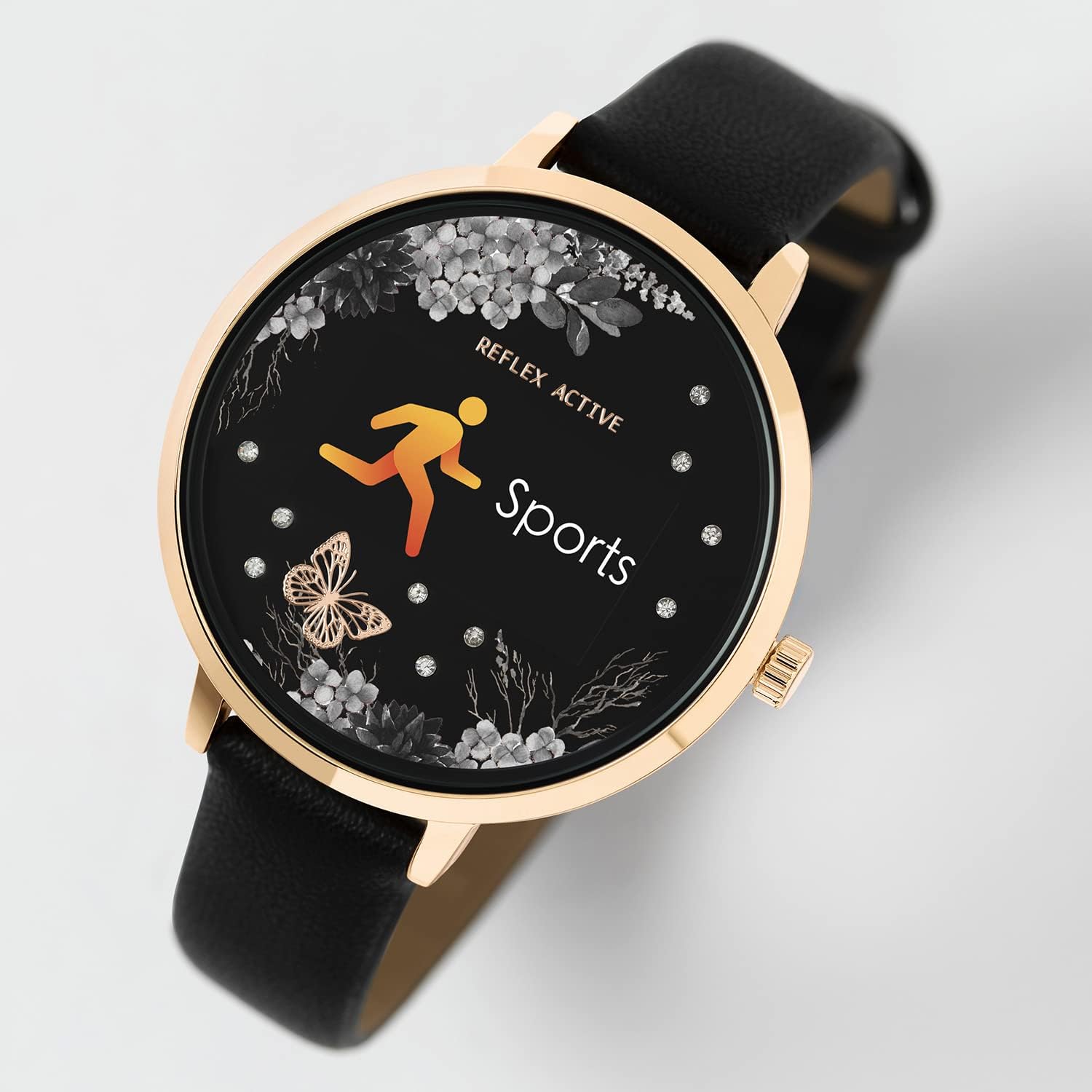
Image: The smart watch display showing the "Sports" icon and text, indicating an active workout tracking mode.
- Distance, Steps, and Calorie Tracking: Monitor your daily movement and calorie expenditure.
- Live Weather Updates: Get current weather information directly on your watch.
- Selfie Camera Control: Use your watch as a remote shutter for your smartphone's camera.
- Find Your Phone Function: ค้นหาสมาร์ทโฟนที่หายไปของคุณได้โดยการแจ้งเตือนจากนาฬิกาข้อมือของคุณ
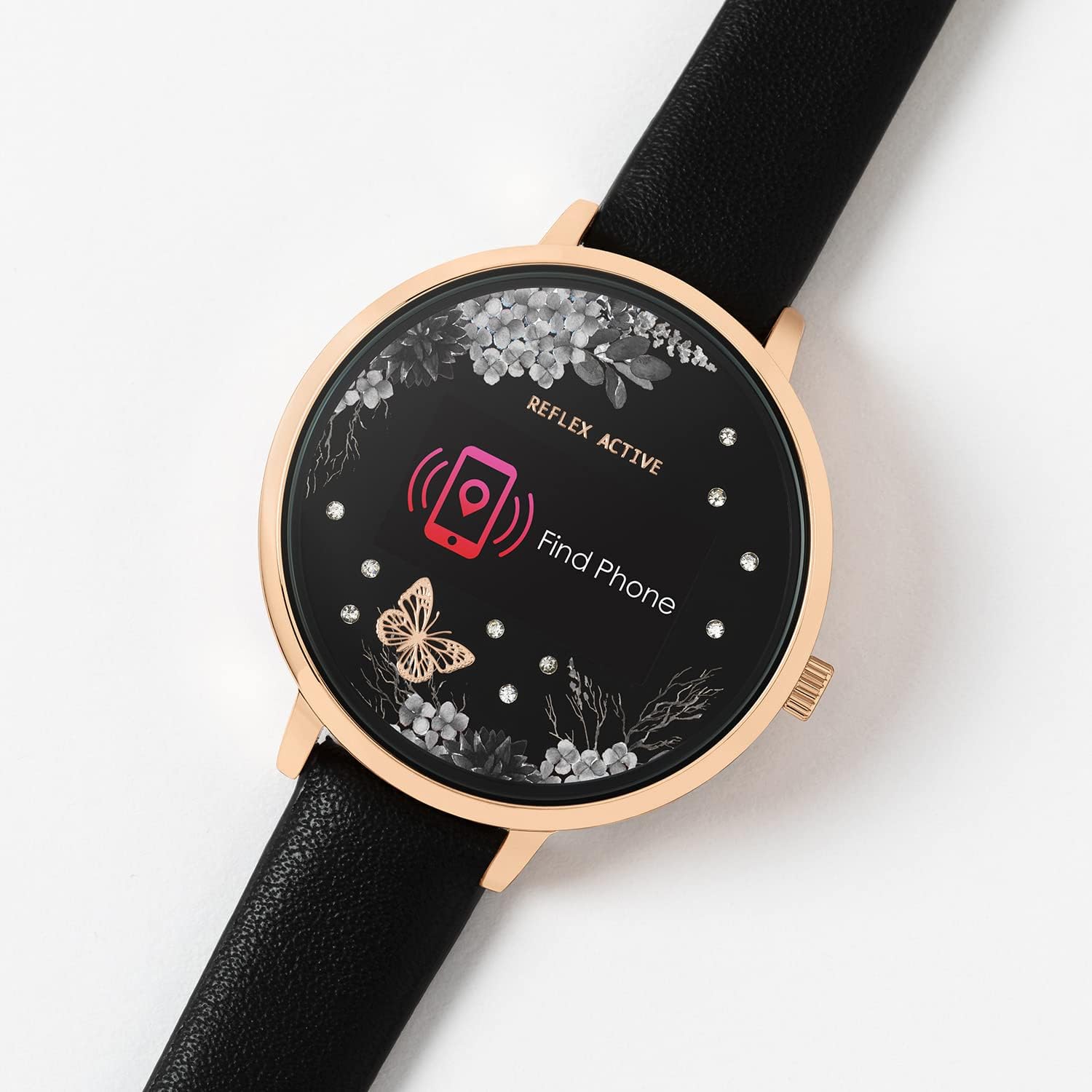
Image: The smart watch display showing a "Find Phone" icon and text, indicating the feature to locate a connected smartphone.
- การติดตามการนอนหลับ: Monitor your sleep patterns and quality.
- Alarm and Reminders: Set alarms and reminders to help you stay organized.
การซ่อมบำรุง
การทำความสะอาดนาฬิกาของคุณ
To maintain the appearance and functionality of your watch, clean it regularly. Use a soft, dry, lint-free cloth to wipe the screen and case. For the strap, follow material-specific cleaning instructions.
ความต้านทานต่อน้ำ
The Reflex Active Series 3 Smart Watch is splashproof only. It is designed to withstand splashes, rain, or brief exposure to water. Do not submerge the watch in water, wear it while swimming, showering, or engaging in water sports. Exposure to excessive moisture can cause damage.
การดูแลแบตเตอรี่
To prolong battery life, avoid exposing the watch to extreme temperatures. Charge the watch fully before long periods of inactivity. Do not attempt to replace the sealed rechargeable battery yourself.
การแก้ไขปัญหา
If you encounter issues with your Reflex Active Series 3 Smart Watch, refer to the following common solutions:
| ปัญหา | วิธีแก้ปัญหาที่เป็นไปได้ |
|---|---|
| นาฬิกาเปิดไม่ติด | Ensure the watch is fully charged. Connect it to the USB charger and allow it to charge for at least 30 minutes before attempting to power on. |
| ไม่สามารถจับคู่กับสมาร์ทโฟนได้ |
|
| ข้อมูลไม่ซิงค์กับแอป |
|
| การติดตามกิจกรรมที่ไม่แม่นยำ | Ensure the watch is worn snugly on your wrist. Calibrate the watch through the app if available. Ensure your personal profile (height, weight) is accurate in the app. |
ข้อมูลจำเพาะ
Key technical specifications for the Reflex Active Series 3 Smart Watch (Model: RA03-2076):
- ชื่อรุ่น : ซีรีส์ 3 สมาร์ทวอทช์
- หมายเลขรุ่น: RA03-2076
- ประเภทจอภาพ: Digital, Color Screen
- เส้นผ่านศูนย์กลางตัวเรือน: 38 mm (approximate, based on product details)
- อายุการใช้งานแบตเตอรี่: สูงสุด 7 วัน (การใช้งานทั่วไป)
- ประเภทแบตเตอรี่: 1 Lithium Ion battery (included, sealed rechargeable)
- การเชื่อมต่อ: บลูทูธ, USB (สำหรับชาร์จ)
- ความเข้ากันได้ของระบบปฏิบัติการ: iOS และแอนดรอยด์
- ความต้านทานน้ำ: Splashproof only
- คุณสมบัติพิเศษ: Alarm Clock, Calorie Tracking, Notifications, Activity Tracking, Sleep Tracking, Find Phone, Remote Camera Control, Weather Updates.
- น้ำหนักสินค้า: 1.06 ออนซ์ (ประมาณ 0.03 กิโลกรัม)
- ขนาด (แพ็คเกจ): 4.96 x 3.54 x 2.87 นิ้ว
การรับประกันและการสนับสนุน
นาฬิกาอัจฉริยะ Reflex Active Series 3 ของคุณมาพร้อมกับ... 2-year manufacturer guaranteeโปรดเก็บหลักฐานการซื้อไว้เพื่อใช้เรียกร้องการรับประกัน
For further support, troubleshooting, or warranty inquiries, please refer to the contact information provided in your product packaging or visit the official Reflex Active webเว็บไซต์.
Remember to download the free Reflex Active App for the best experience and access to detailed features and updates.


