การแนะนำ
This manual provides comprehensive instructions for the setup, operation, and maintenance of your Trust Gaming GXT 833 Thado TKL RGB Gaming Keyboard. Please read this manual carefully to ensure optimal performance and longevity of your device.
คุณสมบัติหลัก:
- Compact Tenkeyless (TKL) design, reducing desk space usage.
- Multi-color LED illumination with breathing effect.
- Anti-ghosting support for up to 10 simultaneous key presses.
- Durable metal backplate with anti-slip rubber feet for stability.
- 12 multimedia hotkeys for quick access.
- Dedicated gaming mode to disable the Windows key.
- 1.8m braided USB cable for reliable connection.

Image: The compact tenkeyless design of the GXT 833 Thado keyboard, illustrating its smaller footprint compared to full-size keyboards.
เนื้อหาแพ็คเกจ
ตรวจสอบให้แน่ใจว่ามีรายการทั้งหมดอยู่ในบรรจุภัณฑ์:
- Trust Gaming GXT 833 Thado TKL RGB Gaming Keyboard
- สาย USB (รวมอยู่ด้วย)
- คู่มือการใช้งาน (เอกสารนี้)
การตั้งค่า
การเชื่อมต่อแป้นพิมพ์:
- Locate an available USB port on your computer or gaming console.
- เสียบขั้วต่อ USB ของคีย์บอร์ดเข้ากับพอร์ต USB
- The operating system will automatically detect and install the necessary drivers. No additional software installation is typically required for basic functionality.
- แสง RGB ของคีย์บอร์ดจะสว่างขึ้นเมื่อเชื่อมต่อสำเร็จ

Image: The Trust Gaming GXT 833 Thado TKL RGB Gaming Keyboard with its integrated USB cable, ready for connection.
คำแนะนำการใช้งาน
ฟังก์ชันพื้นฐานของแป้นพิมพ์:
The GXT 833 Thado functions as a standard QWERTY keyboard. All keys perform their indicated character or function when pressed.
การควบคุมแสง RGB:
The keyboard features multi-color LED illumination. While the lighting is static in its color zones, you can adjust its brightness and activate a breathing effect.
- การปรับความสว่าง: Use the dedicated brightness keys (often combined with Function keys or specific media keys) to increase or decrease the LED brightness. Refer to the keyboard layout for specific key combinations.
- Breathing Effect: Activate or deactivate the breathing light effect using the designated key combination.
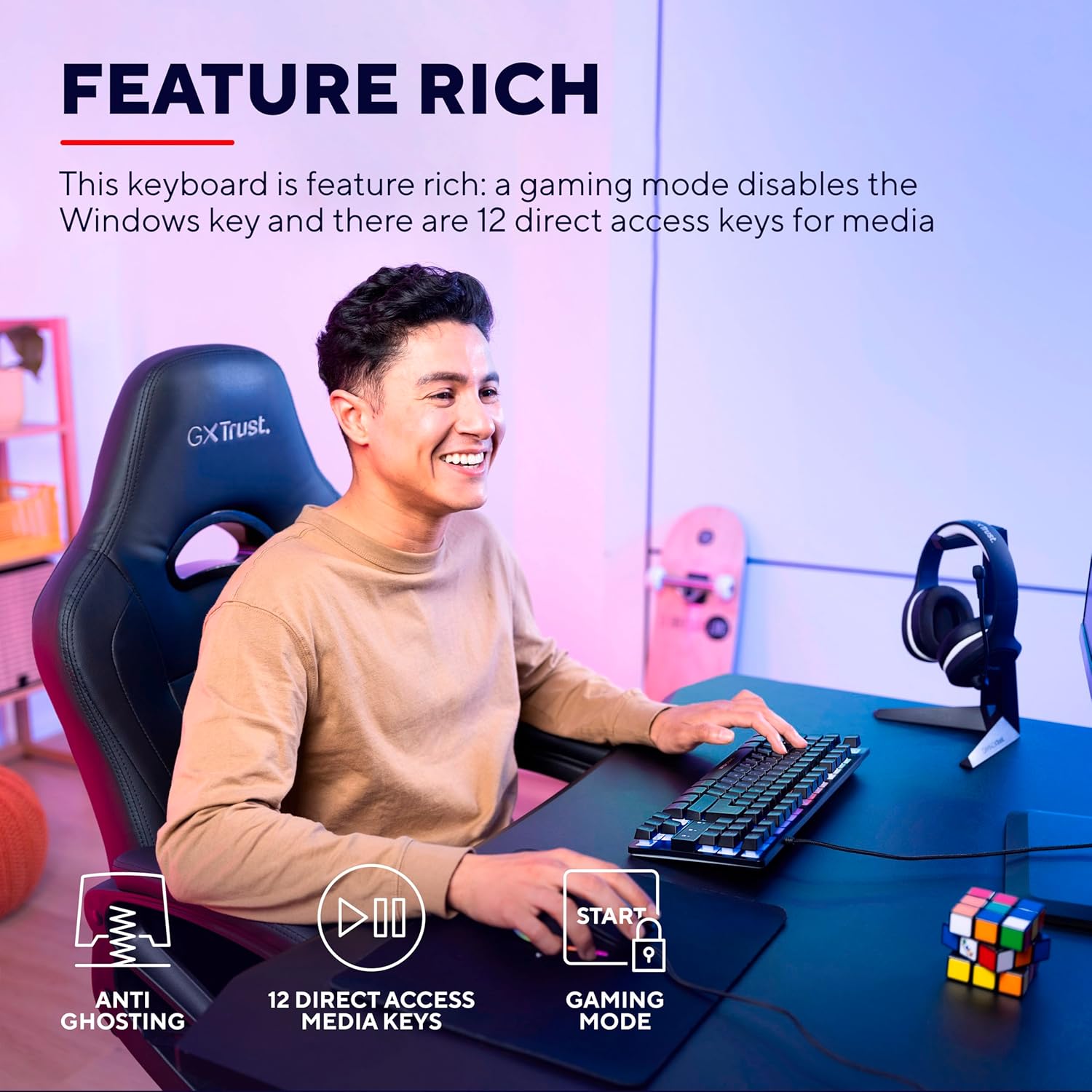
Image: The keyboard displaying its multi-color LED lighting zones.
ปุ่มลัดมัลติมีเดีย:
The keyboard includes 12 multimedia hotkeys, typically accessed by pressing the Fn key in combination with the F1-F12 keys. These keys allow quick control over media playback, volume, and other system functions.
- Fn + F1-F12: Refer to the icons printed on the F-keys for their specific multimedia functions (e.g., play/pause, stop, previous/next track, volume up/down, mute).
โหมดเกม:
Activate Gaming Mode to prevent accidental interruptions during gameplay. This mode typically disables the Windows key.
- การเปิดใช้งานโหมดเกม: กดปุ่ม Fn key combined with the Windows key (often indicated by a lock icon) to toggle Gaming Mode on or off.

Image: Visual representation of the keyboard's features including anti-ghosting, multimedia keys, and gaming mode.
การซ่อมบำรุง
การทำความสะอาดคีย์บอร์ด:
- ถอดแป้นพิมพ์ออกจากคอมพิวเตอร์ของคุณก่อนทำความสะอาด
- ใช้แปรงนุ่มๆ ปัดเบาๆamp cloth to wipe the surface of the keyboard. Avoid excessive moisture.
- สำหรับฝุ่นละอองและเศษต่างๆ ระหว่างคีย์ ให้ใช้ลมอัดหรือแปรงขนนุ่ม
- Do not use harsh chemicals, abrasive cleaners, or solvents, as these can damage the keyboard's finish and key legends.
การแก้ไขปัญหา
| ปัญหา | สารละลาย |
|---|---|
| แป้นพิมพ์ไม่ตอบสนอง |
|
| LED lighting is not working or is dim. |
|
| Multimedia keys are not functioning. |
|
| Windows key is disabled. |
|
ข้อมูลจำเพาะ
| หมายเลขรุ่น | 24067 |
| ยี่ห้อ | เชื่อมั่น |
| ประเภทแป้นพิมพ์ | Tenkeyless (TKL) Gaming Keyboard |
| การเชื่อมต่อ | สาย USB |
| เค้าโครง | คีย์บอร์ด QWERTY |
| การแบ็คไลท์ | Multi-color LED (RGB) |
| ป้องกันการโดนผีหลอก | Up to 10 simultaneous key presses |
| ปุ่มมัลติมีเดีย | 12 คีย์เข้าถึงโดยตรง |
| ความยาวสายเคเบิล | 1.8 เมตร (แบบถัก) |
| น้ำหนัก | 709 กรัม |
| อุปกรณ์ที่รองรับ | PC, Gaming Consoles |
การพิจารณาด้านสิ่งแวดล้อม
The Trust Gaming GXT 833 Thado keyboard is designed with environmental responsibility in mind. This product is manufactured using 69% recycled plastics.

Image: Visual representation highlighting the product's construction with 69% recycled plastics.
การรับประกันและการสนับสนุน
For warranty information, technical support, or further assistance, please refer to the official Trust Gaming webไซต์หรือติดต่อฝ่ายสนับสนุนลูกค้าโดยตรง
คุณยังสามารถเยี่ยมชม ร้านค้าแบรนด์ที่เชื่อถือได้บน Amazon สำหรับข้อมูลผลิตภัณฑ์และทรัพยากรเพิ่มเติม


