การแนะนำ
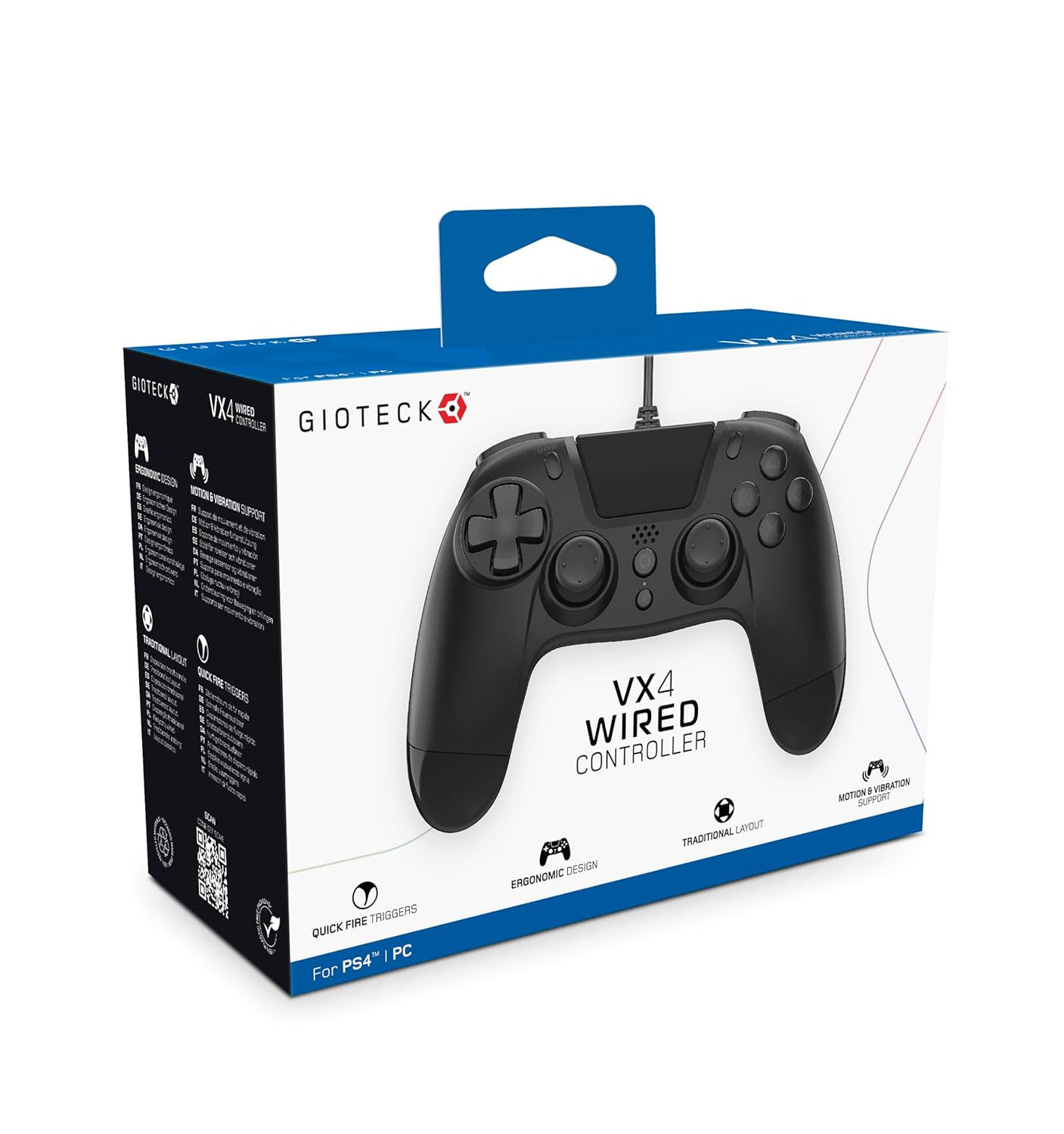
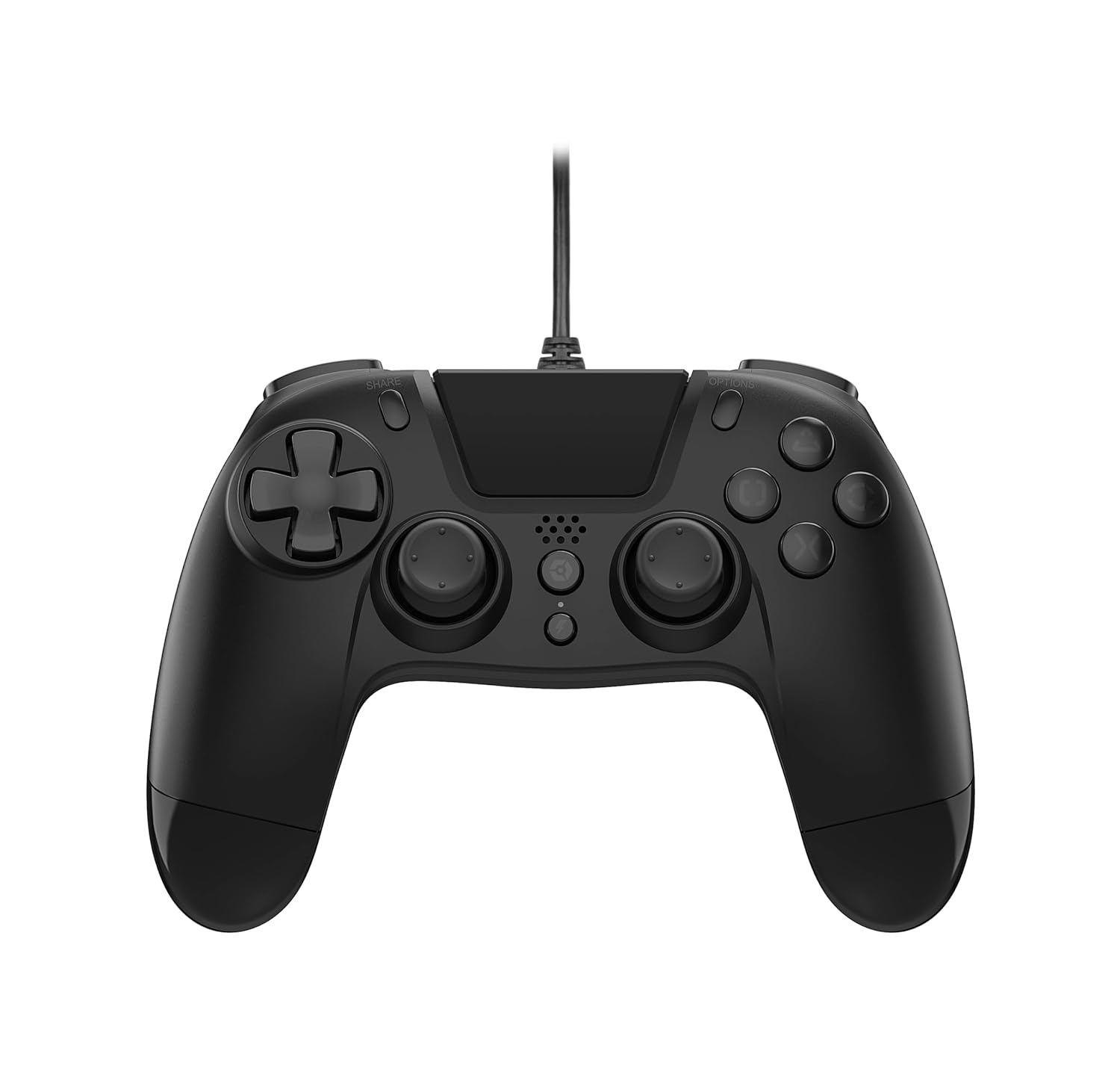
The Gioteck VX-4 Wired Controller is designed for PlayStation 4 and PC, offering a comfortable and responsive gaming experience. It features quick-fire triggers, a precision D-pad, and anti-slip rubber thumb sticks for enhanced performance, providing a next-level immersive gaming experience.
คุณสมบัติหลัก:
- Quick Fire triggers
- การออกแบบตามหลักสรีรศาสตร์
- Traditional PlayStation layout
เนื้อหาแพ็คเกจ:
- Gioteck VX-4 Wired Controller
- คู่มือการใช้งาน (เอกสารนี้)
สินค้าเกินview:
การตั้งค่า
Connecting to PlayStation 4:
- โปรดตรวจสอบให้แน่ใจว่าเครื่อง PlayStation 4 ของคุณเปิดอยู่
- Insert the USB connector of the VX-4 Wired Controller into an available USB port on your PlayStation 4 console.
- ตัวควบคุมควรได้รับการจดจำโดยอัตโนมัติและพร้อมใช้งาน
การเชื่อมต่อกับพีซี:
- ตรวจสอบให้แน่ใจว่าพีซีของคุณเปิดอยู่
- Insert the USB connector of the VX-4 Wired Controller into an available USB port on your PC.
- The PC operating system should automatically install the necessary drivers. If prompted, allow the driver installation to complete.
- ตัวควบคุมจะพร้อมใช้งานกับเกมพีซีที่รองรับ

คำแนะนำการใช้งาน
เค้าโครงปุ่ม:
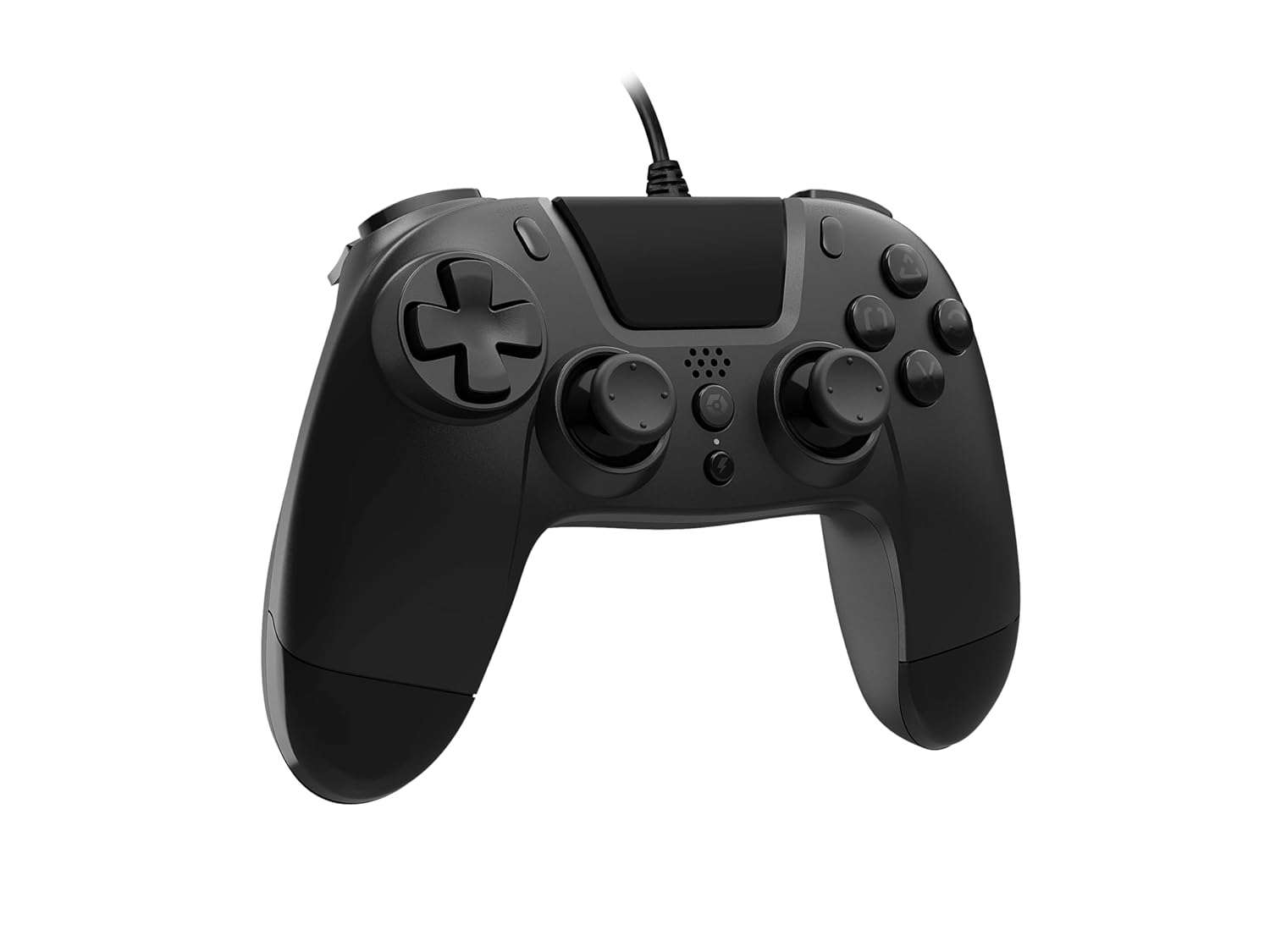
The VX-4 Wired Controller features a traditional PlayStation layout:
- แผงทิศทาง (D-Pad): เพื่อการป้อนทิศทางที่แม่นยำ
- แท่งอนาล็อกซ้าย: การควบคุมการเคลื่อนไหวเบื้องต้น
- อนาล็อกสติ๊กขวา: การควบคุมกล้องหรือการเล็ง
- ปุ่มควบคุมการทำงาน (สามเหลี่ยม วงกลม กากบาท สี่เหลี่ยม): Context-sensitive actions in games.
- ปุ่มแชร์: Share gameplay moments (PS4 only).
- ปุ่มตัวเลือก: Access in-game menus or pause (PS4 only).
- ปุ่ม PS: Access the PlayStation Home screen or power on/off the console (PS4 only).
- ปุ่ม L1/R1: Shoulder buttons, typically for quick actions.
- ปุ่ม L2/R2: Analog triggers for precise input, such as acceleration or firing.
การใช้คอนโทรลเลอร์:
Once connected, the controller functions similarly to a standard PlayStation 4 controller for compatible games. For PC, ensure the game supports XInput or DirectInput controllers for optimal performance.
การซ่อมบำรุง
การทำความสะอาด:
ในการทำความสะอาดคอนโทรลเลอร์ ให้ใช้ผ้านุ่มและแห้ง สำหรับสิ่งสกปรกฝังแน่น ให้เช็ดด้วยผ้านุ่มๆ เล็กน้อยamp cloth can be used, but ensure no moisture enters the controller's internal components. Do not use harsh chemicals or abrasive cleaners, as these may damage the finish or internal electronics.
พื้นที่จัดเก็บ:
Store the controller in a cool, dry place away from direct sunlight and extreme temperatures. Avoid placing heavy objects on the controller to prevent damage to the cable or buttons.
การดูแลสายเคเบิล:
Do not sharply bend, twist, or pull on the controller cable. Always grasp the plug, not the cable, when connecting or disconnecting it from your console or PC to prevent internal wire damage.
การแก้ไขปัญหา
คอนโทรลเลอร์ไม่ตอบสนอง:
- ตรวจสอบให้แน่ใจว่าเสียบสาย USB เข้ากับทั้งคอนโทรลเลอร์และเครื่องเล่นเกม/พีซีอย่างแน่นหนาแล้ว
- Try plugging the controller into a different USB port on your console/PC.
- รีสตาร์ทเครื่องเล่นเกมหรือเครื่องคอมพิวเตอร์ของคุณ
- หากใช้งานบนพีซี ให้ตรวจสอบใน Device Manager เพื่อให้แน่ใจว่าคอนโทรลเลอร์ได้รับการรู้จักและไดรเวอร์ติดตั้งอย่างถูกต้อง
ปุ่มหรือจอยสติ๊กทำงานผิดปกติ:
- Check for any physical obstructions or debris around the buttons or analog sticks.
- Ensure the controller is clean (refer to Maintenance section).
- Test the controller with another game or application to determine if the issue is specific to one program.
การสั่นสะเทือนไม่ทำงาน:
- ตรวจสอบให้แน่ใจว่าเกมหรือแอปพลิเคชันที่คุณกำลังเล่นรองรับการตอบสนองด้วยการสั่น
- ตรวจสอบการตั้งค่าในเกมเพื่อให้แน่ใจว่าได้เปิดใช้งานการสั่นสะเทือนแล้ว
ข้อมูลจำเพาะ
| คุณสมบัติ | รายละเอียด |
|---|---|
| หมายเลขรุ่น | SWIAGJC |
| การเชื่อมต่อ | สาย USB |
| ความเข้ากันได้ | เพลย์สเตชั่น 4, พีซี |
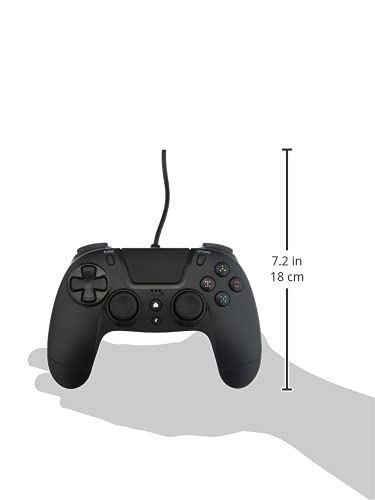
| Product Dimensions (Controller) | Approximately 7.2 inches (18 cm) in height |
| น้ำหนักสินค้า | 7.41 ออนซ์ (210 กรัม) |
| ผู้ผลิต | Gioteck |
การรับประกันและการสนับสนุน
For warranty information and technical support regarding your Gioteck VX-4 Wired Controller, please refer to the official Gioteck webเยี่ยมชมเว็บไซต์หรือติดต่อฝ่ายบริการลูกค้าโดยตรง แนะนำให้เก็บหลักฐานการซื้อไว้เพื่อใช้ในการเคลมประกัน
Manufacturer: Gioteck
วันที่วางจำหน่ายครั้งแรก: 10 กันยายน 2020


