การแนะนำ
This manual provides essential information for the proper use and maintenance of your Amazon Basics LCD 8-Digit Desktop Calculator. Please read this manual thoroughly before using the product to ensure optimal performance and longevity.
The Amazon Basics LCD 8-Digit Desktop Calculator is designed for portability and ease of use, featuring an 8-digit LCD display for clear output and user-friendly buttons. It supports basic arithmetic operations, percentages, and square roots, making it suitable for various daily calculation needs.
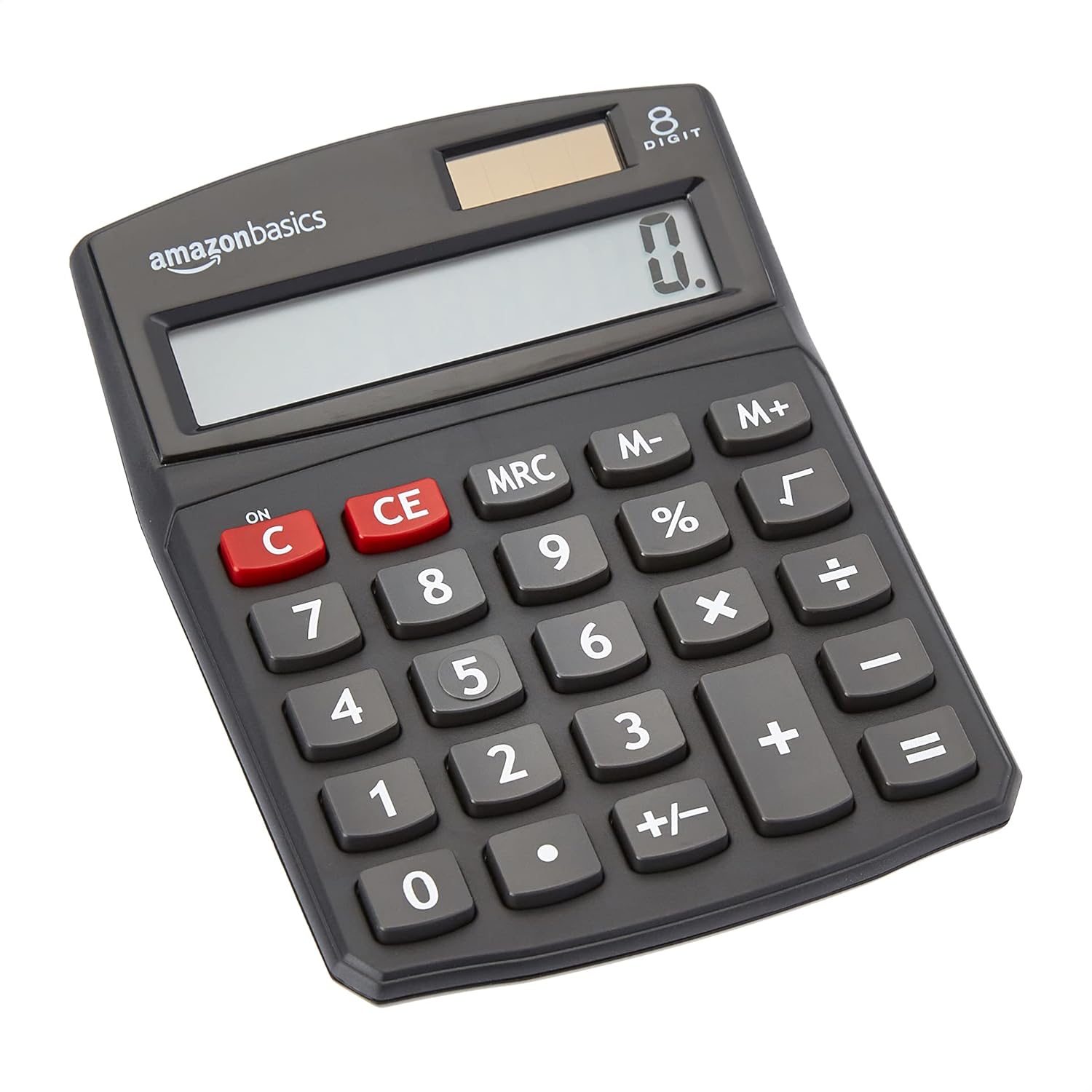
ด้านหน้า view of the Amazon Basics 8-Digit Desktop Calculator, showcasinด้วยดีไซน์ที่กะทัดรัดและจอแสดงผลที่คมชัด
การตั้งค่า
Your Amazon Basics calculator is ready for use right out of the box. It operates on both solar power and a backup battery, ensuring continuous functionality in various lighting conditions.
แหล่งพลังงาน:
- พลังงานแสงอาทิตย์: The calculator primarily uses solar energy. Ensure the solar panel, located above the display, is exposed to sufficient light for operation.
- แบตเตอรี่สำรอง: An internal battery provides power when light is insufficient or for extended use. No user intervention is required for battery installation or replacement under normal conditions.
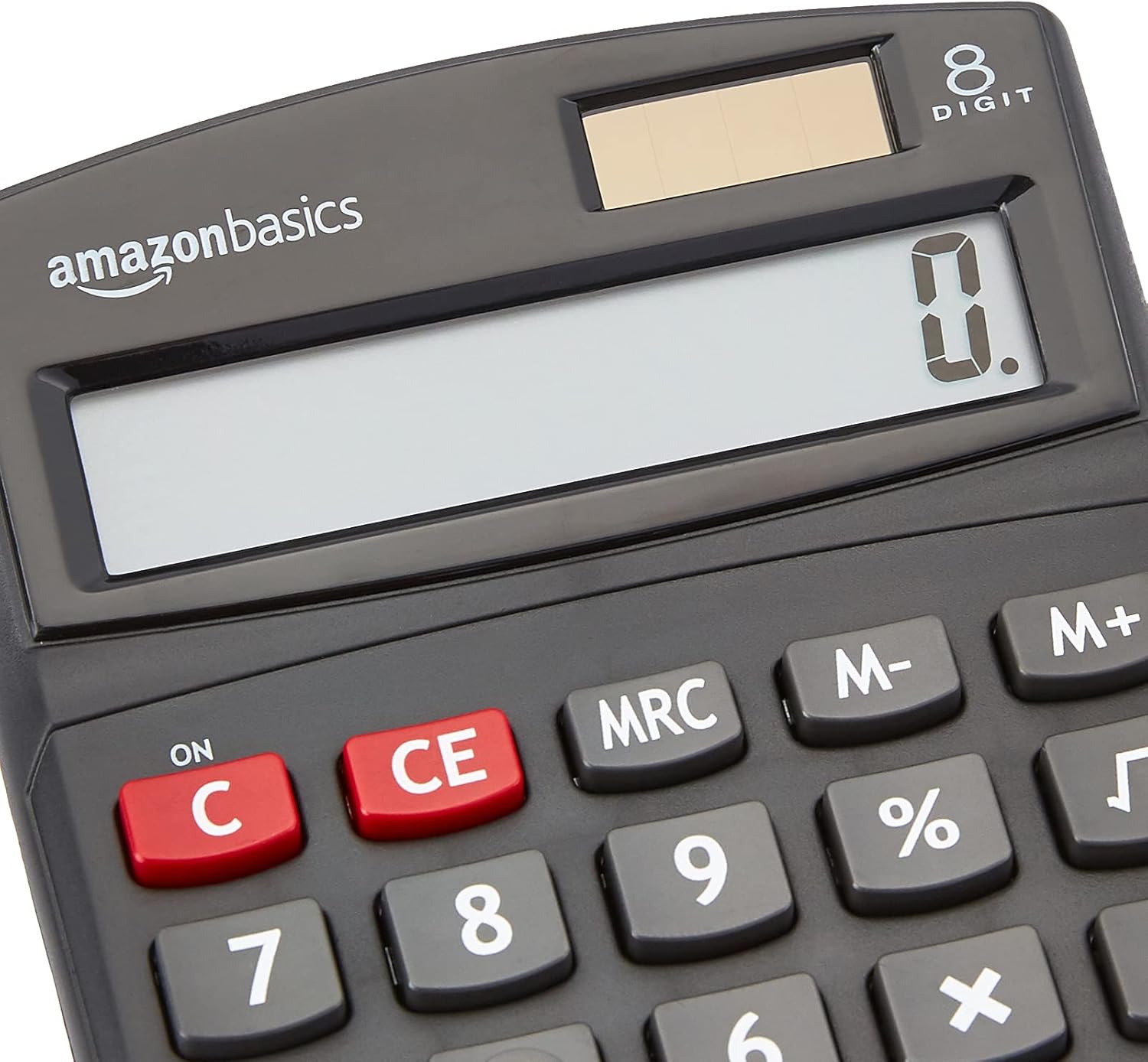
ภาพระยะใกล้ view of the calculator's LCD display and the integrated solar panel, highlighting the dual power source.
คำแนะนำการใช้งาน
The calculator features a standard layout for intuitive operation. Familiarize yourself with the key functions:

รายละเอียด view of the calculator's keypad, showing the layout of numerical and function buttons.
การดำเนินการพื้นฐาน:
- ON/C (Clear): Press to turn on the calculator or clear the current entry.
- CE (รายการที่ชัดเจน): Clears the last entered number without affecting previous calculations.
- ปุ่มตัวเลข (0-9): ใช้สำหรับป้อนค่าตัวเลข
- Decimal Point (.): Used for decimal numbers.
- Arithmetic Operators (+, -, ×, ÷): ทำโจทย์บวก ลบ คูณ และหาร
- เท่ากับ (=): Displays the result of the calculation.
ฟังก์ชั่นขั้นสูง:
- % (ร้อยละtagจ): คำนวณเปอร์เซ็นต์tagอี สำหรับอดีตample, to find 10% of 200, enter 200 × 10 %.
- √ (รากที่สอง): คำนวณรากที่สองของตัวเลขที่แสดง
- M+, M-, MRC (Memory Functions):
- เอ็ม+: Adds the displayed number to memory.
- ม-: Subtracts the displayed number from memory.
- เอ็มอาร์ซี: Recalls the memory content. Pressing twice clears the memory.
- +/- (เปลี่ยนเครื่องหมาย): เปลี่ยนเครื่องหมายของตัวเลขที่แสดง (บวกเป็นลบ หรือลบเป็นบวก)

The 8-digit LCD display showing a full numerical entry, demonstrating its capacity.
การซ่อมบำรุง
To ensure the longevity and proper functioning of your calculator, follow these simple maintenance guidelines:
- การทำความสะอาด: Wipe the calculator with a soft, dry cloth. Do not use liquid cleaners, abrasive pads, or chemical solvents, as these may damage the surface or internal components.
- พื้นที่จัดเก็บ: เก็บเครื่องคิดเลขไว้ในที่แห้งและเย็น หลีกเลี่ยงแสงแดดโดยตรงและอุณหภูมิที่สูงหรือต่ำเกินไป
- หลีกเลี่ยงผลกระทบ: Protect the calculator from drops and impacts, which can damage the display or internal circuitry.
- การดูแลแผงโซลาร์เซลล์: Keep the solar panel clean and unobstructed to ensure efficient power generation.
การแก้ไขปัญหา
หากคุณพบปัญหาเกี่ยวกับเครื่องคิดเลข โปรดดูปัญหาและวิธีแก้ไขที่พบบ่อยต่อไปนี้:
| ปัญหา | สาเหตุที่เป็นไปได้ | สารละลาย |
|---|---|---|
| จอแสดงผลว่างเปล่าหรือมืดลง | Insufficient light for solar panel, or low battery. | Move the calculator to a brighter area. If the problem persists, the internal battery may be depleted. |
| คีย์ไม่ตอบสนอง | Dust or debris under keys, or internal malfunction. | Gently clean around the keys. Press the ON/C button to reset. If unresponsive, contact support. |
| ผลการคำนวณไม่ถูกต้อง | Incorrect input sequence, or display overflow. | Press ON/C to clear and re-enter the calculation carefully. Ensure numbers do not exceed 8 digits. |
ข้อมูลจำเพาะ
- ขนาดสินค้า : 5 x 3.72 x 0.1 นิ้ว
- น้ำหนักสินค้า: 2.72 ออนซ์
- หมายเลขรุ่น: เคซี-760-8
- ยี่ห้อ: พื้นฐานของ Amazon
- สี: สีดำ
- ประเภทเครื่องคิดเลข: ฟังก์ชั่นมาตรฐาน
- แหล่งพลังงาน: พลังงานแสงอาทิตย์และแบตเตอรี่
- แสดง: LCD 8 หลัก

Visual representation of the calculator's dimensions.
การรับประกันและการสนับสนุน
For detailed warranty information and customer support, please refer to the official documents provided with your product or visit the Amazon Basics support page.


