1. บทนำ
This manual provides essential information for the safe and efficient use of your Wipro Next Smart Wi-Fi 20W CCT+RGB LED Batten. Please read these instructions carefully before installation and operation. Keep this manual for future reference.
2. ข้อมูลด้านความปลอดภัย
ปฏิบัติตามข้อควรระวังด้านความปลอดภัยต่อไปนี้เพื่อป้องกันการบาดเจ็บหรือความเสียหายต่อผลิตภัณฑ์:
- ตรวจสอบให้แน่ใจว่าได้ถอดแหล่งจ่ายไฟออกก่อนการติดตั้งหรือการบำรุงรักษา
- ผลิตภัณฑ์นี้ได้รับการออกแบบสำหรับใช้ภายในอาคารเท่านั้น
- Do not expose the batten to water or high humidity.
- ห้ามถอดประกอบหรือดัดแปลงผลิตภัณฑ์ การกระทำดังกล่าวจะทำให้การรับประกันเป็นโมฆะ
- ใช้เฉพาะปริมาณที่กำหนดเท่านั้นtage (100-120 Volts AC, 60 Hertz).
- เก็บให้พ้นจากมือเด็ก
3. เนื้อหาบรรจุภัณฑ์
ในแพ็คเกจประกอบด้วย:
- 1 x Wipro Next Smart Wi-Fi 20W CCT+RGB LED Batten
- 1 x คู่มือการใช้งาน
4. คุณสมบัติของผลิตภัณฑ์
The Wipro Next Smart Wi-Fi LED Batten offers advanced lighting capabilities:
- 16 ล้านสี: Customize your lighting with a vast spectrum of colors.
- ปรับแต่งสีได้: Adjust white light from 2700K (warm white) to 6500K (cool white).
- หรี่แสงได้: Control brightness levels from 10% to 100%.
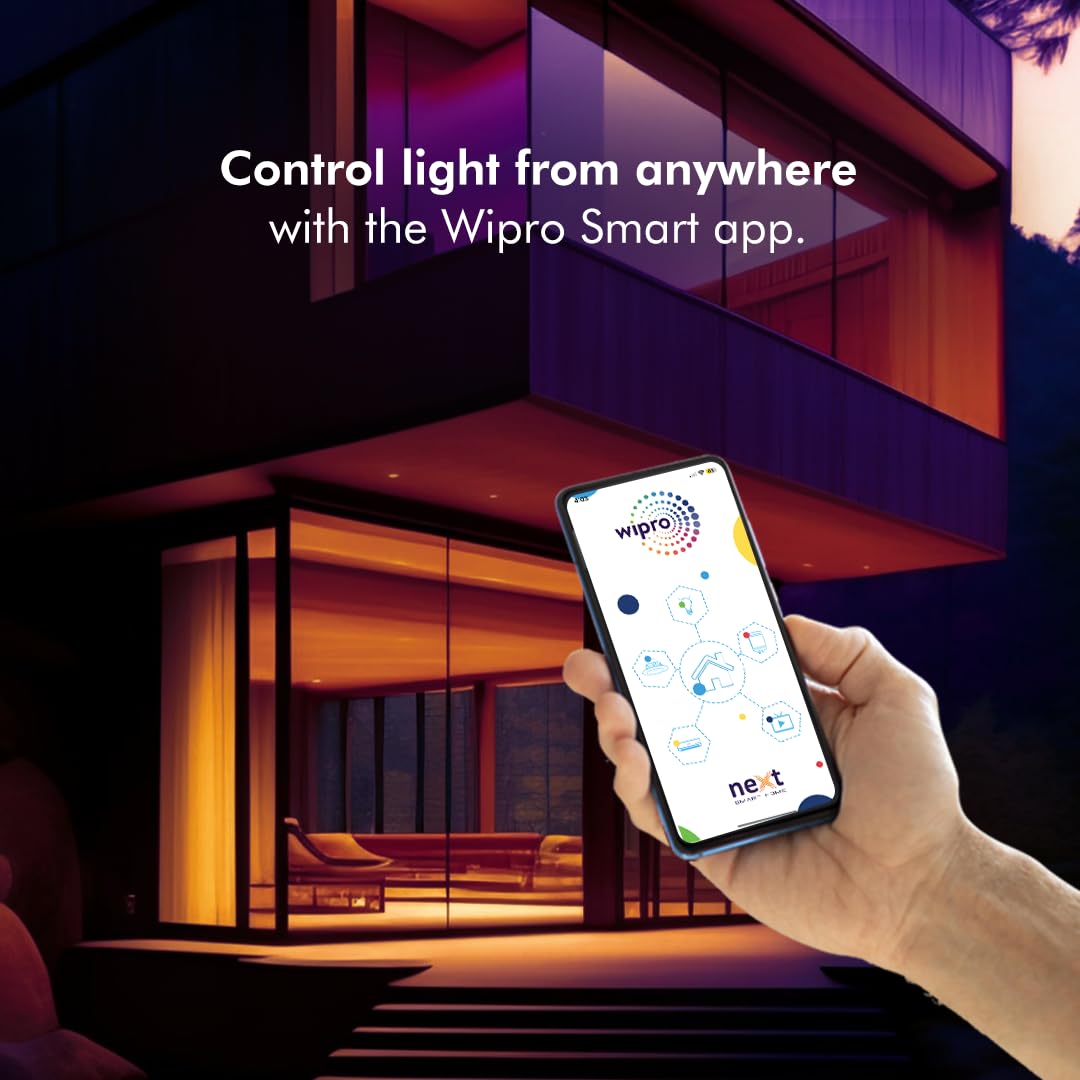
- ควบคุมได้จากทุกที่: Manage your lighting remotely via the Wipro Smart app.
- การควบคุมด้วยเสียง: เข้ากันได้กับ Amazon Alexa และ Google Assistant
- การกำหนดตารางเวลา: Set automated schedules for turning lights on/off.
- ฟังก์ชันการซิงค์เพลง: Lights can change color in rhythm with music.
- การสร้างฉาก: สร้างและบันทึกฉากแสงไฟแบบกำหนดเองสำหรับอารมณ์หรือกิจกรรมต่างๆ

5. คู่มือการติดตั้ง
5.1 การติดตั้ง
- ตรวจสอบให้แน่ใจว่าได้ปิดสวิตช์ไฟหลักที่ตัวตัดวงจรแล้ว
- Mount the batten securely to a wall or ceiling using appropriate fasteners (not included).
- Connect the batten to your electrical wiring according to local electrical codes. If unsure, consult a qualified electrician.
- Restore power to the circuit. The batten should light up, indicating it is ready for pairing.
5.2 App Pairing and Wi-Fi Connection
To control your smart batten, download the Wipro Smart app on your smartphone.
- ดาวน์โหลด Wipro Smart ดาวน์โหลดแอปจาก App Store (iOS) หรือ Google Play Store (Android)
- Register or log in to your Wipro Smart account.
- Ensure your smartphone is connected to a 2.4 GHz Wi-Fi network. The batten requires a 2.4 GHz network for initial setup and operation.
- ในแอป ให้แตะไอคอน '+' เพื่อเพิ่มอุปกรณ์ใหม่
- Select 'Lighting' and then 'LED Batten' or similar option.
- Follow the on-screen instructions to put the batten into pairing mode (usually by cycling power 3-5 times until it blinks).
- ป้อนรหัสผ่านเครือข่าย Wi-Fi ของคุณเมื่อได้รับแจ้ง
- Once connected, you can rename your device for easier control.
5.3 การบูรณาการผู้ช่วยเสียง
The Wipro Next Smart Batten is compatible with Amazon Alexa and Google Assistant.
- Ensure your batten is successfully paired with the Wipro Smart app.
- เปิดแอป Amazon Alexa หรือ Google Home ของคุณ
- ไปที่ส่วน 'ทักษะ' (สำหรับ Alexa) หรือ 'ใช้งานร่วมกับ Google' (สำหรับ Google Home)
- ค้นหา 'Wipro Smart Home' and enable the skill/service.
- Link your Wipro Smart account when prompted.
- Discover devices. Your batten should now appear and be controllable via voice commands.

6. คู่มือการใช้งาน
6.1 Color Control (RGB)
Use the Wipro Smart app to select from 16 million colors. Navigate to the color selection interface within the app to choose your desired hue.

6.2 Color Temperature Tuning (CCT)
Adjust the white light temperature from warm (2700K) to cool (6500K) using the app. This allows you to set the ambiance from a cozy warm glow to a bright, energetic cool white.
6.3 การหรี่แสง
The batten's brightness can be adjusted from 10% to 100% via the Wipro Smart app or voice commands. This feature allows for precise control over illumination levels.

6.4 Music Sync
Activate the music sync feature in the Wipro Smart app to make your batten's colors change in rhythm with music playing in your environment. This feature enhances the atmosphere for parties or entertainment.
6.5 Scheduling and Scene Creation
Use the Wipro Smart app to set schedules for your batten to turn on/off at specific times. You can also create custom scenes, combining specific colors, brightness, and color temperatures, and activate them with a single tap or voice command.
7 การแก้ไขปัญหา
If you encounter issues with your Wipro Next Smart Batten, refer to the following common solutions:
| ปัญหา | สาเหตุที่เป็นไปได้ | สารละลาย |
|---|---|---|
| Batten not connecting to Wi-Fi/App | Incorrect Wi-Fi band (not 2.4 GHz), incorrect password, batten not in pairing mode, network interference. | Ensure your router is broadcasting a 2.4 GHz network. Cycle power to the batten 3-5 times to enter pairing mode (blinking light). Re-enter Wi-Fi password carefully. Move closer to the router. |
| Voice control not working (Alexa/Google Assistant) | Skill/service not enabled, account not linked, device not discovered, temporary connectivity issue. | In the Alexa/Google Home app, disable and re-enable the 'Wipro Smart Home' skill/service. Re-link your Wipro Smart account. Ask the voice assistant to 'Discover devices'. |
| RGB colors appear inaccurate or limited | Hardware limitation, software glitch. | Ensure the Wipro Smart app is updated to the latest version. If a specific color is not working (e.g., red), contact customer support. |
| Batten frequently disconnects from Wi-Fi | สัญญาณ Wi-Fi อ่อน, เครือข่ายติดขัด, ปัญหาเกี่ยวกับเราเตอร์ | Ensure the batten is within good range of your 2.4 GHz Wi-Fi router. Restart your router. Check for firmware updates for the batten via the app. |
8. การบำรุงรักษา
The Wipro Next Smart Wi-Fi LED Batten requires minimal maintenance:
- ตรวจสอบให้แน่ใจว่าปิดเครื่องแล้วก่อนทำความสะอาด
- Wipe the batten with a soft, dry cloth. Do not use abrasive cleaners or solvents.
- Do not immerse the batten in water.
- Regularly check for any loose connections or physical damage.
9. ข้อมูลจำเพาะ
| ข้อมูลจำเพาะ | ค่า |
|---|---|
| ชื่อรุ่น | Wipro Garnet 20W CCT+RGB Batten |
| หมายเลขรุ่นสินค้า | DS22000 |
| ยี่ห้อ | วิโปร |
| ประเภทไฟ | นำ |
| วัดtage | 20 วัตต์ |
| ความสว่าง | 2400 ลูเมน |
| อุณหภูมิสี | 2700K - 6500K (แสงสีขาวปรับได้) |
| สีอ่อน | RGB + สีขาว |
| เล่มที่tage | 100 ถึง 120 โวลต์ AC |
| ความถี่ | 60 เฮิรตซ์ |
| วัสดุ | โพลีคาร์บอเนต (พีซี) |
| น้ำหนักสินค้า | 299 กรัม |
| ขนาด (กxยxส) | 90 x 3 x 4 เซนติเมตร |
| วิธีการควบคุม | Voice, App (Wi-Fi) |
| การใช้งานภายใน/ภายนอกอาคาร | ในร่ม |

10. การรับประกันและการสนับสนุน
การรับประกัน: The Wipro Next Smart Wi-Fi 20W CCT+RGB LED Batten comes with a 6-month warranty. A one-year replacement policy is offered on defective products.
ผู้ผลิต: Wipro Enterprises Private Ltd, Bangaluru-560 035
การสนับสนุนลูกค้า:
- โทรฟรี: 1-800-425-1969
- Email: feedback.wcc@wipro.com
For further assistance or technical support, please contact the manufacturer directly.


