การแนะนำ
Thank you for choosing the blucoil 5000mAh Portable Power Bank. This manual provides essential information for the safe and efficient use of your device. Please read it thoroughly before operation and retain it for future reference.
สินค้าเกินview
The blucoil 5000mAh Portable Power Bank is a compact and lightweight external battery designed to charge various electronic devices on the go. It features dual USB output ports for simultaneous charging and a Micro USB input for recharging the power bank itself.

Image: The blucoil 5000mAh Portable Power Bank, a black rectangular device with four LED indicator lights and the blucoil logo.
การตั้งค่าและการชาร์จพาวเวอร์แบงค์
Before initial use, fully charge your blucoil Portable Power Bank.
- Locate the Micro USB input port on the power bank.
- Connect one end of the supplied 12-inch Micro USB charging cable to the power bank's input port.
- Connect the other end of the charging cable to a compatible USB wall adapter (not included) or a computer's USB port.
- The LED indicator lights on the power bank will illuminate to show the charging status. A full charge typically takes approximately 3.5 hours.
- Once all four LED lights are solid, the power bank is fully charged and ready for use.
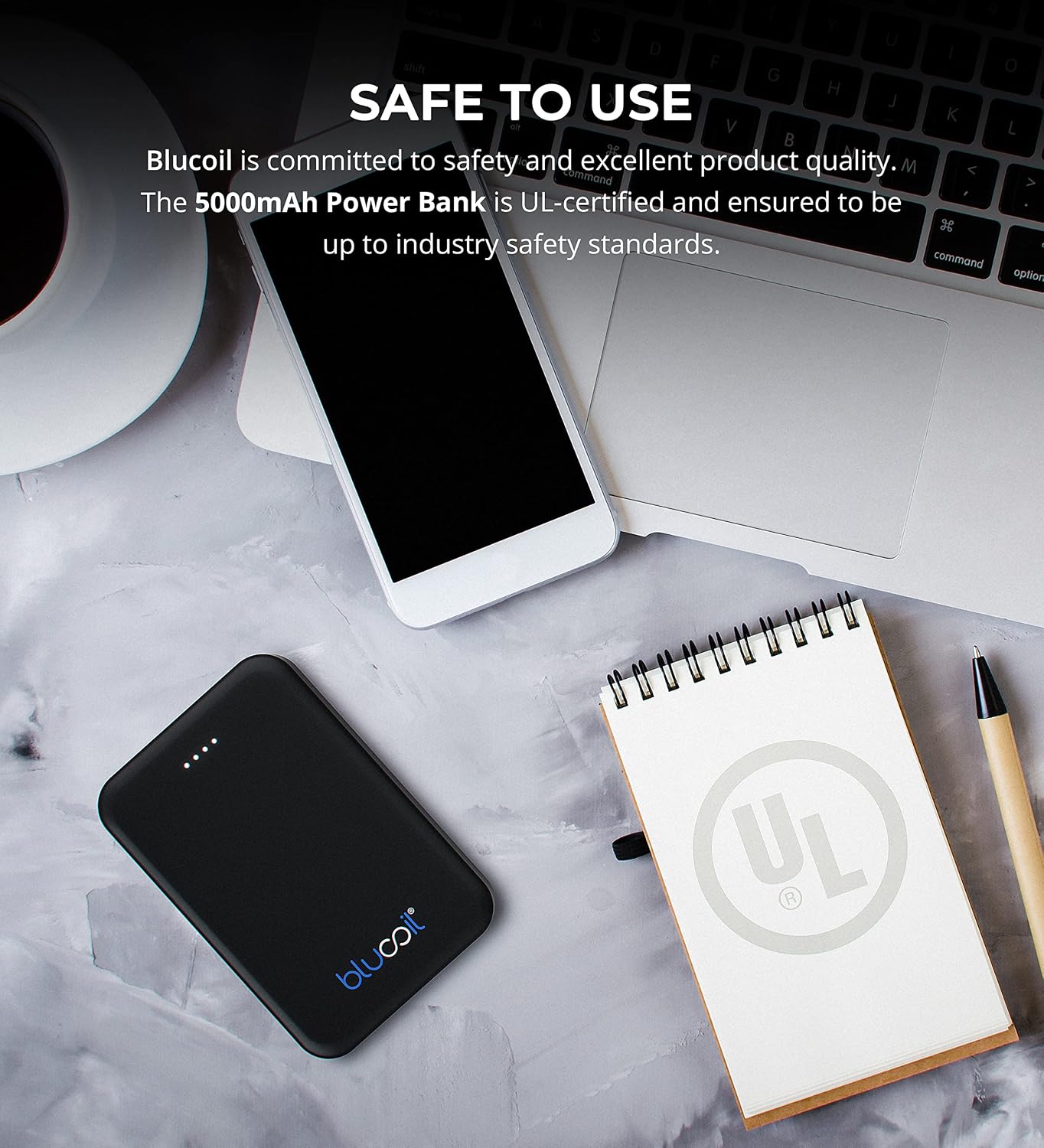
Image: The blucoil power bank connected to a wall adapter via a white USB cable, illustrating the charging process.
คำแนะนำการใช้งาน
การชาร์จอุปกรณ์ของคุณ
The blucoil 5000mAh Portable Power Bank is equipped with two USB output ports, allowing you to charge up to two devices simultaneously.
- Connect your device's charging cable to one of the USB output ports on the power bank.
- เชื่อมต่อปลายอีกด้านของสายเคเบิลเข้ากับอุปกรณ์อิเล็กทรอนิกส์ของคุณ
- The power bank will automatically begin charging your device. The LED indicator lights will show the remaining power level of the power bank.
- Both USB ports provide 5V, 2.1A output power, suitable for fast charging compatible devices.

Image: The blucoil power bank simultaneously charging a smartphone and a tablet using its dual USB output ports.
ตัวบ่งชี้ระดับพลังงาน
The four LED lights on the power bank indicate the remaining battery capacity:
- ไฟ LED 4 ดวง: 75-100% เรียกเก็บ
- ไฟ LED 3 ดวง: 50-75% เรียกเก็บ
- ไฟ LED 2 ดวง: 25-50% เรียกเก็บ
- 1 นำ: ชาร์จ 0-25% (ชาร์จเร็ว ๆ นี้)
ความเข้ากันได้กว้าง
The blucoil 5000mAh Portable Power Bank is compatible with a wide range of devices, including but not limited to:
- สมาร์ทโฟน
- แท็บเล็ต
- กล้องดิจิตอล
- ผู้เล่น MP3 / MP4
- หูฟัง
- เครื่องเล่นเกมคอนโซล

Image: The blucoil power bank surrounded by icons representing various compatible devices such as phones, tablets, headphones, and game consoles.
การบำรุงรักษาและการดูแล
- เก็บพาวเวอร์แบงค์ให้แห้ง อย่าให้โดนความชื้นหรือของเหลว
- Avoid extreme temperatures. Do not store in very hot or cold environments.
- Clean the power bank with a soft, dry cloth. Do not use harsh chemicals or abrasive cleaners.
- Store the power bank with a partial charge (around 50%) if not used for extended periods to prolong battery life.
- หลีกเลี่ยงการทำพาวเวอร์แบงค์ตกหรือกระแทกแรงๆ
ข้อมูลด้านความปลอดภัย
The blucoil 5000mAh Portable Power Bank is designed with safety in mind and is UL-certified, ensuring it meets industry safety standards.
- ห้ามถอดประกอบ ดัดแปลง หรือพยายามซ่อมแซมพาวเวอร์แบงค์
- เก็บให้พ้นจากมือเด็ก
- อย่าลัดวงจรพาวเวอร์แบงค์
- ทิ้งพาวเวอร์แบงค์อย่างมีความรับผิดชอบตามกฎระเบียบท้องถิ่น

Image: The blucoil power bank placed next to a notebook with a prominent UL certification logo, indicating product safety compliance.
การแก้ไขปัญหา
- พาวเวอร์แบงค์ไม่ชาร์จ: Ensure the charging cable is securely connected to both the power bank's Micro USB input and the wall adapter/USB port. Try a different cable or adapter.
- อุปกรณ์ไม่ชาร์จจากพาวเวอร์แบงค์: Ensure the power bank is sufficiently charged. Check that the device's charging cable is properly connected to both the power bank's output port and your device. Try a different cable.
- การชาร์จช้า: Ensure you are using a compatible charging cable and that the power bank has adequate charge. Some devices may charge slower if the power bank's charge is very low.
ข้อมูลจำเพาะ
| คุณสมบัติ | รายละเอียด |
|---|---|
| ยี่ห้อ | บลูคอยล์ |
| แบบอย่าง | แบตสำรองแบบพกพา 5000mAh |
| ความจุของแบตเตอรี่ | 5000 มิลลิวินาทีamp ชั่วโมง (18.5 ชั่วโมง) |
| ปริมาณการส่งออกtage | 5 โวลต์ |
| กระแสไฟขาออก | 2.1A (per port) |
| ประเภทขั้วต่อ | ไมโคร USB (อินพุต) |
| น้ำหนักสินค้า | 4.6 ออนซ์ |
| ขนาดแพ็คเกจ | 6.26 x 3.58 x 0.71 นิ้ว |
| คุณสมบัติพิเศษ | Lightweight, Portable, Travel-friendly |
การรับประกันและการสนับสนุน
For warranty information or technical support, please refer to the product packaging or contact blucoil customer service through the retailer where the product was purchased. Keep your proof of purchase for any warranty claims.


