การแนะนำ
This manual provides comprehensive instructions for the setup, operation, maintenance, and troubleshooting of your Logitech Z606 5.1 Surround Sound Speaker System. Please read this manual carefully before using your speaker system to ensure optimal performance and longevity.
เนื้อหาแพ็คเกจ
ตรวจสอบว่ามีส่วนประกอบทั้งหมดอยู่ในแพ็คเกจของคุณ:
- Subwoofer with integrated control panel
- Five satellite speakers (Front Left, Front Right, Center, Rear Left, Rear Right)
- รีโมทคอนโทรล
- Speaker cables (including extra-long cables for rear satellites)
- สายไฟ
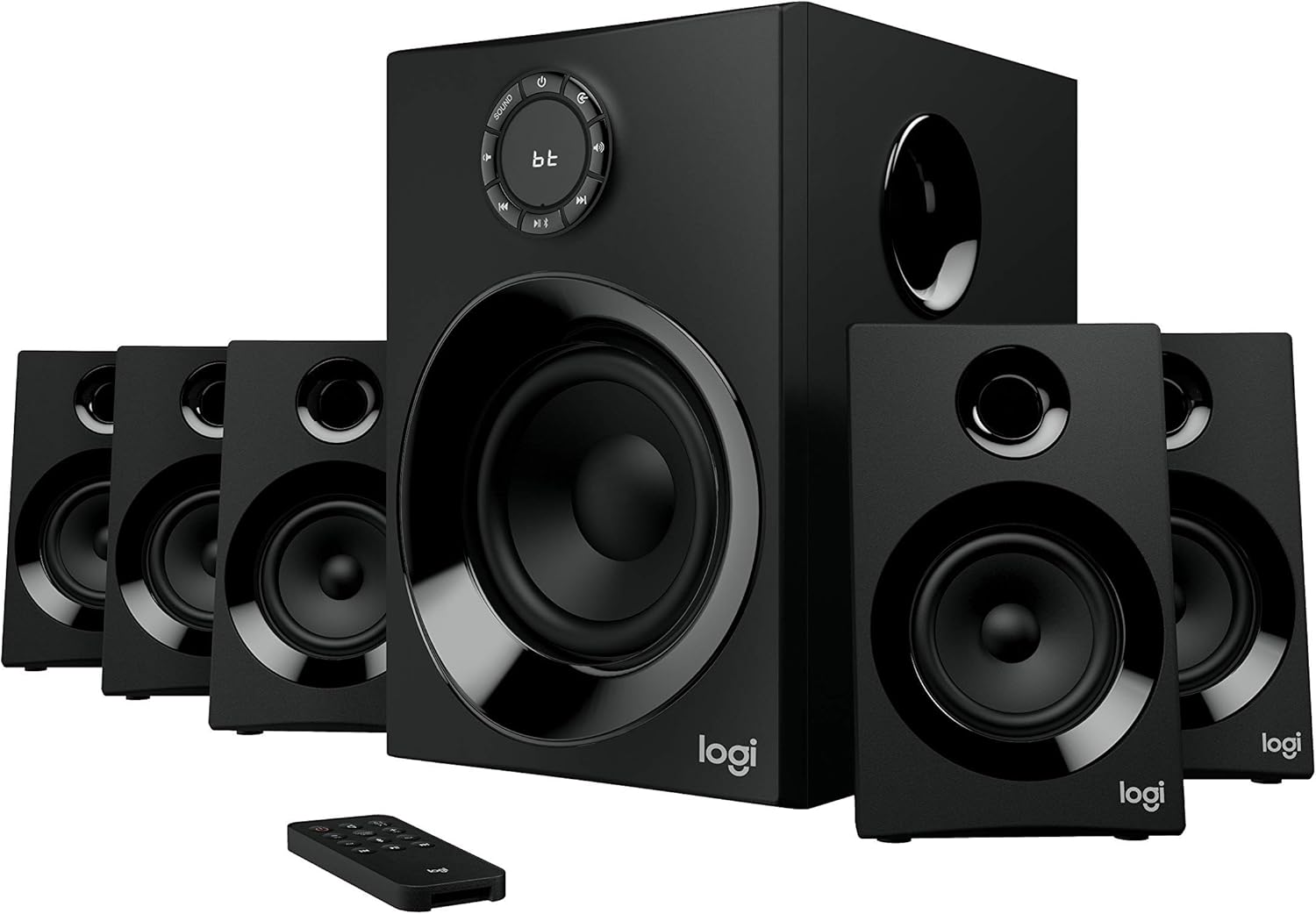
Image: The Logitech Z606 5.1 Surround Sound Speaker System, showing the central subwoofer, five satellite speakers, and the remote control. This illustrates the complete system.
การตั้งค่า
1. การวางตำแหน่งลำโพง
Proper speaker placement is crucial for optimal 5.1 surround sound experience. Refer to the diagram below for recommended placement.
- ลำโพงหน้าซ้ายและขวา: Place these speakers equidistant from your listening position, typically on either side of your display.
- ลำโพงกลาง: Position the center speaker directly in front of your listening position, usually above or below your display.
- Rear Left and Right Speakers: Place these speakers behind your listening position, slightly to the sides. The Z606 includes extra-long 20-foot (6.2 meter) cables for flexible placement.
- ซับวูฟเฟอร์: The subwoofer can be placed anywhere in the room, but often performs best when positioned in a corner or near a wall to enhance bass response.

Image: A diagram illustrating the recommended placement of the 5.1 speaker system components (subwoofer, front, center, and rear satellites) around a listening area, with cable lengths indicated for optimal setup.
2. การเชื่อมต่อลำโพง
Connect each satellite speaker to the corresponding output on the rear of the subwoofer. Ensure the positive (+) and negative (-) terminals on the speaker match those on the subwoofer.

Image: The rear panel of the Logitech Z606 subwoofer, showing the various input ports (RCA, 3.5mm, Bluetooth indicator) and speaker output terminals for connecting the five satellite speakers.
3. การเชื่อมต่อแหล่งเสียง
The Z606 offers multiple connectivity options:
- บลูทูธ: For wireless connection, activate Bluetooth on your device and pair with "Logitech Z606".
- แจ็คเสียงขนาด 3.5 มม.: Connect devices like smartphones, tablets, or computers using a 3.5mm audio cable to the AUX input.
- สาย RCA: Use RCA cables to connect to TVs, Blu-ray/DVD players, or gaming consoles.
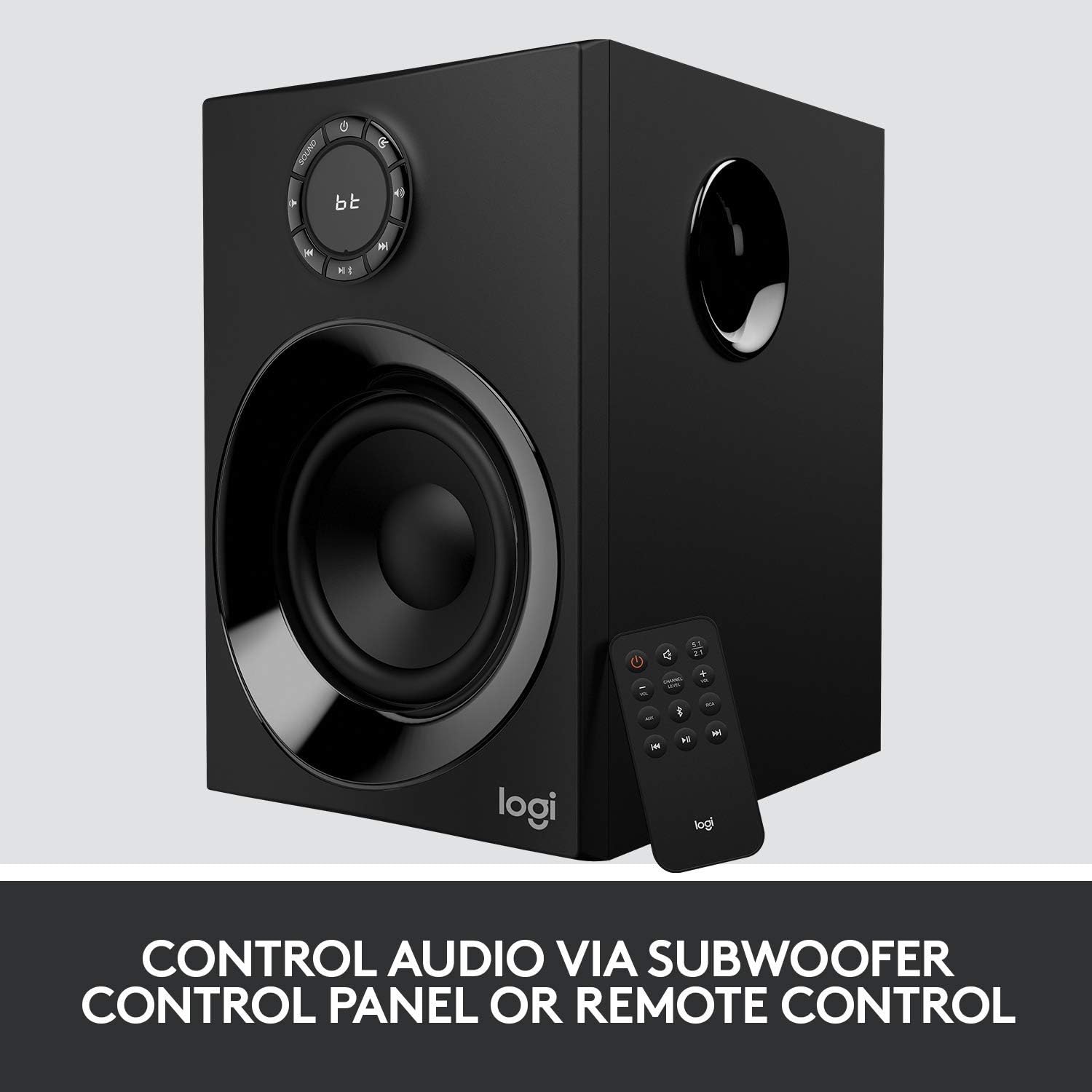
Image: The Logitech Z606 subwoofer alongside its remote control, highlighting the various control options available for audio playback and system settings.
คำแนะนำการใช้งาน
เปิด/ปิดเครื่อง
Use the power button on the subwoofer's control panel or the remote control to turn the system on or off.
การควบคุมระดับเสียง
Adjust the master volume using the large dial on the subwoofer or the volume buttons on the remote control.
การเลือกอินพุต
Press the "Source" button on the subwoofer or remote to cycle through available audio inputs (Bluetooth, AUX, RCA).
Speaker Level Adjustment
The Z606 allows independent control over the volume of the front, rear, and center speakers, as well as the subwoofer. Use the remote control or the subwoofer's control panel to adjust these levels to your preference for balanced surround sound.

ภาพ: ภาพระยะใกล้ view of the Logitech Z606 subwoofer's control panel, featuring the main volume dial, input selection buttons, and indicators for Bluetooth connectivity.
การซ่อมบำรุง
- การทำความสะอาด: ใช้ผ้าแห้งเนื้อนุ่มเช็ดทำความสะอาดพื้นผิวลำโพง หลีกเลี่ยงการใช้สารทำความสะอาดที่มีฤทธิ์กัดกร่อนหรือตัวทำละลาย
- การระบายอากาศ : Ensure the subwoofer and speakers have adequate ventilation to prevent overheating. Do not block any vents.
- การจัดการสายเคเบิล: Keep cables tidy and untangled to prevent damage and ensure clear audio signals.
- พื้นที่จัดเก็บ: If storing the system for an extended period, disconnect it from power and store in a cool, dry place.
การแก้ไขปัญหา
| ปัญหา | สาเหตุที่เป็นไปได้ | สารละลาย |
|---|---|---|
| ไม่มีเสียงออกจากลำโพง |
|
|
| คุณภาพเสียงผิดเพี้ยนหรือไม่ดี |
|
|
| ปัญหาการจับคู่บลูทูธ |
|
|
ข้อมูลจำเพาะ
- ชื่อรุ่น : Z606
- ประเภทลำโพง: 5.1 ระบบเสียงรอบทิศทาง
- พลังงานสูงสุดรวม: 160 วัตต์
- กำลัง RMS รวม: 80 วัตต์
- ไดรเวอร์ซับวูฟเฟอร์: 5.25 นิ้ว
- การตอบสนองความถี่: 50 เฮิรตซ์ - 120 กิโลเฮิรตซ์
- การเชื่อมต่อ: Bluetooth 4.2, 3.5mm Audio Jack, RCA
- Cable Length (Rear Satellites): 20 ฟุต (6.2 เมตร)
- ขนาด (ซับวูฟเฟอร์): 33.3D x 41.4W x 29.8H เซนติเมตร
- น้ำหนัก: 0.01 ออนซ์
- สี: สีดำ
- ผู้ผลิต: โลจิเทค

ภาพ: โอเวอร์view of the Logitech Z606 5.1 Surround Sound Speaker System, emphasizing its 160 Watts of power and 5.1 surround sound capability.
ข้อมูลการรับประกัน
This Logitech Z606 speaker system comes with a การรับประกันแบบจำกัด provided by the manufacturer, Logitech. For specific details regarding warranty coverage, duration, and claims process, please refer to the warranty card included with your product or visit the official Logitech support webไซต์ โปรดเก็บหลักฐานการซื้อไว้เพื่อใช้ยืนยันการรับประกัน
สนับสนุน
หากต้องการความช่วยเหลือเพิ่มเติม การสนับสนุนด้านเทคนิค หรือเข้าถึงทรัพยากรเพิ่มเติม โปรดไปที่ฝ่ายสนับสนุนอย่างเป็นทางการของ Logitech website or contact their customer service. You can find contact information and FAQs on their webเว็บไซต์.
โลจิเทค อย่างเป็นทางการ Webเว็บไซต์: www.logitech.com/support


