การแนะนำ
Thank you for choosing the GTRACING GT890MF Gaming Chair. This manual provides detailed instructions for the assembly, operation, maintenance, and troubleshooting of your new gaming chair. Please read this manual carefully before use to ensure proper function and longevity of the product. Keep this manual for future reference.
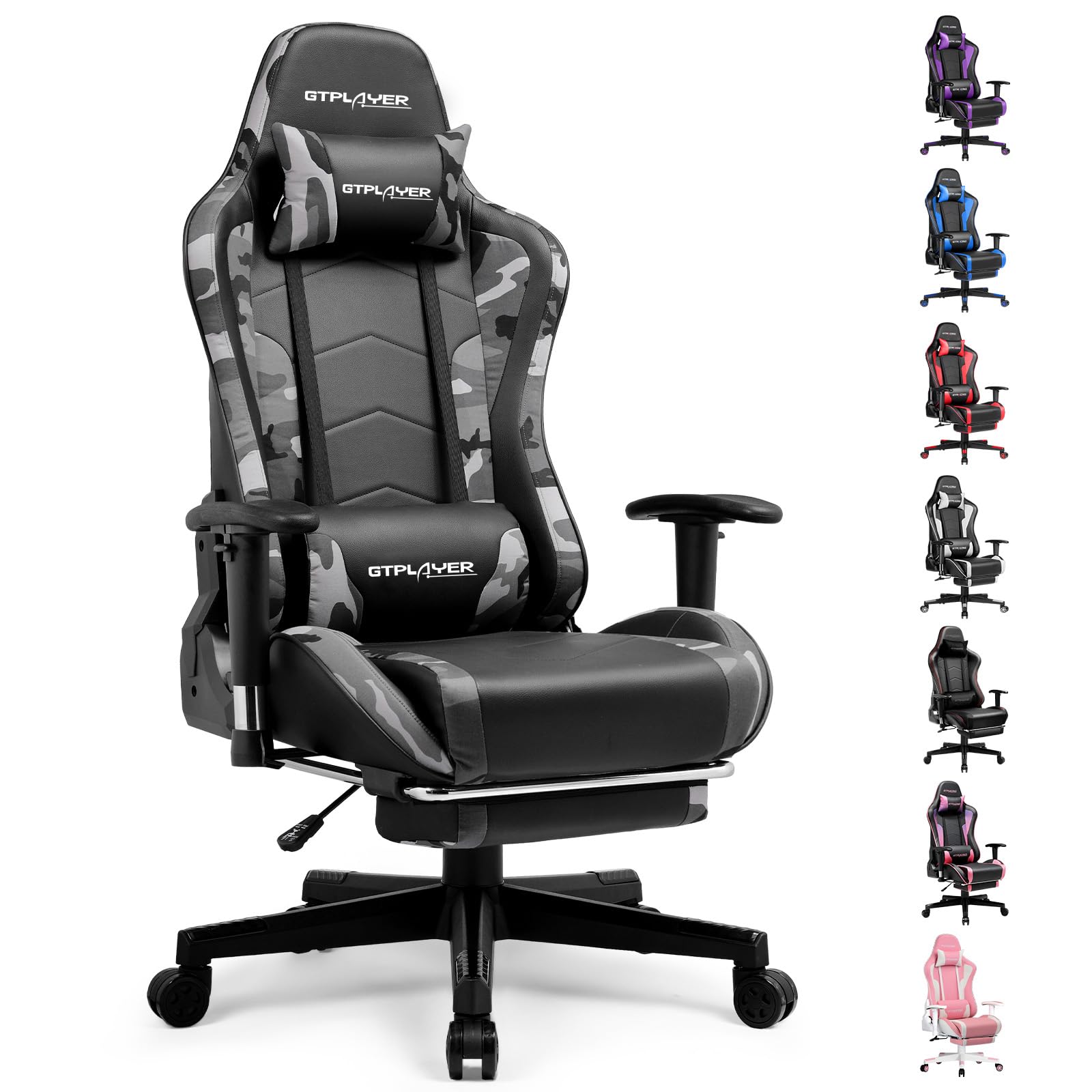
Image: The GTRACING GT890MF Gaming Chair, featuring a camouflage pattern, footrest, and integrated Bluetooth speakers, set up in a gaming environment.
ข้อมูลด้านความปลอดภัย
- สำหรับใช้ภายในอาคารเท่านั้น
- Maximum weight capacity: 300 lbs. Do not exceed this limit.
- Use caution when adjusting chair height and recline to prevent injury.
- Ensure all screws and bolts are tightened securely before use and periodically check for looseness.
- ขณะทำการปรับแต่ง ควรระวังอย่าให้มือและนิ้วอยู่ใกล้ชิ้นส่วนที่กำลังเคลื่อนไหว
- ห้ามยืนบนเก้าอี้
การติดตั้งและการประกอบ
Assembly is required for this chair. Please follow the steps below carefully. It is recommended to have two people for assembly.
เนื้อหาแพ็คเกจ

Image: An exploded diagram showing all components of the GTRACING GT890MF Gaming Chair, including the backrest, seat, armrests, base, wheels, gas lift, and footrest.
ขั้นตอนการประกอบ
- ติดตั้งที่วางแขน: Securely fasten the armrests to the seat base using the provided screws. Ensure they are oriented correctly.
- เชื่อมต่อพนักพิงเข้ากับที่นั่ง: Align the backrest with the seat mechanism and attach it using the designated bolts.
- ติดตั้งที่วางเท้า: Slide the footrest into its designated slots under the seat.
- ประกอบฐาน: Insert the casters (wheels) into the star base. Place the gas lift cylinder into the center hole of the star base.
- Attach Seat to Base: Carefully place the assembled seat and backrest onto the gas lift cylinder, ensuring it is seated firmly.
- ติดตั้งหมอนรองศีรษะและหมอนรองหลัง: Position the headrest and lumbar support pillows as desired.
คำแนะนำการใช้งาน
การปรับแต่งเก้าอี้
- การปรับความสูงของที่นั่ง: Pull the lever located under the right side of the seat upwards to raise or lower the seat. Release the lever at the desired height.
- พนักพิงปรับเอน: Pull the lever on the right side of the chair upwards to recline the backrest. Lean back to the desired angle (90 to 160 degrees) and release the lever to lock it in place.
- การปรับที่เท้าแขน: The armrests are multi-directional. Use the buttons or levers on the armrests to adjust their height, pivot, and slide forward/backward.
- ส่วนต่อขยายที่วางเท้า: Pull the footrest out from under the seat when desired. Push it back in when not in use.
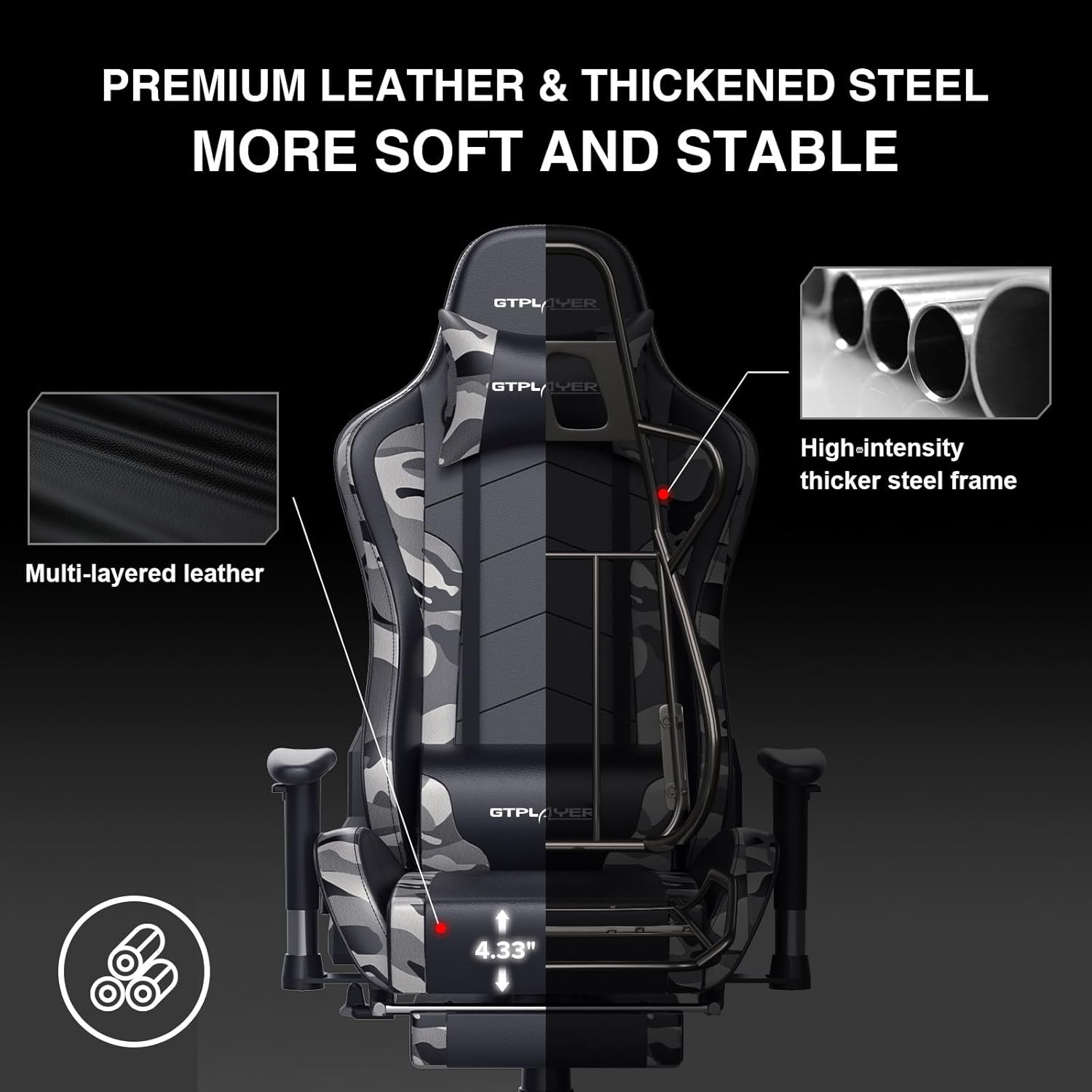
Image: The GTRACING GT890MF Gaming Chair demonstrating its backrest recline function, adjustable from 90 degrees for work to 155 degrees for resting.

ภาพ: ภาพระยะใกล้ view of the GTRACING GT890MF Gaming Chair's adjustable multi-directional armrests, highlighting their ability to move up, down, and pivot for optimal positioning.
การทำงานของลำโพงบลูทูธ
Your GTRACING GT890MF chair is equipped with dual Bluetooth 5.1 speakers for an immersive audio experience.
- เปิดเครื่อง: Locate the power button for the Bluetooth speakers, typically on the side or back of the chair. Press and hold to power on. A sound or indicator light will confirm activation.
- โหมดจับคู่: The speakers will automatically enter pairing mode when powered on for the first time, or if no device is connected. An indicator light will usually flash.
- เชื่อมต่ออุปกรณ์: On your smartphone, tablet, or other Bluetooth-enabled device, go to Bluetooth settings and search for available devices. Select "GTPLAYER" or a similar name to connect.
- การเล่นเสียง: Once connected, audio from your device will play through the chair's speakers. Adjust volume from your connected device.
- หมดแรง: Press and hold the power button again to turn off the speakers.

Image: The GTRACING GT890MF Gaming Chair with a visual representation of sound waves emanating from the integrated Bluetooth speakers in the headrest area.

Image: A detailed diagram illustrating the dual Bluetooth 5.1 speakers within the GTRACING GT890MF Gaming Chair, highlighting features like clear treble, stereo sound, HiFi audio, and dust prevention.

Image: A user seated in the GTRACING GT890MF Gaming Chair, with an illustration showing how the chair's Bluetooth speakers can connect to various devices like PC/TV, PS4/PS5/XBOX, and other Bluetooth 5.1 enabled devices. A separate USB Bluetooth transmitter is shown as an option for non-Bluetooth devices.
การซ่อมบำรุง
- การทำความสะอาด: เช็ดทำความสะอาดด้วยโฆษณาamp cloth. Avoid harsh chemicals or abrasive cleaners that may damage the faux leather upholstery.
- การตรวจสอบ: ตรวจสอบน็อตและสกรูทั้งหมดเป็นระยะเพื่อให้แน่ใจว่าแน่นสนิทดีแล้ว หากจำเป็นให้ขันให้แน่นอีกครั้ง
- การดูแลผู้ฝึกสอน: ควรทำความสะอาดล้อเลื่อนให้ปราศจากเส้นผมและเศษสิ่งสกปรก เพื่อให้ล้อเลื่อนได้อย่างราบรื่น
- พื้นที่จัดเก็บ: Store the chair in a dry, cool place away from direct sunlight to prevent material degradation.
การแก้ไขปัญหา
| ปัญหา | สาเหตุที่เป็นไปได้ | สารละลาย |
|---|---|---|
| เก้าอี้ปรับความสูงไม่ได้ | Gas lift lever not engaged or gas lift faulty. | Ensure the lever is fully pulled. If issue persists, contact support for gas lift replacement. |
| Backrest does not recline/lock | Recline lever not engaged or mechanism obstructed. | Ensure the recline lever is fully pulled/released. Check for obstructions in the recline mechanism. |
| Bluetooth speakers not pairing | Speakers not powered on, out of range, or already paired to another device. | Ensure speakers are charged and powered on. Move device closer to chair. Disconnect from other devices. Try restarting both chair speakers and your device. |
| เก้าอี้โยกเยก | น็อตหลวมหรือประกอบไม่เรียบร้อย | ตรวจสอบและขันน็อตยึดทั้งหมดให้แน่น ตรวจสอบให้แน่ใจว่าเก้าอี้วางอยู่บนพื้นผิวที่เรียบเสมอกัน |
ข้อมูลจำเพาะ
- ชื่อรุ่น : GT890MF
- ยี่ห้อ: จีเทรซิ่ง
- สี: ลายพราง
- วัสดุ: Faux Leather, Foam Fill, Steel Frame
- ขนาดสินค้า (ลึก x กว้าง x สูง): 20.87" x 21.65" x 53.15"
- ความสูงที่นั่ง: ปรับได้ สูงสุด 22.04 นิ้ว
- ความลึกของที่นั่ง: 20.87 นิ้ว
- น้ำหนักสินค้า: 47 ปอนด์
- คำแนะนำน้ำหนักสูงสุด: 300 ปอนด์
- สไตล์กลับ: Solid Back, Reclining (90 to 160 degrees)
- คุณสมบัติพิเศษ: Adjustable Height, Adjustable Lumbar, Ergonomic Design, Foot Rest, Rolling Casters, Dual Bluetooth 5.1 Speakers
- การประกอบ: ที่จำเป็น

Image: A diagram illustrating the key dimensions of the GTRACING GT890MF Gaming Chair, including overall height, width, and depth.

Image: A detailed diagram showing various dimensions of the GTRACING GT890MF Gaming Chair, including seat height, armrest height, and backrest height, along with maximum load capacity (330 lbs) and recommended user height (6.2 ft).
การรับประกันและการสนับสนุน
GTRACING offers a worry-free purchase experience for your gaming chair.
- นโยบาย 30 วัน: Free replacement or refund within 30 days of purchase.
- รับประกัน 1 ปี: Free replacement or repair within 1 year of purchase for manufacturing defects.
For any questions, suggestions, or support needs, please feel free to contact our customer service team. We are dedicated to ensuring customer satisfaction.

Image: A group of customer service representatives wearing headsets, symbolizing available support.


