1. บทนำ
The i-Star Portable DAB/DAB+/FM Radio offers a versatile listening experience with clear digital and analog radio reception. Designed for portability, it features a built-in rechargeable battery and a compact design, making it suitable for use at home or on the go. This manual provides essential information for setting up, operating, and maintaining your radio.

รูปที่ 1: ด้านหน้า view of the i-Star Portable DAB/DAB+/FM Radio, highlighting its compact design and user interface.
2. การตั้งค่า
2.1 การแกะกล่องและการเรียกเก็บเงินครั้งแรก
- ถอดวิทยุและอุปกรณ์เสริมทั้งหมดออกจากบรรจุภัณฑ์อย่างระมัดระวัง
- Connect the supplied USB charging cable to the radio's Micro USB port and to a compatible USB power adapter (not included) or a computer's USB port.
- Allow the radio to charge fully before first use. The charging indicator will typically change or turn off when charging is complete. A full charge provides up to 4 hours of playback.
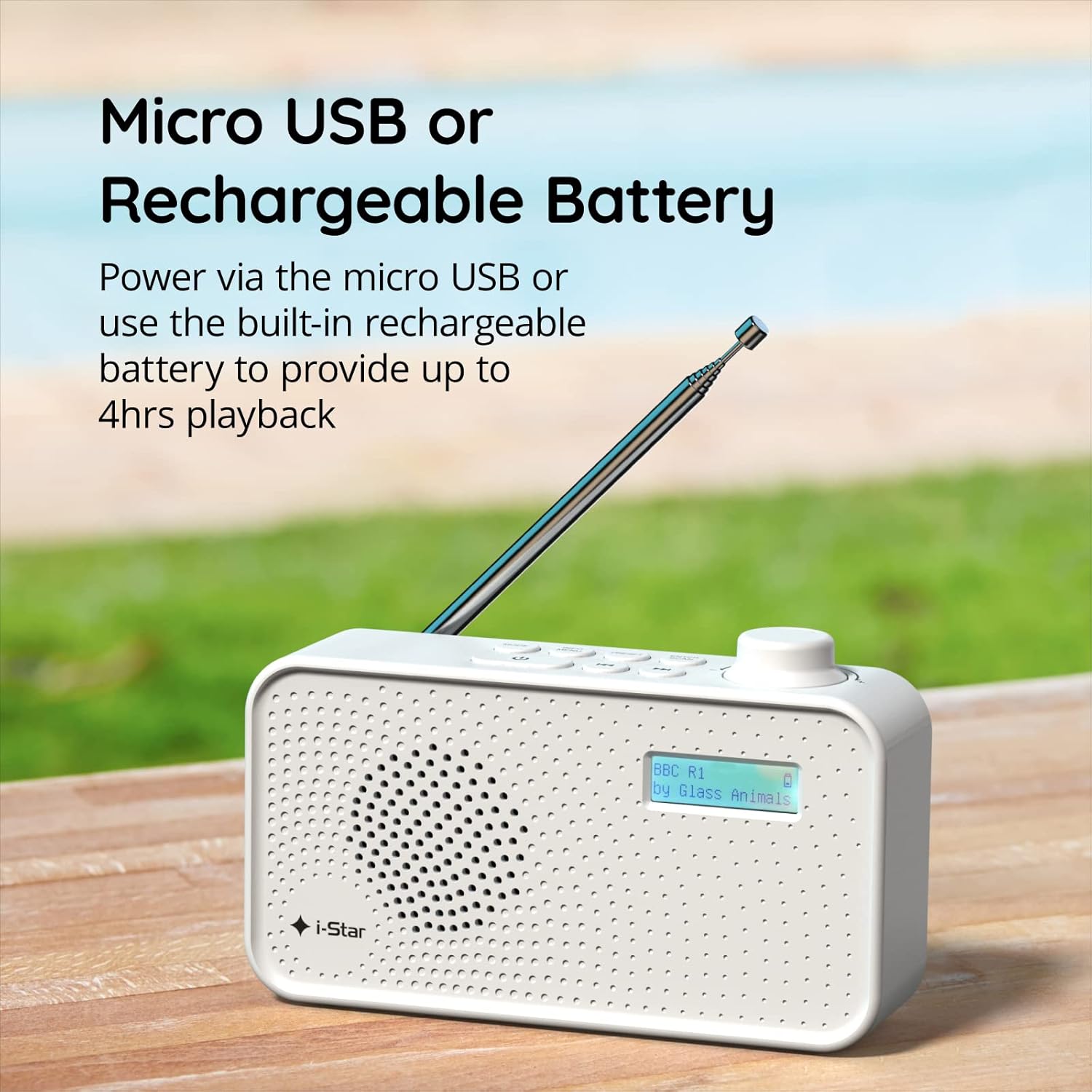
รูปที่ 2: The radio powered via Micro USB or its built-in rechargeable battery.
2.2 First Power On and Automatic Scan
- ยืดเสาอากาศแบบยืดหดได้เต็มที่เพื่อการรับสัญญาณที่ดีที่สุด
- กดปุ่มค้างไว้ รอ ปุ่มเพื่อเปิดวิทยุ
- Upon first power-on, the radio will automatically perform a scan for available DAB/DAB+ stations. This process may take a few minutes.
- เมื่อการสแกนเสร็จสิ้น วิทยุจะปรับไปยังสถานีแรกที่รับได้
3. คู่มือการใช้งาน
3.1 Switching Between DAB/DAB+ and FM Modes
- กดปุ่ม โหมด button repeatedly to switch between DAB/DAB+ and FM radio modes. The current mode will be displayed on the LCD screen.

รูปที่ 3: The radio supports DAB, DAB+, and FM for a wide range of listening options.
3.2 สถานีปรับจูน
- DAB/DAB+ Mode: ใช้ พรีเซ็ต or ทำนอง buttons (left/right arrows) to navigate through the list of available stations. Press ป้อน/สแกน เพื่อเลือกสถานี
- โหมด FM: กดปุ่ม ป้อน/สแกน button to automatically scan for the next available FM station. Alternatively, use the ทำนอง buttons for manual fine-tuning.
3.3 การบันทึกและการเรียกใช้ค่าที่ตั้งไว้ล่วงหน้า
- จูนไปยังสถานีที่คุณต้องการ
- กดปุ่มค้างไว้ พรีเซ็ต button until 'Preset Store' appears on the display.
- ใช้ ทำนอง ปุ่มสำหรับเลือกหมายเลขที่กำหนดไว้ล่วงหน้า (1-60)
- กด ป้อน/สแกน เพื่อยืนยันและบันทึกสถานี
- To recall a saved station, briefly press the พรีเซ็ต ปุ่ม จากนั้นใช้ปุ่ม ทำนอง buttons to select the desired preset number, and press ป้อน/สแกน.
3.4 การควบคุมระดับเสียง
- หมุน ปริมาณ knob (located on the right side) clockwise to increase volume and counter-clockwise to decrease volume.
3.5 Sleep Timer Function
- To activate the sleep timer, press the ข้อมูล/เมนู button repeatedly until 'Sleep' appears.
- ใช้ ทำนอง buttons to select the desired sleep duration (e.g., 15, 30, 45, 60, 90 minutes).
- กด ป้อน/สแกน to confirm. The radio will automatically turn off after the set time.

รูปที่ 4: The sleep timer feature allows the radio to automatically switch off after a set period.
3.6 Headphone Listening
- Connect standard 3.5mm headphones (not included) to the headphone jack located on the side of the radio for private listening. The internal speaker will be muted automatically.

รูปที่ 5: Connect headphones for personal listening without disturbing others.
4. การบำรุงรักษา
4.1 การดูแลทั่วไป
- ควรเก็บวิทยุให้ห่างจากแสงแดดโดยตรง แหล่งความร้อน และความชื้น
- หลีกเลี่ยงการทำวิทยุตกหรือได้รับแรงกระแทกรุนแรง
- Do not attempt to disassemble the radio; this will void the warranty.
4.2 การทำความสะอาด
- Wipe the radio's exterior with a soft, dry cloth.
- ห้ามใช้สารทำความสะอาดที่มีฤทธิ์กัดกร่อน ขี้ผึ้ง หรือตัวทำละลาย เพราะอาจทำให้พื้นผิวเสียหายได้
5 การแก้ไขปัญหา
- ไม่มีไฟฟ้า: Ensure the radio is charged or connected to a power source via the USB cable. Check if the STANDBY button has been pressed.
- ไม่มีเสียง: Check the volume level. Ensure headphones are not connected if you intend to use the speaker.
- Poor Reception (DAB/DAB+ or FM): Fully extend the telescopic antenna. Try repositioning the radio. Perform a full scan for DAB/DAB+ stations. In FM mode, try manual tuning.
- Radio Freezes/Unresponsive: Turn the radio off and on again. If the issue persists, allow the battery to fully discharge and then recharge it.
6. ข้อมูลจำเพาะ
| คุณสมบัติ | ข้อมูลจำเพาะ |
|---|---|
| ยี่ห้อ | ไอ - สตาร์ |
| หมายเลขรุ่น | 90059PI |
| สี | สีขาว |
| รองรับคลื่นวิทยุ | แดบ, แดบ+, เอฟเอ็ม |
| เทคโนโลยีการปรับแต่ง | Digital (DAB/DAB+), Analog (FM) |
| การเชื่อมต่อ | USB (for charging), 3.5mm Headphone Jack |
| แหล่งพลังงาน | Rechargeable Lithium-ion Battery (1200 mAh), USB Power |
| อายุการใช้งานแบตเตอรี่ | นานถึง 4 ชั่วโมง (ต่อการชาร์จหนึ่งครั้ง) |
| คุณสมบัติพิเศษ | Portable, Sleep Timer, 60 Station Presets |
| ส่วนประกอบที่รวมอยู่ | USB Charging Cable, User Manual |
| น้ำหนักสินค้า | 440 กรัม |
7. การรับประกันและการสนับสนุน
This product is covered by a standard manufacturer's warranty. Please refer to the warranty card included in your packaging for specific terms and conditions. For technical support, troubleshooting assistance, or warranty claims, please contact your retailer or the i-Star customer service department. Contact details can typically be found on the product packaging or the official i-Star webเว็บไซต์.


