การแนะนำ
Thank you for choosing the Celly Pantone Qi Wireless Charger. This device provides convenient and efficient wireless charging for your compatible smartphones and other Qi-enabled devices. Its compact design makes it ideal for use at home or in the office. Please read this manual carefully before use to ensure proper operation and to maximize the product's lifespan.
เนื้อหาแพ็คเกจ
- Celly Pantone Qi Wireless Charger (Model PTWC001N)
- สายไฟไมโคร USB

Image: Celly Pantone Qi Wireless Charger in its retail packaging, showing the charger and included USB cable.
สินค้าเกินview
The Celly Pantone Qi Wireless Charger is a sleek and compact charging pad designed for ease of use. It features a circular design with a central charging area and an integrated LED indicator to show charging status. The charger supports up to 10W wireless charging, with optimized 7.5W output for compatible Apple iPhone models.
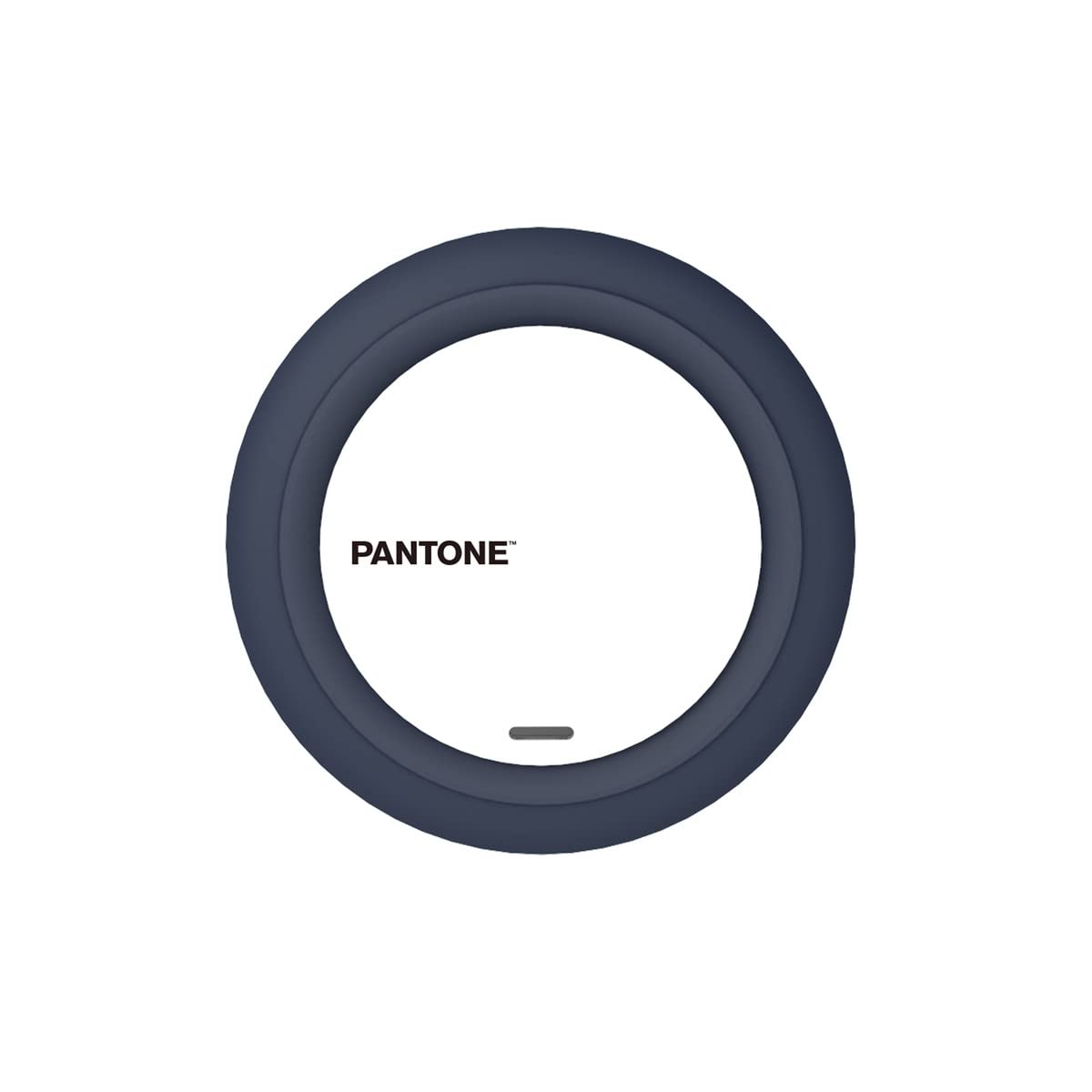
ภาพ: ด้านบน view of the Celly Pantone Qi Wireless Charger, highlighting its circular design and central charging area.
การตั้งค่า
- Connect the Micro USB end of the provided cable into the charging port on the Celly Pantone Qi Wireless Charger.
- Connect the standard USB-A end of the cable into a compatible USB power adapter (not included). A Quick Charge 2.0/3.0 adapter or a 5V/2A adapter is recommended for optimal performance.
- Place the wireless charger on a stable, flat surface.
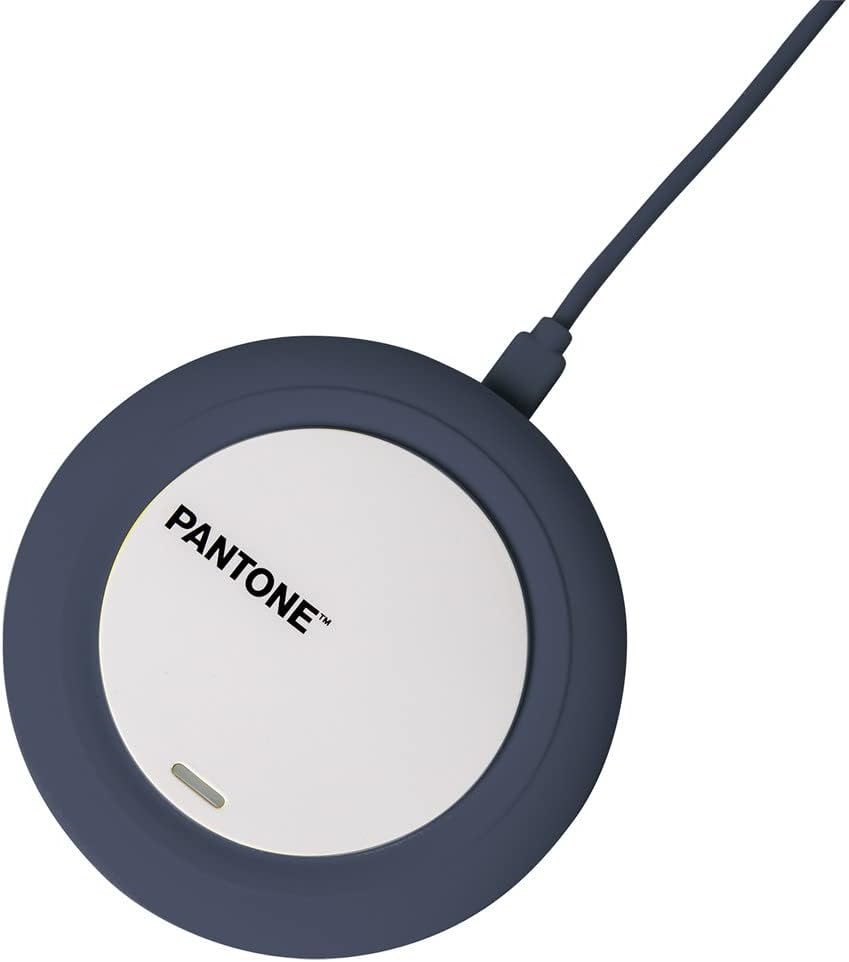
Image: The Celly Pantone Qi Wireless Charger with its Micro USB cable connected, ready for power.
คำแนะนำการใช้งาน
ในการชาร์จอุปกรณ์ของคุณ:
- Ensure the Celly Pantone Qi Wireless Charger is properly connected to a power source. The LED indicator may briefly light up to confirm power.
- Place your Qi-compatible smartphone or device directly onto the center of the charging pad.
- The integrated LED indicator on the charger will illuminate to confirm that charging has begun. If the LED does not light up, adjust the position of your device on the pad.
- เมื่อชาร์จอุปกรณ์จนเต็มแล้ว ให้นำอุปกรณ์ออกจากแท่นชาร์จ
ความเข้ากันได้
This charger is compatible with all devices featuring Qi wireless charging technology. This includes various models from brands such as Apple (iPhone 8 and newer), Samsung, Motorola, Xiaomi, OPPO, Huawei, TCL, Alcatel, Vivo, Realme, Honor, as well as compatible smartwatches and MP3 players.
การซ่อมบำรุง
- การทำความสะอาด: ถอดปลั๊กเครื่องชาร์จออกจากแหล่งจ่ายไฟก่อนทำความสะอาด ใช้ผ้านุ่มและแห้งเช็ดพื้นผิว ห้ามใช้น้ำยาทำความสะอาดหรือสเปรย์
- พื้นที่จัดเก็บ: เก็บที่ชาร์จไว้ในที่เย็นและแห้งเมื่อไม่ได้ใช้งาน
- การจัดการ: Avoid dropping the charger or subjecting it to strong impacts. Do not disassemble the device, as this will void any warranty and may cause damage.
การแก้ไขปัญหา
- อุปกรณ์ไม่ชาร์จ:
- Ensure the Micro USB cable is securely connected to both the charger and the power adapter.
- Verify that the power adapter is plugged into a working electrical outlet.
- Confirm your device is Qi-compatible.
- Adjust the position of your device on the charging pad to ensure proper alignment with the charging coil.
- ถอดเคสโทรศัพท์หนาๆ ที่อาจขัดขวางการชาร์จไร้สายออก
- การชาร์จช้า:
- Ensure you are using a compatible power adapter (e.g., Quick Charge 2.0/3.0 or 5V/2A). Lower power adapters may result in slower charging.
- ตรวจสอบให้แน่ใจว่าวางอุปกรณ์ของคุณบนแท่นชาร์จอย่างถูกต้อง
- หลีกเลี่ยงการชาร์จในสภาพแวดล้อมที่ร้อนเกินไป
- LED indicator is not lighting up:
- Verify that the charger is receiving power from the wall outlet.
- Ensure the device is placed correctly on the charging pad.
ข้อมูลจำเพาะ
| แบบอย่าง | PTWC001N |
| ขนาด | 9.8 x 1.3 x 9.8 ซม. |
| น้ำหนัก | 50 กรัม |
| อินพุต Voltage | 100 โวลต์ |
| Ampอีเรจ | 2 Ampที่นั่น |
| เอาท์พุต วัดtage | Up to 10W (7.5W for compatible Apple iPhones) |
| ประเภทขั้วต่อ | Wireless (Qi standard) |
| อุปกรณ์ที่รองรับ | Qi-enabled smartphones, smartwatches, MP3 players |
| คุณสมบัติเพิ่มเติม | ไฟแสดงสถานะการชาร์จ |
| ส่วนประกอบที่รวมอยู่ | สายไมโคร USB |
การรับประกันและการสนับสนุน
สำหรับข้อมูลการรับประกันหรือการสนับสนุนทางเทคนิค โปรดดูเอกสารที่แนบมาพร้อมกับสินค้าที่ซื้อ หรือติดต่อผู้ค้าปลีก/ผู้ผลิตโดยตรง โปรดเก็บหลักฐานการซื้อไว้เพื่อใช้ในการเรียกร้องการรับประกัน


