1. บทนำและเรื่องอื่นๆview
The Alienware Aurora R10 Gaming Desktop is engineered to deliver exceptional performance for gaming and demanding applications. Featuring an AMD Ryzen 7 3700X processor, AMD Radeon RX 5700 XT graphics, and a robust storage configuration, this system provides a powerful computing experience. Its innovative design prioritizes efficient airflow and ease of access for upgrades.

รูปที่ 1 : ด้านหน้า view ของ Alienware Aurora R10 Gaming Desktop ที่จัดแสดงasing its distinctive design and front panel ports.
2. คู่มือการติดตั้ง
Follow these steps to set up your Alienware Aurora R10 Gaming Desktop:
- การแกะกล่อง: Carefully remove the desktop from its packaging. Ensure all accessories, including the keyboard and mouse, are present.
- การจัดวาง: Place the desktop on a stable, flat surface with adequate ventilation around all sides. Avoid placing it in enclosed spaces or near heat sources.
- เชื่อมต่ออุปกรณ์ต่อพ่วง:
- Connect your monitor(s) to the appropriate display ports on the graphics card (DisplayPort, HDMI).
- เชื่อมต่อคีย์บอร์ดและเมาส์ที่ให้มาเข้ากับพอร์ต USB ที่มีอยู่
- เชื่อมต่ออุปกรณ์ต่อพ่วงอื่นๆ เช่น ลำโพง หูฟัง หรือฮาร์ดไดรฟ์ภายนอก
- การเชื่อมต่อไฟฟ้า: Connect the power cable to the power port on the rear of the desktop and then to a grounded electrical outlet.
- เปิดเครื่องครั้งแรก: Press the power button located on the front of the desktop. The system will boot into Windows 10 Home. Follow the on-screen instructions for initial setup.

รูปที่ 2: ด้านหลัง view of the Alienware Aurora R10, illustrating the various connectivity ports for peripherals and power.
3. คู่มือการใช้งาน
Your Alienware Aurora R10 comes pre-installed with Windows 10 Home, providing a familiar and intuitive operating environment. For optimal performance, ensure your system drivers and Windows updates are kept current.
3.1 การจัดการพลังงาน
- เปิดเครื่อง: Press the Alienware head icon on the front panel.
- ปิดระบบ: คลิกปุ่ม Start ใน Windows จากนั้นคลิกปุ่ม Power > Shut down
- เริ่มต้นใหม่อีกครั้ง: ใน Windows ให้คลิกปุ่ม Start จากนั้นเลือก Power > Restart
- โหมดสลีป: ใน Windows ให้คลิกปุ่ม Start จากนั้นเลือก Power > Sleep
3.2 AlienFX Lighting Control
The Alienware Aurora R10 features customizable AlienFX lighting. You can personalize the lighting zones on the front panel using the Alienware Command Center software, which is pre-installed on your system. This software allows you to choose from a wide range of colors and effects to match your setup or mood.
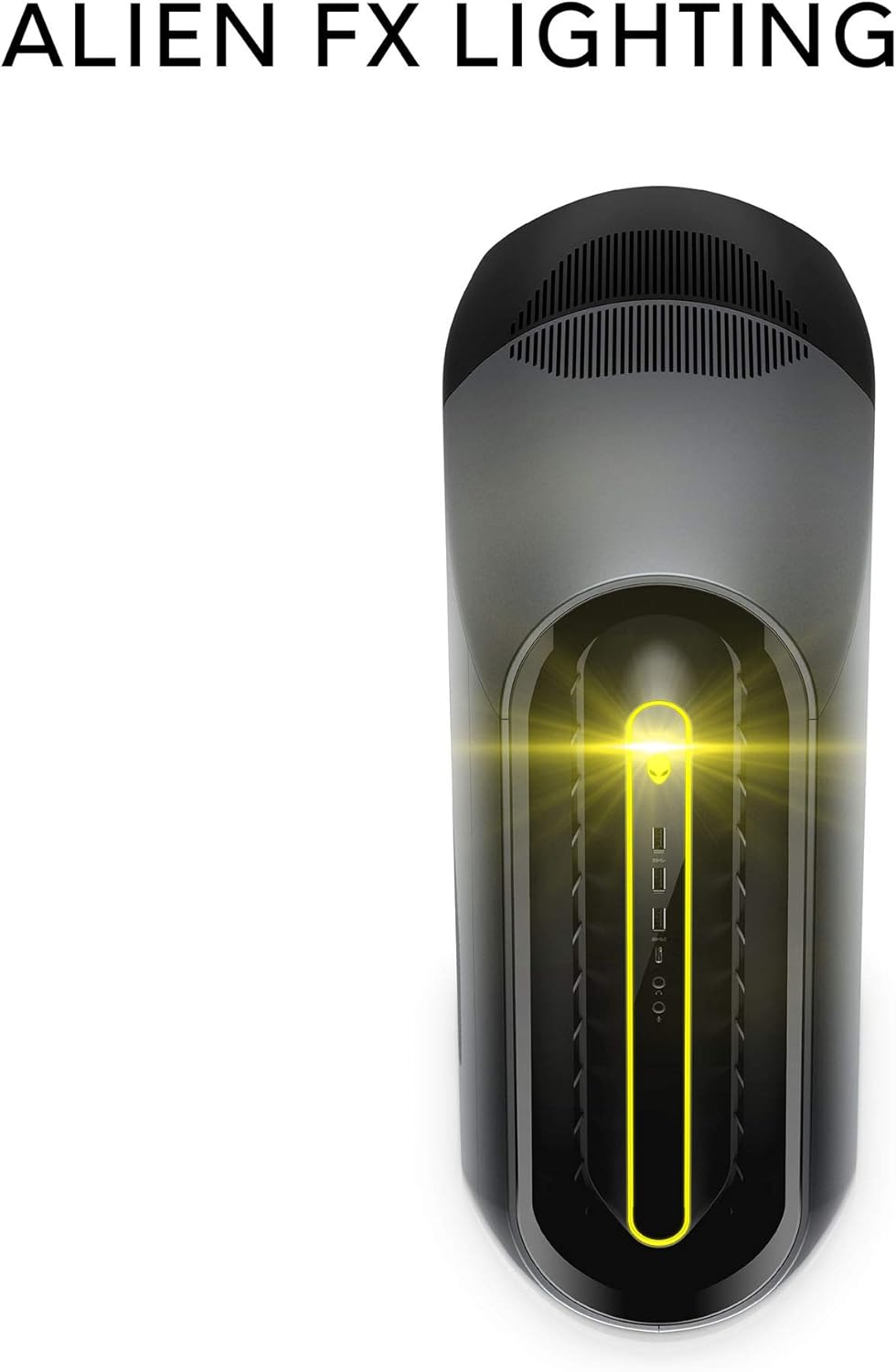
Figure 3: The AlienFX lighting system on the front of the desktop, offering personalized illumination.
3.3 การเพิ่มประสิทธิภาพการทำงาน
The Alienware Command Center also provides tools for performance monitoring and optimization, including fan speed control and overclocking options for advanced users. Refer to the software's built-in help for detailed instructions on these features.
วิดีโอ 1: วิดีโออย่างเป็นทางการasing the features and design of the Alienware Aurora R10 Gaming Desktop.
4. คุณสมบัติหลัก
The Alienware Aurora R10 is designed with several key features to enhance your computing and gaming experience:
- โปรเซสเซอร์อันทรงพลัง: Equipped with an AMD Ryzen 7 3700X (8-Core, 32MB L3 Cache, max boost clock of 4.4GHz) processor, providing robust performance for multitasking and demanding applications.
- กราฟิกขั้นสูง: Features an AMD Radeon RX 5700 XT 8GB GDDR6 graphics card, delivering high frame rates and immersive visuals for modern games.
- PCI-Express 4.0 Technology: The first Alienware machine to feature PCI-Express 4.0, doubling the bandwidth available to graphics cards and other components for enhanced overall performance.
- การไหลเวียนของอากาศที่ปรับให้เหมาะสม: The Legend Industrial Design incorporates an improved airflow pattern, efficiently reducing CPU temperatures and allowing for more stable performance and higher overclocking potential.
- Hybrid Storage Solution: A combination of a 512GB M.2 PCIe NVMe SSD for fast boot times and application loading, paired with a 1TB 7200 RPM SATA 6 Gb/s HDD for ampความจุในการจัดเก็บ
- Tool-Less Entry: Designed for easy access to internal components, simplifying upgrades and maintenance.
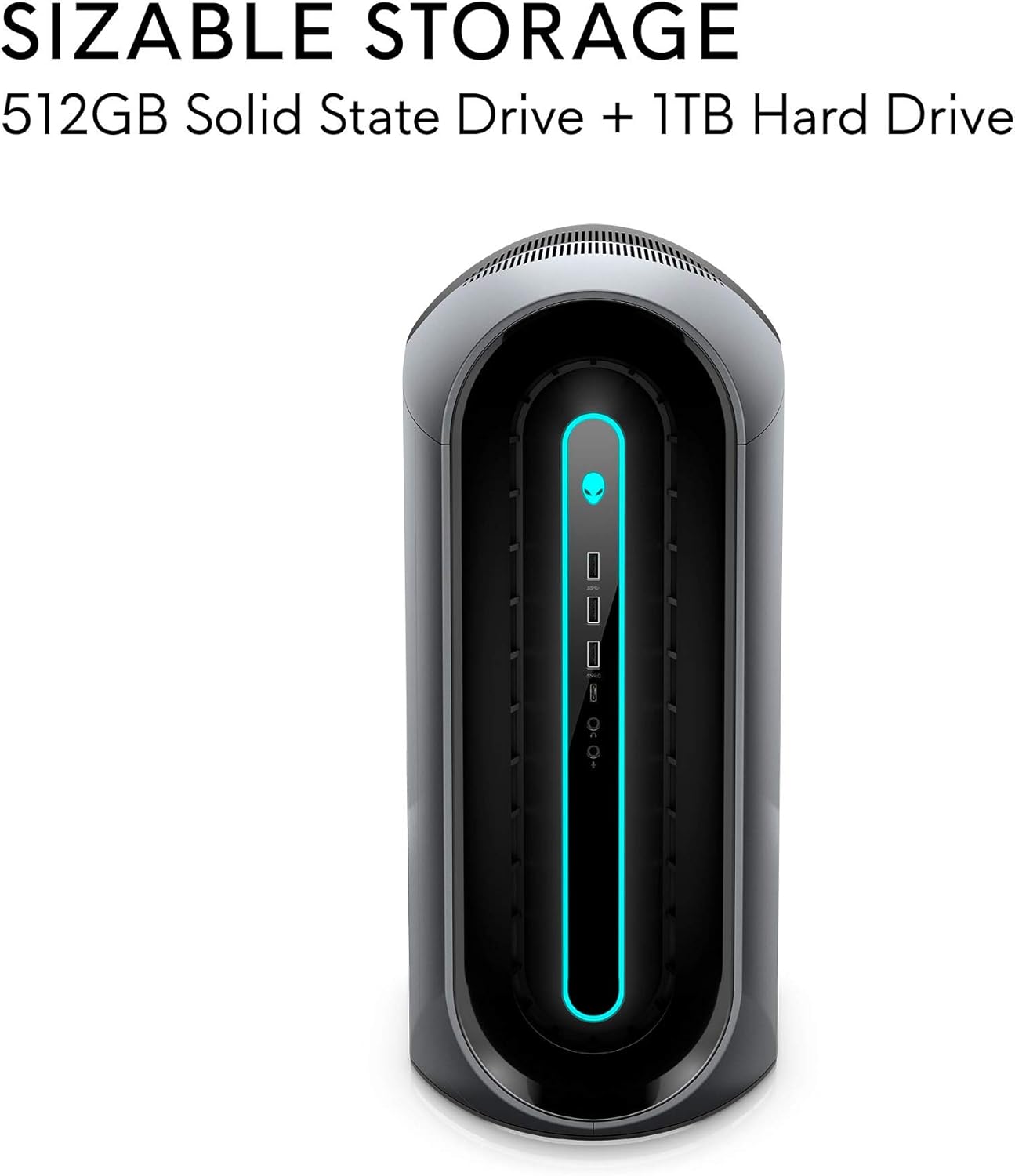
Figure 4: Illustration of the sizable storage configuration, combining SSD and HDD for speed and capacity.

Figure 5: The tool-less entry design of the desktop, allowing for convenient internal access.

Figure 6: Visual representation of the optimized airflow within the Aurora R10 chassis.

Figure 7: The AMD Radeon RX 5700 XT graphics card, a core component for high-performance gaming.
5. การบำรุงรักษา
Regular maintenance helps ensure the longevity and optimal performance of your Alienware Aurora R10.
- การกำจัดฝุ่น: Periodically clean the exterior and ventilation grilles with a soft, dry cloth. For internal components, use compressed air to gently remove dust from fans and heatsinks. Ensure the system is powered off and unplugged before cleaning.
- การอัปเดตซอฟต์แวร์: Regularly check for and install updates for Windows 10, graphics drivers (AMD Radeon Software), and Alienware Command Center. These updates often include performance improvements, security patches, and bug fixes.
- การจัดการสายเคเบิล: Ensure all cables are neatly organized and not obstructing airflow.
- การวินิจฉัยระบบ: Utilize the diagnostic tools available through Alienware Command Center or Dell SupportAssist to check for hardware issues.

รูปที่ 8: ด้านข้าง view of the desktop, highlighting the large ventilation grilles crucial for maintaining optimal temperatures.
6 การแก้ไขปัญหา
This section provides basic troubleshooting steps for common issues. For more complex problems, refer to the Alienware support webเว็บไซต์หรือติดต่อฝ่ายสนับสนุนด้านเทคนิค
- ไม่มีไฟฟ้า:
- ตรวจสอบให้แน่ใจว่าสายไฟเชื่อมต่อกับคอมพิวเตอร์และเต้ารับไฟฟ้าอย่างแน่นหนาแล้ว
- ตรวจสอบว่าเต้ารับไฟฟ้าใช้งานได้โดยเสียบอุปกรณ์อื่น
- Check the power supply unit (PSU) for any indicator lights or unusual noises.
- ไม่มีจอแสดงผล:
- Confirm the monitor is powered on and connected to the correct display port on the graphics card.
- ลองใช้สายจอภาพหรือจอภาพอื่นหากมี
- Ensure the graphics card is properly seated in its slot (requires opening the chassis).
- System Slowdown/Performance Issues:
- ปิดแอพพลิเคชันพื้นหลังที่ไม่จำเป็น
- Check for and install all available Windows updates and driver updates.
- Monitor system temperatures using Alienware Command Center to ensure components are not overheating.
- สแกนระบบทั้งหมดเพื่อหามัลแวร์หรือไวรัส
- เสียงที่ผิดปกติ:
- Loud fan noise may indicate dust buildup or high temperatures. Clean the fans and ensure proper airflow.
- Clicking or grinding noises from the hard drive may indicate a failing drive. Back up your data immediately and contact support.
7. ข้อมูลจำเพาะ
| คุณสมบัติ | ข้อมูลจำเพาะ |
|---|---|
| ยี่ห้อ | เอเลี่ยนแวร์ |
| ชุด | ออโรรา R10 |
| หมายเลขรุ่นสินค้า | AWAUR10-A886BLK-PUS |
| โปรเซสเซอร์ | AMD Ryzen 7 3700X (8-Core, 4.4 GHz Max Boost) |
| แรม | 16 GB 2933MHz DDR4 XMP dual channel HyperX Fury |
| ฮาร์ดไดรฟ์ | 512 GB M.2 PCIe NVMe SSD Boot + 1 TB 7200 RPM SATA 6 Gb/s Storage |
| โคโปรเซสเซอร์กราฟิก | AMD Radeon RX 5700 XT 8GB GDDR6 |
| ระบบปฏิบัติการ | วินโดวส์ 10 โฮม |
| แพลตฟอร์มฮาร์ดแวร์ | หน้าต่าง |
| น้ำหนักสินค้า | 38.5 ปอนด์ |
| สี | Dark Side Of The Moon |
| จำนวนพอร์ต USB 2.0 | 6 |
| จำนวนพอร์ต USB 3.0 | 1 |
| มีช่องหน่วยความจำให้เลือก | 4 |
8. อะไรอยู่ในกล่อง
Your Alienware Aurora R10 Gaming Desktop package includes:
- เดสก์ท็อปเกมมิ่ง Alienware Aurora R10
- แป้นพิมพ์
- หนู
- สายไฟ
9. การรับประกันและการสนับสนุน
Your Alienware Aurora R10 Gaming Desktop comes with a standard manufacturer's warranty. For detailed warranty information, technical support, and service requests, please visit the official Alienware support website or Dell's customer service portal.
คุณสามารถค้นหาข้อมูลเพิ่มเติมและทรัพยากรสนับสนุนได้โดยไปที่ ร้าน Alienware บน Amazon.


