1. บทนำ
Welcome to the instruction manual for your new Archer 20" Chainsaw Chain. This manual provides essential information for the safe and effective use, installation, and maintenance of your chainsaw chain. Please read this manual thoroughly before installation and operation to ensure optimal performance and safety.
2. สินค้าหมดview
The Archer 20" Chainsaw Chain is a high-quality, professional-grade full chisel saw chain designed for demanding cutting tasks. It features a .325" pitch, .058" gauge, and 76 drive links, ensuring compatibility with a range of chainsaw models.
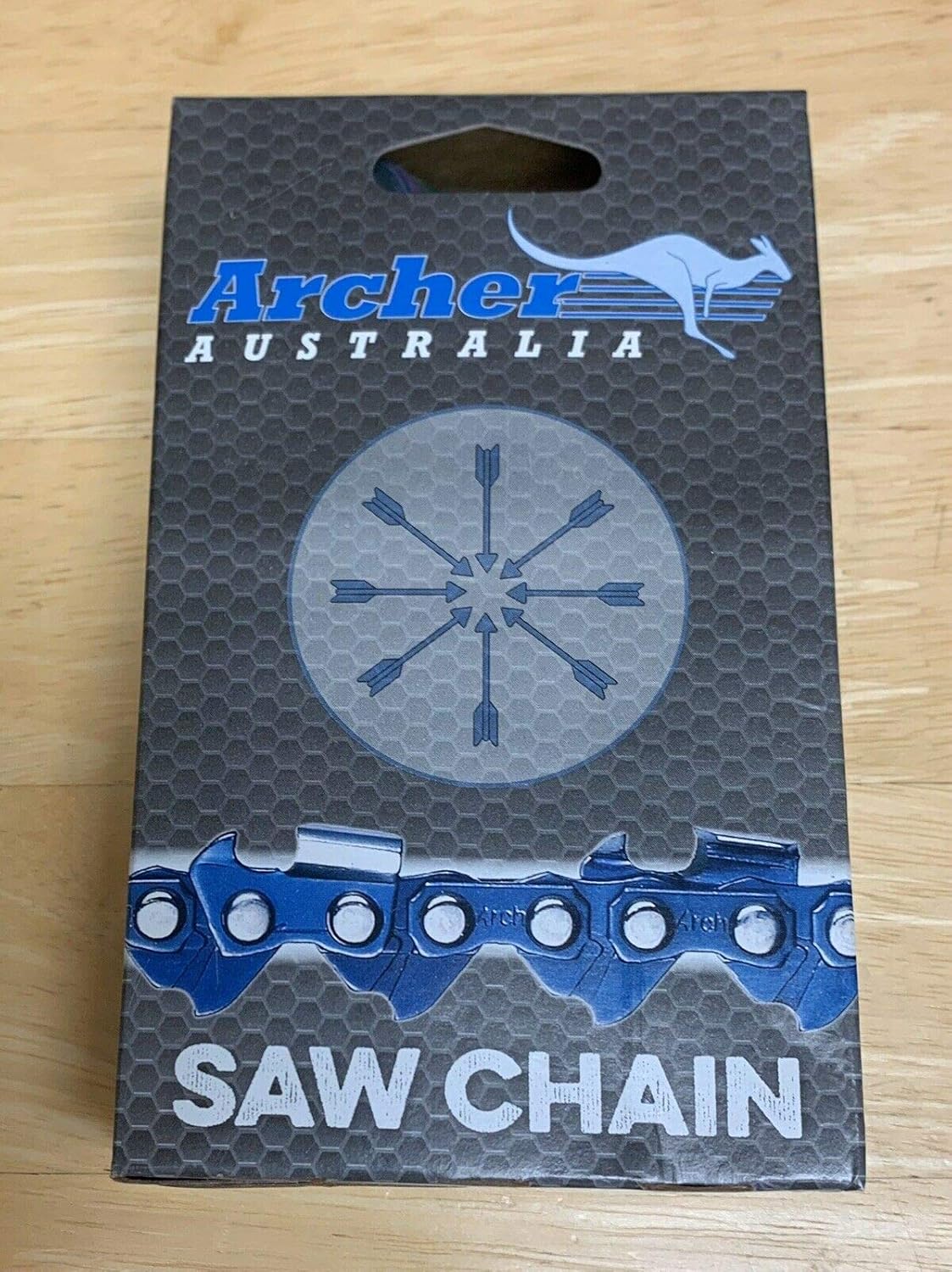
Figure 2.1: Archer 20" Chainsaw Chain in its packaging. The packaging displays the Archer Australia logo and "SAW CHAIN" text, indicating the product type.
This chain is specifically designed to fit various chainsaw models, including Blue Max Models 8901, 8902, 522096, 53543, Baumr-AG 20" Pro-Series 62cc Chainsaw SX62, and Homdox chainsaws with a 20" guide bar that uses .325" pitch, .058" gauge, and 78 drive links (note: this chain has 76 drive links, verify compatibility for 78DL models). It also fits 20" ORCISH 62CC, 20" SALEM MASTER 6220H 62CC, Garwinner 62cc, and DEREAL 5820F and 6220F models. This is a non-safety professional chainsaw chain.
3. ข้อมูลจำเพาะ
| คุณสมบัติ | รายละเอียด |
|---|---|
| ประเภทโซ่ | Full Chisel |
| ขว้าง | .325 นิ้ว |
| วัด | .058 นิ้ว |
| ไดรฟ์ลิงค์ | 76 |
| ความยาวโซ่ | 20 นิ้ว |
| ผู้ผลิต | PMD International |
| ความเข้ากันได้ของรุ่น | DEREAL 5820F, 6220F, Homdox Blue Max, 53543, 8901, 8902, 21LPX076G (and others listed in description) |
4. การตั้งค่าและการติดตั้ง
Before installing the new chain, ensure your chainsaw is turned off and the spark plug wire is disconnected to prevent accidental starting. Always wear appropriate safety gear, including heavy-duty gloves.
4.1 Verifying Chain Compatibility
It is crucial to ensure the replacement chain matches the correct pitch, gauge, and drive link count for your chainsaw's guide bar. All chainsaw chains are a "called length," and the replacement chain will fit when these three specifications are correct.

Figure 4.1: Diagram illustrating how to measure a chainsaw bar, chain pitch, gauge, and drive links. This visual guide helps in confirming the correct chain specifications for your chainsaw.
- สนามโซ่: Measure the distance between any three consecutive rivets and divide by two.
- เครื่องวัดโซ่: This is the thickness of the drive link, where it fits into the guide-bar groove.
- Bar Length (Called Length or Cutting Length): Measure the distance from the front of the saw to the tip of the farthest cutter, rounded to the nearest inch.
- ลิงค์ไดรฟ์: Count the number of drive links on your existing chain. This chain has 76 drive links.
4.2 Chain Installation Steps
- เตรียมเลื่อยยนต์ให้พร้อม: Ensure the chainsaw is off, cool, and the spark plug wire is disconnected. Engage the chain brake.
- ถอดฝาครอบราวเหล็ก: Loosen the bar nuts and remove the side cover that holds the guide bar in place.
- ถอดโซ่เก่าออก: ถอดโซ่เก่าออกจากรางนำโซ่และเฟืองอย่างระมัดระวัง
- ทำความสะอาดส่วนประกอบ: ทำความสะอาดเศษไม้หรือสิ่งสกปรกออกจากร่องของรางนำทาง เฟือง และบริเวณเบรกโซ่
- ติดตั้งโซ่ใหม่: Place the new Archer chain onto the sprocket, ensuring the cutting edges are facing the correct direction (usually forward on the top of the bar).
- Fit Chain to Bar: Guide the drive links into the groove of the guide bar.
- ติดตั้งฝาครอบราวเหล็กกลับเข้าที่: Position the guide bar onto the studs and replace the side cover. Hand-tighten the bar nuts.
- ปรับความตึงของโซ่: Using the tensioning screw (usually located on the side cover), adjust the chain tension. The chain should be snug against the guide bar but still able to be pulled freely by hand. It should not sag on the underside of the bar.
- ขันน็อตยึดให้แน่น: Once tension is correct, fully tighten the bar nuts.
- เชื่อมต่อหัวเทียนใหม่: ต่อสายหัวเทียนกลับเข้าที่
5. แนวทางการดำเนินงาน
While this manual focuses on the chain, proper operation of the chainsaw itself is critical for safety and chain longevity. Always refer to your chainsaw's specific instruction manual for detailed operating procedures.
- การหล่อลื่น: Ensure the chainsaw's oil reservoir is filled with appropriate bar and chain oil. Proper lubrication is vital for reducing friction and heat, extending chain life.
- ตรวจสอบความตึงของโซ่: Regularly check chain tension during operation. A loose chain can derail, and an overly tight chain can cause premature wear to the chain, bar, and sprocket.
- เทคนิคการตัด: Use proper cutting techniques to avoid kickback and unnecessary strain on the chain.
- หลีกเลี่ยงสารปนเปื้อน: Do not cut into dirt, rocks, or metal, as this will dull the chain quickly and can cause damage.
6. การบำรุงรักษา
Regular maintenance of your Archer chainsaw chain will ensure its performance and extend its lifespan.
- การลับคม: Sharpen the chain regularly with the correct file size and angle. A sharp chain cuts efficiently and safely. This full chisel chain requires precise sharpening.
- การทำความสะอาด: After each use, clean the chain to remove sap, sawdust, and debris. A clean chain operates more smoothly.
- การหล่อลื่น: Ensure consistent oil flow to the chain during operation. Check the oiler port for blockages.
- พื้นที่จัดเก็บ: When not in use, store the chain in a clean, dry place. Applying a light coat of oil can prevent rust.
- ตรวจสอบความเสียหาย: Periodically inspect the chain for bent or broken drive links, cracked cutters, or other damage. Replace damaged chains immediately.
7 การแก้ไขปัญหา
| ปัญหา | สาเหตุที่เป็นไปได้ | สารละลาย |
|---|---|---|
| Chain dulls quickly | Cutting into dirt/rocks, improper sharpening, insufficient lubrication. | Avoid ground contact, sharpen correctly, ensure proper oil flow. |
| Chain jumps off bar | Loose chain tension, worn sprocket, worn guide bar groove, incorrect chain/bar combination. | Adjust tension, inspect/replace sprocket or bar, verify chain compatibility. |
| Chain smokes or overheats | Insufficient lubrication, dull chain, incorrect tension (too tight). | Check oiler, sharpen chain, adjust tension. |
| Chain cuts crookedly | Unevenly sharpened cutters, bent guide bar, worn guide bar rails. | Resharpen evenly, inspect/replace guide bar. |
8. การสนับสนุนและการรับประกัน
For any questions, technical assistance, or warranty inquiries regarding your Archer chainsaw chain, please contact the manufacturer or authorized dealer.
While specific warranty details are not provided in this manual, Archer products are known for quality. Please retain your proof of purchase for any warranty claims.
ข้อมูลติดต่อ:
- ยี่ห้อ: นักธนู
- ผู้ผลิต: PMD International
- ผู้ขาย: ArcherPlus (via Amazon)
- ร้านค้าออนไลน์: Visit the Archer Store on Amazon
- For direct support, please refer to the contact details provided with your purchase or on the official Archer webเว็บไซต์.


