1. บทนำ
The JVC HAC300B Bluetooth Wireless Headset is designed for seamless communication, offering extended battery life and advanced features for both work and personal use. This lightweight, single-ear headset provides clear audio with HD Voice technology and supports multipoint connections for enhanced versatility. This manual will guide you through the setup, operation, and maintenance of your headset to ensure optimal performance.

Image 1.1: The JVC HAC300B Bluetooth Wireless Headset, showcasinและมีการออกแบบสีดำเพรียวบาง
2. อะไรอยู่ในกล่อง
กรุณาตรวจสอบว่ารายการทั้งหมดต่อไปนี้รวมอยู่ในแพ็คเกจของคุณ:
- JVC HAC300B Bluetooth Wireless Headset
- สายชาร์จ
- Ear piece (various sizes)
- Ear hook (reversible and removable)

Image 2.1: The JVC HAC300B headset shown in its retail packaging, highlighting key features like Bluetooth and 20-hour battery life.
3. คุณสมบัติของผลิตภัณฑ์
The JVC HAC300B headset is equipped with several features designed to enhance your communication experience:
- การเชื่อมต่อบลูทูธ 5.0: Provides stable and efficient wireless connection with data transfer speeds up to 2 Mbps and a communication range of up to 800 feet.
- HD Voice Compatible: Offers superior voice calling quality by extending the frequency range of audio signals for better comprehension and clarity.
- Multipoint Compatibility: Allows the headset to connect to two Bluetooth devices simultaneously, enabling seamless switching between calls or audio sources.
- อายุการใช้งานแบตเตอรี่ที่ยาวนานขึ้น: Enjoy up to 20 hours of talk and music time on a single charge.
- การออกแบบตามหลักสรีรศาสตร์: Lightweight (0.42 ounces) and features a reversible, removable ear hook for comfortable and secure wear on either ear.
- ความเข้ากันได้ของอุปกรณ์สากล: Works with Android phones, iOS devices, smartphones, tablets, laptops, and desktops.
วิดีโอ 3.1: จบแล้วview of the JVC HAC300B Bluetooth Wireless Headset, highlighting its key features such as Bluetooth 5.0, extended battery life, and HD Voice technology for clear communication. The video demonstrates the headset's design and compatibility with various devices.
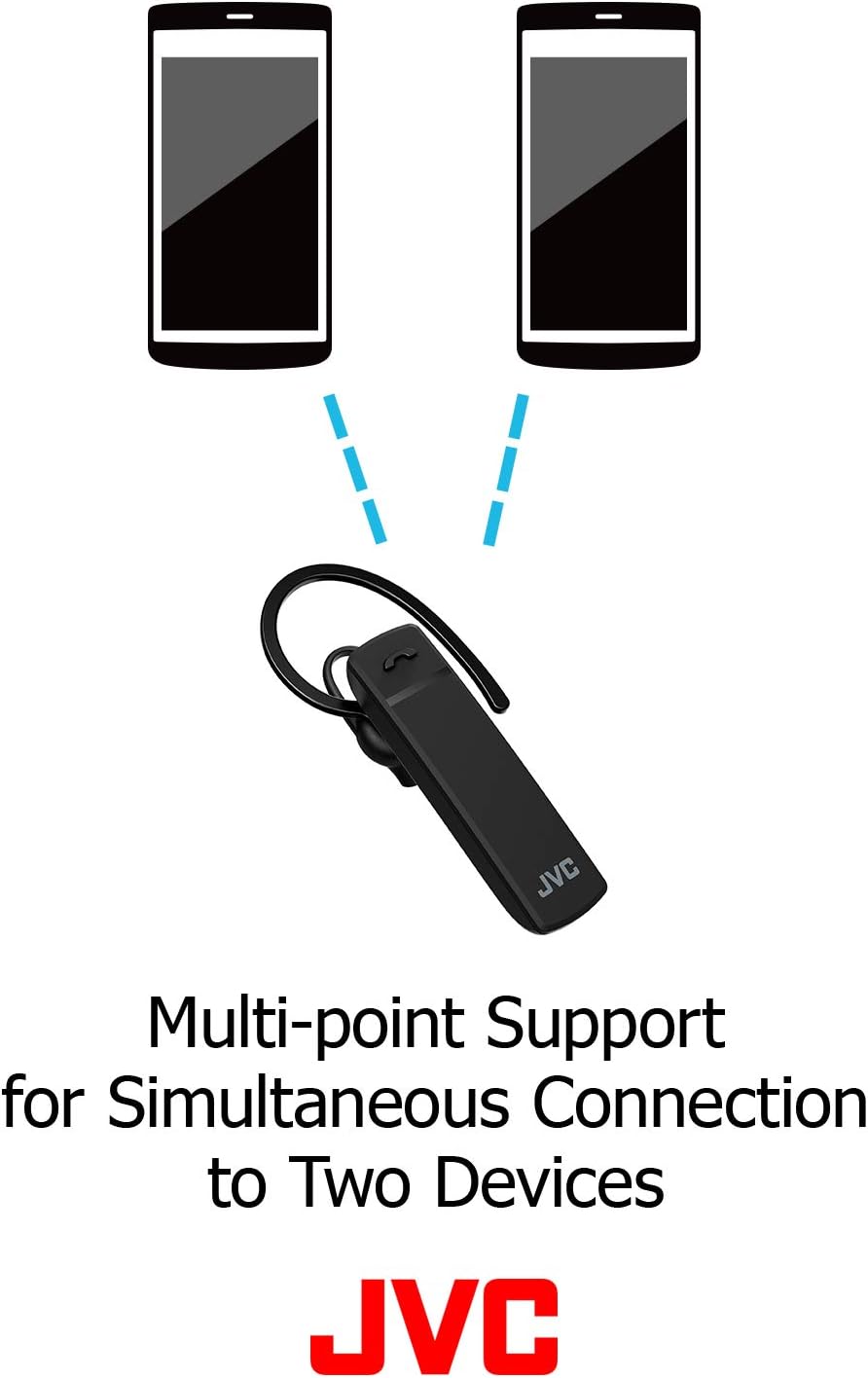
Image 3.2: Illustration showing the JVC HAC300B headset connected simultaneously to two mobile phones, demonstrating its multipoint support feature.
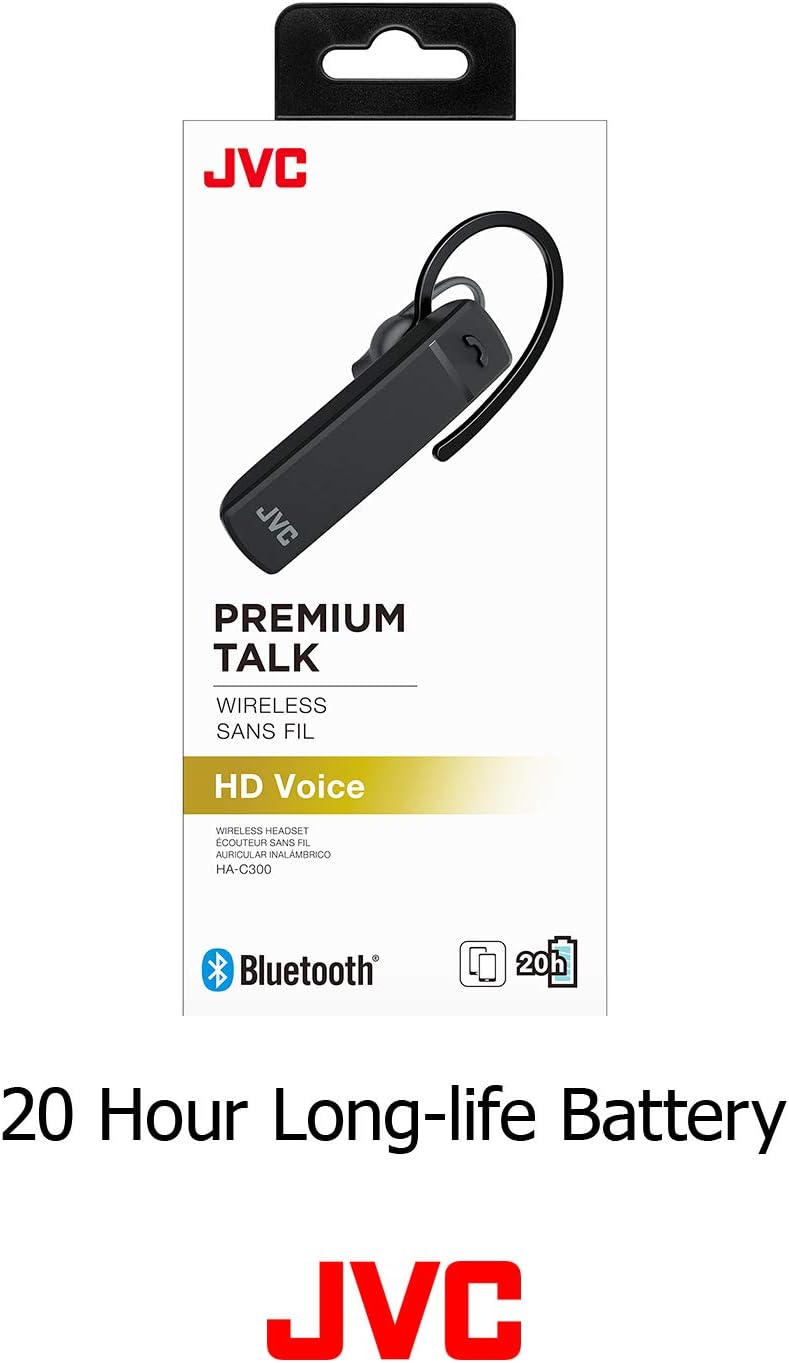
Image 3.3: The JVC HAC300B headset packaging highlighting its 20-hour long-life battery, indicating extended usage time.
4. การตั้งค่า
4.1. การชาร์จชุดหูฟัง
Before initial use, fully charge your JVC HAC300B headset. Connect the provided charging cable to the headset's charging port and plug the other end into a USB power source (e.g., computer USB port, USB wall adapter). The indicator light will show charging status and turn off or change color when fully charged. A full charge provides up to 20 hours of battery life.
4.2. การจับคู่กับอุปกรณ์
วิธีเชื่อมต่อชุดหูฟังกับอุปกรณ์ที่รองรับบลูทูธ:
- ตรวจสอบให้แน่ใจว่าชุดหูฟังปิดอยู่
- Press and hold the power button until the indicator light flashes blue and red alternately, indicating pairing mode.
- On your device (smartphone, tablet, PC), go to the Bluetooth settings and turn Bluetooth on.
- ค้นหา available devices. Select "JVC HAC300B" from the list.
- เมื่อเชื่อมต่อแล้ว ไฟแสดงสถานะบนชุดหูฟังจะกะพริบเป็นสีน้ำเงินช้าๆ หรือติดเป็นสีน้ำเงินค้าง
4.3. การสวมชุดหูฟัง
The HAC300B features a reversible and removable ear hook for comfortable wear on either your left or right ear. Choose the ear piece size that provides the most secure and comfortable fit. The headset is designed for a single-ear fit.

Image 4.1: A man wearing the JVC HAC300B headset on his ear, demonstrating its compact and discreet design.

Image 4.2: Components of the JVC HAC300B headset, including the main unit, removable ear hook, and different sized ear pieces for a customized fit.
5. คู่มือการใช้งาน
5.1. เปิด/ปิดเครื่อง
- เปิดเครื่อง: กดปุ่มเปิด/ปิดค้างไว้จนกว่าไฟแสดงสถานะจะกะพริบเป็นสีน้ำเงิน
- หมดแรง: Press and hold the power button until the indicator light flashes red and then turns off.
5.2. การจัดการการโทร
Use the multi-function button on the headset for call control:
- รับ/วางสาย: กดปุ่มมัลติฟังก์ชั่นหนึ่งครั้ง
- ปฏิเสธสาย: กดปุ่มมัลติฟังก์ชันค้างไว้ประมาณ 2 วินาที
- โทรซ้ำหมายเลขล่าสุด: กดปุ่มมัลติฟังก์ชันสองครั้ง
5.3. Switching Between Devices (Multipoint)
With multipoint compatibility, your headset can be connected to two devices simultaneously. To switch between devices:
- Ensure both devices are paired and connected to the headset.
- When a call comes in on the second device while you are on a call on the first, the headset will typically alert you.
- To answer the new call and put the current call on hold, press the multi-function button once.
- To switch back to the first call, press the multi-function button again.

Image 5.1: A woman smiling while using the JVC HAC300B headset with her laptop, illustrating its use for telework and remote communication.
6. การบำรุงรักษา
To ensure the longevity and optimal performance of your JVC HAC300B headset, follow these maintenance guidelines:
- การทำความสะอาด: Wipe the headset regularly with a soft, dry cloth. Do not use harsh chemicals or abrasive materials.
- พื้นที่จัดเก็บ: เก็บหูฟังไว้ในที่แห้งและเย็น หลีกเลี่ยงแสงแดดโดยตรงและอุณหภูมิที่สูงหรือต่ำเกินไป
- ความต้านทานน้ำ: The headset is ไม่กันน้ำหลีกเลี่ยงการสัมผัสกับน้ำ ความชื้น หรือความชื้นในอากาศสูงเกินไป
- การดูแลแบตเตอรี่ Avoid fully discharging the battery frequently. Charge the headset regularly, even if not in use for extended periods, to maintain battery health.
7 การแก้ไขปัญหา
If you encounter issues with your JVC HAC300B headset, refer to the following common solutions:
| ปัญหา | สาเหตุที่เป็นไปได้ | สารละลาย |
|---|---|---|
| ชุดหูฟังไม่เปิดขึ้นมา | แบตเตอรี่ต่ำ | ชาร์จหูฟังให้เต็ม |
| ไม่สามารถจับคู่กับอุปกรณ์ได้ | Headset not in pairing mode; Bluetooth off on device; device out of range | Ensure headset is in pairing mode (flashing blue/red). Turn on Bluetooth on your device. Move device closer to headset. |
| ไม่มีเสียงหรือเสียงเบา | Volume too low; headset not connected; incorrect audio output selected | Adjust volume on headset and device. Reconnect headset. Select headset as audio output on your device. |
| คุณภาพการโทรไม่ดี | Interference; device out of range; low battery | Move away from sources of interference. Move closer to your device. Charge the headset. |
8. ข้อมูลจำเพาะ
Detailed technical specifications for the JVC HAC300B Bluetooth Wireless Headset:
| คุณสมบัติ | ข้อมูลจำเพาะ |
|---|---|
| ชื่อรุ่น | HAC300B |
| เทคโนโลยีการเชื่อมต่อ | บลูทูธ |
| เวอร์ชันบลูทูธ | 5.0 |
| เทคโนโลยีการสื่อสารไร้สาย | บลูทูธ |
| อายุการใช้งานแบตเตอรี่ | นานถึง 20 ชั่วโมง |
| เวลาในการชาร์จ | 20 Hours (This seems to be a typo in source, likely meant 'up to 20 hours battery life' not charging time) |
| น้ำหนักสินค้า | 0.423 ออนซ์ (ประมาณ 12 กรัม) |
| ขนาดสินค้า | 7.28 x 2.95 x 1.38 นิ้ว |
| การวางตำแหน่งหู | ในหู |
| ฟอร์มแฟกเตอร์ | ในหู |
| วัสดุ | พลาสติก |
| ระดับความต้านทานต่อน้ำ | ไม่ทนน้ำ |
| ประเภทการควบคุม | การควบคุมสื่อ |
| วิธีการควบคุม | ปุ่มกด |
| อุปกรณ์ที่รองรับ | สมาร์ทโฟน แท็บเล็ต แล็ปท็อป เดสก์ท็อป |
| ยูพีซี | 046838081538 |
9. การรับประกันและการสนับสนุน
For warranty information and customer support, please refer to the documentation included with your product or visit the official JVC webไซต์นี้ โปรดเก็บหลักฐานการซื้อไว้เพื่อใช้ยืนยันการรับประกัน


