1. บทนำ
Thank you for choosing the WINIX ZERO Pro Air Purifier. This device is designed to significantly improve your indoor air quality by effectively removing airborne pollutants such as allergens, dust, pollen, mold spores, pet dander, and volatile organic compounds (VOCs). With its advanced 4-stage filtration system and intelligent features, the ZERO Pro provides a cleaner, healthier environment for you and your family.

ภาพที่ 1.1: ด้านหน้า view of the WINIX ZERO Pro Air Purifier.
2. คุณสมบัติของผลิตภัณฑ์
The WINIX ZERO Pro is equipped with several key features to ensure superior air purification:
- ประสิทธิภาพสูง: With a Clean Air Delivery Rate (CADR) of 470 m³/h, it is suitable for rooms up to 120 m², quickly filtering out common indoor air pollutants.
- 4-สtage ระบบการกรอง:
- แผ่นกรองเบื้องต้นที่สามารถซักล้างได้: Captures larger dust particles and pet hair.
- ตัวกรองถ่านกัมมันต์: Reduces household odors and VOCs.
- H13 ตัวกรอง HEPA จริง: Captures 99.999% of airborne particles as small as 0.1 microns, including allergens, pollen, and mold spores.
- PlasmaWave® Technology: Creates Hydroxyls to neutralize bacteria, viruses, and gases at a molecular level, without producing harmful ozone.

Image 2.1: Illustration of the 4-stagกระบวนการกรองด้วยไฟฟ้า

Image 2.2: Explanation of PlasmaWave Technology.
- การควบคุมที่เป็นมิตรกับผู้ใช้: แผงควบคุมที่ใช้งานง่าย ช่วยให้ควบคุมได้สะดวก
- โหมดอัตโนมัติ: Utilizes intelligent sensors to monitor air quality and automatically adjusts fan speed.
- โหมดสลีป: Operates quietly (28.3 dB) with dimmed lights for undisturbed rest.
- ฟังก์ชั่นจับเวลา: Set operation for 1 to 8 hours.
- ประสิทธิภาพที่ได้รับการรับรอง: Tested and certified by ECARF, Allergy UK, and AHAM, ensuring genuine improvement in indoor air quality.
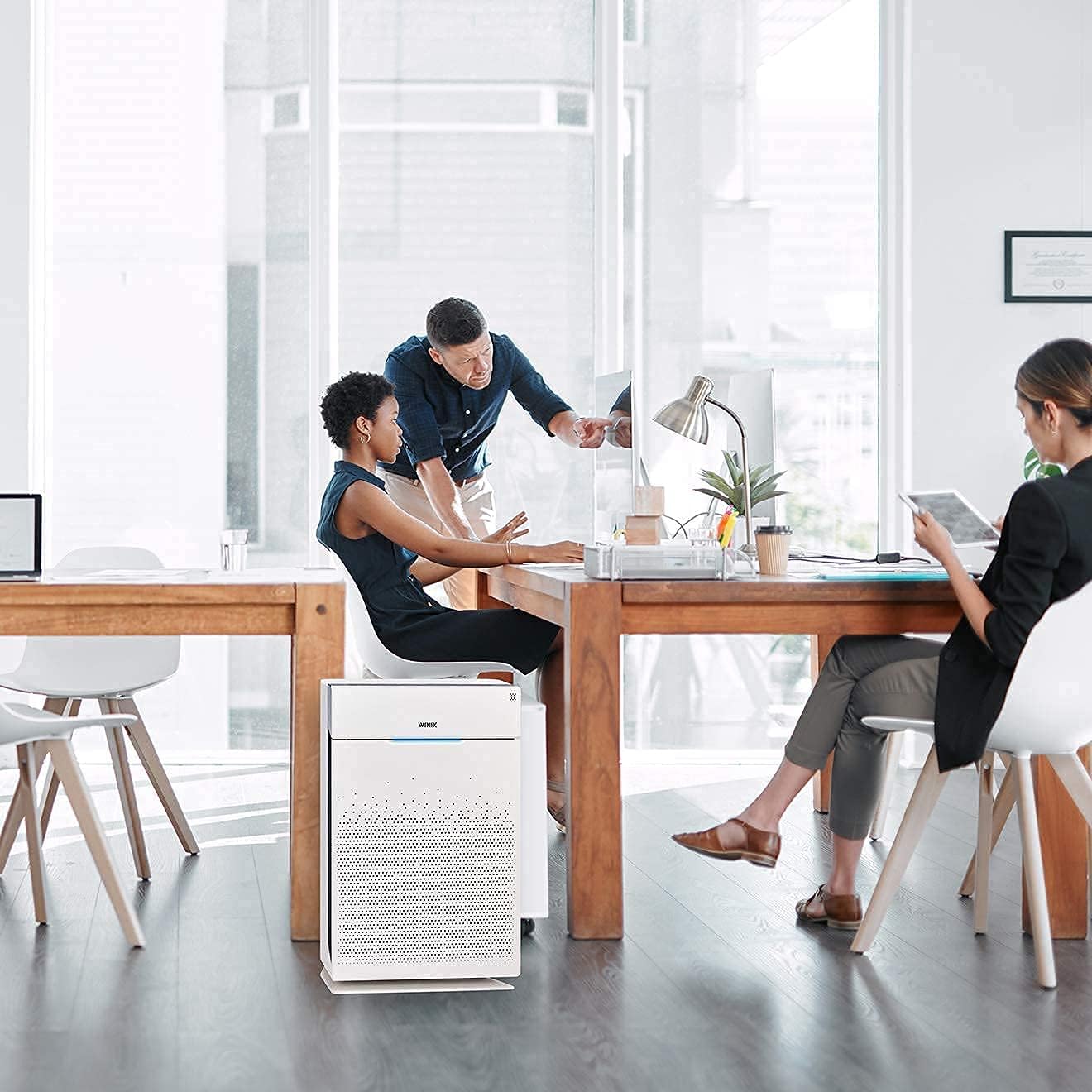
Image 2.3: The WINIX ZERO Pro effectively purifies air in various settings, including offices.
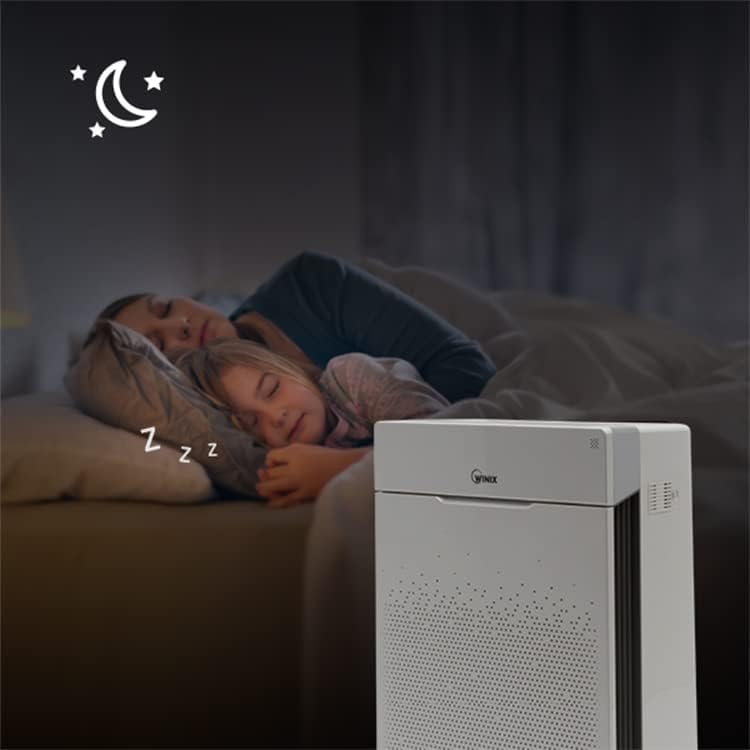
Image 2.4: The quiet Sleep Mode ensures undisturbed rest.
3. เนื้อหาบรรจุภัณฑ์
Upon unpacking your WINIX ZERO Pro, please ensure all the following items are present:
- WINIX ZERO Pro Air Purifier Unit
- H13 True HEPA Filter (pre-installed or separate)
- Activated Carbon Filters (set of 4, pre-installed or separate)
- คู่มือการใช้งาน (เอกสารนี้)
4. คู่มือการติดตั้ง
Follow these steps to set up your WINIX ZERO Pro Air Purifier:
- แกะกล่องอุปกรณ์: Carefully remove the air purifier from its packaging. Remove any protective plastic films or tapes.
- ติดตั้งตัวกรอง: Open the front cover of the air purifier. Ensure the HEPA filter and Activated Carbon filters are removed from their protective plastic bags and correctly inserted into the unit. The Activated Carbon filters typically go in front of the HEPA filter. Close the front cover securely.
- การจัดวาง: Place the air purifier on a firm, level surface. Ensure there is at least 30 cm (12 inches) of clear space around the sides and back of the unit for optimal airflow. Avoid placing it directly against walls or furniture.
- เชื่อมต่อพลังงาน: เสียบสายไฟเข้ากับเต้ารับไฟฟ้ามาตรฐาน
5. คู่มือการใช้งาน
Familiarize yourself with the control panel to operate your air purifier effectively.

ภาพที่ 5.1: จบแล้วview ของแผงควบคุม
- เปิด/ปิดเครื่อง: กดปุ่ม พลัง ปุ่มเพื่อเปิดหรือปิดเครื่อง
- การเลือกโหมด: กดปุ่ม โหมด button to cycle through fan speeds (Low, Medium, High, Turbo) or select Auto Mode.
- โหมดอัตโนมัติ: When selected, the air purifier automatically adjusts its fan speed based on the detected air quality. The air quality indicator light will change color (Blue: Good, Amber: Fair, Red: Poor).
- โหมดสลีป: กดปุ่ม นอน button to activate sleep mode. The fan speed will reduce to its quietest setting, and all indicator lights will dim or turn off.
- PlasmaWave®: กดปุ่ม พลาสม่าเวฟ button to turn this feature on or off. It is recommended to keep it on for enhanced air purification.
- ตัวจับเวลา: กดปุ่ม ตัวจับเวลา button to set the operating time (1, 2, 4, or 8 hours). The unit will automatically turn off after the set time.
- รีเซ็ตตัวกรอง: After replacing filters, press and hold the รีเซ็ตตัวกรอง button for 5 seconds to reset the filter replacement indicator.
6. การบำรุงรักษา
การบำรุงรักษาตามปกติจะช่วยให้เครื่องฟอกอากาศของคุณทำงานได้อย่างเหมาะสมที่สุดและยืดอายุการใช้งาน
- การทำความสะอาดแผ่นกรองเบื้องต้น: The washable pre-filter should be cleaned every 2-4 weeks, or more frequently depending on air quality. Use a vacuum cleaner or rinse with water. Ensure it is completely dry before re-installing.
- การเปลี่ยนไส้กรองคาร์บอนกัมมันต์: Replace the Activated Carbon filters approximately every 3 months.
- การเปลี่ยนแผ่นกรอง HEPA: Replace the H13 True HEPA filter approximately every 12 months.
- การทำความสะอาดเซ็นเซอร์: Periodically clean the air quality sensor located on the side of the unit. Use a cotton swab to gently wipe away any dust accumulation.
Note: Filter lifespan may vary depending on usage and environmental conditions. Always use genuine WINIX replacement filters.
7 การแก้ไขปัญหา
If you encounter issues with your WINIX ZERO Pro, refer to the following common problems and solutions:
| ปัญหา | สาเหตุที่เป็นไปได้ | สารละลาย |
|---|---|---|
| เครื่องไม่เปิด | Power cord not plugged in; No power at outlet | Ensure power cord is securely plugged in; Check power outlet with another device. |
| Airflow is weak or noisy | Filters are clogged; Obstruction near air intake/outlet | Clean or replace filters; Ensure clear space around the unit. |
| Air quality indicator always red/amber | Sensor is dirty; High level of pollutants in the room | Clean the air quality sensor; Allow more time for purification or increase fan speed. |
| Odor coming from unit | Activated Carbon filter needs replacement | Replace the Activated Carbon filters. |
| PlasmaWave light blinking | ความผิดปกติ | Turn off and unplug the unit for 30 minutes, then restart. If issue persists, contact customer support. |
If the problem persists after trying these solutions, please contact WINIX customer support.
8. ข้อมูลจำเพาะ
| ข้อมูลจำเพาะ | รายละเอียด |
|---|---|
| หมายเลขรุ่น | AZPU370-IWE |
| สี | สีขาว |
| ขนาดสินค้า (กว้าง x ยาว x สูง) | 24 x 41.5 x 60 ซม. |
| น้ำหนักสินค้า | 8.5 กิโลกรัม |
| ความครอบคลุมของห้องพัก (CADR) | Up to 120 m² (470 m³/h) |
| การใช้พลังงาน | 90 วัตต์ |
| เล่มที่tage | 220โวลต์ |
| วัสดุ | พลาสติก |
| ระดับเสียง (ขั้นต่ำ) | 28.3 เดซิเบล |
| จำนวนการตั้งค่าความเร็ว | 5 |
| การรับรอง | ECARF, Allergy UK, AHAM-certified, RoHS-certified |

Image 8.1: Dimensions of the WINIX ZERO Pro Air Purifier.
9. การรับประกันและการสนับสนุน
The WINIX ZERO Pro Air Purifier comes with a manufacturer's warranty. For detailed warranty information, product registration, or technical support, please visit the official Winix webหรือติดต่อฝ่ายบริการลูกค้า เก็บใบเสร็จรับเงินไว้เป็นหลักฐานการซื้อ
หากต้องการความช่วยเหลือเพิ่มเติม คุณสามารถไปที่ Winix Store on Amazon.


