การแนะนำ
This manual provides detailed instructions for the installation, operation, and maintenance of your Supersonic SC-5000VD Smart WiFi Doorbell Camera. This device offers HD video recording, a smart motion security system, and two-way audio communication to enhance your home security.
The doorbell camera features 1080P high-definition video, infrared night vision, and remote monitoring capabilities, allowing you to see and communicate with visitors from anywhere using your smartphone or tablet. It is designed for wireless connectivity and includes a built-in SD card for local storage of recordings.
เนื้อหาแพ็คเกจ
โปรดตรวจสอบว่าสินค้าทั้งหมดมีอยู่ในแพ็คเกจ:
- Supersonic SC-5000VD Smart WiFi Doorbell Camera
- สายชาร์จ
- Installation Kit (screws, anchors, mounting bracket)
- คู่มือการใช้งาน (เอกสารนี้)
การติดตั้งและการตั้งค่า
The Supersonic SC-5000VD Smart WiFi Doorbell Camera is designed for easy, wire-free installation. Follow these steps to set up your device:
- ชาร์จอุปกรณ์: Before installation, fully charge the doorbell camera using the provided charging cable. The built-in lithium-ion rechargeable battery ensures efficient and long-lasting operation.
- ดาวน์โหลดแอป: ค้นหา the official Supersonic doorbell app on your smartphone's app store (iOS or Android) and install it.
- Pair with WiFi: Open the app and follow the on-screen instructions to connect your doorbell camera to your home's 2.4GHz Wi-Fi network (802.11 b/g/n). Ensure a stable connection for optimal performance.
- เลือกสถานที่ติดตั้ง: Choose an outdoor location near your door that provides a clear view of your entrance. The doorbell is rated IP65 for outdoor usage.
- ติดตั้งกริ่งประตู: Use the included installation kit (screws and anchors) to securely mount the doorbell camera to the wall. Ensure it is positioned at an appropriate height for clear video capture.
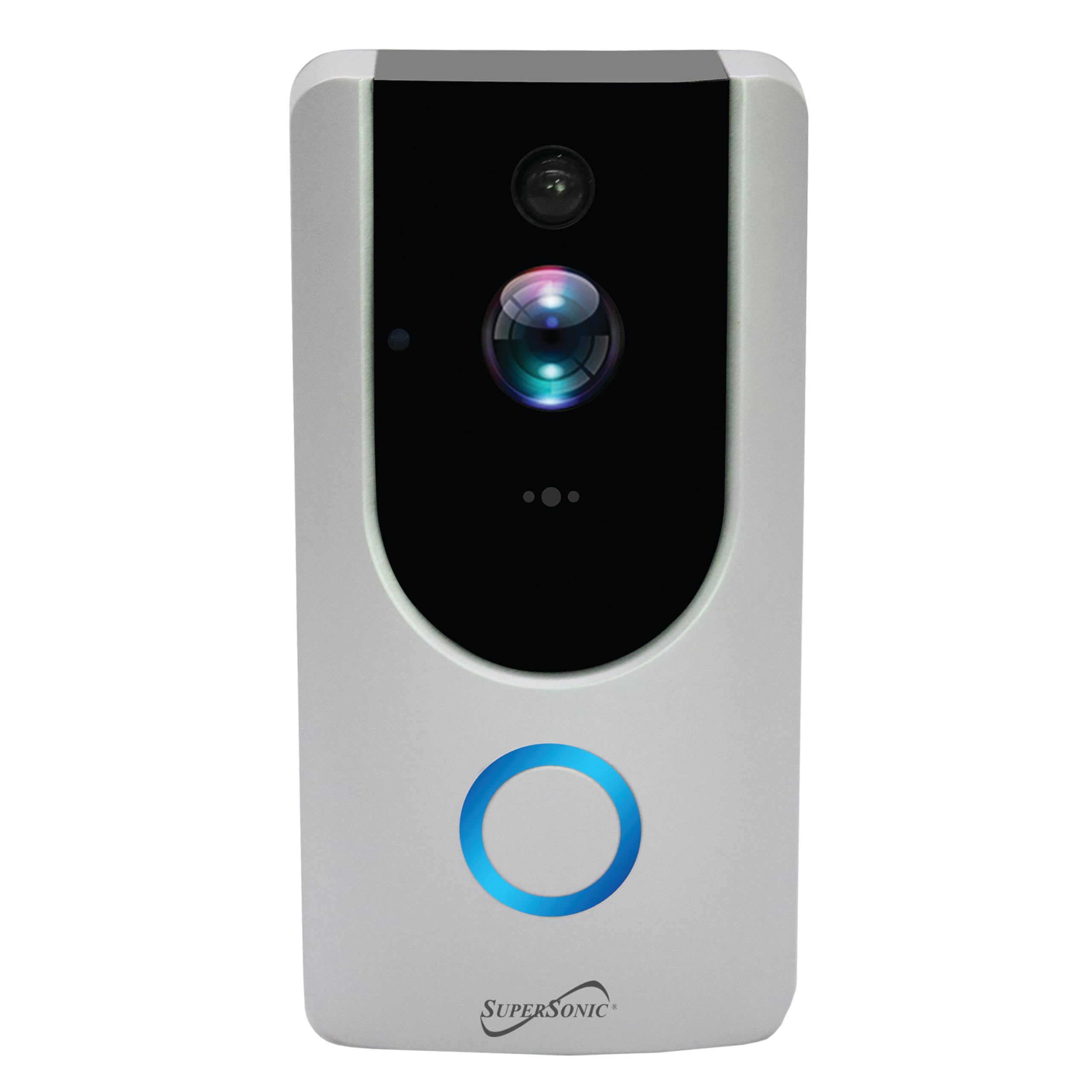
Image: Supersonic SC-5000VD Smart WiFi Doorbell Camera mounted next to a door.
คำแนะนำการใช้งาน
คุณสมบัติหลัก
- การบันทึกวิดีโอ HD: บันทึกภาพอาหารที่มีความคมชัดสูงระดับ HDtage with 1080P resolution and a 2.0 MP camera. Internet connection is required for full functionality.
- Smart Motion Security System: The PIR sensor accurately detects motion within a 166° video angle, triggering alerts and recordings.
- ระบบอินเตอร์คอมเสียงสองทาง: Allows for real-time communication with visitors through the doorbell and your connected device.
- อินฟราเรดคืนวิสัยทัศน์: Provides clear visibility in low-light conditions, ensuring monitoring around the clock.
- Remote Monitoring & Control: Access live video, receive alerts, and trigger actions remotely via the mobile application.
- การ์ด SD ในตัว: Stores recordings locally, ensuring you have access to captured events.
การใช้กริ่งประตู
- Visitor Notification: When a visitor presses the doorbell button, you will receive a notification on your paired smartphone or tablet.
- การสื่อสารสองทาง: แตะการแจ้งเตือนเพื่อ view live video and engage in a voice call with the visitor.
- การแจ้งเตือนการตรวจจับการเคลื่อนไหว: The doorbell will automatically detect motion and send alerts to your device. Recordings of these events will be saved to the built-in SD card.
- ถ่ายทอดสดทางไกล View: Open the app at any time to view a live feed from your doorbell camera, even if no one has pressed the button or triggered motion.
- การเล่นการบันทึก: Access recorded video clips through the app to review เหตุการณ์ที่ผ่านมา
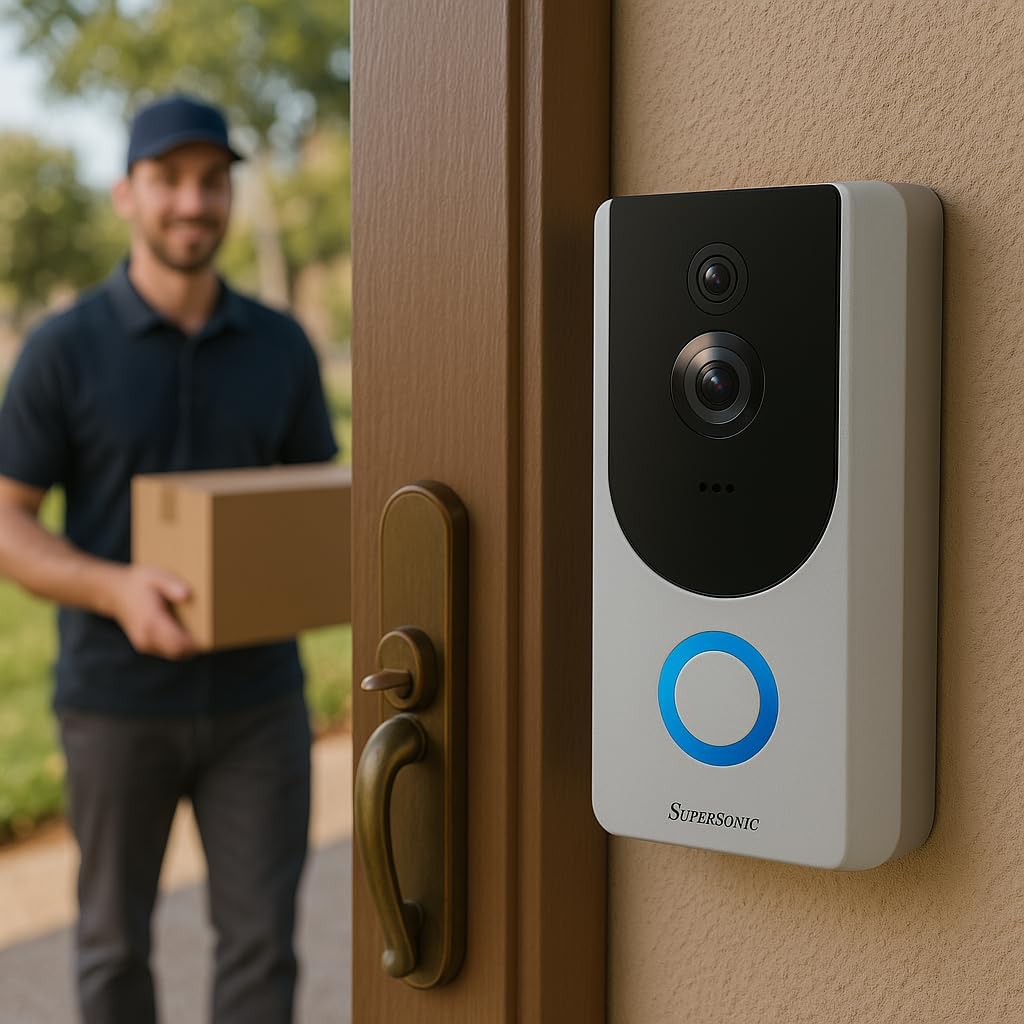
Image: Supersonic SC-5000VD Smart WiFi Doorbell Camera detecting a person at the door.

Image: Smartphone displaying a live video call from the Supersonic SC-5000VD Smart WiFi Doorbell Camera, showing a person at the door.
การซ่อมบำรุง
To ensure optimal performance and longevity of your doorbell camera, follow these maintenance guidelines:
- การชาร์จแบตเตอรี่: Recharge the doorbell's built-in battery as needed. The app will typically notify you when the battery level is low. Charging can be done via micro USB (5V) or AC/DC (110-220V) input.
- การทำความสะอาดเลนส์: Periodically clean the camera lens with a soft, dry cloth to remove dust or smudges that may affect video quality. Avoid abrasive cleaners.
- อัพเดตเฟิร์มแวร์: Check the mobile app regularly for any available firmware updates. Keeping your device's firmware up-to-date ensures you have the latest features and security enhancements.
- การปกป้องสิ่งแวดล้อม: While the doorbell is IP65 rated for outdoor use, extreme weather conditions may affect performance. Ensure it is securely mounted and protected from direct, prolonged exposure to heavy rain or snow if possible.
การแก้ไขปัญหา
- Problem: Doorbell frequently triggers motion alerts with no one present.
- สารละลาย: Adjust the motion detection sensitivity settings within the mobile application. You may need to reduce the sensitivity or define specific motion zones to minimize false alerts caused by passing vehicles, pets, or environmental factors.
- Problem: Unable to connect the doorbell to Wi-Fi or frequent disconnections.
- สารละลาย: Ensure your Wi-Fi router is within range and broadcasting a 2.4GHz network. The doorbell does not support 5GHz Wi-Fi. Check your Wi-Fi password for accuracy. If issues persist, try restarting your router and the doorbell camera.
- Problem: Poor video quality or blurry images.
- สารละลาย: Clean the camera lens with a soft cloth. Ensure there is adequate Wi-Fi signal strength at the doorbell's location. If the issue occurs at night, verify that the infrared night vision is active and unobstructed.
- Problem: No audio or poor audio quality during two-way communication.
- สารละลาย: Check the microphone and speaker settings in the mobile app. Ensure your phone's volume is up. Verify that there are no obstructions covering the doorbell's microphone or speaker. A strong Wi-Fi connection is crucial for clear audio.
ข้อมูลจำเพาะ

ภาพ: ด้านหน้า view of the Supersonic SC-5000VD Smart WiFi Doorbell Camera.
| หมายเลขรุ่น | SC-5000VD |
| การใช้งานภายใน/ภายนอกอาคาร | กลางแจ้ง |
| แหล่งพลังงาน | Battery Powered (Built-in Lithium-ion rechargeable) |
| เทคโนโลยีการเชื่อมต่อ | Wi-Fi (802.11 b/g/n, 2.4GHz) |
| ความละเอียดในการจับภาพวิดีโอ | 1080p |
| มุมวิดีโอ | 166° |
| คุณสมบัติพิเศษ | Motion Detection, Infrared Night Vision, Two-Way Intercom |
| เทคโนโลยีแสงน้อย | สีกลางคืน |
| ประเภทการแจ้งเตือน | การเคลื่อนไหวเท่านั้น |
| การให้คะแนนการคุ้มครองระหว่างประเทศ | IP65 |
| ความเข้ากันได้ของสมาร์ทโฮม | Smart Home Compatible |
| ขนาดรายการ (ยาว x กว้าง x สูง) | 3 x 3 x 0.5 นิ้ว |
| น้ำหนักสินค้า | 0.01 ออนซ์ |
| ส่วนประกอบที่รวมอยู่ | Charging Cable, Installation Kit, Manual |
ข้อมูลด้านความปลอดภัย
คำเตือน: ผลิตภัณฑ์นี้มีสารเคมีที่รัฐแคลิฟอร์เนียระบุว่าอาจก่อให้เกิดมะเร็ง ความพิการแต่กำเนิด หรืออันตรายต่อระบบสืบพันธุ์ โปรดใช้ความระมัดระวังในการจัดการ และปฏิบัติตามระเบียบข้อบังคับท้องถิ่นเกี่ยวกับการกำจัดทิ้ง
ปฏิบัติตามข้อควรระวังด้านความปลอดภัยพื้นฐานเสมอเมื่อใช้ผลิตภัณฑ์นี้ เพื่อลดความเสี่ยงต่อการเกิดไฟไหม้ ไฟฟ้าช็อต และการบาดเจ็บต่อบุคคล
- อย่าให้อุปกรณ์สัมผัสกับอุณหภูมิหรือความชื้นสูง
- อย่าพยายามถอดประกอบหรือดัดแปลงอุปกรณ์
- ใช้เฉพาะสายชาร์จที่ให้มาและแหล่งจ่ายไฟที่แนะนำเท่านั้น


