1. บทนำ
ขอบคุณสำหรับการซื้อasing the Majority Scholars Compact DVD Player. This device is designed for versatile media playback, supporting multiple disc formats and regions. It features both HDMI and RCA connectivity for broad compatibility with various display devices, along with a USB port for playing digital media files. This manual provides essential information for setting up, operating, and maintaining your DVD player.
2. ข้อมูลด้านความปลอดภัย
- อย่าให้เครื่องโดนฝนหรือความชื้นเพื่อป้องกันไฟไหม้หรือไฟฟ้าช็อต
- ตรวจสอบให้แน่ใจว่ามีการระบายอากาศที่เหมาะสมรอบ ๆ เครื่อง อย่าปิดกั้นช่องระบายอากาศ
- หลีกเลี่ยงการวางเครื่องบนพื้นผิวที่ไม่มั่นคง
- อย่าเปิดcasinก. ส่งต่อการบริการทั้งหมดให้กับบุคลากรที่มีคุณสมบัติเหมาะสม
- ถอดปลั๊กเครื่องในระหว่างที่เกิดพายุฝนฟ้าคะนองหรือเมื่อไม่ได้ใช้งานเป็นเวลานาน
- ใช้เฉพาะอุปกรณ์เสริม/สิ่งที่แนบที่ผู้ผลิตกำหนดเท่านั้น
3. เนื้อหาบรรจุภัณฑ์
กรุณาทำเครื่องหมายในช่องสำหรับรายการต่อไปนี้:
- Majority Scholars Compact DVD Player
- รีโมทคอนโทรล
- สาย HDMI
- สาย AV RCA
- อะแดปเตอร์แปลงไฟ
- คู่มือการใช้งาน

Figure 3.1: Contents of the Majority Scholars DVD Player package.
4. สินค้าหมดview
4.1 แผงด้านหน้า

รูปที่ 4.1 : ด้านหน้า view of the DVD player.

Figure 4.2: Close-up of front panel controls and USB port.
The front panel includes the disc tray, a digital display, and essential control buttons such as Open/Close, Play/Pause, and Stop. A USB port is also located on the front for convenient access to digital media.
4.2 แผงด้านหลัง

รูปที่ 4.3: แผงด้านหลังพร้อมพอร์ตเชื่อมต่อ
The rear panel features the HDMI output for high-definition connection, RCA audio/video outputs for standard definition connections, and the power input port.
4.3 การควบคุมระยะไกล
The included remote control provides full functionality for operating the DVD player from a distance. It requires two AAA batteries (not included).
5. การตั้งค่า
5.1 การเชื่อมต่อกับทีวี
You have two primary options for connecting your DVD player to a television:
- การเชื่อมต่อ HDMI (แนะนำสำหรับคุณภาพที่ดีที่สุด):
Connect one end of the supplied HDMI cable to the HDMI OUT port on the rear of the DVD player and the other end to an HDMI input port on your TV. Select the corresponding HDMI input on your TV using its remote control. - RCA Connection (Standard Definition):
Connect the supplied RCA AV cable to the VIDEO OUT (yellow), AUDIO OUT L (white), and AUDIO OUT R (red) ports on the rear of the DVD player. Connect the other end of the cable to the corresponding AV input ports on your TV. Select the AV input on your TV using its remote control.
5.2 การเชื่อมต่อสายไฟ
Connect the power adapter to the DC IN port on the rear of the DVD player, then plug the adapter into a standard electrical outlet.
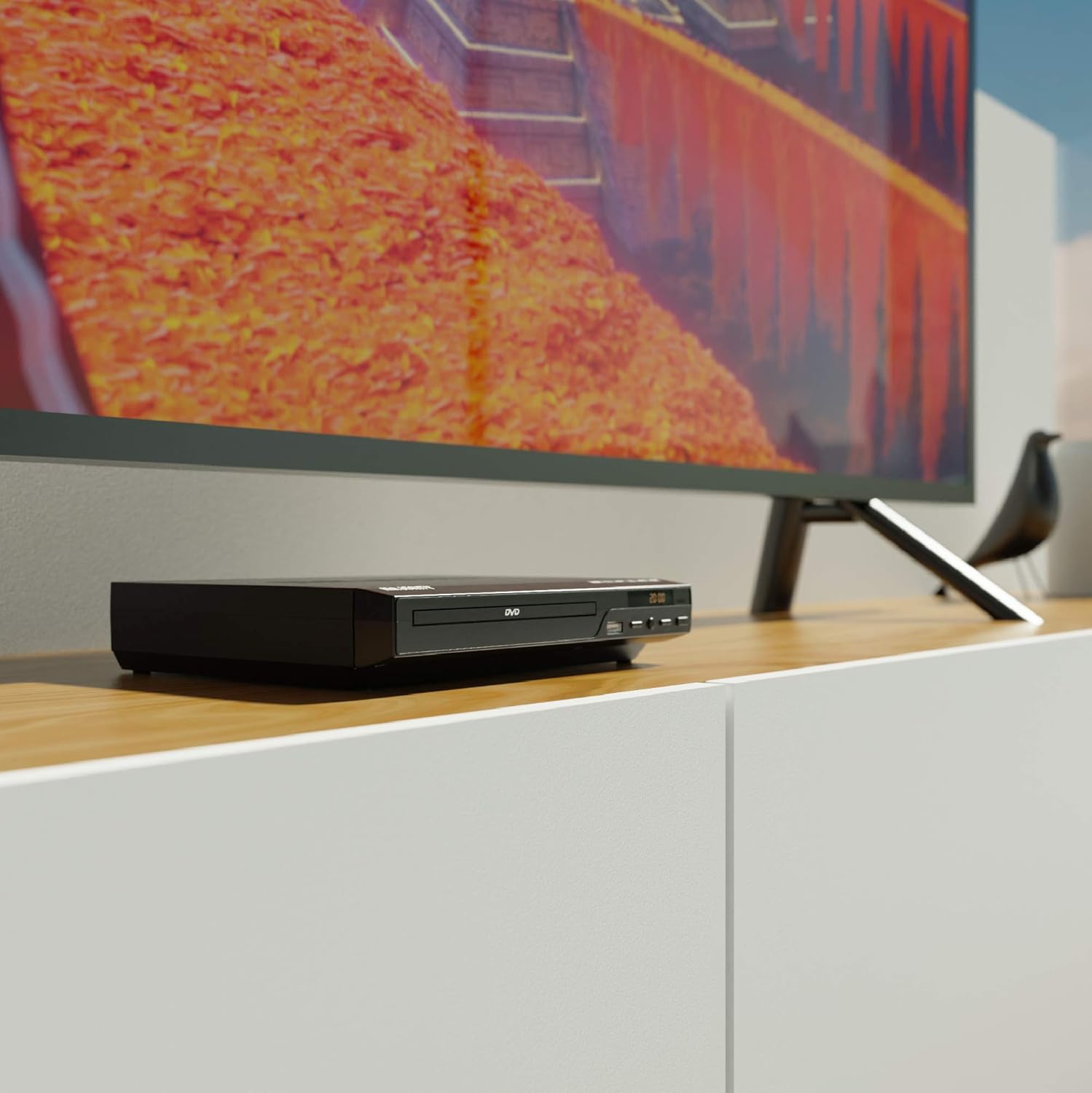
Figure 5.1: DVD player connected and ready for use.
6. คู่มือการใช้งาน
6.1 การเล่นแผ่นพื้นฐาน
- Power on the DVD player and your TV. Select the correct input source on your TV.
- กดปุ่ม เปิด/ปิด กดปุ่มบนแผงด้านหน้าหรือรีโมทคอนโทรลเพื่อเปิดถาดใส่แผ่นดิสก์
- วางแผ่น DVD หรือ CD ลงในถาดโดยให้ด้านที่มีฉลากหงายขึ้น
- กดปุ่ม เปิด/ปิด button again to close the tray. The player will begin loading the disc.
- Playback should start automatically. If a menu appears, use the remote control's arrow keys and OK ปุ่มเพื่อนำทาง
- ใช้ เล่น/หยุดชั่วคราว และ หยุด ปุ่มบนรีโมทหรือแผงด้านหน้าสำหรับควบคุมการเล่น
6.2 การเล่น USB
- เสียบแฟลชไดรฟ์ USB เข้ากับพอร์ต USB ที่แผงด้านหน้า
- โปรแกรมเล่นควรตรวจจับอุปกรณ์ USB และแสดงเนื้อหาโดยอัตโนมัติ หากไม่เป็นเช่นนั้น ให้กดปุ่ม ยูเอสบี ปุ่มบนรีโมทคอนโทรล
- นำทางผ่านของคุณ files using the arrow keys on the remote and press OK to select and play media (e.g., videos, music, photos).
6.3 Multi-Region and PAL/NTSC Support
This DVD player is region-free, meaning it can play DVDs from all regions (1-6). It also features a built-in PAL/NTSC system, automatically converting video signals to match your TV's standard, ensuring compatibility with discs from different territories.
7. การบำรุงรักษา
- การทำความสะอาดหน่วย: ใช้ผ้าแห้งนุ่มเช็ดทำความสะอาดภายนอกเครื่องเล่นดีวีดี ห้ามใช้น้ำยาทำความสะอาดหรือสเปรย์กระป๋อง
- แผ่นทำความสะอาด: Wipe discs from the center outwards with a soft, lint-free cloth. Avoid touching the playback surface.
- การระบายอากาศ : Ensure the ventilation slots on the player are not obstructed to prevent overheating.
8 การแก้ไขปัญหา
| ปัญหา | สาเหตุที่เป็นไปได้ | สารละลาย |
|---|---|---|
| ไม่มีไฟฟ้า | Power cable not connected or outlet faulty. | Check power cable connection and try a different outlet. |
| ไม่มีภาพ/เสียง | Incorrect TV input selected or connection cables loose. | Select the correct HDMI/AV input on your TV. Ensure cables are securely connected. |
| "No Disc" error | แผ่นดิสก์สกปรก มีรอยขีดข่วน หรือใส่ไม่ถูกต้อง | Clean the disc. Ensure the disc is inserted label-side up. Try a different disc. |
| รีโมตคอนโทรลไม่ทำงาน | แบตเตอรี่หมดหรือใส่ไม่ถูกต้อง มีสิ่งกีดขวางระหว่างรีโมทและเครื่องเล่น | Replace batteries. Ensure line of sight to the player's sensor. |
| Disc playback skips or freezes | Disc is dirty or damaged. Player is on an unstable surface. | Clean the disc. Place the player on a stable, level surface. |
9. ข้อมูลจำเพาะ
- แบบอย่าง: ojksfvx-1329
- ขนาดสินค้า : 8.86 x 7.48 x 1.77 นิ้ว
- น้ำหนักสินค้า: 1.5 ปอนด์
- ประเภทสื่อ : CD, DVD (Multi-Region, Region Free)
- ระบบที่รองรับ: ระบบ PAL/NTSC
- ปณิธาน: Up to 1920x1080 (via HDMI upconverting)
- ประเภทของตัวเชื่อมต่อ: เอชดีเอ็มไอ อาร์ซีเอ ยูเอสบี
- โหมดเอาต์พุตเสียง: สเตอริโอ, เสียงรอบทิศทาง
- สี: สีดำ

Figure 9.1: Dimensions of the DVD player.
10. การรับประกันและการสนับสนุน
The Majority Scholars Compact DVD Player comes with a 3-year warranty. For technical support, warranty claims, or further assistance, please refer to the contact information provided in your product packaging or visit the official Majority webเว็บไซต์.


