การแนะนำ
The Ruko F11PRO is a high-performance 4K UHD camera drone designed for both beginners and experienced pilots. It features GPS auto return, a powerful brushless motor, and extended flight time, ensuring a stable and enjoyable flying experience. This manual provides essential information for safe operation and optimal performance of your Ruko F11PRO drone.
มีอะไรอยู่ในกล่อง
Verify all components are present before proceeding with setup:
- 1 x Ruko F11 Pro Drone
- 2 x 11.1V 2500mAH Battery (1 in the drone)
- 1 x กระเป๋าใส่เปลือกหอย
- 1 x ตัวส่งสัญญาณ (รีโมทคอนโทรล)
- ไขควง 1 อัน
- 2 x Charging Cable (Charger not included)
- 4 x ใบพัดเสริม
- 1 x คู่มือผู้ใช้

This image displays the Ruko F11PRO drone, its remote controller, two batteries, a carrying case, charging cables, a screwdriver, and extra propeller blades, all included in the package.
ข้อมูลจำเพาะ
| คุณสมบัติ | รายละเอียด |
|---|---|
| ยี่ห้อ | RUKO |
| ชื่อรุ่น | F11PRO |
| ช่วงอายุ | ผู้ใหญ่ |
| สี | สีดำ |
| ความละเอียดในการจับภาพวิดีโอ | 2160P, 4K, 30fps |
| ความละเอียดของภาพนิ่งที่มีประสิทธิภาพ | 8.3 MP |
| เทคโนโลยีการเชื่อมต่อ | ไวไฟ |
| ระดับทักษะ | ผู้เริ่มต้น |
| น้ำหนักสินค้า | 1.15 ปอนด์ (18.34 ออนซ์) |
| ความจุของแบตเตอรี่ | 2500 มิลลิวินาทีamp ชั่วโมง |
| รูปแบบการจับภาพวิดีโอ | เอ็มพี 4 |
| เทคโนโลยีการควบคุมระยะไกล | รีโมทคอนโทรล |
| ประเภทการควบคุม | การควบคุม Wi-Fi |
| ประเภทสื่อ | ไมโคร SD |
| ระยะสูงสุด | 500 เมตร |
| วัสดุ | อลูมิเนียม |
| ส่วนประกอบของเซลล์แบตเตอรี่ | ลิเธียม |
| ขนาดสินค้า | ยาว 6.9 นิ้ว x กว้าง 4.1 นิ้ว x สูง 3.15 นิ้ว |
| วันที่วางจำหน่าย | 1 กรกฎาคม 2019 |
คู่มือการติดตั้ง
1. กางโดรนออก
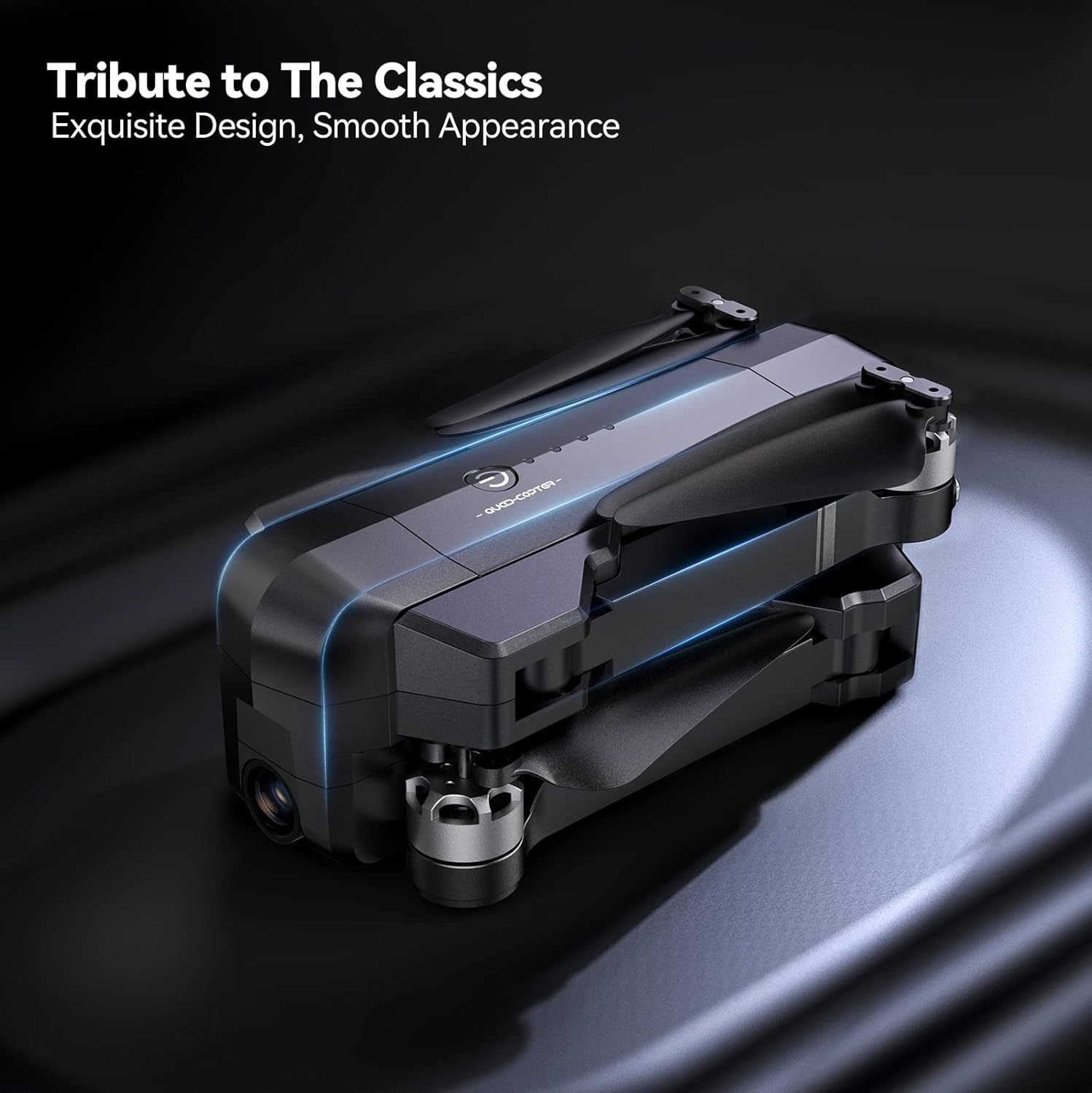
Gently unfold the drone arms until they click into place. Ensure all propellers are free from obstruction and securely attached.

The drone is shown with its arms extended and propellers in position, indicating it is ready for pre-flight checks.
2. การติดตั้งและการชาร์จแบตเตอรี่
Insert the charged 11.1V 2500mAh battery into the drone's battery compartment. Connect the charging cable to the battery and a suitable USB power source (charger not included). A full charge provides up to 30 minutes of flight time per battery.

ภาพระยะใกล้ view of the drone's battery, showing its design and power indicator lights.

The drone battery connected to a charging cable, illustrating the charging process.
3. การตั้งค่ารีโมทคอนโทรล
Install your smartphone onto the remote controller's phone holder. Connect the remote controller to your smartphone using the provided cable.

The remote controller with a smartphone mounted, ready for app-controlled flight.
4. การติดตั้งและการเชื่อมต่อแอป
Download the official Ruko Pro app from your device's app store. Power on the drone and the remote controller. Connect your smartphone to the drone's Wi-Fi network (usually named "Ruko-F11PRO-XXXX"). Open the Ruko Pro app to establish connection and view ฟีดสด

A smartphone screen displaying the Ruko Pro app interface, showing flight data and controls.
5 การปรับเทียบ GPS
For stable flight and GPS features like Auto Return Home, proper GPS calibration is crucial. Follow the on-screen instructions in the Ruko Pro app to calibrate the drone's compass and GPS before each flight. This typically involves rotating the drone horizontally and vertically.

An illustration showing the drone being rotated for GPS calibration, a critical step for accurate positioning.
คำแนะนำการใช้งาน
การบินขึ้นและลงจอด
Place the drone on a flat, open surface. Press the one-key takeoff button on the remote controller or within the app. The drone will automatically ascend to a safe height. To land, press the one-key landing button, and the drone will descend and land automatically.
การควบคุมการบิน
ใช้จอยสติ๊กบนรีโมทคอนโทรลเพื่อบังคับทิศทางโดรน:
- จอยสติ๊กซ้าย: ควบคุมระดับความสูง (ขึ้น/ลง) และการหมุนรอบแกน (หมุนซ้าย/ขวา)
- จอยสติ๊กขวา: ควบคุมการเคลื่อนที่ไปข้างหน้า/ข้างหลัง และ ซ้าย/ขวา

รายละเอียด view of the remote controller, highlighting the joysticks and control buttons.
โหมดการบินอัจฉริยะ
The Ruko F11PRO offers several intelligent flight modes for enhanced creativity and ease of use:
- ติดตามฉัน: The drone automatically follows the remote controller or a designated subject.
- Fly Around (Circle Fly): The drone orbits a specified point of interest.
- จุดที่น่าสนใจ: The drone flies around a chosen point, keeping it centered in the camera.
- Hand Gesture Shots: ใช้ท่าทางมือเฉพาะเพื่อสั่งถ่ายภาพหรือวิดีโอ

Visual representations of the drone executing various intelligent flight modes, including following a subject, flying along a set path, and circling a point of interest.
การทำงานของกล้อง
The 4K UHD camera captures stunning photos and 2.9K/30fps videos. The camera features a 90° adjustable tilt and a 120° FOV lens for wide-angle shots.
- ถ่ายภาพ/วิดีโอ: ใช้ปุ่มเฉพาะบนรีโมทคอนโทรลหรือในแอปพลิเคชันเพื่อถ่ายภาพหรือเริ่ม/หยุดการบันทึกวิดีโอ
- การปรับมุมกล้อง: Adjust the camera's tilt using the scroll wheel on the remote controller.

This image highlights the drone's 4K camera capabilities, including its adjustable angle and wide field of view.
ความปลอดภัยและกฎระเบียบ
FAA Compliance and Remote ID
The Ruko F11PRO drone features an integrated Remote ID module, fully compliant with FAA regulations. No additional Remote ID module is required. Ensure you are aware of and comply with all local aviation regulations before flying.

A visual representation of the drone's internal Remote ID module, indicating its FAA compliance.
สภาพแวดล้อมของเที่ยวบิน
Always choose an open area free of magnetic or radio interference, buildings, and other obstructions (maintain a distance greater than 32 feet). Avoid flying in strong winds (the drone can resist up to Level 6 wind).
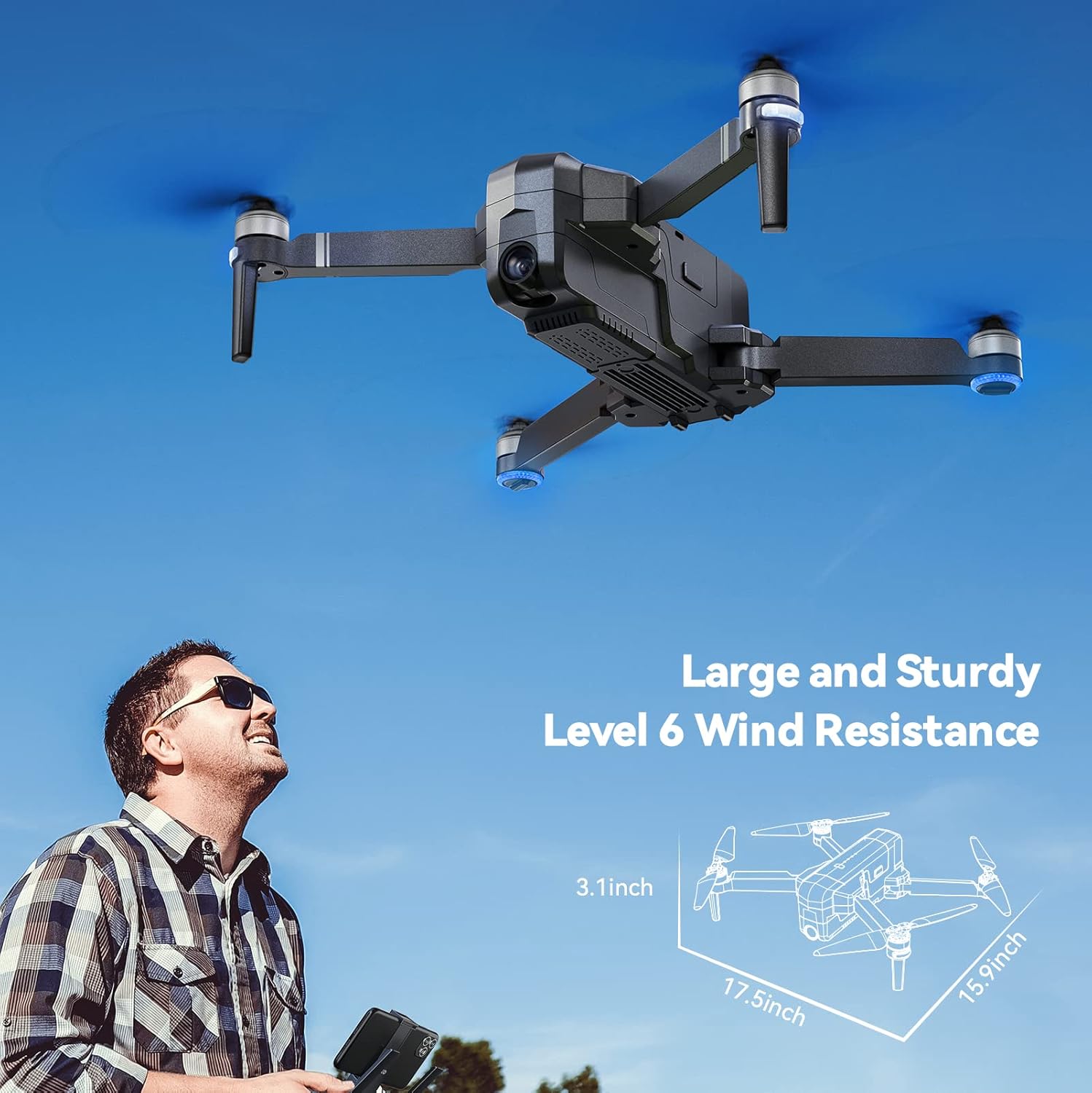
The drone is depicted flying outdoors, emphasizing its ability to withstand Level 6 winds due to its brushless motor.
โหมดเริ่มต้น
The default Beginner Mode automatically sets up geofences, limiting flight distance and height to prevent loss. Once familiar with flight skills, you can disable Beginner Mode for extended range.

An illustration showing the drone's flight path restricted by a virtual geofence, a feature of Beginner Mode.
การซ่อมบำรุง
การดูแลรักษาใบพัด
Regularly inspect propellers for any damage (cracks, bends, chips). Replace damaged propellers immediately using the provided screwdriver and extra blades.
การทำความสะอาด
Use a soft, dry cloth to clean the drone body and camera lens. Avoid using liquid cleaners or solvents.
การจัดเก็บแบตเตอรี่
Store batteries in a cool, dry place away from direct sunlight and extreme temperatures. For long-term storage, charge batteries to approximately 50-60% capacity.
การแก้ไขปัญหา
โดรนไม่เปิดเครื่อง
- ตรวจสอบให้แน่ใจว่าแบตเตอรี่ชาร์จเต็มและใส่เข้าไปอย่างถูกต้อง
- กดปุ่มเปิด/ปิดค้างไว้สองสามวินาที
Unable to Connect to App
- Verify the drone and remote controller are powered on.
- Check that your phone is connected to the drone's Wi-Fi network.
- รีสตาร์ทแอปแล้วลองอีกครั้ง
GPS Signal Weak or Lost
- Ensure you are flying in an open area away from tall buildings or strong magnetic interference.
- Perform GPS calibration as described in the Setup Guide.
- If signal is lost during flight, the drone will auto-return to home (RTH) if GPS was locked at takeoff.

The drone is shown returning to its takeoff point, illustrating the GPS Auto Return Home feature activated by low power or signal loss.
การรับประกันและการสนับสนุน
Ruko offers a 30-day return or exchange policy and a 90-day free warranty for the F11PRO drone.
For any questions regarding product operation, troubleshooting, or warranty claims, please contact Ruko Customer Service:
- โทรศัพท์: +1 (888) 892-0155 (Mon-Fri: 8 AM to 2 AM (next day) PST, Sat-Sun: 8 AM to 5 PM (PST))
- อีเมล: service@rukotoy.com
This image provides contact details for Ruko customer support, including phone number and email address, along with operating hours.
วิดีโอผลิตภัณฑ์อย่างเป็นทางการ
Currently, there are no official product videos from the seller available for embedding in this manual. Please refer to the written instructions and diagrams for guidance.


