1. บทนำ
Thank you for choosing the EarFun Go Portable Bluetooth Speaker. This manual provides essential information for setting up, operating, and maintaining your device. Please read it thoroughly before use to ensure optimal performance and longevity.
อะไรอยู่ในกล่อง:
- 1 x EarFun Go Wireless Speaker
- สาย USB-C 1 เส้น
- 1 x คู่มือผู้ใช้
2. สินค้าหมดview
The EarFun Go is a compact and robust portable Bluetooth speaker designed for high-quality audio on the go. It features advanced sound technology, durable construction, and versatile connectivity options.
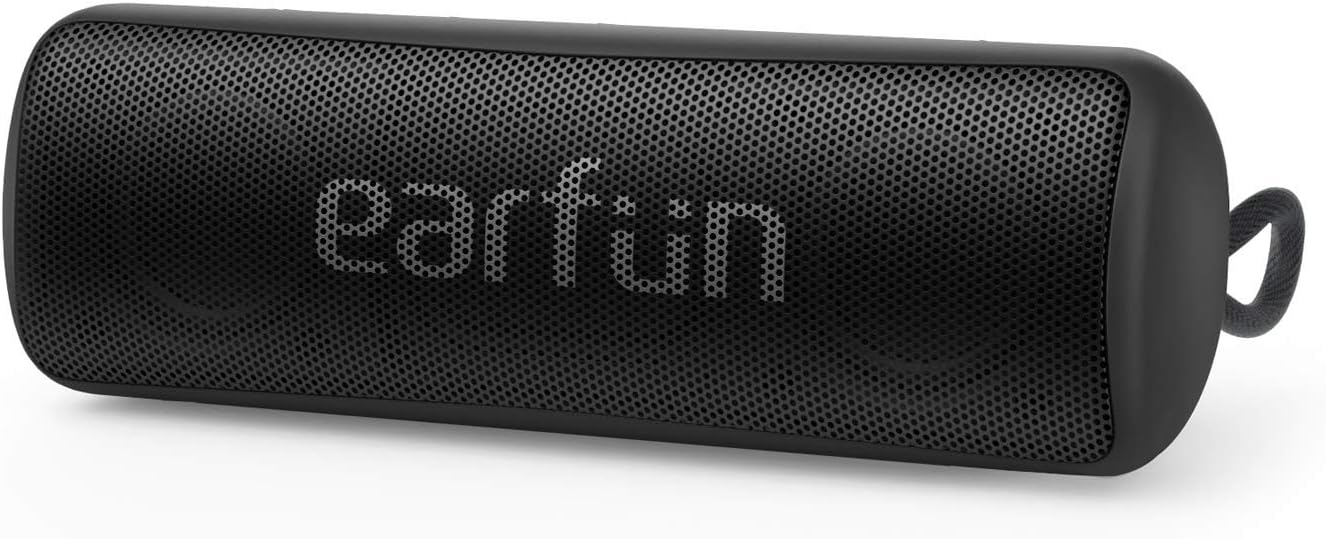
Figure 2.1: EarFun Go Portable Bluetooth Speaker (Front View)
คุณสมบัติหลัก:
- คุณภาพเสียงที่เหนือกว่า: Equipped with dual high-performance drivers and advanced DSP chips for clear audio and enhanced bass.
- IPX7 กันน้ำ: Provides protection against spills, rain, snow, dust, and can withstand submersion in up to 1 meter of water for 30 minutes.
- การเชื่อมต่อบลูทูธ 5.0: Ensures stable and instant pairing with compatible devices up to 100 feet (30 meters) away.
- อายุการใช้งานแบตเตอรี่ 24 ชั่วโมง: A built-in high-capacity rechargeable battery provides extended playtime on a single charge.
- การออกแบบกะทัดรัดและพกพาสะดวก: Its pocket-sized form factor and integrated strap make it ideal for travel and outdoor activities.
- การจับคู่สเตอริโอไร้สายแบบ True Wireless (TWS): Connect two EarFun Go speakers for an immersive stereo sound experience.
- ไมโครโฟนในตัว: Allows for hands-free speakerphone calls and access to digital assistants.

รูปที่ 2.2: ภายใน view highlighting dual high-performance drivers.

Figure 2.3: Speaker demonstrating IPX7 waterproof capability.

Figure 2.4: Seamless Bluetooth 5.0 connection for wireless audio.
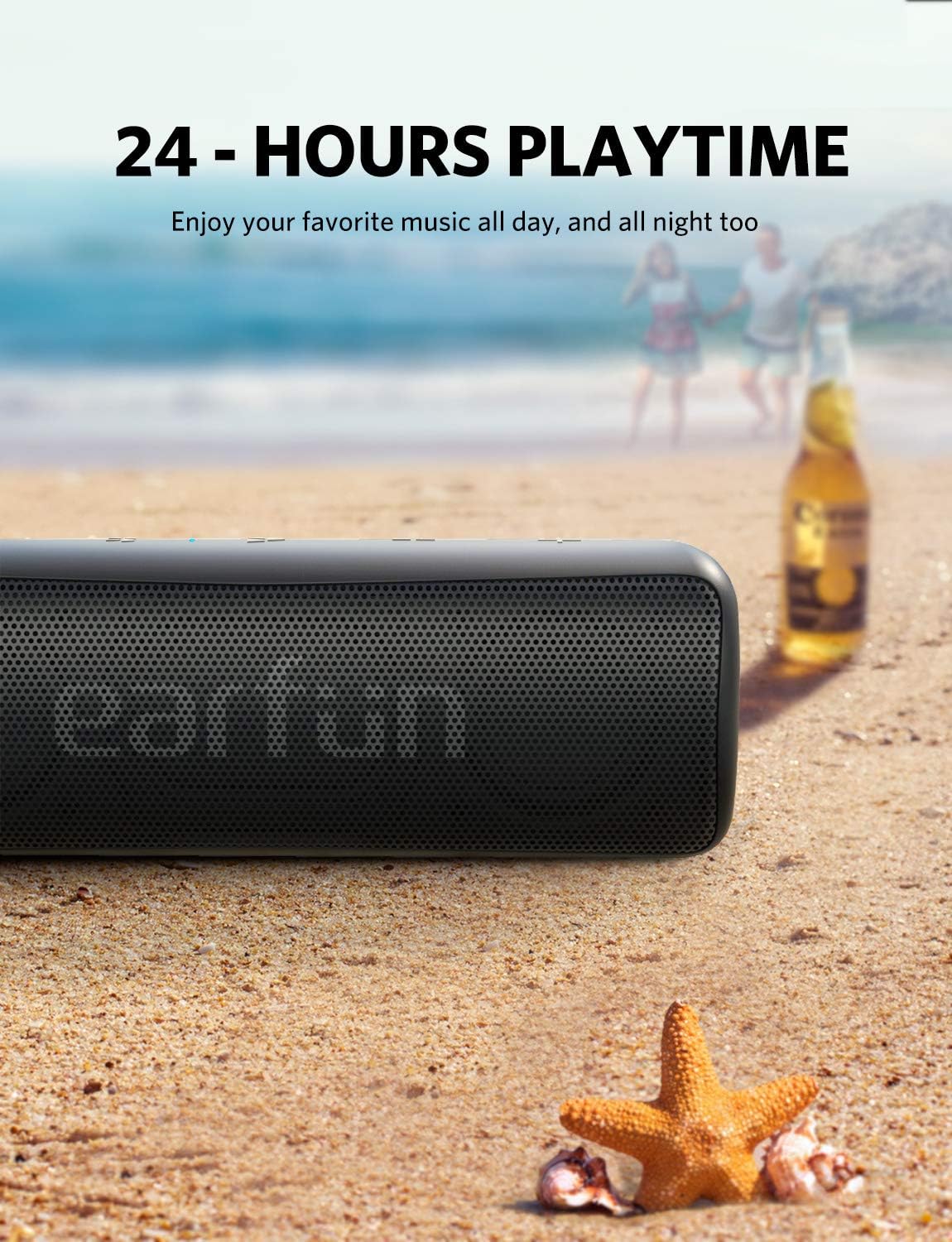
Figure 2.5: Enjoy music all day with 24-hour battery life.

Figure 2.6: Compact design with a convenient hang strap.
3. การตั้งค่า
3.1 การเปิด/ปิดเครื่อง
- การเปิดเครื่อง: กดปุ่มค้างไว้ ปุ่มเปิดปิด (⏻) for 2 seconds. The blue indicator light will flash.
- วิธีปิดเครื่อง: กดปุ่มค้างไว้ ปุ่มเปิดปิด (⏻) for 2 seconds. The indicator light will turn off.
3.2 การจับคู่บลูทูธ
- Ensure the speaker is powered on and the blue indicator light is flashing, indicating it's in pairing mode.
- เปิดใช้งานบลูทูธบนอุปกรณ์ของคุณ (สมาร์ทโฟน แท็บเล็ต แล็ปท็อป)
- ค้นหา "EarFun Go" in your device's Bluetooth list and select it to connect.
- Once connected, the blue indicator light will remain solid.
3.3 การจับคู่แบบ True Wireless Stereo (TWS) (ตัวเลือกเสริม)
To achieve a stereo sound experience, you can pair two EarFun Go speakers together:
- Power on both EarFun Go speakers.
- ในลำโพงตัวหนึ่ง (ซึ่งจะเป็นลำโพงหลัก) ให้กดปุ่มค้างไว้ ปุ่มบลูทูธ (✶) for 5 seconds until you hear a tone and the blue indicator light flashes rapidly.
- The two speakers will automatically connect to each other. Once connected, the primary speaker's blue indicator will flash slowly, and the secondary speaker's blue indicator will remain solid.
- ทีนี้ ให้เชื่อมต่ออุปกรณ์ของคุณกับลำโพงหลักผ่านบลูทูธ ตามที่อธิบายไว้ในหัวข้อ 3.2
3.4 การเชื่อมต่อ AUX
For non-Bluetooth devices, you can use a 3.5mm AUX cable (not included) to connect to the speaker's auxiliary input port.
- Open the protective flap on the back of the speaker to reveal the ports.
- Connect one end of the 3.5mm AUX cable to your audio device and the other end to the AUX-in port on the EarFun Go speaker.
- ลำโพงจะเปลี่ยนเป็นโหมด AUX โดยอัตโนมัติ
4. ปฏิบัติการ
4.1 ฟังก์ชันปุ่ม
The control buttons are located on the top surface of the speaker:

Figure 4.1: Button layout on the EarFun Go speaker.
- ปุ่มเปิด/ปิด (⏻): กดค้างไว้ 2 วินาทีเพื่อเปิด/ปิด
- Bluetooth Button (✶): Press to enter Bluetooth pairing mode. In TWS mode, press and hold for 5 seconds on the primary speaker to initiate TWS pairing.
- ปุ่มเล่น/หยุดชั่วคราว (▶▶): Press once to play or pause music. Press once to answer or end a call. Press and hold for 2 seconds to reject an incoming call. Double-press to activate your device's voice assistant (Siri, Google Now).
- ปุ่มลดระดับเสียง (-): Press once to decrease volume. Press and hold to skip to the previous track.
- ปุ่มเพิ่มระดับเสียง (+): Press once to increase volume. Press and hold to skip to the next track.
5. การบำรุงรักษา
5.1 การดูแลทั่วไป
- ทำความสะอาดลำโพงด้วยผ้านุ่มๆamp ผ้า. ห้ามใช้สารเคมีรุนแรงหรือวัสดุกัดกร่อน
- Ensure the protective flap covering the charging and AUX ports is securely closed when not in use, especially in wet environments.
- หลีกเลี่ยงการวางลำโพงไว้ในอุณหภูมิที่สูงหรือต่ำเกินไปหรือถูกแสงแดดโดยตรงเป็นเวลานาน
5.2 การชาร์จแบตเตอรี่
Charge the speaker using the provided USB-C cable. A full charge takes approximately 4 hours.
- เปิดแผ่นปิดป้องกันด้านหลังลำโพง
- Connect the USB-C cable to the charging port on the speaker and to a compatible USB power source.
- The charging indicator light will show charging status (refer to LED indicator section in full manual for details).
6 การแก้ไขปัญหา
If you encounter issues with your EarFun Go speaker, please refer to the following common solutions:
| ปัญหา | สารละลาย |
|---|---|
| ลำโพงไม่เปิด | ตรวจสอบให้แน่ใจว่าแบตเตอรี่ชาร์จเต็มแล้ว เชื่อมต่อกับแหล่งจ่ายไฟโดยใช้สาย USB-C |
| Cannot pair with device via Bluetooth | Make sure the speaker is in pairing mode (flashing blue light). Turn off and on your device's Bluetooth. Clear previous pairings on your device. |
| ไม่มีเสียงหรือเสียงเบา | Check volume levels on both the speaker and your connected device. Ensure the speaker is not muted. If using AUX, verify cable connection. |
| คุณภาพเสียงไม่ดีหรือการบิดเบือน | Move the speaker closer to your Bluetooth device. Ensure there are no obstructions. Reduce volume if distortion occurs at high levels. |
| การจับคู่ TWS ล้มเหลว | Ensure both speakers are EarFun Go models. Follow TWS pairing steps carefully, ensuring only one speaker is initially in pairing mode before initiating TWS. |
7. ข้อมูลจำเพาะทางเทคนิค
| คุณสมบัติ | ข้อมูลจำเพาะ |
|---|---|
| ชื่อรุ่น | SP100B |
| ประเภทลำโพง | กลางแจ้ง |
| คุณสมบัติพิเศษ | DSP Technology, Wireless Stereo Pairing (TWS), USB Type-C Port, IPX7 Waterproof, 30 Meters Bluetooth Range, 24 Hours Playtime |
| การใช้ที่แนะนำ | For Smartphones or Tablets, Travel, Outdoor/Portable audio setups |
| อุปกรณ์ที่รองรับ | แล็ปท็อป, สมาร์ทโฟน, แท็บเล็ต |
| ขนาดสินค้า | ลึก 2.2 นิ้ว x กว้าง 2.2 นิ้ว x สูง 6.3 นิ้ว (ลึก 5.6 ซม. x กว้าง 5.6 ซม. x สูง 16 ซม.) |
| น้ำหนักสินค้า | 14.1 ออนซ์ (400 กรัม) |
| ระดับความต้านทานต่อน้ำ | กันน้ำระดับ IPX7 |
| ระยะสูงสุด | 100 ฟุต (30 เมตร) |
| วิธีการควบคุม | เสียง, ปุ่ม |
| เทคโนโลยีการสื่อสารไร้สาย | บลูทูธ 5.0 |
| แหล่งพลังงาน | ใช้พลังงานจากแบตเตอรี่ (รวมแบตเตอรี่ลิเธียมไอออน 1 ก้อน) |
| ความจุของแบตเตอรี่ | เล่นได้นานถึง 24 ชั่วโมง |
| เวลาในการชาร์จ | 4 ชั่วโมง |
| กำลังขับสูงสุดของลำโพง | 12 Watts (2 x 6W Speakers) |
| โหมดเอาต์พุตเสียง | สเตอริโอ |
8. การรับประกันและการสนับสนุนลูกค้า
The EarFun Go Portable Bluetooth Speaker comes with an 18-month manufacturer's warranty. Additionally, a 30-day no-questions-asked return policy is offered. For any product-related inquiries, technical support, or warranty claims, please contact EarFun customer service through their official webไซต์หรือผู้ค้าปลีกที่ซื้อผลิตภัณฑ์


