การแนะนำ
The LaCie d2 Professional is an external desktop hard drive designed for creative professionals and users requiring substantial storage capacity and high performance. It is ideal for those using SSD-based laptops or all-in-one computers with limited internal storage. This manual provides essential information for setting up, operating, maintaining, and troubleshooting your LaCie d2 Professional hard drive.

Image: LaCie d2 Professional 8TB External Hard Drive, showcasing its sleek black aluminum enclosure and blue indicator light.
มีอะไรอยู่ในกล่อง
ตรวจสอบว่าบรรจุภัณฑ์มีส่วนประกอบทั้งหมด:
- LaCie d2 Professional 8TB USB 3.1 TYPE C External Hard Drive
- สาย USB-C ถึง USB-C
- USB-C to USB 3.0 (Type A) adapter cable
- แหล่งจ่ายไฟภายนอก
- Quick start guide (this manual serves as a comprehensive guide)
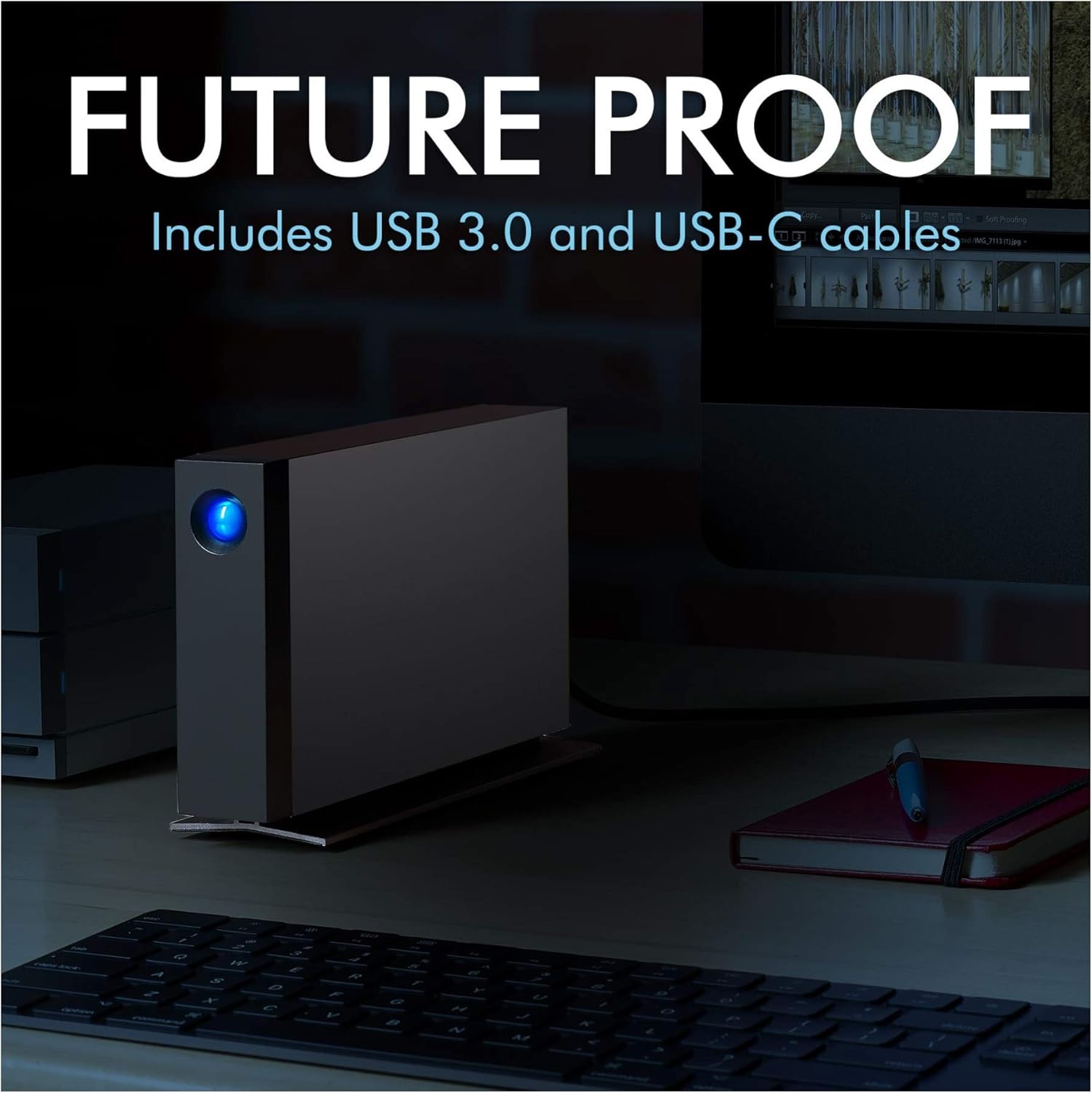
Image: LaCie d2 Professional hard drive connected to a computer, illustrating the included USB-C and USB 3.0 cables for versatile connectivity.
การตั้งค่า
- เชื่อมต่อแหล่งจ่ายไฟ: Plug the external power supply into the hard drive's power input and then into a wall outlet.
- เชื่อมต่อกับคอมพิวเตอร์ของคุณ:
- For USB-C or Thunderbolt 3 ports: Use the provided USB-C to USB-C cable.
- For USB 3.0 (Type A) ports: Use the provided USB-C to USB 3.0 (Type A) adapter cable.
- การตั้งค่าไดรฟ์เริ่มต้น:
Upon first connection, the drive may appear as a new volume on your desktop. It is pre-formatted for universal compatibility. For optimal performance and specific operating system features (e.g., Time Machine for Mac), you may need to reformat the drive using your computer's disk utility. Refer to your operating system's documentation for detailed formatting instructions.
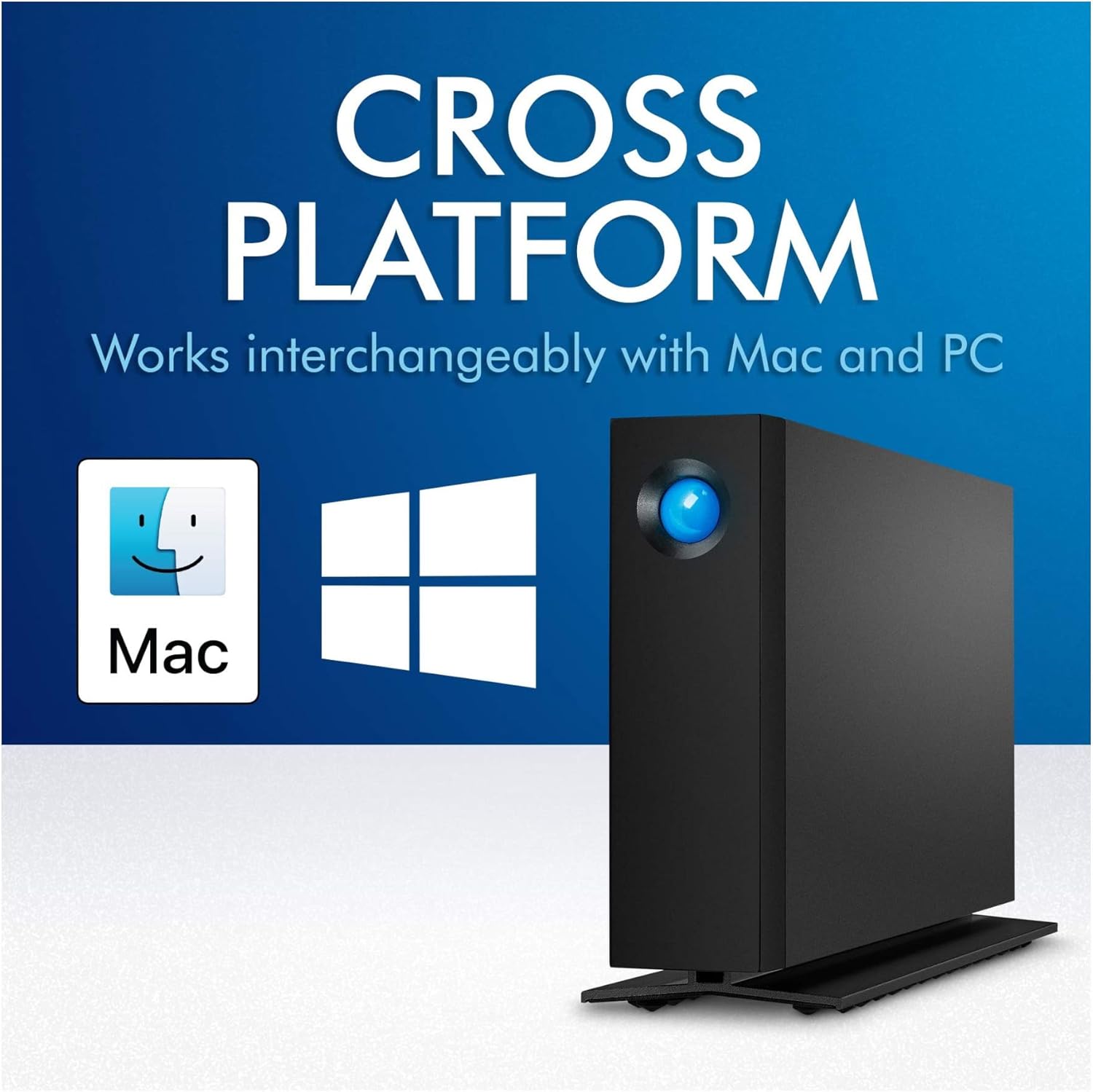
Image: LaCie d2 Professional hard drive demonstrating its cross-platform compatibility with both Mac and PC operating systems.
การใช้งานอุปกรณ์
The LaCie d2 Professional is designed for straightforward operation. Once connected and recognized by your computer, it functions like any other external storage device.
- การถ่ายโอนข้อมูล: ลากและวาง files to and from the drive, or use your operating system's copy/paste functions. The drive offers speeds of up to 240MB/s for efficient data transfer.
- ไฟแสดงสถานะ: The blue LED on the front of the drive indicates power and activity. A solid blue light typically means the drive is powered on and idle, while a blinking light indicates data transfer or activity.
- การดีดไดรฟ์ออก: ควรถอดไดรฟ์ออกจากระบบปฏิบัติการอย่างปลอดภัยเสมอ ก่อนที่จะถอดออก เพื่อป้องกันข้อมูลเสียหาย
- หน้าต่าง: Right-click the drive icon in 'This PC' or 'My Computer' and select 'Eject'.
- MacOS: ลากไอคอนไดรฟ์ไปที่ถังขยะ หรือคลิกปุ่ม "ดีดออก" ที่อยู่ถัดจากชื่อไดรฟ์ใน Finder
- เสียงรบกวนและการสั่นสะเทือน: The aluminum form factor helps reduce noise and vibration during operation, providing a quieter working environment.
การซ่อมบำรุง
Proper maintenance ensures the longevity and optimal performance of your LaCie d2 Professional hard drive.
- รักษาความสะอาด: ใช้ผ้านุ่มและแห้งเช็ดทำความสะอาดภายนอกไดรฟ์ หลีกเลี่ยงการใช้น้ำยาทำความสะอาดหรือวัสดุที่มีฤทธิ์กัดกร่อน
- การระบายอากาศ : Ensure the drive is placed in a location with adequate airflow to prevent overheating. Do not block the ventilation openings.
- อัพเดตเฟิร์มแวร์: ตรวจสอบข้อมูลการสนับสนุนจาก LaCie เป็นระยะ webเข้าชมเว็บไซต์เพื่อตรวจสอบการอัปเดตเฟิร์มแวร์ที่มีให้สำหรับรุ่นของคุณ การอัปเดตเฟิร์มแวร์สามารถปรับปรุงประสิทธิภาพและความเสถียรได้
- การสำรองข้อมูล: While the drive is reliable, it is always recommended to maintain backups of critical data on multiple devices or cloud storage.
การแก้ไขปัญหา
If you encounter issues with your LaCie d2 Professional, try the following steps:
- ไม่พบไดรฟ์:
- Ensure the power supply is securely connected and the drive's indicator light is on.
- ลองใช้พอร์ต USB อื่นบนคอมพิวเตอร์ของคุณ
- ทดสอบด้วยสาย USB อื่นหากมี
- รีสตาร์ทเครื่องคอมพิวเตอร์ของคุณ
- Check your computer's Disk Management (Windows) or Disk Utility (macOS) to see if the drive is recognized but not mounted.
- ประสิทธิภาพการทำงานช้า:
- Ensure you are using a USB 3.0 or USB-C port for optimal speeds. Connecting to a USB 2.0 port will result in significantly slower performance.
- ปิดแอปพลิเคชันที่ไม่จำเป็นที่ทำงานอยู่เบื้องหลัง
- ตรวจสอบความแตกแยก files (though modern operating systems often handle this automatically).
- ไดรฟ์ตัดการเชื่อมต่อแบบสุ่ม:
- ตรวจสอบให้แน่ใจว่าสายเคเบิลทั้งหมดเชื่อมต่ออย่างแน่นหนา
- Disable power-saving features for USB ports in your computer's settings.
- Ensure the drive is placed on a stable surface and not subject to vibrations.
ข้อมูลจำเพาะ
| คุณสมบัติ | รายละเอียด |
|---|---|
| หมายเลขรุ่น | STHA8000800 |
| ความจุในการเก็บข้อมูลแบบดิจิตอล | 8TB |
| ประเภทฮาร์ดไดรฟ์ | ฮาร์ดดิสก์เชิงกล |
| ความเร็วในการหมุนของฮาร์ดไดรฟ์ | 7200 รอบต่อนาที |
| อินเทอร์เฟซ | USB-C (USB 3.1 Gen 2 compatible), USB 3.0 (via adapter) |
| เทคโนโลยีการเชื่อมต่อ | ยูเอสบี |
| อุปกรณ์ที่รองรับ | Desktop (Mac, PC) |
| ขนาด (กxยxส) | 2.36 x 5.12 x 7.42 นิ้ว |
| น้ำหนักสินค้า | 2.36 ปอนด์ |
| ผู้ผลิต | SEAGATE |
การรับประกันและการสนับสนุน
The LaCie d2 Professional includes a comprehensive warranty and data recovery service for peace of mind.
- การรับประกันแบบจำกัด: The product comes with a five-year limited warranty. Please refer to the official LaCie webโปรดตรวจสอบข้อกำหนดและเงื่อนไขฉบับเต็มได้ที่เว็บไซต์หรือบัตรรับประกันที่มาพร้อมกับผลิตภัณฑ์ของคุณ
- บริการกู้คืนข้อมูล: Included with your purchase are five years of Rescue Data Recovery Services. This service can help recover data in the event of accidental data loss, mechanical failure, or natural disaster. For more information and to initiate a recovery request, visit the LaCie support portal.
- การสนับสนุนด้านเทคนิค: For technical assistance, driver downloads, or further inquiries, please visit the official LaCie support webเว็บไซต์.

Image: Graphic indicating "Recovery Included" with 5 years of Rescue Data Recovery Services, symbolized by a large blue 'R' with a cross.


