การแนะนำ
This manual provides detailed instructions for the setup, operation, and maintenance of your OWLENZ 100-inch 16:9 Projector Screen with Stand. Designed for both indoor and outdoor use, this screen offers a premium wrinkle-free viewing surface with a 1.1 gain for bright and clear projections. Please read this manual thoroughly before using your projector screen to ensure proper installation and optimal performance.
คุณสมบัติผลิตภัณฑ์
- ขนาดหน้าจอ: 100 inches diagonal, 16:9 aspect ratio.
- วัสดุ: High-quality polyester with a 1.1 gain for enhanced brightness.
- ออกแบบ: Premium wrinkle-free surface, easy to clean.
- ความสามารถในการพกพา: Includes a carrying bag for easy transport and storage.
- ความอเนกประสงค์: เหมาะสำหรับสภาพแวดล้อมทั้งภายในและภายนอกอาคาร
- ยืน: Stable tripod stand for quick and easy setup.
คำแนะนำการตั้งค่า
Follow these steps to set up your OWLENZ projector screen:
- แกะส่วนประกอบ: Carefully remove all components from the carrying bag. You should have the screen assembly and the tripod stand.
- Set Up Tripod: Place the tripod stand on a flat, stable surface. Extend the legs of the tripod to create a wide and stable base. Secure the legs in place.
- Attach Screen Assembly: Mount the screen assembly onto the top of the tripod stand. Ensure it is securely fastened.
- ขยายหน้าจอ: Gently pull the screen upwards from its housing. Hook the top bar of the screen onto the support rod of the tripod.
- ปรับความสูง: Use the height adjustment mechanism on the tripod stand to raise or lower the screen to your desired viewing height. Ensure the screen is level and taut to prevent wrinkles.
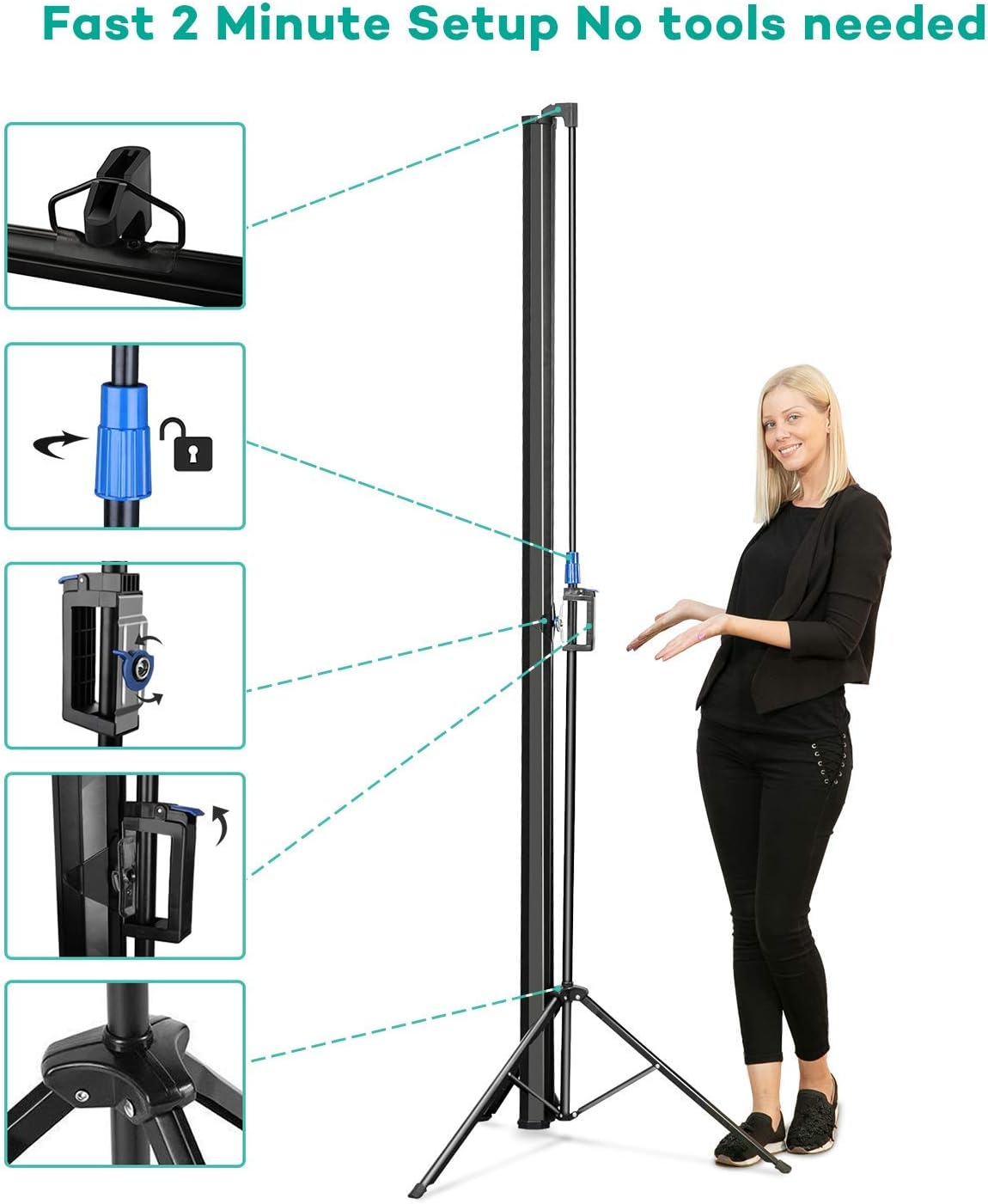
Image: Fast 2-minute setup process for the OWLENZ Projector Screen.
Video: Official product video demonstrating the assembly, disassembly, and height adjustment of the OWLENZ 100-inch Projector Screen with Stand.
คำแนะนำการใช้งาน
Once the screen is set up, you can begin projecting your content. Ensure your projector is positioned correctly and focused on the screen for the best image quality.
- ตำแหน่งการวางโปรเจ็กเตอร์: Position your projector at an appropriate distance and angle to fill the screen completely.
- การปรับภาพ: Use your projector's settings to adjust focus, keystone correction, and zoom to achieve a clear and undistorted image on the screen.
- เหมาะสมที่สุด Viewการลง: For best results, use the screen in a dimly lit environment, especially for outdoor viewing after sunset.
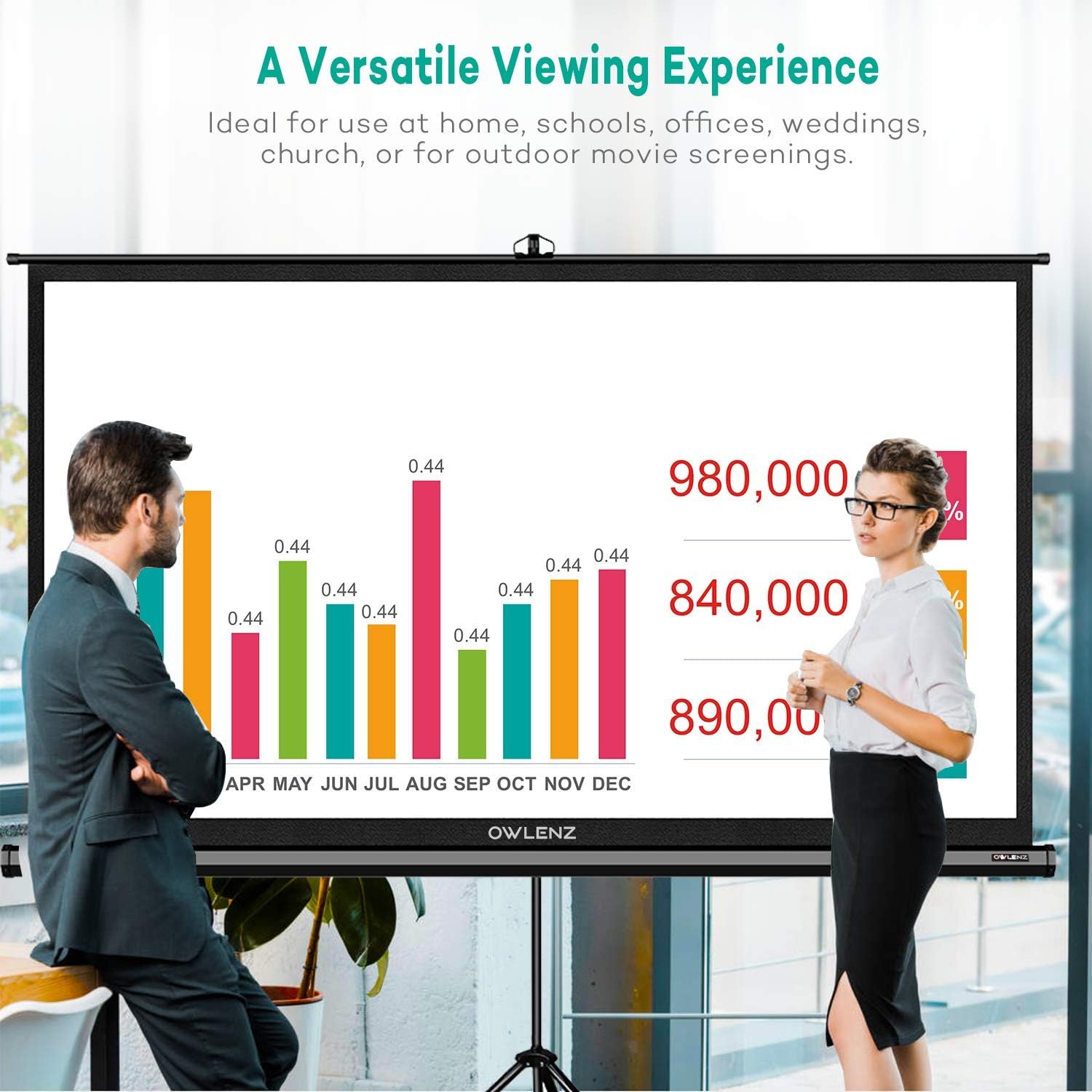
Image: The OWLENZ projector screen in use, demonstrating its versatility for various content.
การซ่อมบำรุง
Proper maintenance will extend the life and performance of your projector screen.
- การทำความสะอาดหน้าจอ: The screen material is designed to be easy to clean. Use a soft, damp cloth with mild soap and water to gently wipe the screen surface. Avoid abrasive cleaners or harsh chemicals, as these can damage the screen.
- พื้นที่จัดเก็บ: When not in use, retract the screen into its housing and store it in the provided carrying bag. Store in a cool, dry place away from direct sunlight and extreme temperatures.
- การจัดการ: Always handle the screen with care to prevent creases or damage to the viewพื้นผิว
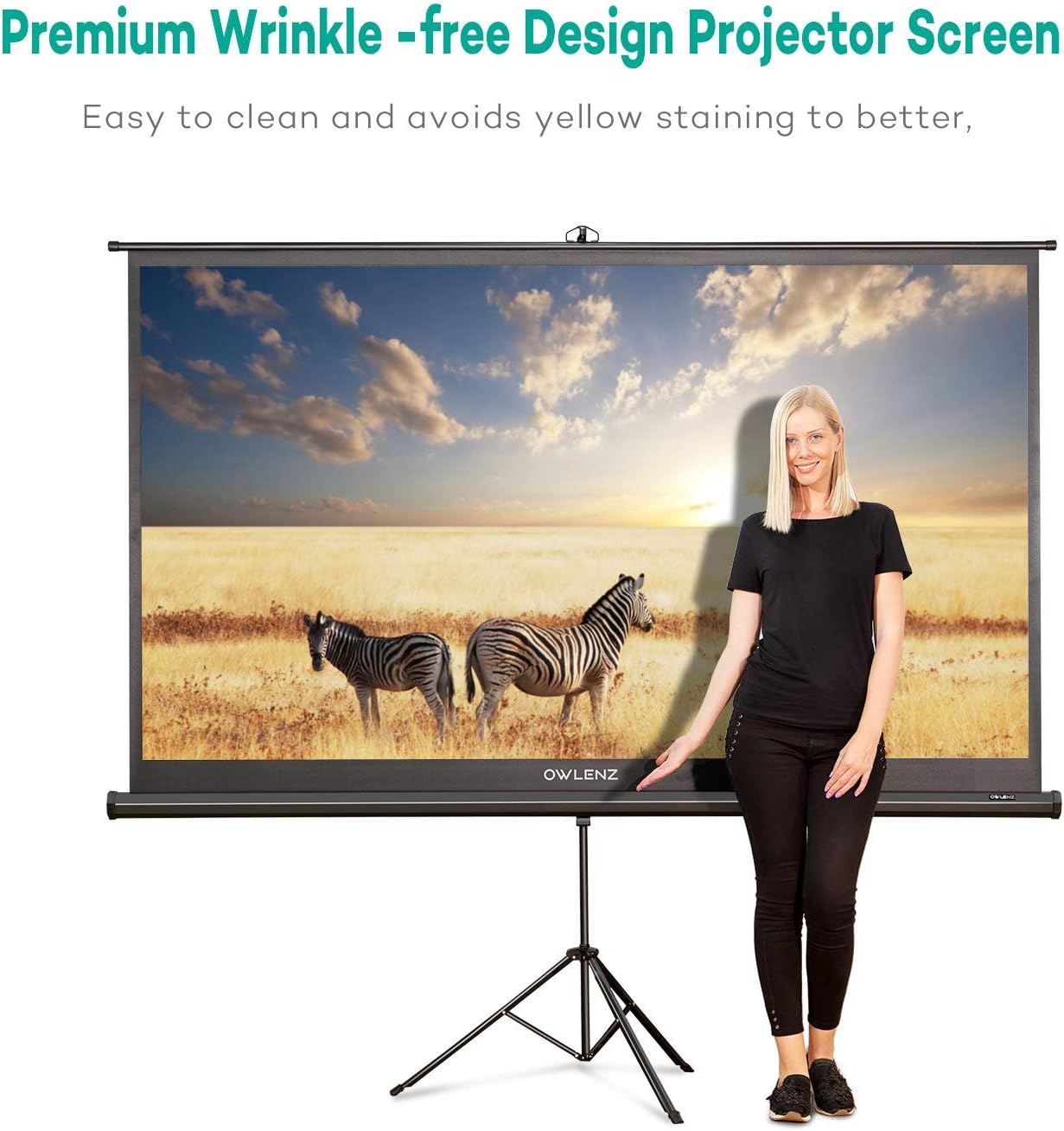
Image: The OWLENZ projector screen's wrinkle-free design, emphasizing ease of cleaning.
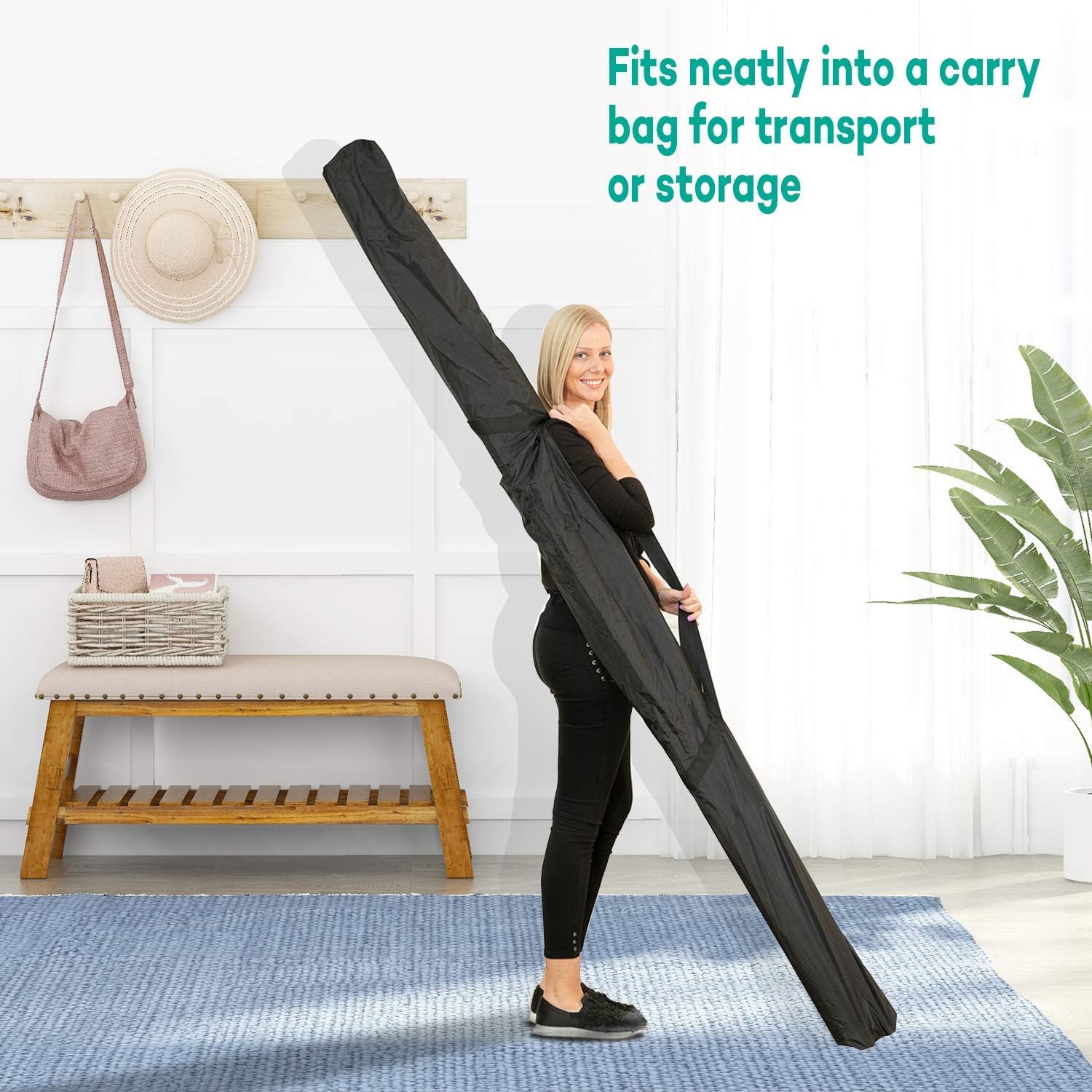
Image: The OWLENZ projector screen neatly stored in its carrying bag.
การแก้ไขปัญหา
If you encounter issues with your projector screen, refer to the following common solutions:
- Wrinkles on Screen: Ensure the screen is fully extended and properly hooked onto the support rod. Adjust the height to ensure tension. The screen is designed to be wrinkle-free, but minor creases from storage should naturally smooth out when taut.
- ขาตั้งไม่มั่นคง: Verify that the tripod legs are fully extended and locked into position on a flat, stable surface. Avoid placing the stand on uneven ground.
- คุณภาพของภาพต่ำ: This is often related to the projector settings. Check your projector's focus, keystone correction, and resolution settings. Ensure the room lighting is appropriate for projection.
- Difficulty Retracting Screen: Ensure no obstructions are preventing the screen from retracting smoothly. Gently guide the screen back into its housing.
ข้อมูลจำเพาะ
| คุณสมบัติ | รายละเอียด |
|---|---|
| ยี่ห้อ | นกฮูก |
| หมายเลขรุ่น | B07K7925CS |
| แสดงส่วนข้อมูล | 100 นิ้ว (แนวทแยง) |
| อัตราส่วนภาพ | 16:9 น. |
| วัสดุ | โพลีเอสเตอร์ |
| ได้รับ | 1.1 |
| ประเภทการติดตั้ง | ติดตั้งภายใน ติดตั้งภายนอก |
| น้ำหนักสินค้า | 20.5 ปอนด์ |
| ขนาดแพ็คเกจ | 97.25 x 7 x 4.1 นิ้ว |
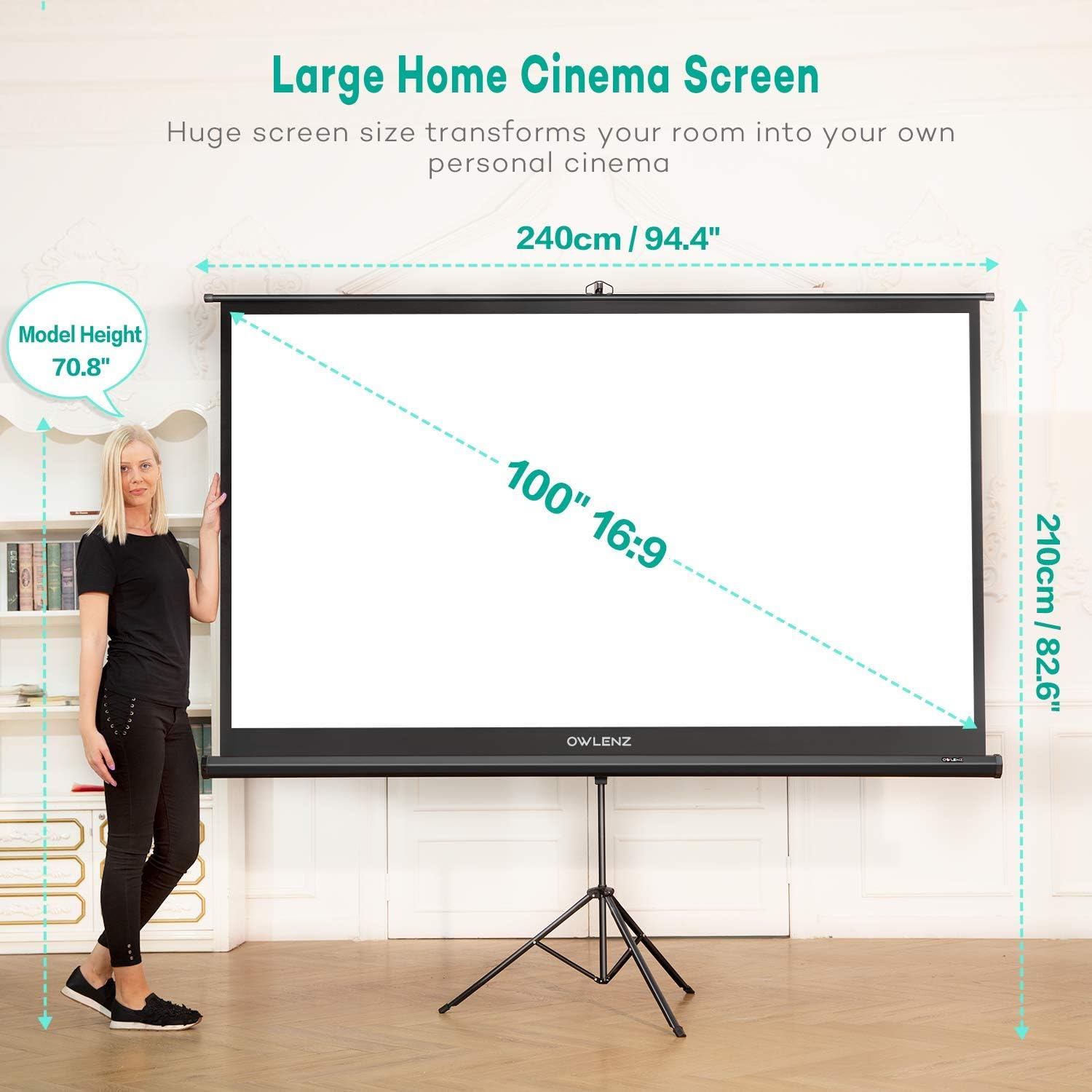
Image: OWLENZ 100-inch 16:9 Projector Screen dimensions with a person for scale.
การรับประกันและการสนับสนุน
For warranty information or technical support, please refer to the contact details provided with your product packaging or visit the official OWLENZ webไซต์ โปรดเก็บใบเสร็จรับเงินของคุณไว้เป็นหลักฐานการซื้อสำหรับการเรียกร้องการรับประกันใดๆ