1. บทนำ
ขอบคุณสำหรับการซื้อasing the MIFA A30 Bluetooth Speaker. This manual provides essential information for setting up, operating, and maintaining your device. Please read it thoroughly before use to ensure optimal performance and longevity of your speaker.
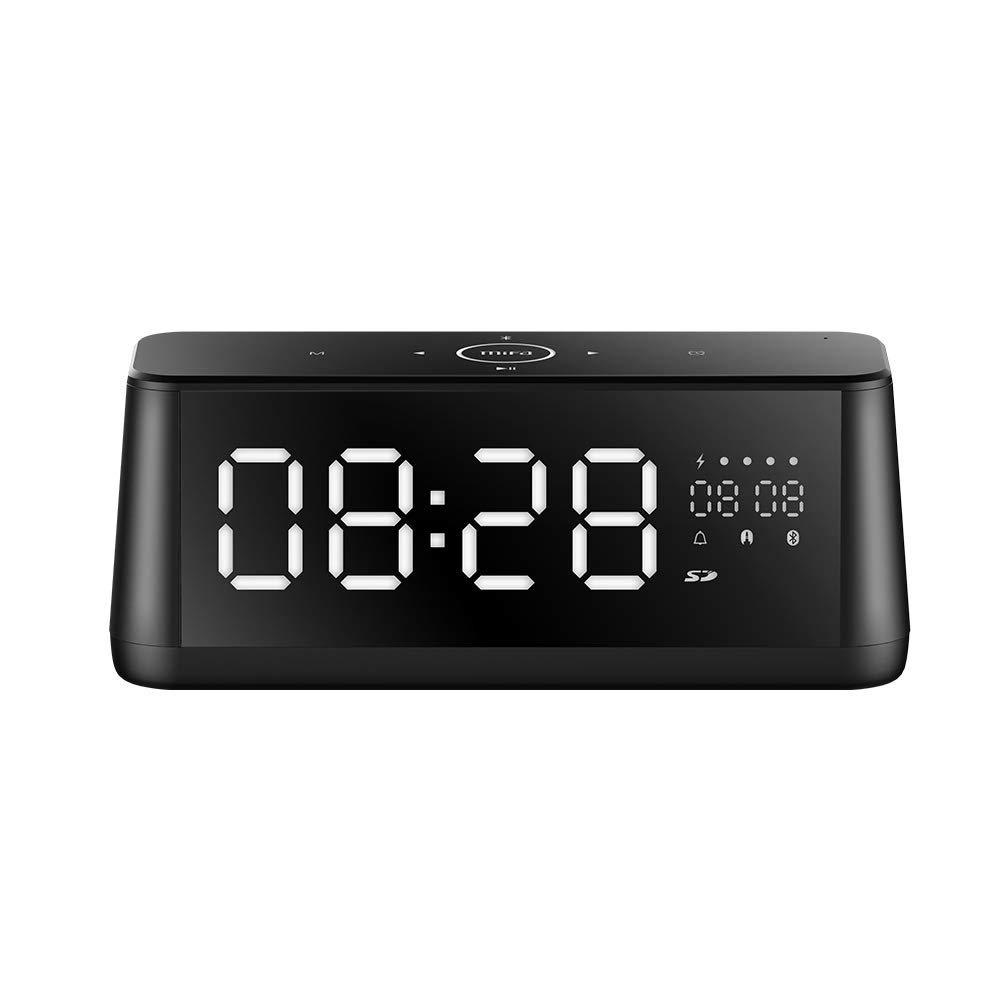
ภาพที่ 1.1: ด้านหน้า view of the MIFA A30 Bluetooth Speaker, displaying the time on its large LED screen.
2. ข้อมูลด้านความปลอดภัย
- ห้ามให้ลำโพงสัมผัสกับอุณหภูมิที่สูงหรือต่ำเกินไป แสงแดดโดยตรง หรือความชื้นสูง
- หลีกเลี่ยงการทำตกหรือให้ลำโพงได้รับแรงกระแทกรุนแรง
- ห้ามถอดประกอบ ซ่อมแซม หรือดัดแปลงอุปกรณ์ด้วยตนเอง โปรดติดต่อช่างผู้ชำนาญการที่ได้รับอนุญาตสำหรับการซ่อมแซมใดๆ
- Keep the speaker away from water and other liquids, despite its waterproof rating, to prevent damage to ports when open.
- ใช้เฉพาะสายชาร์จและอะแดปเตอร์ที่ระบุไว้เท่านั้น
- เช็ดทำความสะอาดลำโพงด้วยผ้าแห้งเนื้อนุ่ม ห้ามใช้สารทำความสะอาดที่มีฤทธิ์กัดกร่อน
3. เนื้อหาบรรจุภัณฑ์
กรุณาตรวจสอบแพ็คเกจสำหรับรายการต่อไปนี้:
- MIFA A30 Bluetooth Speaker
- สายชาร์จ USB
- สายสัญญาณเสียงขนาด 3.5 มม.
- คู่มือการใช้งาน (เอกสารนี้)
4. สินค้าหมดview
4.1 ส่วนประกอบ
The MIFA A30 speaker features a robust design with advanced audio components for high-quality sound reproduction.

ภาพที่ 4.1: ระเบิด view illustrating the internal components of the MIFA A30, including two 15-watt drivers and two low-frequency passive radiators.
4.2. แผงควบคุมและพอร์ต
The speaker's top panel features capacitive touch controls, and the rear panel houses various connectivity ports.
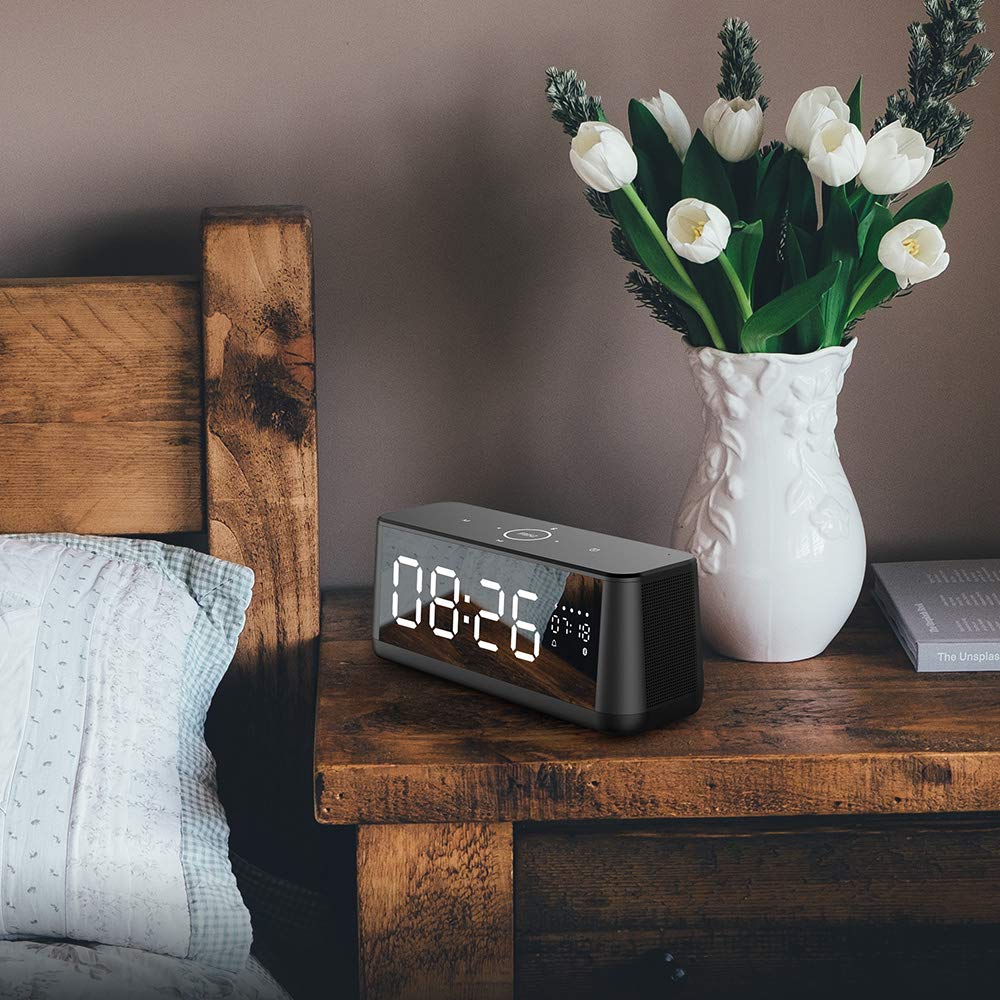
ภาพที่ 4.2: จากบนลงล่าง view of the MIFA A30 control panel, indicating the functions of each touch button for mode, playback, volume, and clock adjustment.
- ปุ่ม M (โหมด): กดสั้นๆ เพื่อสลับระหว่างโหมด Bluetooth, การ์ด TF และ AUX
- การควบคุมบลูทู ธ : Long press to turn off Bluetooth, short press to turn on.
- ปุ่มติดตามก่อนหน้า: กดสั้นเพื่อไปที่เพลงก่อนหน้า
- Play/Pause/Hands-Free Button: กดสั้นเพื่อเล่น/หยุดเพลง กดสั้นเพื่อรับสาย/วางสาย กดยาวเพื่อปฏิเสธสาย
- ปุ่มติดตามถัดไป: กดสั้นเพื่อไปที่เพลงถัดไป
- ปุ่มนาฬิกา: Long press for clock adjustment.
- ปรับระดับเสียงขึ้น: หมุนตามเข็มนาฬิกาเพื่อเพิ่มระดับเสียง
- ลดเสียงลง: หมุนทวนเข็มนาฬิกาเพื่อลดระดับเสียง
- ไมค์: ไมโครโฟนในตัวสำหรับการโทรแบบแฮนด์ฟรี
- จอแสดงผล LED: Shows time, date, battery level, and current mode.
5. การตั้งค่า
5.1. ชาร์จลำโพง
Before first use, fully charge the speaker. Connect the provided USB charging cable to the speaker's charging port and the other end to a USB power adapter (not included) or a computer's USB port. The LED display will indicate charging status.
5.2. การเปิด/ปิดเครื่อง
- การเปิดเครื่อง: Press and hold the Play/Pause button until the LED display lights up.
- วิธีปิดเครื่อง: Press and hold the Play/Pause button until the LED display turns off. The speaker will automatically screen out and power off to save battery after a period of inactivity.
6. คู่มือการใช้งาน
6.1. การจับคู่บลูทู ธ
- Ensure the speaker is powered on and in Bluetooth mode (indicated by the Bluetooth icon on the LED display). If not, short press the 'M' button to switch to Bluetooth mode.
- บนสมาร์ทโฟนหรือแท็บเล็ตของคุณ ให้เปิดใช้งาน Bluetooth และค้นหาอุปกรณ์ที่มีอยู่
- Select "MIFA A30" from the list of devices.
- เมื่อจับคู่สำเร็จแล้ว ลำโพงจะส่งเสียงยืนยัน และไอคอนบลูทูธบนหน้าจอจะหยุดกะพริบ
- The speaker will automatically re-connect to the last paired device when powered on, if the device is within range.
6.2. การเล่นเสียง
- เล่น/หยุดชั่วคราว: กดปุ่มเล่น/หยุดชั่วคราว
- เพลงถัดไป: กดปุ่ม Next Track สั้นๆ
- แทร็กก่อนหน้า: กดปุ่มเพลงก่อนหน้าสั้นๆ
- การปรับระดับเสียง: หมุนตัวควบคุมระดับเสียงตามเข็มนาฬิกาเพื่อเพิ่มระดับเสียง ทวนเข็มนาฬิกาเพื่อลดระดับเสียง
6.3. การโทรแบบแฮนด์ฟรี
เมื่อเชื่อมต่อกับสมาร์ทโฟนผ่านบลูทูธ:
- รับสาย: กดปุ่มเล่น/หยุดชั่วคราว
- วางสาย: กดปุ่มเล่น/หยุดชั่วคราวสั้นๆ ในระหว่างการโทร
- ปฏิเสธสาย: กดปุ่มเล่น/หยุดชั่วคราวค้างไว้เมื่อมีสายเรียกเข้า
6.4. การเล่นการ์ด TF
- Insert a Micro-SD (TF) card with supported audio files (FLAC/APE/MP3/WMA/WAV) into the TF card slot.
- Short press the 'M' button to switch to TF Card mode. The speaker will automatically begin playing music from the card.
6.5. อินพุต AUX
- Connect one end of the 3.5mm audio cable to the speaker's AUX input port and the other end to the audio output of your device (e.g., MP3 player, computer).
- Short press the 'M' button to switch to AUX mode.
- ขณะนี้เสียงจะเล่นผ่านลำโพงจากอุปกรณ์ที่เชื่อมต่อของคุณแล้ว
6.6. Clock and Display Settings
- การปรับนาฬิกา: Long press the Clock button to enter time setting mode. Use the Next/Previous buttons to adjust values and the Play/Pause button to confirm.
- Display Luminance: The LED display has 7 adjustable luminance levels. Refer to the full product documentation for specific adjustment steps, typically involving short presses of the Clock button or a combination with volume controls.
7. การบำรุงรักษา
- การทำความสะอาด: เช็ดพื้นผิวลำโพงด้วยผ้าแห้งนุ่มๆ ที่ไม่มีขน ห้ามใช้น้ำยาทำความสะอาดชนิดเหลวหรือสเปรย์
- พื้นที่จัดเก็บ: เมื่อไม่ได้ใช้งานเป็นเวลานาน ควรเก็บลำโพงไว้ในที่แห้งและเย็น หลีกเลี่ยงแสงแดดโดยตรงและอุณหภูมิที่สูงหรือต่ำเกินไป
- การดูแลแบตเตอรี่ เพื่อยืดอายุการใช้งานแบตเตอรี่ ควรหลีกเลี่ยงการใช้แบตเตอรี่จนหมดบ่อยๆ ควรชาร์จลำโพงเป็นประจำ แม้จะไม่ได้ใช้งานก็ตาม
8 การแก้ไขปัญหา
| ปัญหา | สาเหตุที่เป็นไปได้ | สารละลาย |
|---|---|---|
| ลำโพงไม่เปิดเครื่อง | แบตเตอรี่อ่อน | ชาร์จลำโพงอย่างน้อย 2 ชั่วโมง |
| ไม่มีเสียง. | ระดับเสียงต่ำเกินไป; โหมดไม่ถูกต้อง; อุปกรณ์ไม่ได้เชื่อมต่อ | Increase speaker and device volume. Ensure correct mode (Bluetooth/AUX/TF Card). Re-pair Bluetooth device or check AUX cable connection. |
| การจับคู่บลูทูธล้มเหลว | ลำโพงไม่ได้อยู่ในโหมดจับคู่ อุปกรณ์อยู่ไกลเกินไป มีสัญญาณรบกวน | Ensure speaker is in Bluetooth mode. Move device closer to speaker. Turn off other Bluetooth devices. Try forgetting "MIFA A30" on your device and re-pairing. |
| TF Card not playing. | โหมดไม่ถูกต้อง ไม่รองรับ file format; card error. | Switch to TF Card mode. Ensure files are FLAC/APE/MP3/WMA/WAV. Reinsert TF card or try a different card. |
9. ข้อมูลจำเพาะ
| คุณสมบัติ | รายละเอียด |
|---|---|
| ชื่อรุ่น | เอ30 |
| ประเภทลำโพง | ชั้นวางหนังสือ |
| เทคโนโลยีการเชื่อมต่อ | Bluetooth 4.2, Auxiliary (3.5mm), Micro-SD (TF Card) |
| โหมดเอาต์พุตเสียง | สเตอริโอ |
| กำลังขับสูงสุดของลำโพง | 30 วัตต์ (ไดร์เวอร์ 15 วัตต์ 2 ตัว) |
| เบส Enhancement | Two low-frequency boosters |
| ความจุของแบตเตอรี่ | 4000 มิลลิแอมป์ |
| เวลาเล่น | Up to 10-12 hours (depending on volume and content) |
| วิธีการควบคุม | แผงสัมผัสแบบ Capacitive |
| แสดง | 7.2" x 2.8" Mirror LED Screen with 106 LEDs, 7-level adjustable luminance |
| รูปแบบเสียงที่รองรับ | FLAC/APE/MP3/WMA/WAV |
| ไมโครโฟนในตัว | ใช่ สำหรับการโทรแบบแฮนด์ฟรี |
| กันน้ำ | Yes (Note: Ensure ports are covered for water resistance) |
| สี | สีดำ |
| ประเภทการติดตั้ง | ที่วางบนโต๊ะ |
10. การรับประกันและการสนับสนุน
The MIFA A30 Bluetooth Speaker typically comes with a 30-day warranty from the date of purchase, covering manufacturing defects. Please retain your proof of purchase for warranty claims.
For technical support, troubleshooting assistance beyond this manual, or warranty inquiries, please contact MIFA customer service through their official website or the retailer where the product was purchased. Provide your product model (A30) and purchase details when seeking support.


