การแนะนำ
This manual provides detailed instructions for the setup, operation, and maintenance of your TCL 55S425 55 inch 4K Smart LED Roku TV. This television combines 4K Ultra HD picture clarity with High Dynamic Range (HDR) for a lifelike viewing experience. It features built-in Roku streaming, offering access to over 500,000 movies and TV episodes across various streaming channels. The TV is compatible with Alexa and Google Assistant and includes dual-band Wi-Fi and an Ethernet port for connectivity.
คำแนะนำด้านความปลอดภัยที่สำคัญ
- อ่านคำแนะนำทั้งหมดก่อนใช้งานเครื่อง
- เก็บคำแนะนำเหล่านี้ไว้เพื่อใช้อ้างอิงในอนาคต
- ห้ามใช้อุปกรณ์นี้ใกล้น้ำ
- ทำความสะอาดด้วยผ้าแห้งเท่านั้น
- อย่าปิดกั้นช่องระบายอากาศใดๆ ติดตั้งตามคำแนะนำของผู้ผลิต
- ห้ามติดตั้งใกล้แหล่งความร้อน เช่น หม้อน้ำ เครื่องทำความร้อน เตา หรืออุปกรณ์อื่น ๆ (รวมถึง ampเครื่องให้ความร้อน) ที่ผลิตความร้อน
- ปกป้องสายไฟไม่ให้ถูกเหยียบหรือถูกหนีบ โดยเฉพาะที่ปลั๊ก เต้ารับไฟฟ้า และจุดที่สายไฟออกจากเครื่อง
- ใช้เฉพาะอุปกรณ์เสริม/สิ่งที่แนบตามที่ผู้ผลิตกำหนดเท่านั้น
- ถอดปลั๊กอุปกรณ์นี้ในระหว่างพายุฝนฟ้าคะนองหรือเมื่อไม่ได้ใช้งานเป็นเวลานาน
เนื้อหาแพ็คเกจ
- TCL 55S425 55 inch 4K Smart LED Roku TV
- รีโมทคอนโทรล (ต้องใช้แบตเตอรี่ AAA 2 ก้อน รวมอยู่ด้วย)
- ชั้นวางทีวี (2)
- สายไฟ
การตั้งค่าเริ่มต้น
การติดตั้งขาตั้งทีวี
Carefully place the TV face down on a soft, clean surface. Attach the two included tripod legs to the designated slots on the bottom of the TV. Secure them with the provided screws. Ensure the stands are firmly attached before placing the TV upright.
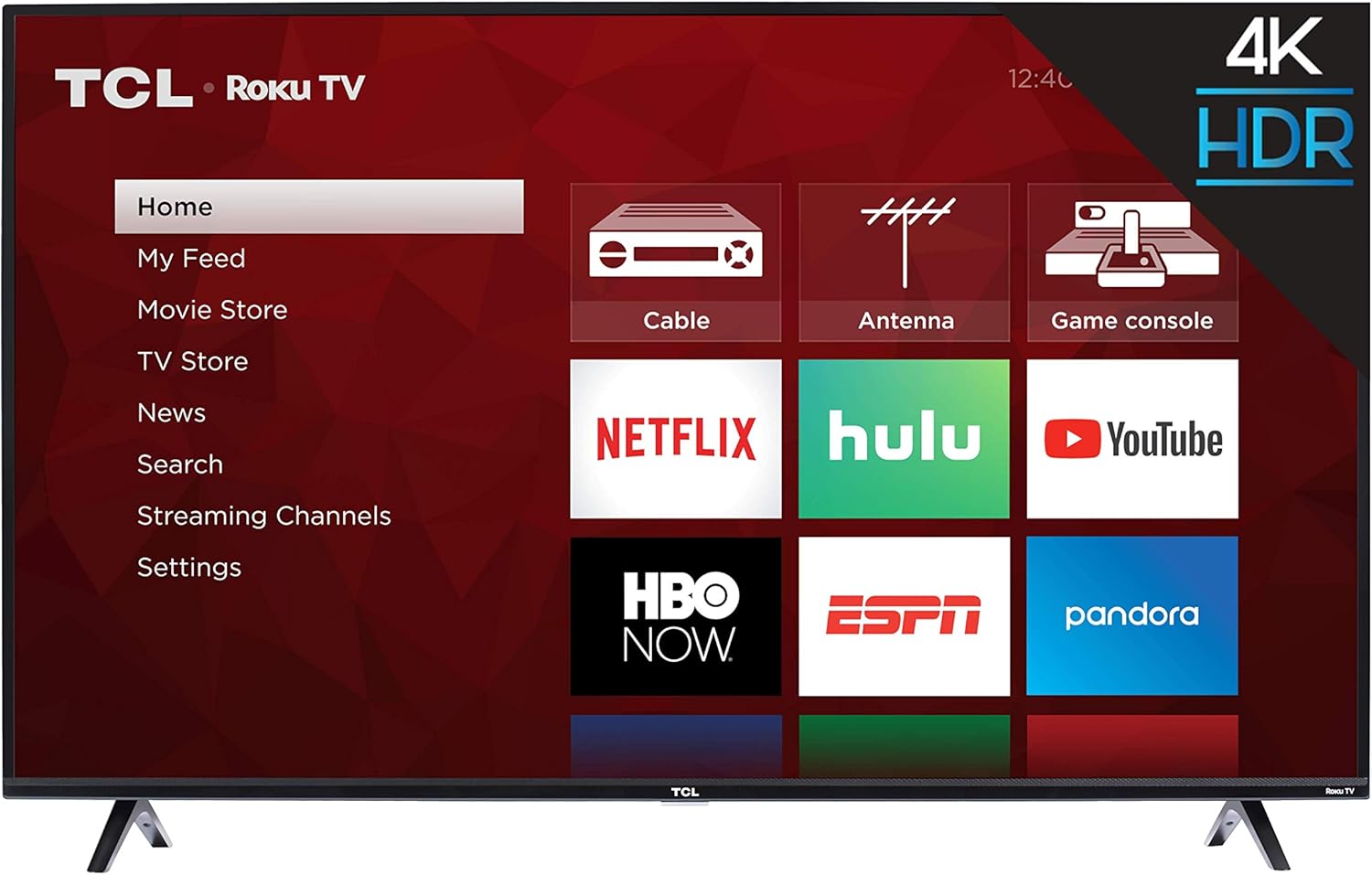
ภาพ: ด้านหน้า view of the TCL 55S425 55 inch 4K Smart LED Roku TV, showing the TV with its stands attached and the Roku home screen.
ติดตั้งบนผนัง (ทางเลือก)
The TCL 55S425 TV is VESA compatible with a 200mm x 200mm mounting pattern. For wall mounting, ensure you use a compatible wall mount kit (sold separately) and follow the instructions provided with the mount. The TV dimensions without the stand are approximately 49 inches (W) x 28.4 inches (H) x 3.1 inches (D).
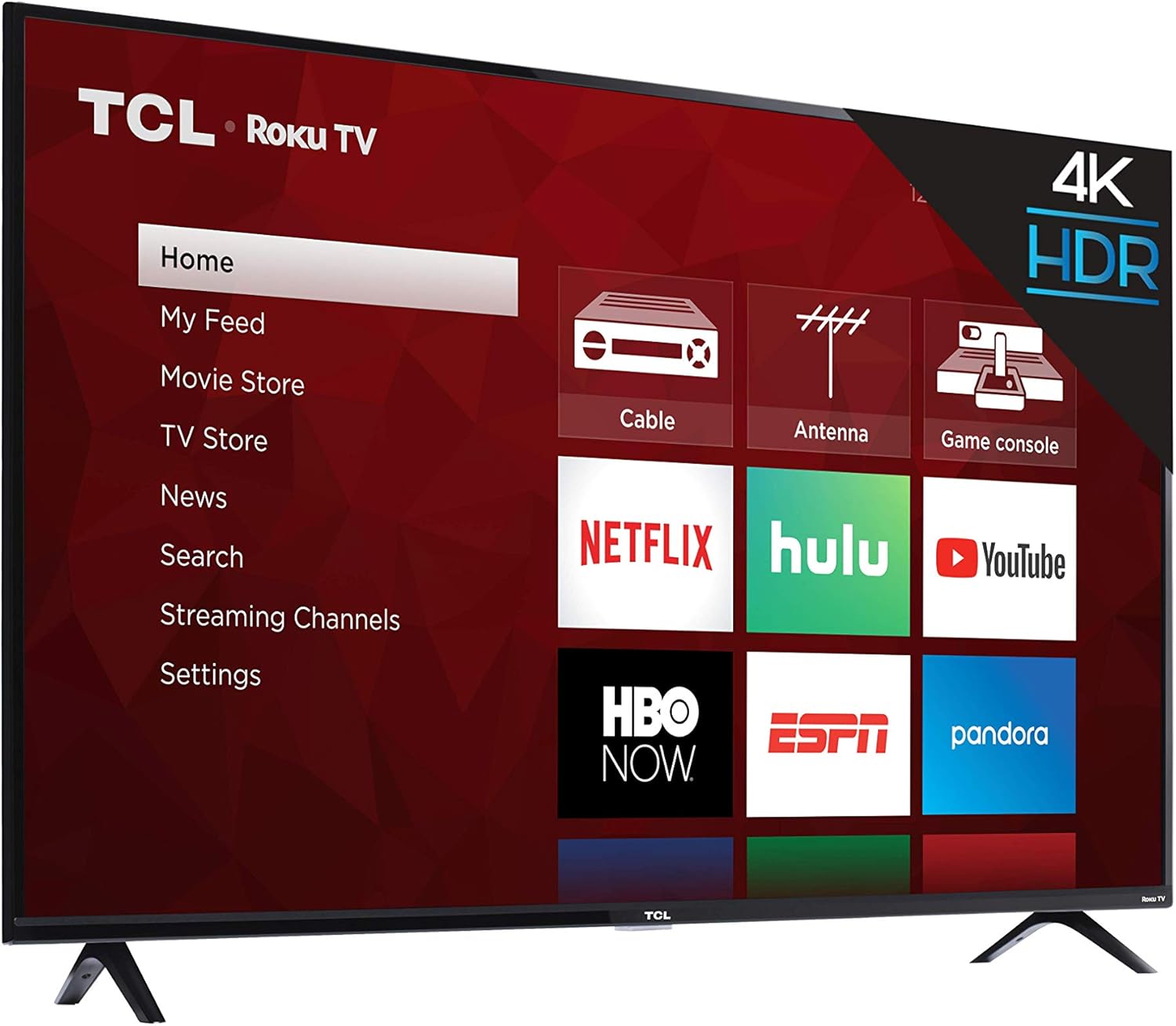
ภาพ: ไซด์โปรfile of the TCL 55S425 4K Smart LED Roku TV, illustrating its slim design for potential wall mounting.
การเชื่อมต่ออุปกรณ์
ทีวีของคุณมีพอร์ตหลายพอร์ตสำหรับเชื่อมต่ออุปกรณ์ภายนอก:
- ช่องต่อ HDMI (3): Connect Blu-ray players, game consoles, cable boxes, etc. One HDMI port supports ARC (Audio Return Channel).
- อินพุต USB (1): สำหรับการเล่นสื่อจากไดรฟ์ USB
- พอร์ตอีเธอร์เน็ต (1): สำหรับการเชื่อมต่ออินเตอร์เน็ตแบบใช้สาย
- อินพุต RF (1): เชื่อมต่อเสาอากาศเพื่อรับชมการออกอากาศทางอากาศ
- SPDIF ดิจิตอลออปติคอล (1): เพื่อให้ได้คุณภาพเสียงที่ดีเยี่ยมในการส่งสัญญาณไปยังระบบเสียง
- เอาต์พุตเสียงหูฟัง (1): สำหรับเชื่อมต่อหูฟัง.
- อินพุต AV (1): Composite Video plus Left and Right Audio In for older devices.

ภาพ: ระยะใกล้ view of the side-mounted input/output ports on the TCL 55S425 TV, detailing connections for USB, Ethernet, HDMI, RF, and audio.
เปิดเครื่องและการเชื่อมต่อเครือข่าย
Connect the power cord to the TV and a wall outlet. Press the power button on the remote control to turn on the TV. Follow the on-screen instructions for the Roku TV guided setup, which will assist you in connecting to your home Wi-Fi network or a wired Ethernet connection.
Operating Your TCL Roku TV
The Roku TV Interface
The Roku TV home screen provides easy access to all your entertainment. Navigate through streaming channels, live TV options, and connected inputs using the remote control's directional pad.

Image: The TCL 55S425 Roku TV home screen, showing a selection of streaming applications including Prime Video and Hulu.
การใช้รีโมทคอนโทรล
The included remote control is designed for simplicity and efficiency. It features dedicated buttons for popular streaming services such as Netflix, Sling, and Hulu, allowing for quick access. Use the directional pad and OK button to navigate menus and make selections. Volume controls are located on the side of the remote.

Image: The TCL Roku TV remote control, highlighting its intuitive layout and quick-access buttons for streaming services.
การตั้งค่าภาพและเสียง
เข้าสู่เมนูการตั้งค่าของทีวีเพื่อปรับแต่งการตั้งค่าของคุณ viewing and listening experience. Adjust picture modes (e.g., Standard, Movie, Sports) to suit different content types. The 4K Ultra HD resolution and High Dynamic Range (HDR) technology provide vibrant colors and sharp detail. For audio, select from various sound modes (e.g., Normal, Speech, Big Bass) to enhance clarity or impact.
คุณสมบัติอัจฉริยะ
The TCL 55S425 is a smart TV with built-in Roku functionality. It supports dual-band Wi-Fi for reliable streaming and is compatible with voice assistants like Amazon Alexa and Google Assistant, allowing for hands-free control of your television.
การซ่อมบำรุง
การทำความสะอาดหน้าจอ
เช็ดหน้าจอเบาๆ ด้วยผ้านุ่มที่ไม่เป็นขุย สำหรับรอยฝังแน่น ให้เช็ดเบาๆampชุบผ้าด้วยน้ำหรือน้ำยาทำความสะอาดเฉพาะหน้าจอ หลีกเลี่ยงสารเคมีรุนแรงหรือวัสดุที่มีฤทธิ์กัดกร่อน
การทำความสะอาดตู้
เช็ดตู้ทีวีด้วยผ้านุ่มและแห้ง ห้ามใช้น้ำยาทำความสะอาดกับตู้ทีวีโดยตรง
การอัพเดตซอฟต์แวร์
Ensure your TV is connected to the internet to receive automatic software updates, which provide new features and performance improvements.
การแก้ไขปัญหา
ไม่มีไฟฟ้า
- Check that the power cord is securely plugged into both the TV and a working electrical outlet.
- ตรวจสอบให้แน่ใจว่าปลั๊กไฟใช้งานได้โดยลองเสียบกับอุปกรณ์อื่นดู
ไม่มีภาพหรือเสียง
- ตรวจสอบว่าได้เลือกแหล่งสัญญาณเข้าที่ถูกต้องบนทีวี
- Check all HDMI or AV cable connections to ensure they are secure.
- Confirm that the volume is not muted or set too low.
ปัญหาการเชื่อมต่อเครือข่าย
- ตรวจสอบให้แน่ใจว่าเราเตอร์ Wi-Fi ของคุณเปิดอยู่และทำงานได้อย่างถูกต้อง
- รีสตาร์ทเราเตอร์และโมเด็มของคุณ
- Check the TV's network settings to confirm it is connected to the correct network and the signal strength is adequate.
- If experiencing occasional lagging, consider moving the TV closer to the router or using a wired Ethernet connection.
รีโมตไม่ตอบสนอง
- เปลี่ยนแบตเตอรี่ในรีโมทคอนโทรล (ต้องใช้แบตเตอรี่ AAA 2 ก้อน)
- ตรวจสอบให้แน่ใจว่าไม่มีสิ่งกีดขวางระหว่างรีโมทและเซ็นเซอร์ของทีวี
ข้อมูลจำเพาะทางเทคนิค
| คุณสมบัติ | รายละเอียด |
|---|---|
| ชื่อยี่ห้อ | ทีซีแอล |
| หมายเลขรุ่น | 55S425 |
| ขนาดหน้าจอ | 55 นิ้ว |
| เทคโนโลยีการแสดงผล | นำ |
| ปณิธาน | 4K (3840x2160) ความคมชัดระดับ XNUMXK |
| อัตราการรีเฟรช | 120 เฮิรตซ์ CMI |
| ขนาดสินค้า (ไม่รวมขาตั้ง) | 49 inch W x 28.4 inch H x 3.1 inch D |
| ขนาดสินค้า (รวมขาตั้ง) | 49 inch W x 30.6 inch H x 8 inch D |
| น้ำหนักสินค้า | 27.1 ปอนด์ |
| สี | สีดำ |
| อัตราส่วนภาพ | 16:9 น. |
| เทคโนโลยีการเชื่อมต่อ | HDMI, USB, Wi-Fi |
| อินพุต HDMI | 3 (one with ARC) |
| พอร์ต USB | 1 |
| พอร์ตอีเทอร์เน็ต | 1 |
| อินพุต RF | 1 |
| ออปติคัลเสียงดิจิตอล SPDIF | 1 |
| Audio Output Headphone | 1 |
| อินพุต AV | Composite Video plus L and R Audio In |
| ติดผนัง VESA | 200มม. x 200มม. |
ข้อมูลการรับประกันและการบริการลูกค้า
For detailed warranty information, product registration, and technical assistance, please visit the official TCL webหรือติดต่อฝ่ายสนับสนุนลูกค้าโดยตรง เก็บใบเสร็จรับเงินไว้เพื่อใช้ในการเคลมประกัน
ภาพผลิตภัณฑ์
รูปภาพสินค้า


วิดีโอผลิตภัณฑ์อย่างเป็นทางการ
ไม่มีวิดีโอผลิตภัณฑ์อย่างเป็นทางการจากผู้ขายที่สามารถฝังไว้ในคู่มือนี้


