การแนะนำ
This manual provides comprehensive instructions for the safe and efficient use of your Paulmann MaxLED 79797 RGBW Controller. This device allows you to control Paulmann MaxLED RGBW light strips, enabling functions such as switching, dimming, and changing light colors and effects via the included wireless remote control. The controller operates without requiring direct line-of-sight to the remote, offering a range of up to 30 meters.
คำแนะนำด้านความปลอดภัยที่สำคัญ
- อ่านคำแนะนำทั้งหมดอย่างละเอียดก่อนการติดตั้งและใช้งาน
- เก็บคู่มือนี้ไว้เพื่อใช้อ้างอิงในอนาคต
- ผลิตภัณฑ์นี้ออกแบบมาสำหรับใช้ภายในอาคารเท่านั้น (ระดับการป้องกันน้ำและฝุ่น IP20) ห้ามวางไว้ในที่ชื้นหรืออุณหภูมิที่สูงเกินไป
- โปรดตรวจสอบให้แน่ใจว่าได้ตัดกระแสไฟแล้วก่อนทำการติดตั้งหรือบำรุงรักษาใดๆ
- Only use with Paulmann MaxLED RGBW strips and compatible 24V power supplies.
- Do not attempt to open or modify the controller or remote control. This will void the warranty.
- เก็บแบตเตอรี่ให้พ้นมือเด็ก และทิ้งแบตเตอรี่ที่ใช้แล้วอย่างถูกวิธี
เนื้อหาแพ็คเกจ
ตรวจสอบว่ามีส่วนประกอบทั้งหมดอยู่ในแพ็คเกจ:
- 1x Paulmann MaxLED RGBW Controller (Model 79797)
- รีโมทคอนโทรลไร้สาย 1x
- 1x คู่มือการประกอบ (คู่มือเล่มนี้)
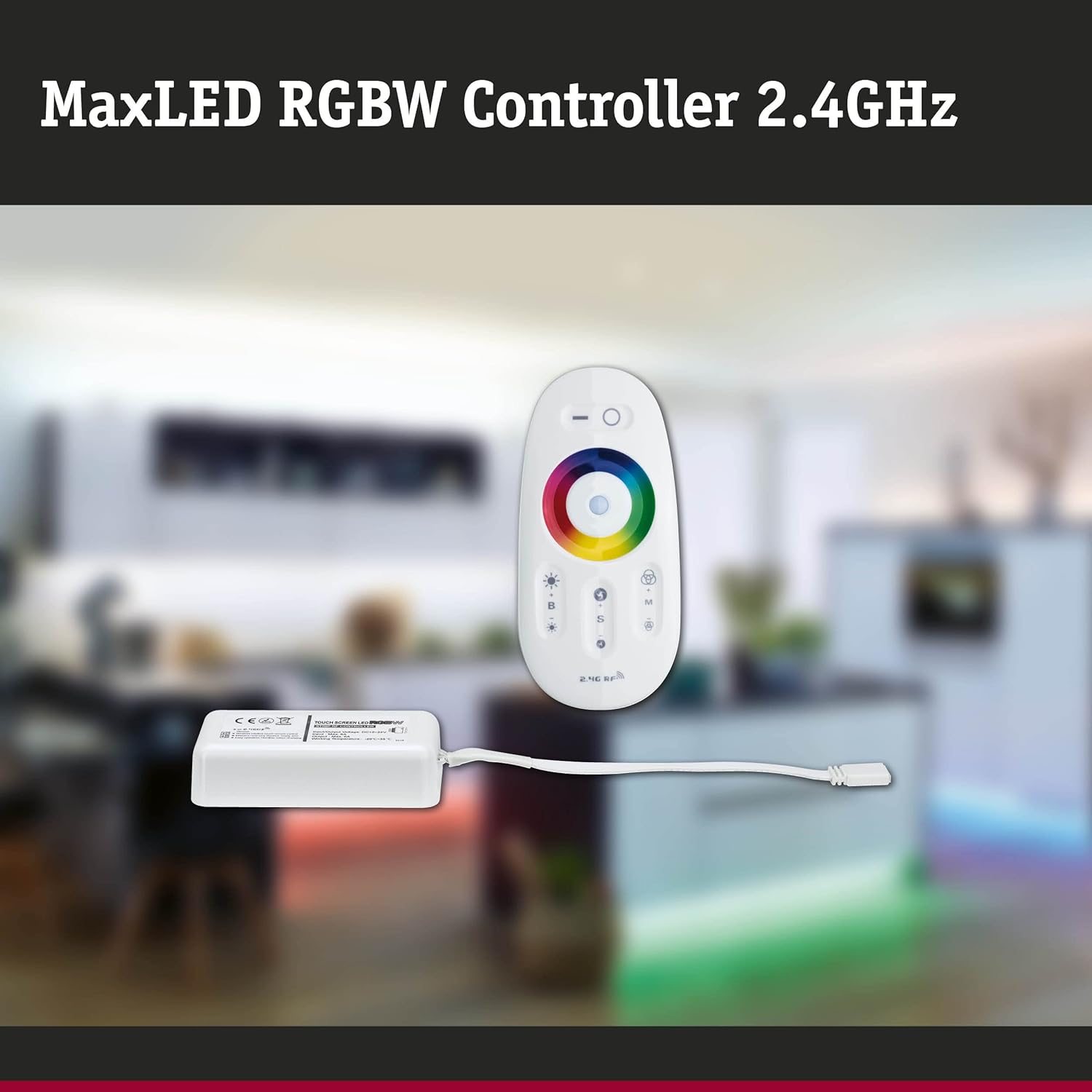
Image: The MaxLED RGBW Controller and its wireless remote control. The controller is a small white rectangular unit with a cable, and the remote is an oval-shaped white device with various buttons and a color wheel.

Image: Diagram showing the MaxLED RGBW Controller and remote control with their approximate dimensions. The controller measures 22.5x85x45mm and the remote 20x110x53mm. A 150mm cable connects the controller to the LED strip.
การติดตั้งและการตั้งค่า
Follow these steps for proper installation of your MaxLED RGBW Controller:
- เตรียมพื้นที่ติดตั้ง: Ensure the surface where the LED strip will be mounted is clean, dry, and free of dust.
- เชื่อมต่อแถบ LED: Connect your Paulmann MaxLED RGBW strip to the output cable of the controller. The system uses an easy plug-in connection. Ensure the connectors are securely fastened.
- เชื่อมต่อพาวเวอร์ซัพพลาย: Connect a compatible 24V Paulmann power supply (not included) to the input side of the MaxLED RGBW Controller.
- ติดตั้งคอนโทรลเลอร์: The controller is designed for hidden installation. Place it in a discreet location where it is protected from physical damage and moisture, but still allows for proper signal transmission from the remote (up to 30m range).
- เปิดเครื่อง: Once all connections are secure, plug the power supply into a suitable electrical outlet.
- Pairing the Remote Control (if necessary): The remote control is usually pre-paired. If not, refer to the "Operating Instructions" section for pairing procedures.
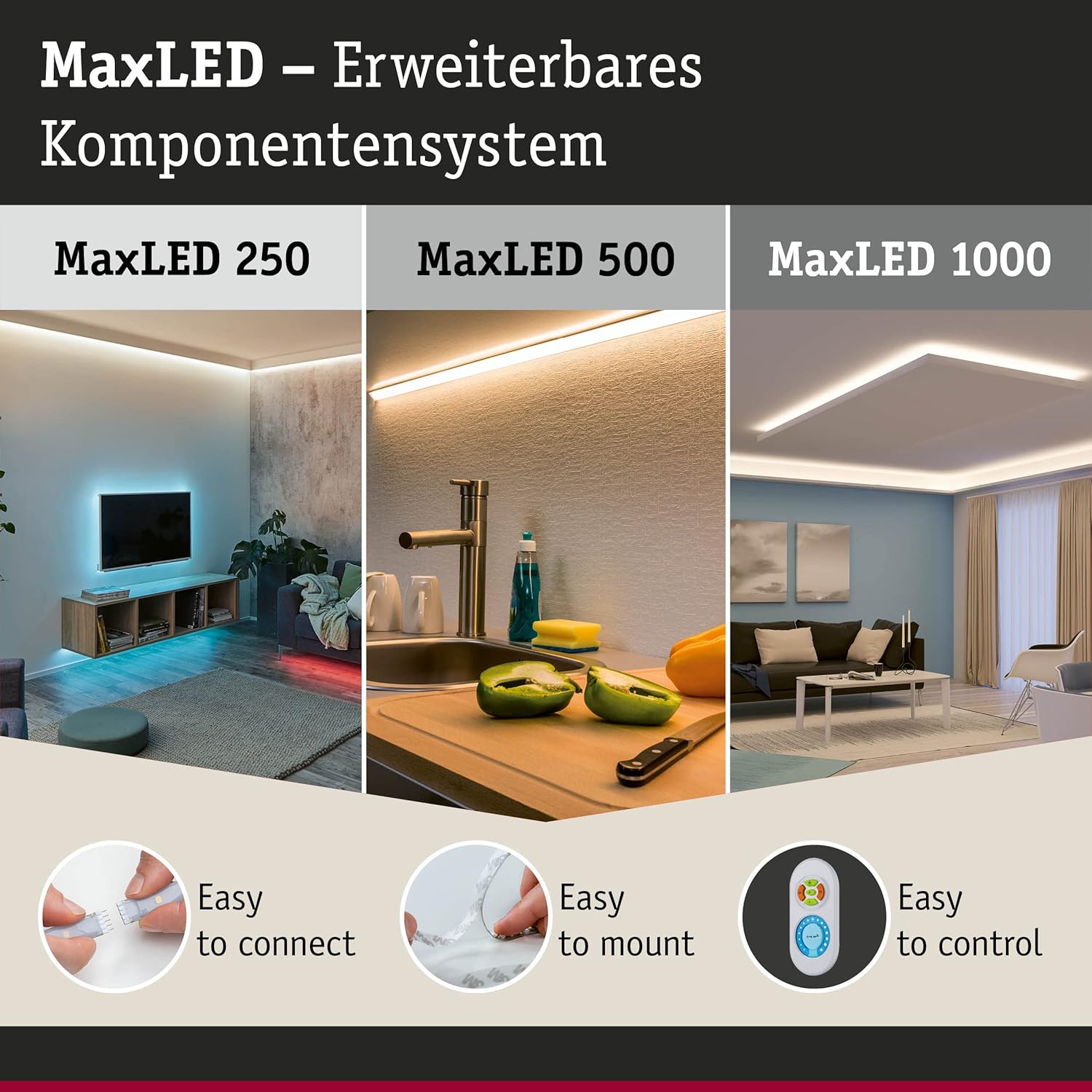
Image: This image illustrates the MaxLED expandable component system, highlighting three key aspects: "Easy to connect" (showing a hand connecting an LED strip), "Easy to mount" (showing an LED strip being applied to a surface), and "Easy to control" (showing the remote control). This demonstrates the simplicity of the setup process.
คำแนะนำการใช้งาน
The wireless remote control allows full command over your MaxLED RGBW strips.
ฟังก์ชั่นการควบคุมระยะไกล:

ภาพ: รายละเอียด view of the MaxLED RGBW remote control, showing its various buttons and the central color wheel. The remote features power, brightness, mode, speed, and color selection controls.
- ปุ่มเพาเวอร์ (O): Press to turn the LED strips On or Off.
- การควบคุมความสว่าง (B +/-): Use the '+' button to increase brightness and '-' to decrease brightness.
- วงล้อสี: Touch the color wheel to select a desired static color for your LED strips.
- Mode Selection (M): Cycle through various pre-programmed light effects and color changing modes.
- Speed Control (S +/-): When in a dynamic mode, use the '+' button to increase the speed of the effect and '-' to decrease it.
การจับคู่รีโมทคอนโทรล:
If your remote control is not responding, it may need to be paired with the controller:
- ตรวจสอบให้แน่ใจว่าตัวควบคุมเปิดอยู่
- Within 3 seconds of powering on the controller, press and hold the "Mode" (M) button on the remote control for a few seconds.
- The LED strips should flash to indicate successful pairing.
การซ่อมบำรุง
การทำความสะอาด:
To clean the controller and remote control, gently wipe with a soft, dry cloth. Do not use abrasive cleaners, solvents, or excessive moisture, as this can damage the components.
การเปลี่ยนแบตเตอรี่รีโมทคอนโทรล:
The remote control requires batteries (type not specified in product data, typically CR2032 or similar button cell). If the remote's range decreases or it stops responding, replace the battery:
- ค้นหาช่องใส่แบตเตอรี่ที่ด้านหลังของรีโมทคอนโทรล
- เปิดช่องเก็บของโดยใช้ไขควงขนาดเล็กหรือเลื่อนฝาครอบออก
- ถอดแบตเตอรี่เก่าออกแล้วใส่แบตเตอรี่ใหม่ โดยตรวจสอบให้แน่ใจว่าขั้วบวก/ลบถูกต้อง
- ปิดช่องใส่แบตเตอรี่ให้แน่น
- กำจัดแบตเตอรี่เก่าตามข้อบังคับท้องถิ่น
การแก้ไขปัญหา
| ปัญหา | สาเหตุที่เป็นไปได้ | สารละลาย |
|---|---|---|
| LED strips do not light up. | No power, loose connection, faulty power supply, remote not paired. | Check power supply connection. Ensure all cables are securely plugged in. Verify power outlet is functional. Re-pair the remote control (see Operating Instructions). |
| รีโมทคอนโทรลไม่ตอบสนอง | แบตเตอรี่หมด รีโมตไม่จับคู่ อยู่นอกระยะ | Replace remote control battery. Re-pair the remote control. Move closer to the controller (within 30m). |
| สีไม่ถูกต้องหรือไม่สม่ำเสมอ | Loose connection to LED strip, faulty LED strip. | Check the connection between the controller and the LED strip. Ensure the strip is fully compatible. |
| Dimming or effects not working. | Remote control issue, incompatible LED strip. | Ensure the remote control battery is good and it is paired. Verify the LED strip is an RGBW dimmable type. |
ข้อมูลจำเพาะ
| ยี่ห้อ | Paulman |
| หมายเลขรุ่น | 79797 |
| ขนาดสินค้า (กว้าง x ยาว x สูง) | 5.3 x 11 x 2 cm (Controller); 20 x 110 x 53 mm (Remote) |
| น้ำหนัก | 102 กรัม |
| ระดับการป้องกันน้ำและฝุ่น (IP) | IP20 (ใช้ในร่มเท่านั้น) |
| วัสดุ | พลาสติก |
| แม็กซ์ วัดtage | 144 วัตต์ |
| เล่มที่tage | 24 โวลต์ |
| ประเภทแหล่งกำเนิดแสง | LED (for compatible strips) |
| แหล่งพลังงาน | AC (via external 24V power supply) |
| คุณสมบัติพิเศษ | Dimmable, Variable Intensity, Remote Control, RGBW Color Change |
| ความถี่ในการควบคุมระยะไกล | 2.4 GHz RF |
| ระยะควบคุมด้วยรีโมทคอนโทรล | Up to 30 meters (non-line-of-sight) |
| ต้องใช้แบตเตอรี่ (รีโมท) | ใช่ (ไม่รวม) |

Image: The MaxLED RGBW Controller and its remote control, emphasizing the 2.4 GHz RF wireless technology for reliable communication.
การรับประกันและการสนับสนุน
การรับประกัน:
Paulmann offers a 1-year availability for spare parts for this product. For specific warranty terms and conditions, please refer to the official Paulmann webเว็บไซต์หรือติดต่อร้านค้าปลีกของคุณ
การสนับสนุนลูกค้า:
For further assistance, technical support, or inquiries regarding your Paulmann MaxLED RGBW Controller, please visit the official Paulmann website or contact their customer service department. Contact information can typically be found on the product packaging or the Paulmann webเว็บไซต์.
Paulman Webเว็บไซต์: www.paulmann.com


