การแนะนำ
The VTech Kidizoom Duo Camera 5.0 is a durable and feature-rich digital camera designed specifically for children aged 3 and up. It allows young users to capture photos and videos, apply fun effects, and even record their voices. With its dual-lens design, it makes taking selfies and group photos effortless. This manual provides detailed instructions for setting up, operating, maintaining, and troubleshooting your Kidizoom Duo Camera.
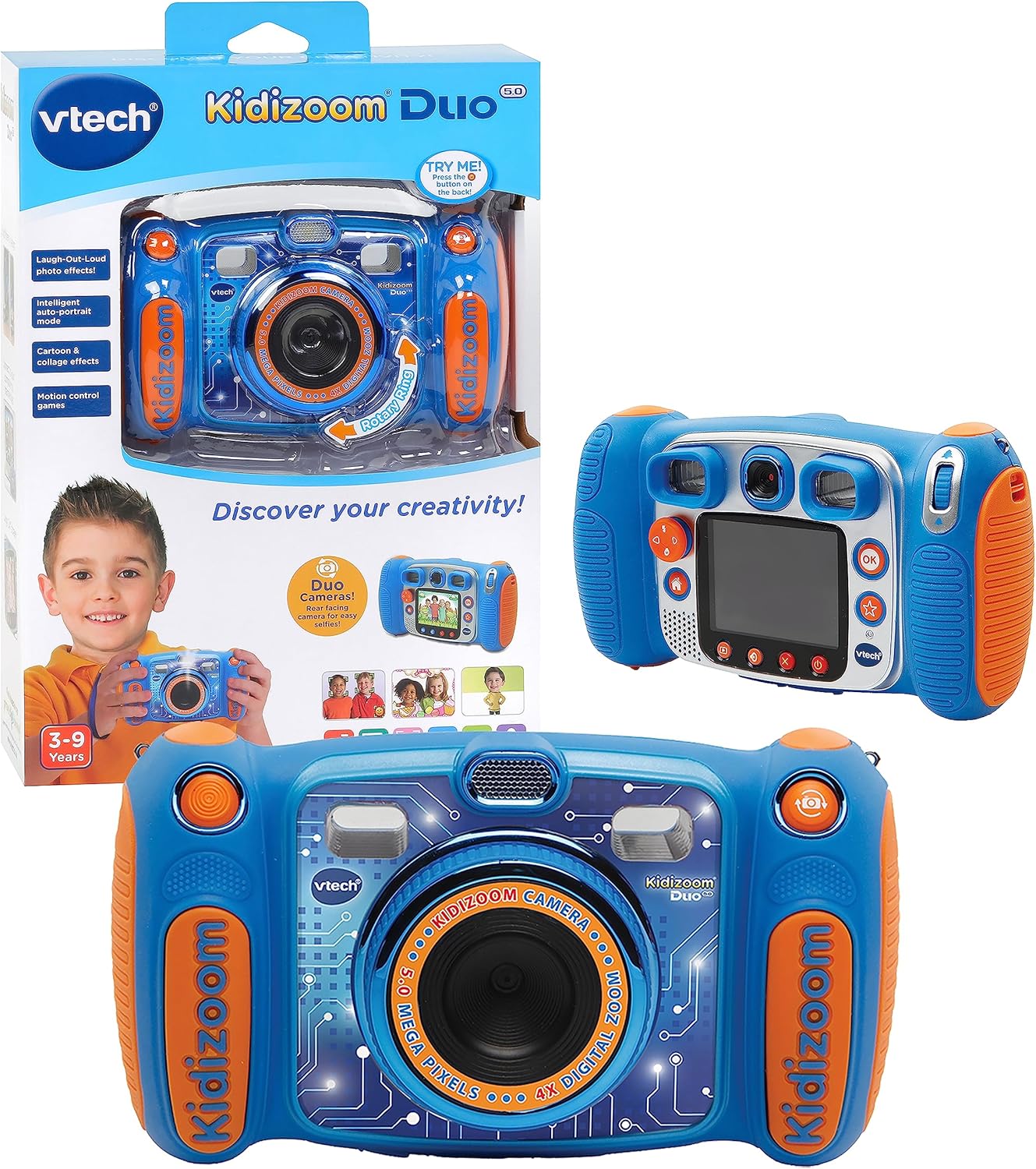
Image: The VTech Kidizoom Duo Camera 5.0, shown both in its retail packaging and as the standalone blue and orange camera unit, highlighting its design and presentation.
คุณสมบัติหลัก:
- เลนส์คู่: Easily switch between front and rear lenses for photos and videos.
- กล้อง 5 ล้านพิกเซล: Capture high-quality photos and videos.
- เอฟเฟกต์สร้างสรรค์: Add fun effects, stamps, and frames to photos and videos.
- เครื่องบันทึกเสียง: Record voices and apply funny effects.
- การออกแบบที่ทนทาน: Built to withstand drops and rough handling.
- หน้าจอ LCD สีขนาด 2.4 นิ้ว: Large screen for easy viewไอเอ็นจีและการนำทาง
- Learning Games: Includes fun, educational games.
- ซูมดิจิตอล 4 เท่า: Zoom in on subjects for closer shots.
การตั้งค่า
1. แกะกล่องและเนื้อหา
Carefully remove all contents from the packaging. Ensure all components are present. The package should contain the VTech Kidizoom Duo Camera 5.0 and 4 AA batteries (included).
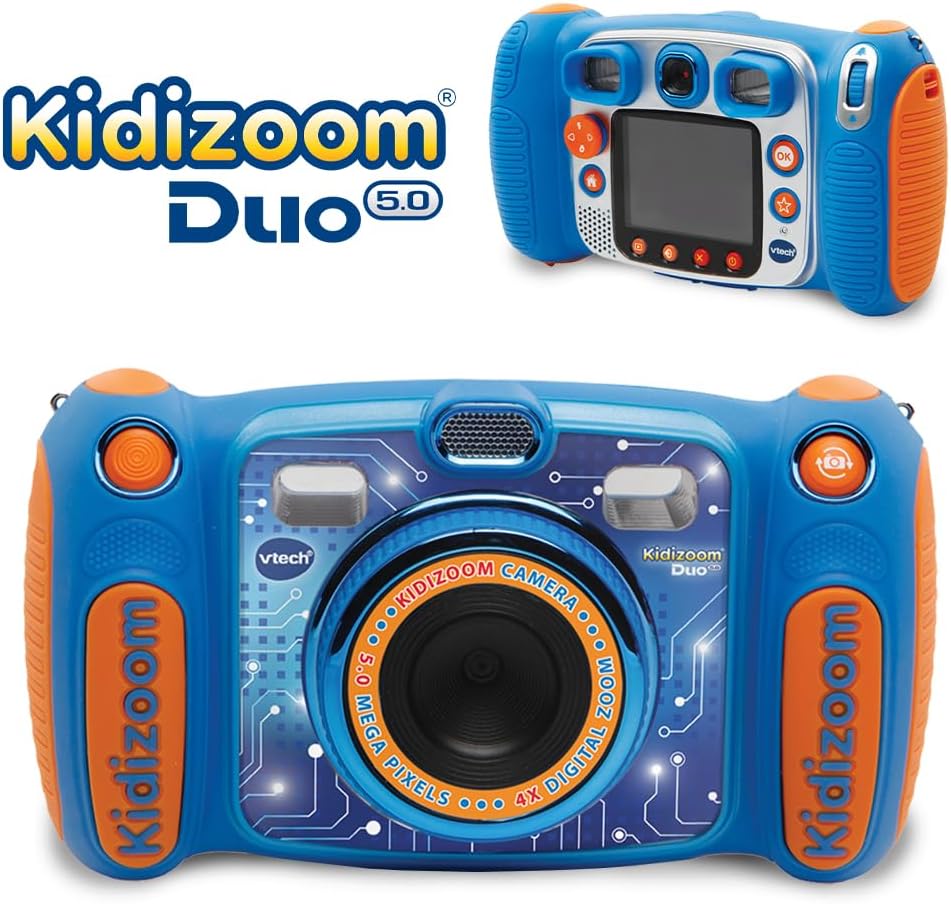
Image: The VTech Kidizoom Duo Camera 5.0 displayed within its retail packaging, ready for unboxing.
2. การติดตั้งแบตเตอรี่
- ค้นหาช่องใส่แบตเตอรี่บนกล้อง
- Using a small Phillips head screwdriver, loosen the screw on the battery compartment cover.
- ถอดฝาครอบออก
- ใส่แบตเตอรี่ AA ใหม่ 4 ก้อน โดยตรวจสอบให้แน่ใจว่าขั้วบวก/ลบถูกต้องตามที่ระบุไว้ภายในช่องใส่แบตเตอรี่
- เปลี่ยนฝาครอบและขันสกรูให้แน่น
บันทึก: For optimal performance and to save on replacement costs, rechargeable AA batteries are recommended.
3. Inserting a Memory Card (Optional)
The Kidizoom Duo Camera has internal memory, but for extended storage of photos and videos, a microSD card (not included) can be inserted. Locate the microSD card slot, typically near the battery compartment, and gently insert the card until it clicks into place.
การใช้งานกล้อง
1. เปิด/ปิดเครื่อง
Press and hold the Power button (usually marked with a circle and a line) to turn the camera on or off. The 2.4-inch color LCD screen will illuminate.

Image: A detailed rear view of the VTech Kidizoom Duo Camera 5.0, highlighting its LCD screen and the various control buttons for navigation and operation.
2. Navigating the Menus
Use the directional pad (D-pad) and the OK button to navigate through the camera's menus and select options displayed on the LCD screen.
3.การถ่ายภาพ
- Switching Lenses: The Kidizoom Duo features two lenses. Use the dedicated lens switch button (often a rotating ring or a button near the lens) to toggle between the front-facing lens and the rear-facing lens. This is ideal for selfies or taking photos of others.
- การจัดองค์ประกอบภาพ: มองผ่าน viewfinder or use the LCD screen to compose your picture.
- Capturing the Photo: Press the Shutter button (usually a large, prominent button) to take a picture.

ภาพ: ภาพระยะใกล้ view of the VTech Kidizoom Duo Camera 5.0, illustrating the large 2.4-inch color LCD screen, the 5-megapixel lens with 4X digital zoom, and the mechanism for switching between the two lenses.
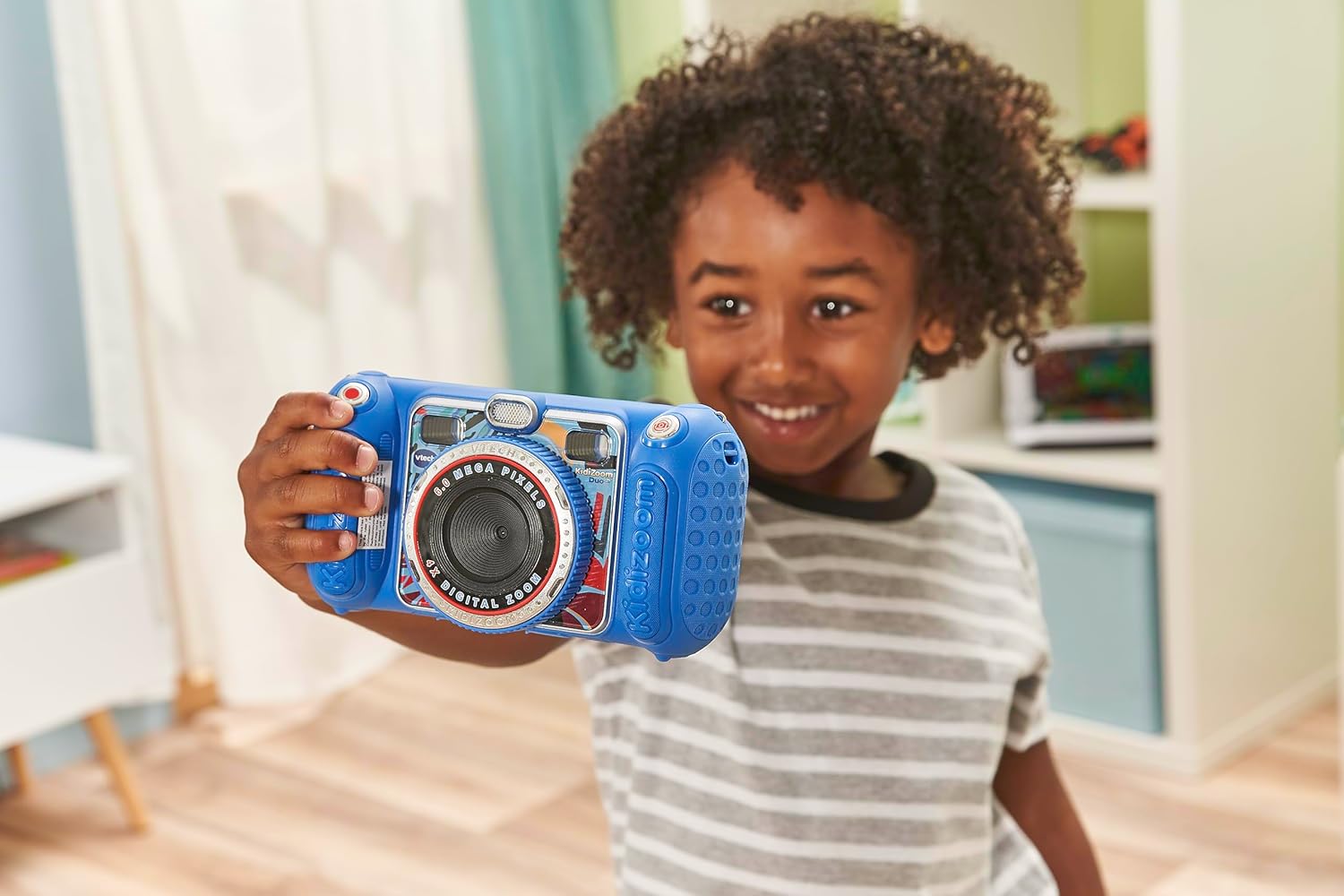
Image: A child holding the VTech Kidizoom Duo Camera 5.0, demonstrating its use for taking a selfie with the front-facing lens.
4. บันทึกวิดีโอ
Select the video recording mode from the main menu. Press the Record button to start and stop recording. The camera will capture both video and audio.
5. Applying Effects and Editing
The camera offers various built-in effects, stamps, and frames to personalize your photos and videos. Access these features through the editing menu. You can also use the auto-portrait feature for automatic photo capture.

ภาพ: ภาพตัดปะแสดงasing various fun effects, stamps, and frames that can be added to photos using the VTech Kidizoom Duo Camera 5.0, demonstrating creative possibilities.
6. การบันทึกเสียง
Navigate to the voice recorder function to record your voice. You can then apply funny effects to the recorded audio.
7. Playing Games
The Kidizoom Duo Camera includes several pre-loaded learning games. Select the Games icon from the main menu to access and play them.
การซ่อมบำรุง
1. การทำความสะอาดกล้อง
- ใช้ผ้าแห้งนุ่มๆ เช็ดทำความสะอาดตัวกล้อง
- For the screen and lenses, use a microfiber cloth specifically designed for electronics. Do not use abrasive cleaners or solvents.
- หลีกเลี่ยงไม่ให้ความชื้นเข้าไปในช่องเปิดต่างๆ
2. การดูแลแบตเตอรี่
- ถอดแบตเตอรี่ออกหากจะไม่ได้ใช้งานกล้องเป็นเวลานานเพื่อป้องกันการรั่วไหล
- ควรใช้แบตเตอรี่ใหม่และคุณภาพสูงเสมอ
- If using rechargeable batteries, ensure they are fully charged before use.
3. การจัดเก็บ
Store the camera in a cool, dry place away from direct sunlight and extreme temperatures. Consider using a protective case to prevent scratches and damage.
การแก้ไขปัญหา
| ปัญหา | สาเหตุที่เป็นไปได้ | สารละลาย |
|---|---|---|
| กล้องไม่สามารถเปิดได้ | แบตเตอรี่เหลือน้อยหรือติดตั้งไม่ถูกต้อง | เปลี่ยนแบตเตอรี่ใหม่หรือตรวจสอบให้แน่ใจว่าขั้วแบตเตอรี่ถูกต้อง |
| Pictures/Videos are blurry. | Lens is dirty; insufficient lighting; subject too close/far. | Clean the lens; ensure adequate lighting; adjust distance to subject. |
| Cannot save more photos/videos. | Internal memory is full; no microSD card inserted or card is full. | ลบอันเก่า files; insert a microSD card; transfer fileไปยังคอมพิวเตอร์ |
| กล้องหยุดนิ่งหรือไม่ตอบสนอง | ซอฟต์แวร์มีปัญหา | Remove and reinsert batteries to perform a hard reset. |
ข้อมูลจำเพาะ
| คุณสมบัติ | รายละเอียด |
|---|---|
| ขนาดสินค้า | 1.57 x 4.49 x 3.35 นิ้ว |
| น้ำหนักสินค้า | 7.1 ออนซ์ |
| หมายเลขรุ่นสินค้า | 80-507103 |
| อายุที่แนะนำโดยผู้ผลิต | 3 ปีขึ้นไป |
| แบตเตอรี่ | ต้องใช้แบตเตอรี่ AA 4 ก้อน (รวมอยู่ด้วย) |
| วันที่วางจำหน่าย | 31 ตุลาคม 2019 |
| ผู้ผลิต | วีเทค อิเล็กทรอนิกส์ |
| เทคโนโลยีโฟโต้เซนเซอร์ | โมส |
| รองรับ File รูปแบบ | เจเพ็ก, ดิบ |
| ระบบป้องกันภาพสั่นไหว | ดิจิตอล |
| ซูมออปติคอล | 4X |
การรับประกันและการสนับสนุน
VTech products are manufactured to high standards and are designed to provide a fun and enriching experience. For information regarding warranty coverage, please refer to the warranty card included with your product or visit the official VTech webเว็บไซต์.
For technical support, frequently asked questions, or to purchase accessories, please visit the VTech support section on their official website or contact their customer service department. Keep your model number (80-507103) handy when contacting support.
แหล่งข้อมูลออนไลน์:
- VTech อย่างเป็นทางการ Webเว็บไซต์: www.vtechkids.com
- Product Support Page: (Check VTech website for specific product support page)


