1. บทนำ
The ecobee Switch+ is a smart light switch designed to integrate seamlessly into your smart home ecosystem, offering advanced lighting control and built-in Amazon Alexa functionality. This manual provides detailed instructions for installation, operation, and troubleshooting to ensure optimal performance of your device.

ภาพ: ด้านหน้า view of the ecobee Switch+ Smart Light Switch.
The ecobee Switch+ combines smart lighting features with the convenience of Amazon Alexa, allowing you to control your lights with voice commands, motion detection, ambient light sensors, and through the ecobee mobile app. It also supports Apple HomeKit and Google Assistant for broader smart home integration.
สินค้าเกินview วีดีโอ
วิดีโอ: เจ้าหน้าที่ผ่านview of the ecobee Switch+ Smart Light Switch, highlighting its key features and benefits.
2. ข้อมูลด้านความปลอดภัย
WARNING: Installation involves handling high voltage wiring. If you are uncomfortable or unfamiliar with electrical work, consult a qualified electrician. Always turn off power at the circuit breaker before beginning installation.
The ecobee Switch+ requires a neutral wire and a ground wire for proper operation. It is compatible with single-pole switches only and is not designed for use with 3-way or 4-way switches. Ensure your electrical setup meets these requirements before proceeding.
3. อะไรอยู่ในกล่อง
- ecobee Switch+ สวิตช์ไฟอัจฉริยะ
- แผ่นปิดตกแต่ง
- คำแนะนำในการติดตั้ง
- ลวดถั่ว

Image: The ecobee Switch+ box contents, showing the switch, wall plate, wire nuts, and setup instructions on a smartphone screen.
4. การตั้งค่าและการติดตั้ง
Installation of the ecobee Switch+ typically takes about 45 minutes and can be completed by following the step-by-step instructions provided in the ecobee mobile app. Ensure you have the necessary tools: a Philips head screwdriver, a flathead screwdriver, and pliers (optional).
ขั้นตอนการติดตั้ง:
- ปิดเครื่อง: Locate your circuit breaker and turn off the power to the switch you are replacing. Confirm power is off by flipping the switch a few times.
- ถอดสวิตช์เก่าออก: Carefully remove the existing wall plate and unscrew the old light switch from the wall box.
- ระบุสายไฟ: Identify the line, load, neutral, and ground wires. The ecobee Switch+ requires a neutral wire (typically white) and a ground wire (typically copper or green).
- Connect ecobee Switch+: Use the provided wire nuts to connect the ecobee Switch+ wires to your home's wiring according to the in-app instructions.
- สวิตช์ติดตั้ง: Secure the ecobee Switch+ into the wall box using the mounting screws.
- ติดตั้งแผ่นผนัง: Attach the decorative trim plate.
- คืนค่าพลัง: เปิดไฟที่เบรกเกอร์อีกครั้ง
- การตั้งค่าแอพ: Download the ecobee app from the App Store or Google Play. Follow the in-app prompts to connect your Switch+ to your Wi-Fi network and complete the setup, including linking with Amazon Alexa, Apple HomeKit, or Google Home.
Detailed Installation and Setup Video
Video: A comprehensive guide demonstrating the unboxing, installation process, and initial setup of the ecobee Switch+ using the mobile app.
5. คู่มือการใช้งาน
Physical Control:
The ecobee Switch+ features a rocker-style switch. Press the bottom portion to toggle the connected lights on or off.
Voice Control with Amazon Alexa:
With built-in Amazon Alexa, you can control your lights and access Alexa's features directly from the switch. Simply say "Alexa" followed by your command.
- "Alexa, turn on the lights."
- "อเล็กซ่า ปิดไฟหน่อย"
- "Alexa ตั้งเวลา 5 นาที"
- "อเล็กซ่า อากาศเป็นยังไงบ้าง?"
- To mute Alexa, press the top portion of the switch until the light ring turns red. Press again to unmute.

Image: A family using voice commands to interact with the ecobee Switch+ in a living room setting.
การควบคุมแอพมือถือ:
Use the ecobee mobile app (available on Android and iOS) to control your lights remotely, adjust settings, and manage smart features.
- Toggle lights on/off.
- Configure Smart On/Off settings.
- Set Night Light preferences.
- Integrate with Apple HomeKit and Google Home for centralized control.

Image: The ecobee Switch+ on a wall, with a smartphone showing the ecobee app interface for remote light control.
6. คุณสมบัติอันชาญฉลาด
The ecobee Switch+ offers several intelligent features to automate your lighting:
- Smart On: Automatically turns on lights when motion is detected in the room. You can configure daylight detection and 'Do Not Disturb' times to prevent activation during specific periods.
- ปิดสมาร์ท: Automatically turns off lights when no one is detected in the room after a set period (e.g., 1 minute). This helps conserve energy.
- ไฟกลางคืน: Provides a subtle glow in the dark, useful for hallways or children's rooms. This feature can be enabled or disabled via the app.
- เซ็นเซอร์วัดแสง: Detects the amount of natural light in a room to optimize lighting behavior.
- เซ็นเซอร์ตรวจจับการเคลื่อนไหว: Detects occupancy to trigger Smart On/Off features.
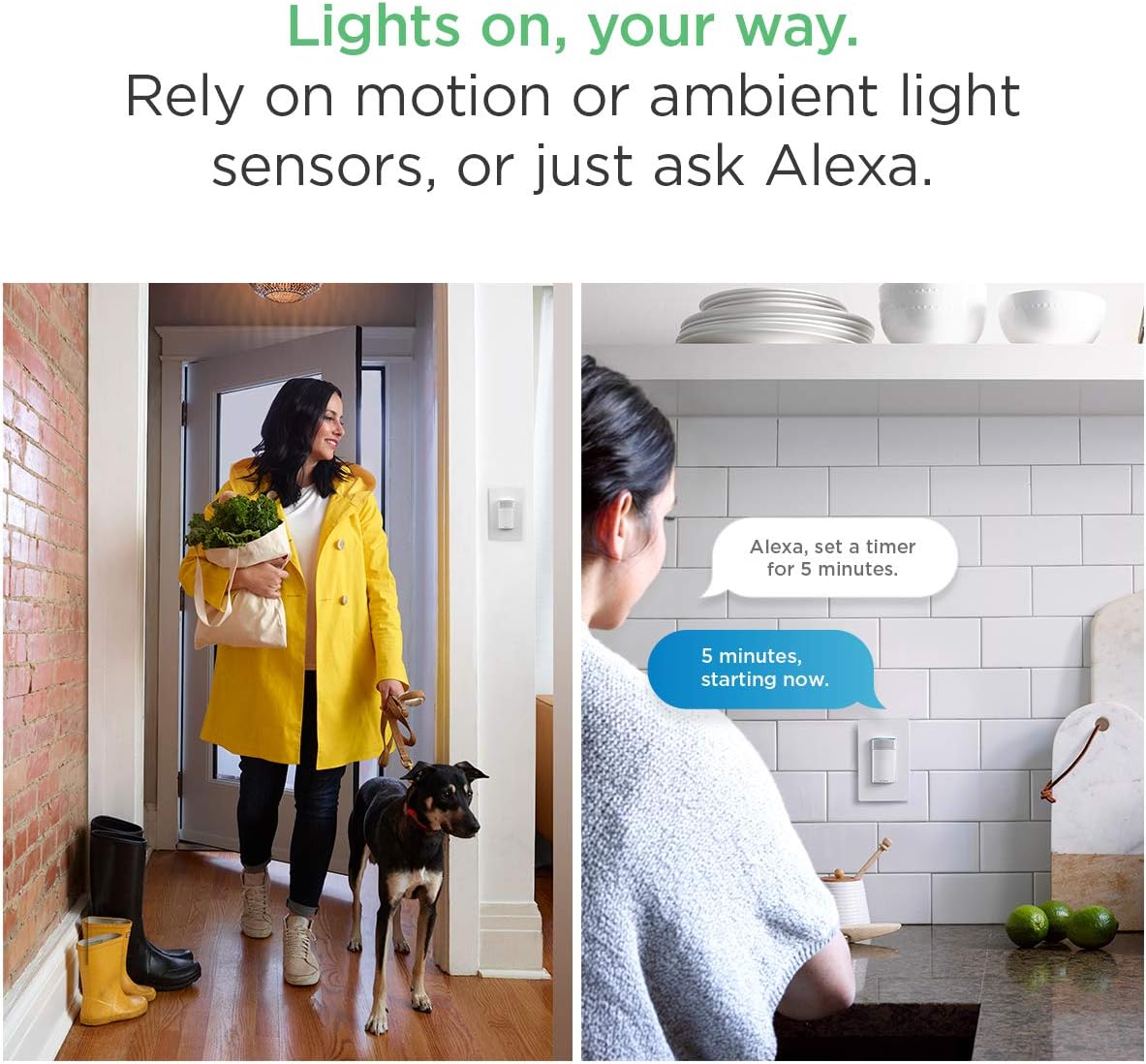
Image: Demonstrates motion-activated lighting and voice control for setting timers.
7. การบำรุงรักษา
- การทำความสะอาด: Gently wipe the surface of the switch and wall plate with a soft, dry cloth. Avoid using abrasive cleaners or solvents.
- การอัปเดตซอฟต์แวร์: Ensure your ecobee Switch+ firmware is up to date through the ecobee mobile app to access the latest features and improvements.
8 การแก้ไขปัญหา
- ไฟไม่ตอบสนอง: Check if the circuit breaker is on. Ensure the switch is properly installed and wired. Verify Wi-Fi connectivity.
- อเล็กซ่าไม่ตอบสนอง: Ensure Alexa is not muted (red light ring). Check Wi-Fi connection. Re-link your Amazon account in the ecobee app if necessary.
- ปัญหาการเชื่อมต่อ Wi-Fi: Ensure your Wi-Fi network is 2.4 GHz. If using a mesh Wi-Fi system, ensure the switch is connecting to a stable signal. Try restarting your router.
- ฟังก์ชันอัจฉริยะใช้งานไม่ได้: Verify settings in the ecobee app for Smart On, Smart Off, and Night Light. Check for any 'Do Not Disturb' schedules that might be interfering.
9. ข้อมูลจำเพาะ
| ข้อมูลจำเพาะ | ค่า |
|---|---|
| หมายเลขรุ่น | EB-SMSWV-02 |
| Dimensions (Switch+) | Height: 106 mm (4.17 inch), Width: 45 mm (1.8 inch), Depth: 50 mm (2 inch) |
| Dimensions (Wall Plate) | Height: 119 mm (4.7 inch), Width: 45 mm (2.95 inch), Depth: 7 mm (0.3 inch) |
| ข้อกำหนดด้านไฟฟ้า | 120V AC 60Hz, 600W incandescent, 150W LED and CFL |
| การเดินสายไฟ | Neutral and ground wire required, Automatic line and load wire switching |
| ความเข้ากันได้ | Single/double/multi-switch (not 3-way compatible), Rocker style plates |
| การเชื่อมต่อ | Wi-Fi, IEEE 802.11 b/g/n 2.4 GHz, WPA/WPA2, WEP, DHCP, TLS, 915 MHz |
| วิธีการควบคุม | Voice (Amazon Alexa), Mobile App (Android, iOS), HomeKit, Google Assistant |
| โหมดการทำงาน | อัตโนมัติ, ปิด, ปิดอัจฉริยะ |
| วัสดุ | Copper (contact material) |
| การรับรอง | RoHS compliant, UL Listed |
10. การรับประกันและการสนับสนุน
การรับประกัน:
The ecobee Switch+ comes with a 1-Year Limited Warranty. Please refer to the warranty documentation included with your product for full details and terms.
การสนับสนุนลูกค้า:
For further assistance, technical support, or warranty claims, please contact ecobee customer support through their official website or the ecobee mobile app.


