1. บทนำ
This manual provides essential information for the safe and efficient operation of your Amazon Basics Microwave. This compact, 0.7 cubic foot, 700-watt microwave oven is designed for convenient food preparation and reheating. It features integration with Alexa, allowing for voice-controlled cooking and simplified operation when paired with a compatible Echo device (sold separately).
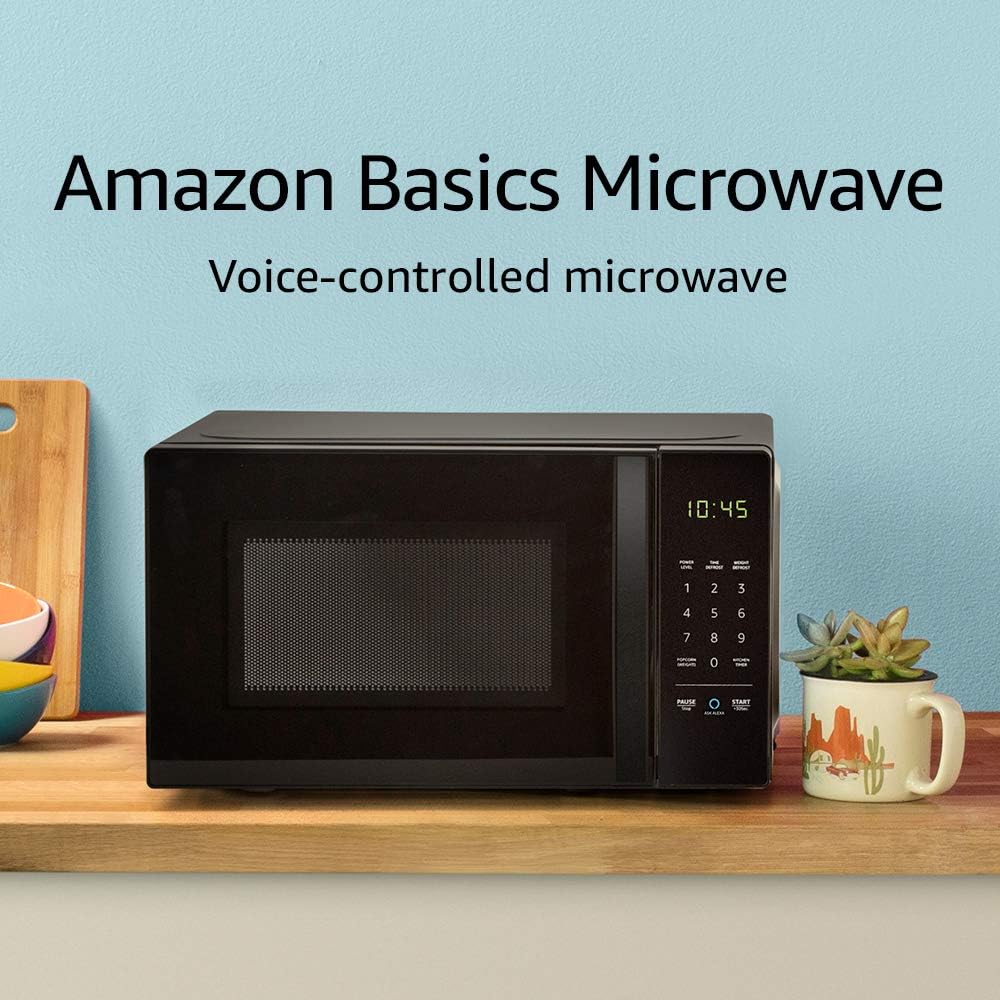
Image: The Amazon Basics Microwave, highlighting its voice-controlled capabilities.
2. ข้อมูลด้านความปลอดภัยที่สำคัญ
เพื่อลดความเสี่ยงจากการเกิดไฟไหม้ ไฟฟ้าช็อต การบาดเจ็บต่อบุคคล หรือการสัมผัสพลังงานไมโครเวฟที่มากเกินไปขณะใช้งานเครื่องใช้ไฟฟ้าของคุณ โปรดปฏิบัติตามข้อควรระวังพื้นฐาน ซึ่งรวมถึงสิ่งต่อไปนี้:
- อ่านคำแนะนำทั้งหมดก่อนใช้เครื่องใช้ไฟฟ้า
- ห้ามพยายามใช้งานเตาอบโดยที่ประตูเปิดอยู่ เนื่องจากอาจทำให้ได้รับพลังงานไมโครเวฟที่เป็นอันตรายได้
- ห้ามวางวัตถุใดๆ ไว้ระหว่างด้านหน้าเตาอบและประตู และอย่าปล่อยให้มีดินหรือคราบน้ำยาทำความสะอาดสะสมอยู่บนพื้นผิวที่ปิดผนึก
- ห้ามอุ่นของเหลวหรืออาหารอื่นๆ ในภาชนะที่ปิดสนิท เพราะอาจระเบิดได้
- อย่าปรุงอาหารให้สุกเกินไป
- ห้ามใช้สารเคมีหรือไอระเหยที่มีฤทธิ์กัดกร่อนในเครื่องนี้
- ควรตรวจสอบให้แน่ใจว่ามีการระบายอากาศที่เหมาะสมรอบ ๆ ไมโครเวฟเสมอ
- เครื่องใช้ไฟฟ้าชิ้นนี้มีไว้สำหรับใช้ในครัวเรือนเท่านั้น
3. การตั้งค่าและการติดตั้ง
Follow these steps to set up your Amazon Basics Microwave:
- การแกะกล่อง: Carefully remove the microwave from its packaging. Retain packaging materials for future transport or storage if needed.
- การจัดวาง: Place the microwave on a flat, stable surface, such as a kitchen counter. Ensure there is adequate space around the unit for ventilation (at least 4 inches on all sides and top). Do not block ventilation openings.
- การเชื่อมต่อไฟฟ้า: Plug the microwave into a grounded electrical outlet. The power cord is approximately 3-4 feet long.
- Alexa Pairing: To enable voice control, you will need a compatible Echo device (e.g., Echo Dot, Echo Plus). Ensure your Echo device is set up and connected to your Wi-Fi network. The microwave should automatically connect to your Alexa account once powered on and within range of your Echo device. Follow the instructions in the Alexa app for any additional setup.
4. คู่มือการใช้งาน
Your Amazon Basics Microwave offers both manual keypad operation and convenient Alexa voice control.
4.1 Manual Keypad Operation
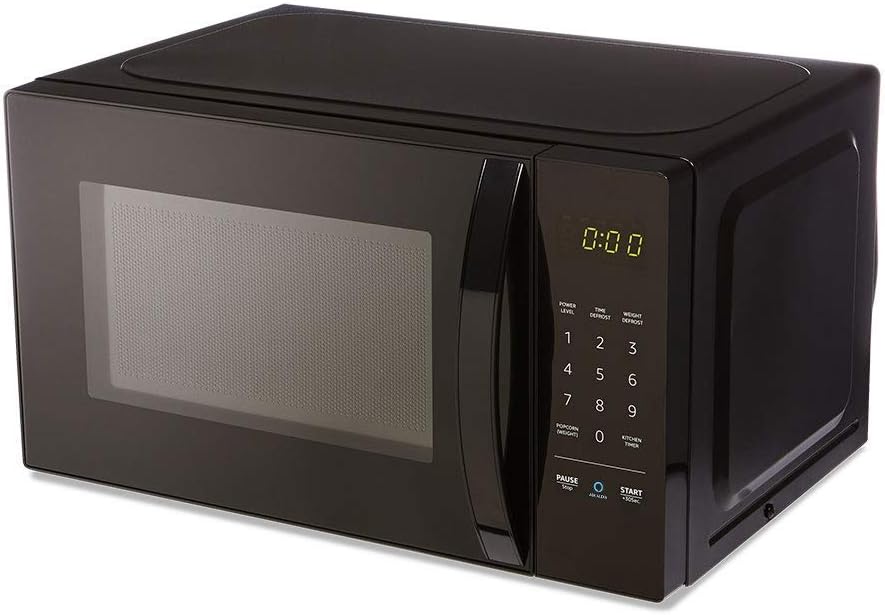
ภาพ: ด้านหน้า view of the Amazon Basics Microwave, displaying the control panel and digital clock.
- การตั้งเวลาการปรุงอาหาร: Use the number pad (1-9, 0) to enter the desired cooking time.
- ระดับพลังงาน: The microwave features 10 power levels. Press the "POWER LEVEL" button and then a number to select the desired power level (e.g., 5 for 50% power).
- เริ่ม: Press the "START +30 SEC." button to begin cooking. Each press of this button adds 30 seconds to the cooking time.
- หยุดชั่วคราว/หยุด: Press the "PAUSE/STOP" button once to pause cooking, or twice to cancel the current cooking cycle.
- จับเวลาครัว: Use the "KITCHEN TIMER" button to set a countdown timer without activating the microwave function.
4.2 การควบคุมด้วยเสียง Alexa
With an Echo device, you can use voice commands for quick and convenient cooking. Ensure your Echo device is active and connected.
- คำสั่งทั่วไป:
- "Alexa, start microwaving."
- "Alexa, microwave for [X] minutes [Y] seconds."
- "Alexa, set microwave power to [level 1-10]."
- "Alexa, STOP Microwave." (Note: Use "STOP Microwave" specifically to end a cycle.)
- Quick-Cook Presets: Alexa offers various presets for common foods.
- "Alexa, microwave a potato." (Alexa will ask for quantity.)
- "Alexa, reheat one cup of coffee."
- "Alexa, microwave 1.5 ounces of popcorn."
- "Alexa, defrost [X] ounces of frozen vegetables."

Image: Demonstrating voice command for reheating coffee.
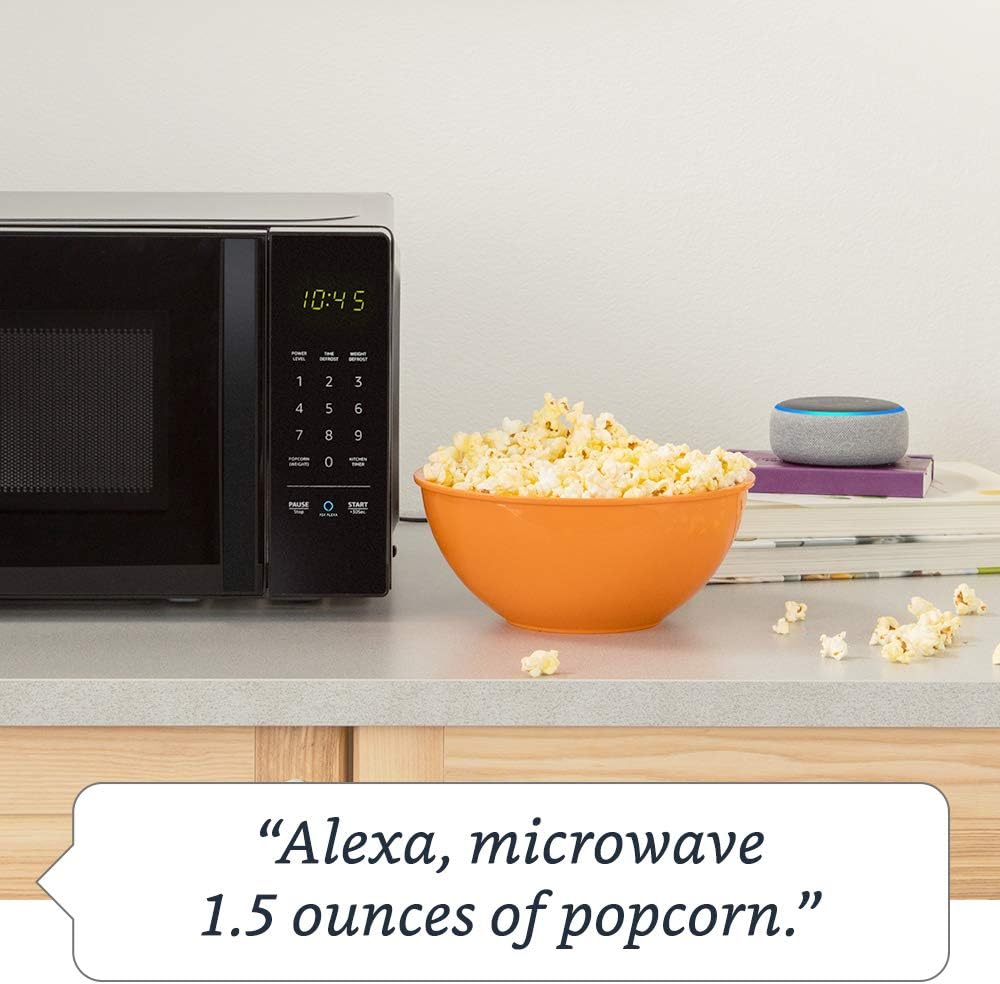
Image: Demonstrating voice command for microwaving popcorn.
4.3 Using the Ask Alexa Button
The "Ask Alexa" button on the microwave's control panel allows you to initiate voice commands without saying the wake word "Alexa".

Image: Detail of the control panel, showing the "Ask Alexa" button for direct voice input.
- กดปุ่ม ถาม Alexa button (blue circle icon).
- Once the microwave indicates it's listening, state your command (e.g., "2 minutes," "reheat coffee," "popcorn").
4.4 ฟังก์ชั่นล็อคป้องกันเด็ก
To prevent unintended operation, especially by children, you can activate the child lock:
- ในการเปิดใช้งาน: Press the "PAUSE/STOP" button once, then press the "0" button twice. The Wi-Fi indicator on the display will turn off, indicating the lock is active.
- วิธีปิดใช้งาน: Repeat the same process: Press the "PAUSE/STOP" button once, then press the "0" button twice. The Wi-Fi indicator will reappear, and the microwave will be operational.
5. การบำรุงรักษาและการทำความสะอาด
การทำความสะอาดเป็นประจำจะช่วยรักษาประสิทธิภาพและอายุการใช้งานของไมโครเวฟของคุณ
- ภายใน: ทำความสะอาดช่องภายในเตาอบหลังการใช้งานทุกครั้งด้วยน้ำยาทำความสะอาดamp cloth and mild detergent. For stubborn stains, place a bowl of water with lemon slices inside and microwave for a few minutes to loosen residue, then wipe clean.
- ภายนอก: เช็ดพื้นผิวภายนอกด้วยผ้านุ่ม damp ผ้า หลีกเลี่ยงน้ำยาทำความสะอาดหรือตัวทำละลายที่มีฤทธิ์กัดกร่อน
- เครื่องเล่นแผ่นเสียง: The glass turntable and turntable support can be removed for cleaning. Wash them in warm, soapy water or in the dishwasher. Ensure they are completely dry before placing them back in the oven.
- ซีลประตู: Keep the door seal and adjacent parts clean. Wipe with a damp ผ้า.
6 การแก้ไขปัญหา
If you encounter issues with your Amazon Basics Microwave, refer to the following common problems and solutions:
| ปัญหา | สาเหตุที่เป็นไปได้ / วิธีแก้ไข |
|---|---|
| ไมโครเวฟไม่เริ่มทำงาน |
|
| อาหารไม่สุกหรืออุ่นอย่างเหมาะสม |
|
| Alexa voice commands are not working. |
|
| เสียงผิดปกติระหว่างการทำงาน |
|
If the problem persists after attempting these solutions, please contact Amazon customer support.
7. ข้อมูลจำเพาะ
Detailed specifications for the Amazon Basics Microwave:
| คุณสมบัติ | ข้อมูลจำเพาะ |
|---|---|
| หมายเลขรุ่น | บี07894เอส727 |
| ความจุ | 0.7 Cu. ฟุต |
| พลังการทำอาหาร | 700 วัตต์ |
| ระดับพลังงาน | 10 |
| ขนาดภายนอก (กว้าง x สูง x ลึก) | 17.3 นิ้ว x 10.1 นิ้ว x 14.1 นิ้ว |
| ขนาดภายใน (กว้าง x สูง x ลึก) | 10 7/8 นิ้ว x 6 7/8 นิ้ว x 10 นิ้ว |
| เส้นผ่านศูนย์กลางของจานหมุน | 10 นิ้ว |
| Max Popcorn Bag Size | 3 ออนซ์ |
| การเชื่อมต่อ | Works with Alexa (Echo device required) |
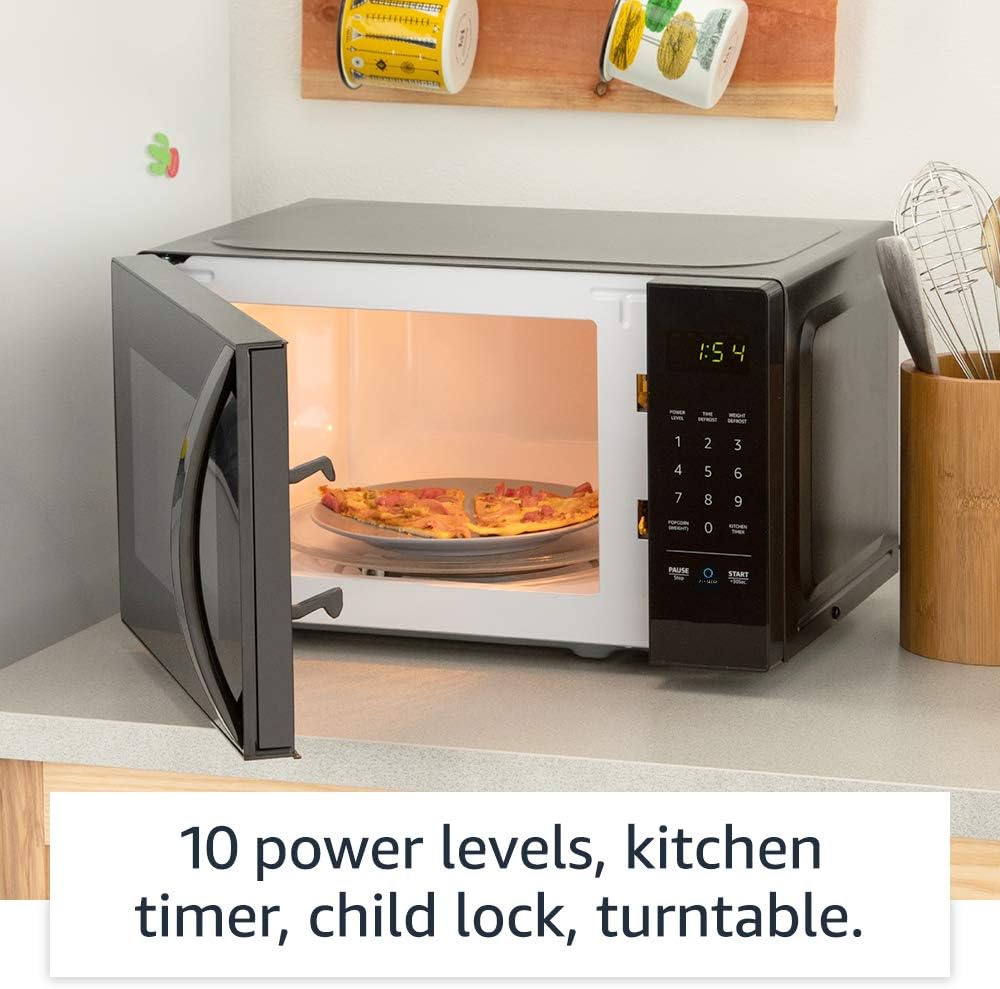
ภาพ: ภายใน view of the microwave, highlighting its features like the turntable.
8. การรับประกันและการสนับสนุน
For information regarding your product's warranty, please refer to the warranty card included with your purchase or visit the Amazon Basics official website. For technical support, troubleshooting assistance beyond this manual, or to inquire about replacement parts, please contact Amazon customer support directly.
You can typically find support contact information on the Amazon website under "Help & Customer Service" or by searching for "Amazon Basics Microwave support".


