1. บทนำ
This manual provides essential instructions for the proper installation, operation, and maintenance of the Traxon TI.IC.0030000 TX-Connect Smart Indoor Interconnection Cable. Please read this manual thoroughly before using the product to ensure safe and efficient functionality.
The Traxon TI.IC.0030000 is an 11.82-inch interconnection cable designed exclusively for use with the Traxon TX-Connect System in indoor environments. It facilitates reliable data and power transmission between compatible Traxon devices.
2. สินค้าหมดview
The Traxon TI.IC.0030000 cable is a compact and durable solution for connecting components within the Traxon TX-Connect ecosystem. Its design ensures secure and stable connections for various indoor applications.
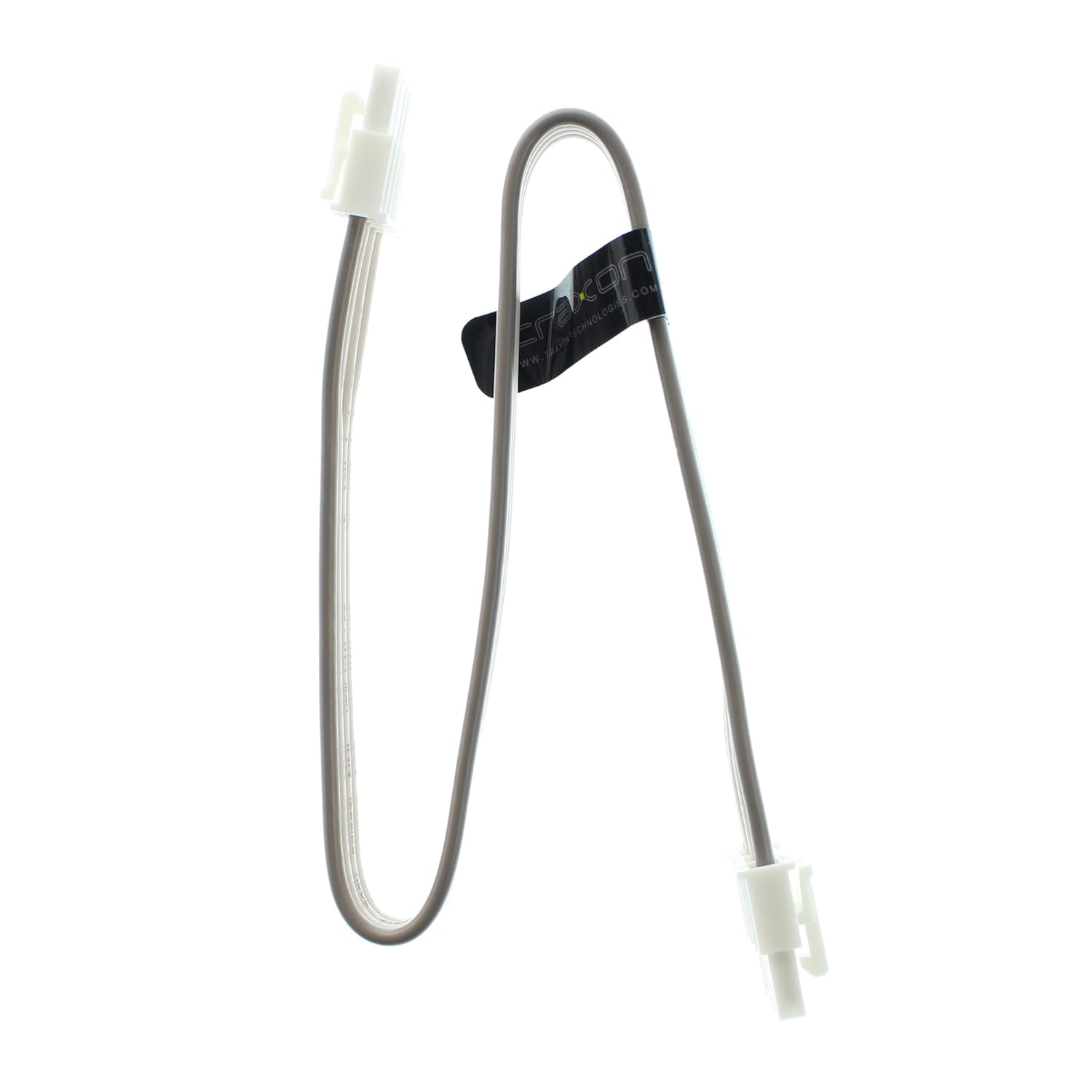
Figure 1: Traxon TI.IC.0030000 TX-Connect Smart Indoor Interconnection Cable. This image displays the full length of the 11.82-inch cable with its white connectors at each end.
3. การตั้งค่าและการติดตั้ง
This cable is designed for plug-and-play functionality within the specified system. Ensure all devices are powered off before making connections.
- ระบุพอร์ตที่เข้ากันได้: Locate the designated TX-Connect ports on your Traxon devices. These ports are typically labeled or identifiable by their specific connector shape.
- เชื่อมต่อสายเคเบิล: Gently insert one end of the TI.IC.0030000 cable into the TX-Connect output port of the first device. Ensure the connector is fully seated and secure.
- Connect to Second Device: Insert the other end of the cable into the TX-Connect input port of the second device. Verify a firm connection.
- เปิดเครื่อง: Once all connections are secure, power on your Traxon TX-Connect System components.
หมายเหตุสำคัญ: This cable is exclusively for indoor use and must only be connected to Traxon TX-Connect System components. Using it with incompatible systems or in outdoor environments may result in damage or malfunction.

รูปที่ 2: ระยะใกล้ view of the cable's connector. This image highlights the specific design of the connector, which ensures proper fit and secure connection within the Traxon TX-Connect System.
4. การดำเนินการ
Once properly connected, the Traxon TI.IC.0030000 cable operates passively, facilitating the intended communication and power transfer between the connected Traxon TX-Connect devices. No user interaction is required for its operation beyond initial setup.
5. การบำรุงรักษาและการดูแล
To ensure the longevity and optimal performance of your Traxon TI.IC.0030000 cable, follow these guidelines:
- การทำความสะอาด: ใช้ผ้าแห้งเนื้อนุ่มเช็ดสายเคเบิลและขั้วต่อเบาๆ หลีกเลี่ยงการใช้น้ำยาทำความสะอาดหรือวัสดุที่มีฤทธิ์กัดกร่อน
- พื้นที่จัดเก็บ: Store the cable in a cool, dry place away from direct sunlight and extreme temperatures when not in use. Avoid sharp bends or kinks in the cable.
- การจัดการ: Always grasp the connector housing when plugging or unplugging the cable. Do not pull on the cable itself, as this can damage the internal wiring.
- สิ่งแวดล้อม: Ensure the cable is used strictly in indoor environments, as it is not designed to withstand outdoor elements.
6 การแก้ไขปัญหา
If you experience issues with your Traxon TX-Connect System that you suspect are related to the interconnection cable, consider the following:
- ไม่มีการเชื่อมต่อ/การเชื่อมต่อไม่ต่อเนื่อง:
- Ensure both ends of the cable are fully and securely seated in their respective ports.
- Verify that the cable is not visibly damaged (e.g., cuts, severe kinks).
- Test with a known working Traxon TI.IC.0030000 cable if available, to rule out the cable as the source of the problem.
- ระบบไม่เปิดเครื่อง:
- Confirm that all power supplies for the Traxon TX-Connect System components are correctly connected and functioning.
- Ensure the cable is properly connected between the power-distributing and power-receiving components.
If problems persist after following these steps, consult the user manuals for your specific Traxon TX-Connect devices or contact Traxon customer support.
7. ข้อมูลจำเพาะ
The following are the technical specifications for the Traxon TI.IC.0030000 TX-Connect Smart Indoor Interconnection Cable:
| หมายเลขรุ่น | TI.IC.0030000 |
| ยี่ห้อ | Traxon |
| ความยาว | 11.82 นิ้ว (ประมาณ 30 เซนติเมตร) |
| ประเภทขั้วต่อ | Proprietary TX-Connect (RJ45-like) |
| ประเภทสายเคเบิล | Interconnection Cable (Ethernet-based signaling) |
| อุปกรณ์ที่รองรับ | Traxon TX-Connect System components |
| การใช้ที่แนะนำ | Indoor networking, Connecting electronic devices, Stage/studio equipment |
| ขนาดสินค้า | 12 x 0.6 x 0.1 นิ้ว |
| น้ำหนักสินค้า | 1 ปอนด์ |

Figure 3: Close-up of the cable's identification label. This image clearly shows the model number TI.IC.0030000 printed on the cable's label, confirming the product's identity.
8. การรับประกันและการสนับสนุน
For information regarding warranty coverage, technical support, or service inquiries for your Traxon TI.IC.0030000 cable, please refer to the documentation provided with your complete Traxon TX-Connect System or visit the official Traxon webโดยทั่วไปแล้ว ข้อมูลติดต่อฝ่ายบริการลูกค้าจะอยู่ในเว็บไซต์ของผู้ผลิต webเว็บไซต์.


