สินค้าเกินview
The 8Bitdo SF30 2.4G Wireless Controller is designed for seamless compatibility with the SFC Classic Edition and SNES Classic Edition consoles. It offers a wireless gaming experience, eliminating the need for cumbersome cables, and features a built-in rechargeable lithium-ion battery for extended playtime. The controller is accompanied by a 2.4G receiver that draws power directly from your console, ensuring a straightforward setup.

Image: The 8Bitdo SF30 2.4G Wireless Controller, its dedicated 2.4G receiver, and an included ring holder accessory.
เนื้อหาแพ็คเกจ
Upon opening your 8Bitdo SF30 2.4G Wireless Controller package, you should find the following items:
- SF30 2.4G Wireless Controller
- ตัวรับสัญญาณ 2.4G
- สายชาร์จ USB
- คู่มือการใช้งาน (เอกสารนี้)
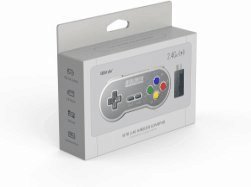
Image: The retail packaging for the 8Bitdo SF30 2.4G Wireless Controller, showing the controller and receiver.
การตั้งค่าและการเชื่อมต่อ
Follow these steps to connect your 8Bitdo SF30 2.4G Wireless Controller to your SFC Classic Edition or SNES Classic Edition console:
- Ensure your console is powered off.
- Locate the controller port on your SFC/SNES Classic Edition console.
- Insert the 2.4G receiver into an available controller port on your console. The receiver is designed to fit snugly.
- Power on your console. The controller should automatically pair with the receiver. A solid blue LED on the controller indicates a successful connection.
- If the controller does not connect automatically, press the START button on the controller for 3 seconds to initiate pairing mode. The LED will flash rapidly during pairing and become solid blue once connected.

Image: The 8Bitdo SF30 2.4G Wireless Controller shown next to its compact 2.4G receiver, ready for connection.

ภาพ: ภาพระยะใกล้ view of the 8Bitdo 2.4G Wireless Receiver, highlighting its connector for the console.
คำแนะนำการใช้งาน
The 8Bitdo SF30 controller features a classic SNES-style layout, providing an authentic retro gaming experience. All buttons are responsive and designed for comfortable gameplay.
- ดี-แพด: สำหรับการเคลื่อนไหวตามทิศทางในการเล่นเกม
- ปุ่ม A, B, X, Y: Action buttons for in-game commands.
- SELECT / START Buttons: ปุ่มควบคุมเกมมาตรฐาน
- L / R Shoulder Buttons: Additional action buttons located on the top of the controller.
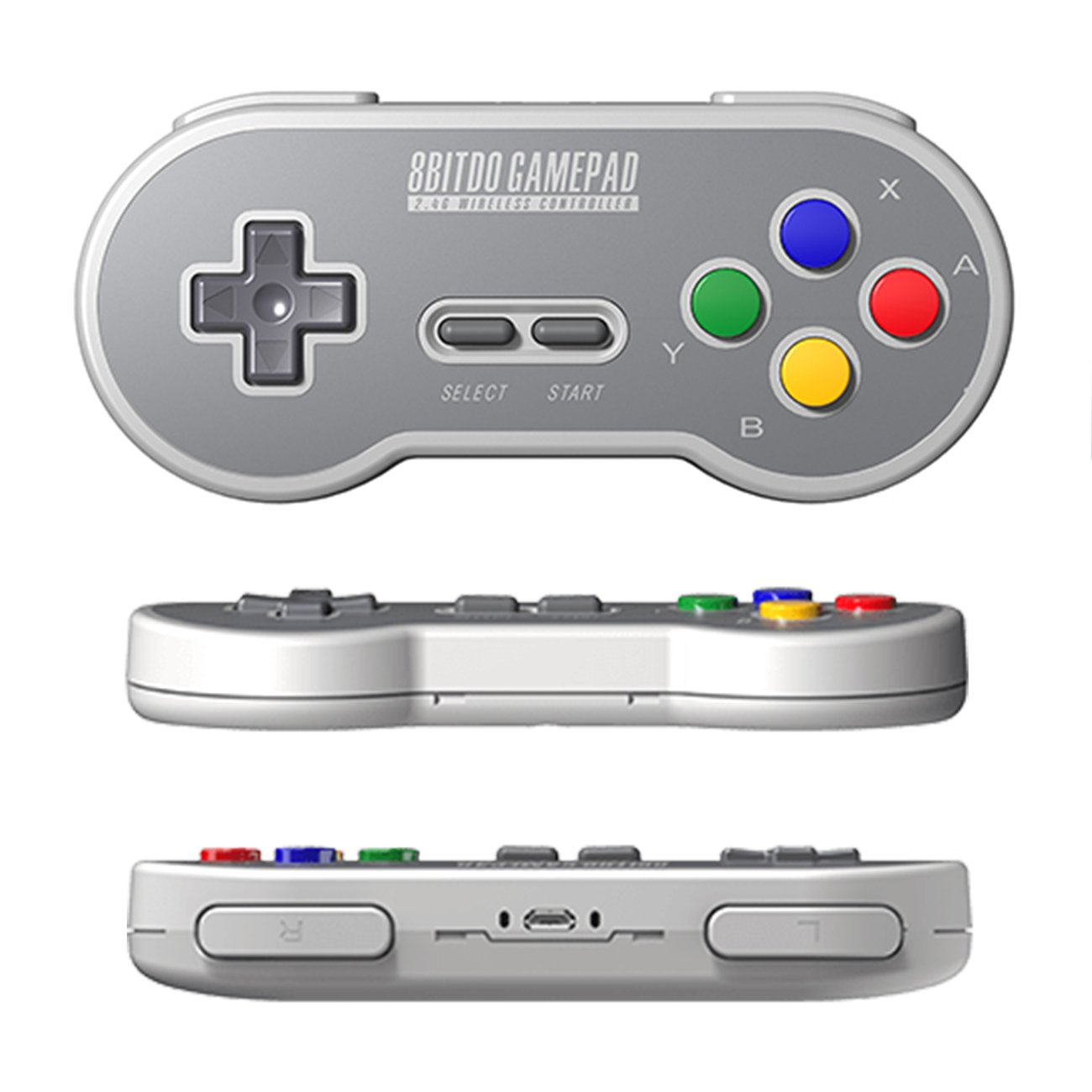
ภาพ: หลายภาพ views of the 8Bitdo SF30 controller, showcasing its classic button layout and ergonomic design.
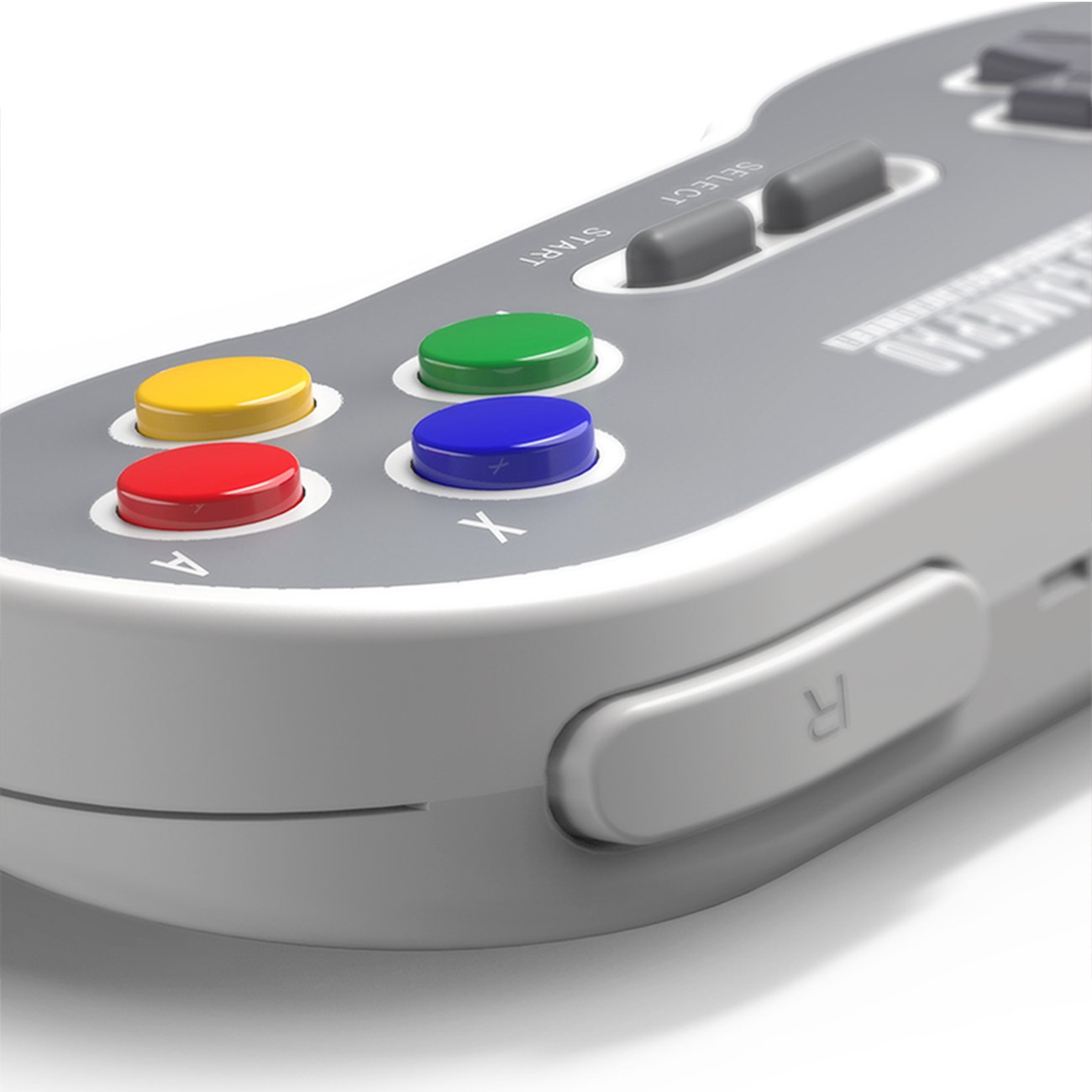
ภาพ: รายละเอียด view of the L and R shoulder buttons on the 8Bitdo SF30 controller.
การชาร์จคอนโทรลเลอร์
The 8Bitdo SF30 controller includes a built-in rechargeable lithium-ion battery. To charge the controller:
- Connect the smaller end of the included USB cable to the micro-USB port on the top edge of the controller.
- Connect the larger end of the USB cable to a USB power source (e.g., a USB wall adapter, computer USB port, or console USB port).
- The LED indicator on the controller will show charging status (e.g., solid red while charging, off when fully charged).
A full charge typically provides several hours of gameplay.
ข้อมูลจำเพาะ
| คุณสมบัติ | รายละเอียด |
|---|---|
| หมายเลขรุ่น | 6922621500346 |
| การเชื่อมต่อ | 2.4G ไร้สาย |
| ความเข้ากันได้ | SFC Classic Edition, SNES Classic Edition |
| แบตเตอรี่ | ลิเธียมไอออนแบบชาร์จได้ |
| ขนาดสินค้า | 5.67 x 1.02 x 2.48 นิ้ว |
| น้ำหนักสินค้า | 3.2 ออนซ์ |
การแก้ไขปัญหา
- ตัวควบคุมไม่ได้เชื่อมต่อ: Ensure the 2.4G receiver is firmly plugged into the console. Power cycle the console and try pressing the START button on the controller for 3 seconds to re-initiate pairing.
- ตัวควบคุมไม่ชาร์จ: Verify the USB cable is securely connected to both the controller and the power source. Try a different USB port or power adapter.
- ความล่าช้าของอินพุต: While minimal, some input lag can occur with wireless devices. Ensure the controller and receiver are within optimal range of the console and there are no major obstructions.
การรับประกันและการสนับสนุน
For warranty information, technical support, or further assistance with your 8Bitdo SF30 2.4G Wireless Controller, please visit the official 8Bitdo website or refer to the contact information provided in your product packaging. Keep your proof of purchase for warranty claims.
คุณยังสามารถเยี่ยมชม ร้านค้า 8Bitdo บน Amazon สำหรับผลิตภัณฑ์และข้อมูลเพิ่มเติม


