1. บทนำ
The Avantree Torpedo Plus is a versatile portable Bluetooth speaker designed to deliver high-quality audio with minimal latency. Featuring aptX Low Latency technology, it ensures audio-visual synchronization when paired with compatible transmitters. This manual provides detailed instructions for setting up, operating, and maintaining your speaker.

Figure 1: Avantree Torpedo Plus Portable Bluetooth Speaker
2. อะไรอยู่ในกล่อง
- Avantree Torpedo Plus Speaker
- Type C USB Charging Cable (100CM / 3FT)
- Audio Cable (120CM / 4FT)
- คู่มือผู้ใช้ฉบับย่อ
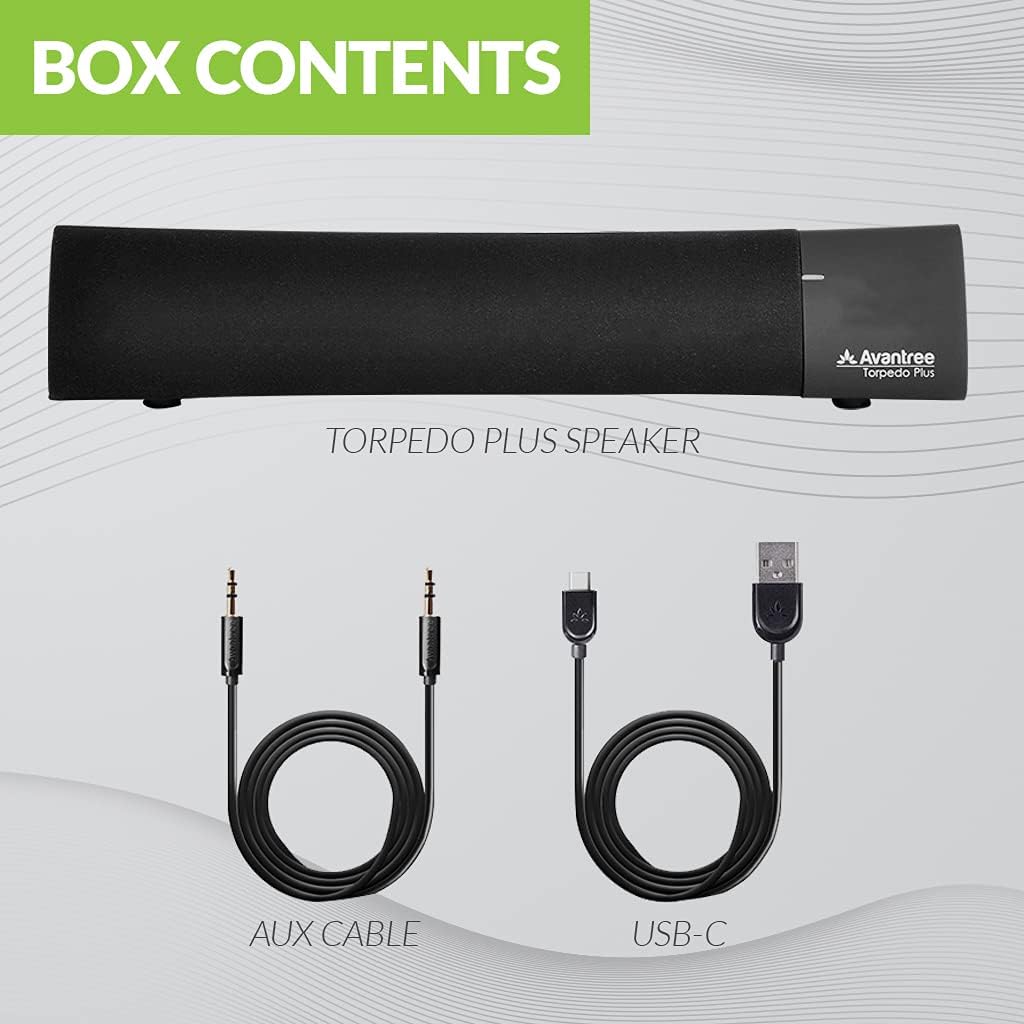
Figure 2: Included accessories with the Torpedo Plus speaker.
3. สินค้าหมดview
The Torpedo Plus features a compact design with intuitive controls. It includes dual 5W speakers for clear sound output and supports multiple sound modes for a customized listening experience.

รูปที่ 3: ภายใน view highlighting the dual 5W power drivers.
The speaker is lightweight and portable, making it suitable for various environments, from a desktop setup to on-the-go use.
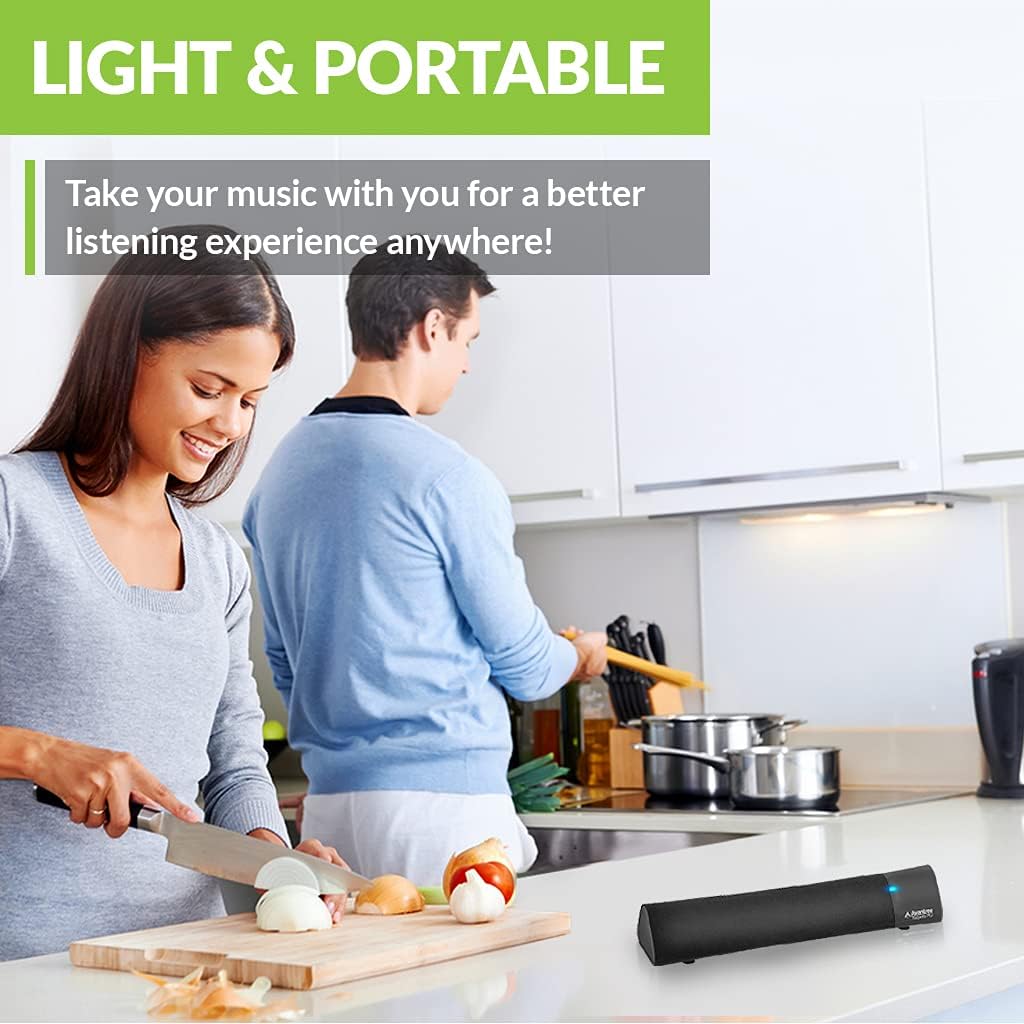
Figure 4: Portability of the Torpedo Plus speaker in a kitchen setting.
4. การตั้งค่า
4.1 การเปิดเครื่อง
- Connect the provided Type C USB charging cable to the speaker's charging port.
- Plug the other end of the USB cable into a DC 5V/1A power source (e.g., computer USB port, USB wall adapter).
- The speaker will indicate its power status via an LED indicator.
4.2 การจับคู่ครั้งแรก (บลูทูธ)
- ตรวจสอบให้แน่ใจว่าลำโพงเปิดอยู่และอยู่ในโหมดจับคู่บลูทูธ (โดยปกติจะแสดงด้วยไฟ LED กะพริบ)
- On your device (laptop, phone, tablet), enable Bluetooth and search for "Avantree Torpedo Plus".
- Select the speaker to pair. Once connected, the LED indicator will show a solid light.

Figure 5: Easy setup and Bluetooth pairing with a laptop.
5. คู่มือการใช้งาน
5.1 การเชื่อมต่อบลูทูธ
After initial pairing, the speaker should automatically reconnect to your last paired device when powered on and within range.
5.2 การเชื่อมต่อแบบใช้สาย (AUX)
- Connect one end of the provided 3.5mm audio cable to the AUX input port on the speaker.
- Connect the other end to the audio output jack of your device (e.g., TV, computer).
- The speaker will automatically switch to AUX mode or you may need to select it using the mode button/control.
โหมดเสียง 5.3 โหมด
The Torpedo Plus features Digital Signal Processing (DSP) with three distinct sound modes:
- ระบบเสียงรอบทิศทาง 3 มิติ: Enhances spatial audio for an immersive experience.
- โหมดเบส: Boosts low frequencies for richer bass.
- Balanced Audio Mode: ให้เสียงที่เป็นกลางfile suitable for various content.
Refer to the quick user guide for specific instructions on how to switch between these modes.

Figure 6: Available sound modes for personalized audio.
5.4 เสียงที่มีความหน่วงต่ำ
When used with an aptX Low Latency enabled Bluetooth transmitter, the Torpedo Plus delivers audio in perfect synchronization with video, eliminating noticeable delays.

Figure 7: Enjoying low latency audio with the speaker while watching TV.
5.5 วิดีโอผลิตภัณฑ์อย่างเป็นทางการ
Watch this official video from AvantreeDirect USA for a visual overview of the Avantree aptX Low Latency Portable Bluetooth 5.0 Speaker.
Video 1: Avantree aptX Low Latency Portable Bluetooth 5.0 Speaker overview.
6. การบำรุงรักษา
- Keep the speaker away from water and excessive moisture.
- ทำความสะอาดพื้นผิวด้วยผ้าแห้งนุ่มๆ ห้ามใช้น้ำยาทำความสะอาดที่มีฤทธิ์กัดกร่อน
- หลีกเลี่ยงการให้ลำโพงสัมผัสกับอุณหภูมิที่สูงเกินไป
- เก็บไว้ในที่แห้งและเย็นเมื่อไม่ได้ใช้งานเป็นเวลานาน
7 การแก้ไขปัญหา
7.1 ไม่มีไฟฟ้า
- Ensure the USB charging cable is securely connected to both the speaker and a working power source.
- ตรวจสอบว่าแหล่งพลังงานกำลังทำงานอยู่
7.2 ไม่มีเสียง
- บลูทูธ: Check if the speaker is successfully paired and connected to your device. Ensure the volume on both the speaker and your device is turned up.
- ช่องเสริม: Confirm the 3.5mm audio cable is fully inserted into both the speaker and your device. Ensure your device's audio output is set to the correct port.
- Check if the speaker is in the correct input mode (Bluetooth or AUX).
7.3 Audio Delay (Latency)
- For optimal low latency performance, ensure your Bluetooth audio source (e.g., TV, PC) is connected via an aptX Low Latency compatible Bluetooth transmitter.
- Ensure the speaker is operating in aptX Low Latency mode if applicable (refer to quick user guide for LED indicators).
8. ข้อมูลจำเพาะ
| คุณสมบัติ | รายละเอียด |
|---|---|
| เวอร์ชันบลูทูธ | วี5.0 |
| ตัวแปลงสัญญาณเสียง | aptX LL, aptX, SBC |
| สนับสนุนโปรfiles | A2DP V1.3, AVRCP V1.5 |
| พอร์ตชาร์จ | ประเภทซี |
| เวลาในการชาร์จ | 3 ชั่วโมง |
| ชาร์จ Voltage | กระแสตรง 5V/1A |
| แบตเตอรี่ในตัว | 2200 มิลลิแอมป์ / 3.7 โวลต์ |
| เวลาเล่น | 7 ชั่วโมง |
| กำลังขับ | 5W × 2 |
| การตอบสนองความถี่ | 50เฮิรตซ์~20กิโลเฮิรตซ์ |
| ขนาด | 275 mm x 60mm x 50 mm (10.83" x 2.36" x 1.97") |
| น้ำหนักผลิตภัณฑ์ | 480 กรัม (0.026 ออนซ์) |
| เทคโนโลยีการสื่อสารไร้สาย | บลูทูธ |
| เทคโนโลยีการเชื่อมต่อ | อุปกรณ์เสริม, บลูทูธ |
| ช่วงบลูทูธ | 30 เมตร (100 ฟุต) |
| เวลาแฝงของเสียง | 40 มิลลิวินาที |
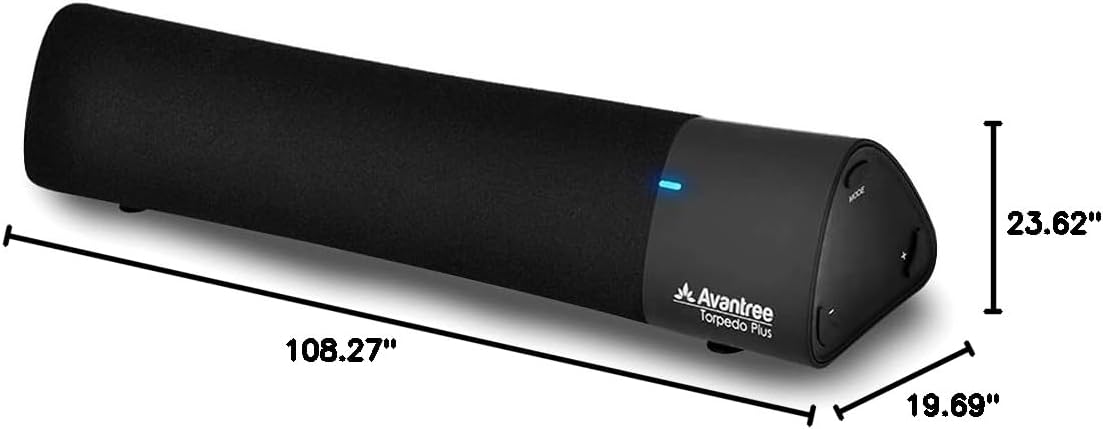
รูปที่ 8: ขนาดผลิตภัณฑ์
9. การรับประกันและการสนับสนุน
The Avantree Torpedo Plus comes with a full 24-month warranty. For support, please visit the official Avantree webเว็บไซต์หรือติดต่อฝ่ายบริการลูกค้าของพวกเขา
เยี่ยมชม Avantree Store สำหรับข้อมูลและผลิตภัณฑ์เพิ่มเติม


