การแนะนำ
Thank you for choosing the Billboard Bluetooth Wireless Hook Over Earbuds. This manual provides essential information for setting up, operating, and maintaining your new earbuds. Please read these instructions carefully before use to ensure optimal performance and longevity of your device. Keep this manual for future reference.
เนื้อหาแพ็คเกจ
ตรวจสอบให้แน่ใจว่ามีรายการทั้งหมดอยู่ในบรรจุภัณฑ์:
- Billboard Bluetooth Wireless Hook Over Earbuds
- สายชาร์จไมโคร USB
- คู่มือการใช้งาน (เอกสารนี้)
สินค้าเกินview
The Billboard Bluetooth Wireless Hook Over Earbuds are designed for comfortable and secure fit, featuring a tangle-free flat cord and integrated controls for music and calls.
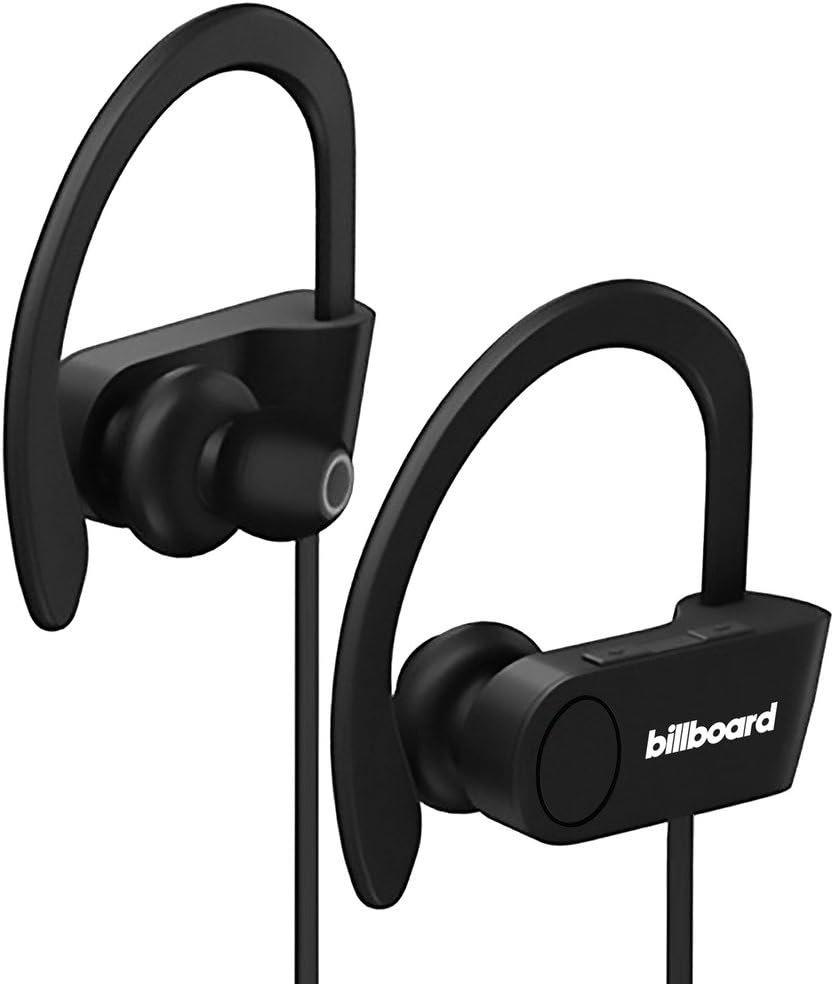
Image: Billboard Bluetooth Wireless Hook Over Earbuds, front view. These black earbuds feature an over-ear hook design for secure placement and a flat cord connecting the two earpieces.

Image: Billboard Bluetooth Wireless Hook Over Earbuds, showing the flat tangle-free cord. The design emphasizes a comfortable fit with the ear hooks and the practical flat cable.
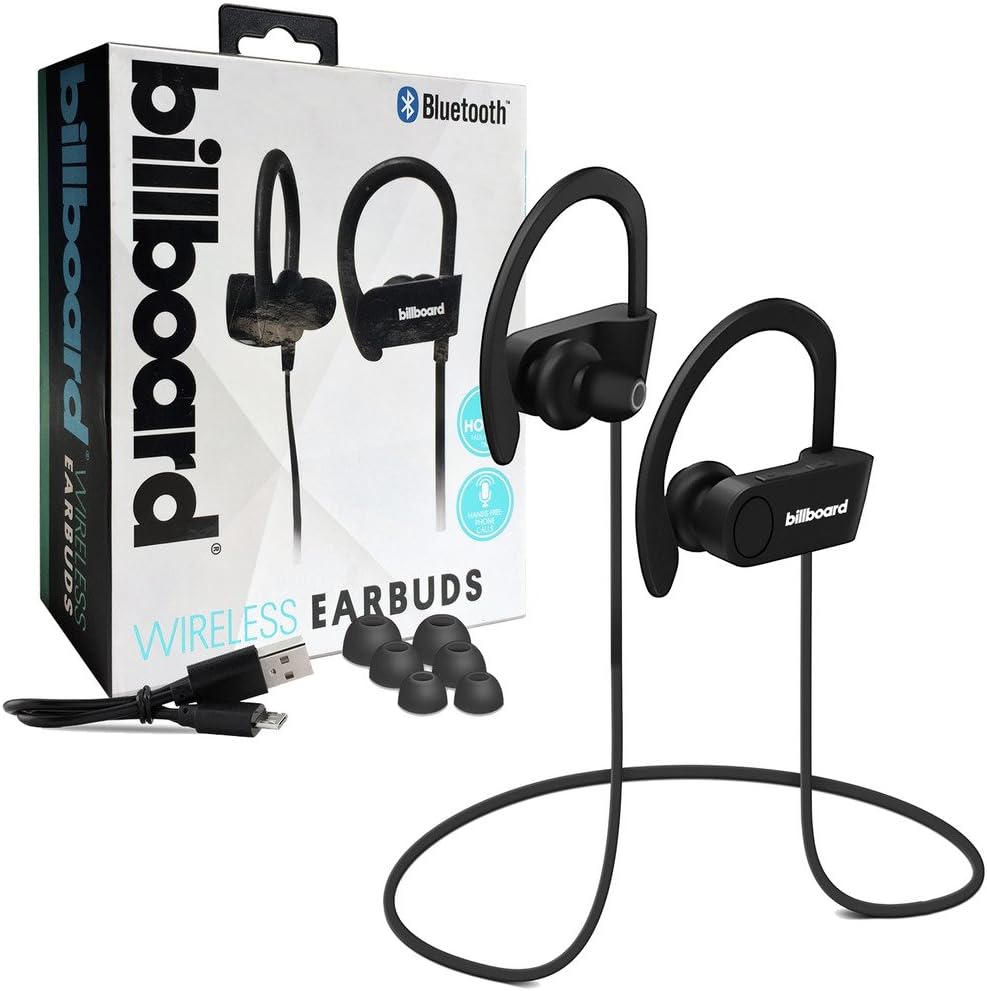
Image: Billboard Bluetooth Wireless Hook Over Earbuds packaging with included accessories. The box displays the earbuds, a charging cable, and additional ear tips, highlighting the product's features.
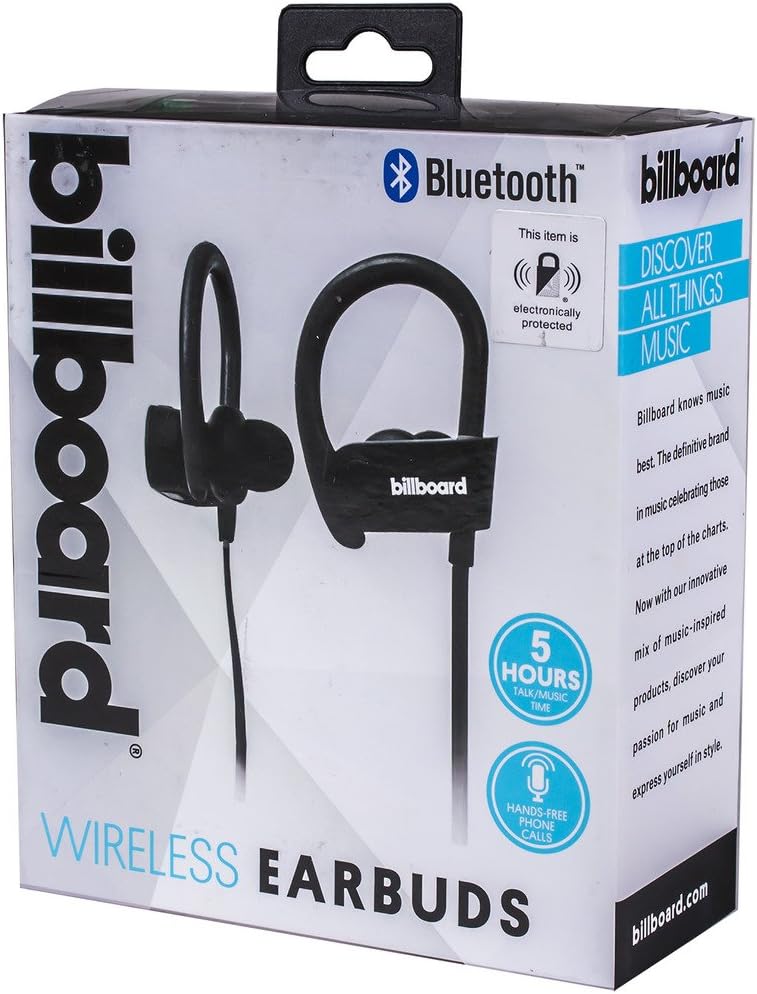
Image: Close-up of Billboard Bluetooth Wireless Hook Over Earbuds packaging, detailing features. The packaging highlights key features such as Bluetooth connectivity, 5 hours of talk/music time, and hands-free phone calls.
การตั้งค่า
1. การชาร์จหูฟังเอียร์บัด
- Locate the Micro USB charging port on one of the earbuds (typically on the control module).
- Connect the provided Micro USB charging cable to the earbud's charging port.
- Plug the other end of the USB cable into a USB power source (e.g., computer USB port, wall adapter).
- The LED indicator light will illuminate, typically red, to show that the earbuds are charging.
- Once fully charged, the LED indicator light will change color (e.g., turn blue or off). A full charge usually takes approximately 1-2 hours.
บันทึก: Ensure the earbuds are fully charged before first use for optimal battery life.
2. การจับคู่บลูทู ธ
- เปิดเครื่อง: Press and hold the Multi-function button (usually the center button on the control module) for a few seconds until the LED indicator light flashes blue and red alternately, indicating pairing mode.
- เปิดใช้งานบลูทูธ: บนสมาร์ทโฟนหรืออุปกรณ์อื่นๆ ที่เปิดใช้งาน Bluetooth ของคุณ ให้ไปที่การตั้งค่า Bluetooth และตรวจสอบให้แน่ใจว่า Bluetooth เปิดอยู่
- ค้นหา อุปกรณ์: Your device will automatically search for nearby Bluetooth devices.
- เลือกหูฟัง: From the list of available devices, select "Billboard Earbuds" or a similar name.
- ยืนยันการจับคู่: Once successfully paired, the LED indicator light on the earbuds will typically flash blue slowly or turn off, and you will hear an audible confirmation.
- หากระบบขอให้ป้อนรหัสผ่าน ให้ป้อน "0000" (เลขศูนย์สี่ตัว)
บันทึก: The earbuds will automatically attempt to reconnect to the last paired device when powered on, if that device's Bluetooth is active and within range.
คำแนะนำการใช้งาน
ควบคุมมากกว่าview
The control module on the earbud cord typically includes a Multi-function button (MFB) and Volume Up/Down buttons.
- ปุ่มมัลติฟังก์ชัน (MFB): Power On/Off, Play/Pause, Answer/End Call, Reject Call.
- เพิ่มระดับเสียง (+): เพิ่มระดับเสียง เพลงถัดไป
- ลดเสียงลง (-): ลดระดับเสียง เล่นเพลงก่อนหน้า
เปิด/ปิดเครื่อง
- เปิดเครื่อง: Press and hold the MFB for approximately 3 seconds until the LED flashes blue and you hear a power-on prompt.
- หมดแรง: Press and hold the MFB for approximately 3-5 seconds until the LED flashes red and you hear a power-off prompt.
การเล่นเพลง
- เล่น/หยุดชั่วคราว: กด MFB หนึ่งครั้ง
- เพลงถัดไป: กดปุ่มเพิ่มระดับเสียง (+) ค้างไว้
- แทร็กก่อนหน้า: กดปุ่มลดระดับเสียง (-) ค้างไว้
การจัดการการโทร
- รับ/วางสาย: Press the MFB once during an incoming call or during an active call.
- ปฏิเสธสาย: Press and hold the MFB for approximately 2 seconds during an incoming call.
- โทรซ้ำหมายเลขล่าสุด: กดปุ่ม MFB สองครั้งเมื่อไม่มีสายสนทนาอยู่
การควบคุมระดับเสียง
- เพิ่มปริมาณ: กดปุ่มเพิ่มระดับเสียง (+) ซ้ำๆ
- ลดระดับเสียง: กดปุ่มลดเสียง (-) ซ้ำๆ
การซ่อมบำรุง
- การทำความสะอาด: Use a soft, dry cloth to clean the earbuds. Do not use abrasive cleaners or solvents.
- พื้นที่จัดเก็บ: เก็บหูฟังไว้ในที่แห้งและเย็น หลีกเลี่ยงแสงแดดโดยตรงและอุณหภูมิที่สูงหรือต่ำเกินไป
- การดูแลแบตเตอรี่ To preserve battery life, charge the earbuds regularly, even if not in frequent use. Avoid fully discharging the battery for extended periods.
- การสัมผัสน้ำ: These earbuds are not waterproof. Avoid exposure to water or excessive moisture.
การแก้ไขปัญหา
| ปัญหา | สารละลาย |
|---|---|
| หูฟังไม่เปิดใช้งาน | Ensure the earbuds are fully charged. Connect to a power source and check the charging indicator light. |
| ไม่สามารถจับคู่กับอุปกรณ์ได้ | Make sure the earbuds are in pairing mode (flashing blue and red). Ensure Bluetooth is enabled on your device and it is within range (typically 10 meters). Try turning both devices off and on again. |
| ไม่มีเสียงหรือเสียงเบา | Check the volume levels on both the earbuds and your connected device. Ensure the earbuds are properly paired and connected. Try playing different audio sources. |
| การเชื่อมต่อไม่ต่อเนื่อง | Move closer to your connected device. Avoid obstacles between the earbuds and the device. Ensure there is no interference from other wireless devices. |
ข้อมูลจำเพาะ
- ยี่ห้อ: ป้ายโฆษณา
- แบบอย่าง: B073CCBSLL
- สี: สีดำ
- ตำแหน่งหู: In Ear (with Over-Ear Hook)
- ฟอร์มแฟกเตอร์: สองหู
- การเชื่อมต่อ: บลูทูธไร้สาย
- พอร์ตชาร์จ: ไมโคร USB
- Battery Life (Talk/Music Time): ประมาณ 5 ชั่วโมง
- อุปกรณ์ที่รองรับ: Universal/Smartphones
- คุณสมบัติ: Tangle-Free Flat Cord, Built-in Microphone, Integrated Controls
การรับประกันและการสนับสนุน
For warranty information and customer support, please refer to the documentation included with your purchase or visit the official Billboard product support webไซต์ เก็บหลักฐานการซื้อของคุณไว้เพื่อใช้ในกรณีเรียกร้องการรับประกัน
If you encounter issues not covered in this manual, please contact customer service for assistance.