1. บทนำ
This manual provides comprehensive instructions for the HP 250 G6 laptop, designed to assist you with its setup, operation, maintenance, and troubleshooting. Understanding the features and functions of your device will ensure optimal performance and longevity.
The HP 250 G6 is a versatile laptop featuring an Intel Core i5-7200U processor, 8GB of DDR4 RAM, and a 256GB Solid State Drive. It comes equipped with a 15.6-inch HD SVA anti-glare display, Intel HD Graphics 620, and a DVD/CD-RW Combo drive. Connectivity options include 802.11ac Wi-Fi and Bluetooth 4.2. The laptop operates on Windows 10 Pro 64-bit.

รูปที่ 1.1: ด้านหน้า view of the HP 250 G6 laptop, showcasing its 15.6-inch display with the Windows 10 Pro operating system interface.
2. การตั้งค่า
2.1 การแกะกล่อง
นำส่วนประกอบทั้งหมดออกจากบรรจุภัณฑ์อย่างระมัดระวัง ตรวจสอบให้แน่ใจว่ามีส่วนประกอบต่อไปนี้:
- HP 250 G6 Laptop
- อะแดปเตอร์ไฟ AC และสายไฟ
- เอกสารประกอบ (รวมถึงคู่มือนี้)
2.2 การเชื่อมต่อกับแหล่งจ่ายไฟ
Before initial use, connect the laptop to a power source. Plug the AC power adapter into the laptop's power port and then into a wall outlet. The battery will begin charging automatically.
2.3 การเปิดเครื่องครั้งแรกและการกำหนดค่า
Press the power button located on the keyboard deck to turn on the laptop. Follow the on-screen instructions to complete the initial setup of Windows 10 Pro. This process typically involves selecting your region, language, accepting license agreements, and setting up user accounts.
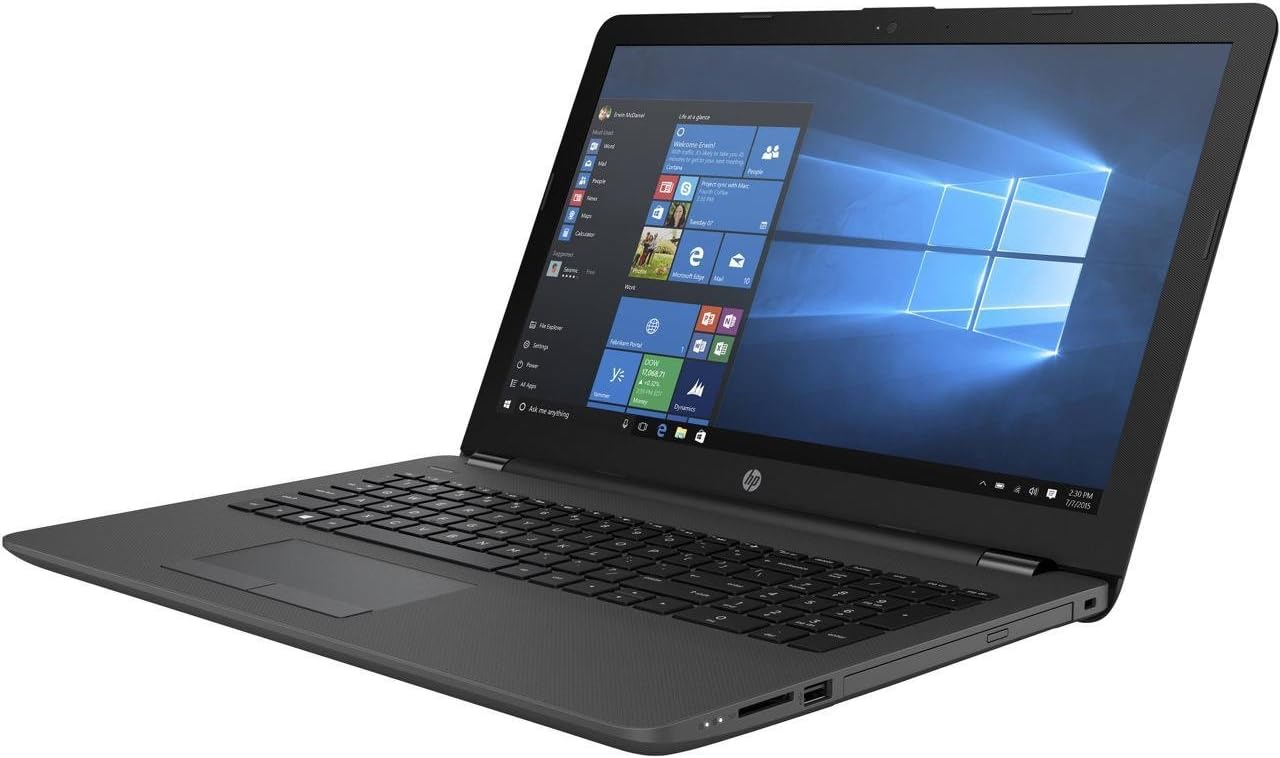
รูปที่ 2.1: ด้านหนึ่ง view of the HP 250 G6 laptop, illustrating the placement of ports such as USB, HDMI, and the power connector.
3. Operating Your HP 250 G6
3.1 คีย์บอร์ดและทัชแพด
The laptop features a full-sized keyboard and a multi-touch touchpad. The touchpad supports gestures for navigation, scrolling, and zooming. Refer to the Windows 10 Pro settings for customizing touchpad sensitivity and gestures.
3.2 พอร์ตและการเชื่อมต่อภายนอก
The HP 250 G6 provides various ports for connecting external devices:
- พอร์ต USB: Connect USB devices such as external hard drives, mice, or keyboards. The laptop includes USB 2.0 ports.
- พอร์ต HDMI: เชื่อมต่อกับจอแสดงผลภายนอกหรือโปรเจ็กเตอร์
- พอร์ตอีเทอร์เน็ต (LAN): สำหรับการเชื่อมต่อเครือข่ายแบบมีสาย
- แจ็คเสียง: สำหรับหูฟังหรือลำโพงภายนอก
- เครื่องอ่านการ์ด SD: สำหรับอ่านข้อมูลจากเมมโมรี่การ์ด
ออปติคัลไดรฟ์ 3.3
The integrated DVD/CD-RW Combo drive allows you to read CDs and DVDs, and write to CD-R/RW discs. Insert discs gently into the drive slot.
3.4 การเชื่อมต่อแบบไร้สาย
The laptop supports 802.11ac Wi-Fi for high-speed wireless internet access and Bluetooth 4.2 for connecting wireless peripherals like headphones or mice.
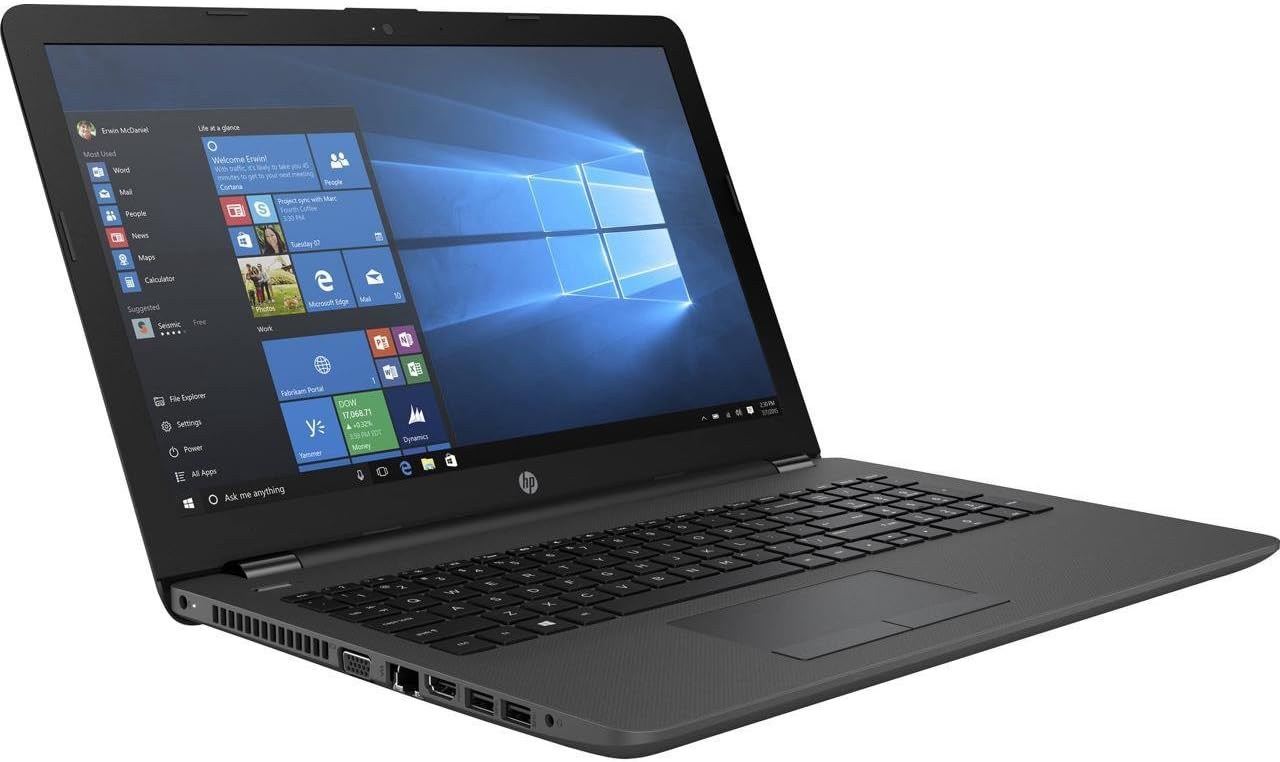
รูปที่ 3.1: อีกด้านทางเลือก view of the HP 250 G6 laptop, showing the DVD/CD-RW combo drive and other connectivity options.
4. การบำรุงรักษาและการดูแล
4.1 การทำความสะอาด
ในการทำความสะอาดแล็ปท็อป ให้ใช้ผ้านุ่มที่ไม่เป็นขุย สำหรับหน้าจอ ให้ใช้น้ำยาทำความสะอาดหน้าจอชนิดพิเศษ หลีกเลี่ยงสารเคมีรุนแรงหรือวัสดุที่มีฤทธิ์กัดกร่อน ตรวจสอบให้แน่ใจว่าแล็ปท็อปปิดเครื่องและถอดปลั๊กออกก่อนทำความสะอาด
4.2 การจัดการแบตเตอรี่
The HP 250 G6 uses a 4-cell 41Wh Lithium Ion battery. To maximize battery life:
- หลีกเลี่ยงอุณหภูมิที่สูงหรือต่ำเกินไป
- Adjust power settings in Windows to optimize battery usage.
- ควรปล่อยให้แบตเตอรี่คายประจุและชาร์จจนเต็มเป็นระยะๆ
4.3 การอัปเดตซอฟต์แวร์
Regularly update your Windows 10 Pro operating system and HP drivers to ensure optimal performance, security, and compatibility. These updates often include bug fixes and performance enhancements.
5 การแก้ไขปัญหา
This section addresses common issues you might encounter with your HP 250 G6 laptop.
5.1 ปัญหาพลังงาน
- โน๊ตบุ๊คเปิดไม่ติด: Ensure the AC adapter is securely connected to both the laptop and a working power outlet. Check if the power outlet is functional. If using battery, ensure it is charged.
- ไม่ชาร์จแบตเตอรี่: Verify the AC adapter connection. Try a different power outlet. If the issue persists, the adapter or battery may require service.
5.2 ปัญหาการแสดงผล
- ไม่มีภาพบนหน้าจอ: Connect an external monitor to check if the display output is working. If the external monitor works, the laptop's internal display may have an issue.
- Dim screen: Adjust the brightness settings using the function keys (Fn + F2/F3, or similar, depending on model) or through Windows display settings.
5.3 ปัญหาการเชื่อมต่อ
- Wi-Fi ไม่เชื่อมต่อ: Ensure Wi-Fi is enabled in Windows settings. Restart your router and the laptop. Check for updated wireless drivers.
- อุปกรณ์บลูทูธไม่จับคู่: Ensure Bluetooth is enabled on both the laptop and the device. Place devices close to each other and ensure they are in pairing mode.
6. ข้อมูลจำเพาะทางเทคนิค
Detailed specifications for the HP 250 G6 laptop (Model: 1NW57UT#ABA).
| คุณสมบัติ | ข้อมูลจำเพาะ |
|---|---|
| โปรเซสเซอร์ | Intel Core i5-7200U (2.5GHz, up to 3.1GHz, 3MB Cache) |
| แรม | แรม 8GB DDR4 |
| พื้นที่จัดเก็บ | 256 GB TLC Solid State Drive |
| แสดง | 15.6-inch HD SVA AG (1366 x 768 pixels) |
| กราฟฟิก | Intel HD Graphics 620 (รวม) |
| ไดรฟ์ออปติคอล | DVD/CD-RW Combo |
| ไร้สาย | 802.11ac (1x1) |
| บลูทูธ | บลูทูธ 4.2 |
| ระบบปฏิบัติการ | Windows 10 Pro 64 บิต |
| พอร์ต | USB 2.0 (x1), other standard ports (VGA, HDMI, RJ-45, audio jack, card reader) |
| ความปลอดภัย | TPM 2.0, Slot Lock |
| แบตเตอรี่ | 4-Cell 41Wh Lithium Ion |
| ขนาด (กxยxส) | 14.96 x 9.99 x 0.93 นิ้ว |
| น้ำหนัก | 4.14 ปอนด์ |
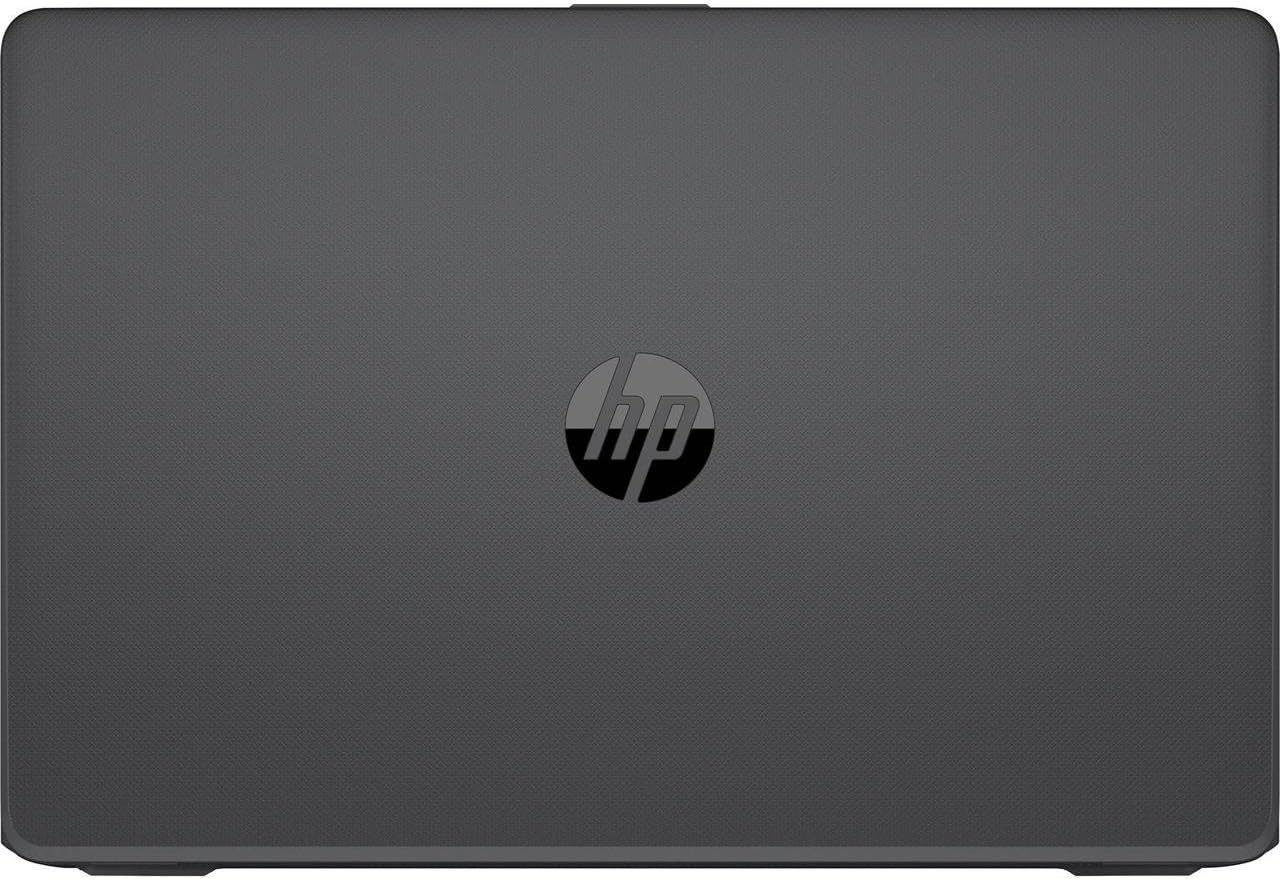
รูปที่ 6.1: ค่าใช้จ่ายทางอ้อม view of the closed HP 250 G6 laptop, featuring the HP logo prominently on the textured surface of the lid.
7. การรับประกันและการสนับสนุน
Your HP 250 G6 laptop comes with a standard manufacturer's warranty. Please refer to the warranty card included with your product for specific terms and conditions, including coverage duration and service procedures. For technical assistance, driver downloads, or further support, please visit the official HP support webเข้าชมเว็บไซต์หรือติดต่อฝ่ายบริการลูกค้าของ HP
สำหรับข้อมูลและแหล่งข้อมูลเพิ่มเติม ท่านสามารถเยี่ยมชมได้ที่ ร้าน HP บน Amazon.