1. บทนำ
The ECOVACS DEEBOT M81PRO is a versatile robotic vacuum cleaner designed to clean various floor types, including hard floors and low-pile carpets. It features a 5-stage cleaning system that sweeps, lifts, vacuums, mops, and dries. This manual provides essential information for safe and efficient operation, setup, maintenance, and troubleshooting.
2. คำแนะนำด้านความปลอดภัย
Before using your DEEBOT M81PRO, please read and follow all safety instructions to prevent injury or damage.
- Do not operate the DEEBOT near open flames or fragile objects.
- Keep loose clothing, hair, and body parts away from the brushes and suction port.
- Ensure the charging dock is placed against a wall in an open area, free from obstacles.
- Do not allow children to play with the DEEBOT.
- Remove any power cords, small objects, or loose rugs that could entangle the robot.
- The DEEBOT is equipped with anti-drop sensors. However, always supervise operation near stairs or elevated surfaces.
3. เนื้อหาบรรจุภัณฑ์
ตรวจสอบว่ามีส่วนประกอบทั้งหมดอยู่ในแพ็คเกจ:
- ECOVACS DEEBOT M81PRO Robot
- แท่นชาร์จ
- อ่างเก็บน้ำ
- ถ้วยตวง
- รีโมทคอนโทรล
- แปรงด้านข้าง (2 คู่)
- Direct Suction Port (interchangeable with main brush)
- ตัวกรองประสิทธิภาพสูง
- คู่มือการใช้งาน
4. สินค้าหมดview
The DEEBOT M81PRO is designed for efficient and thorough cleaning. It features a low-profile design to clean under furniture and advanced sensors for navigation.

รูปที่ 4.1: ด้านบน view of the DEEBOT M81PRO, highlighting its main controls and sleek design.

รูปที่ 4.2: ด้านล่าง view of the DEEBOT M81PRO, illustrating the cleaning components including side brushes and mopping pad.
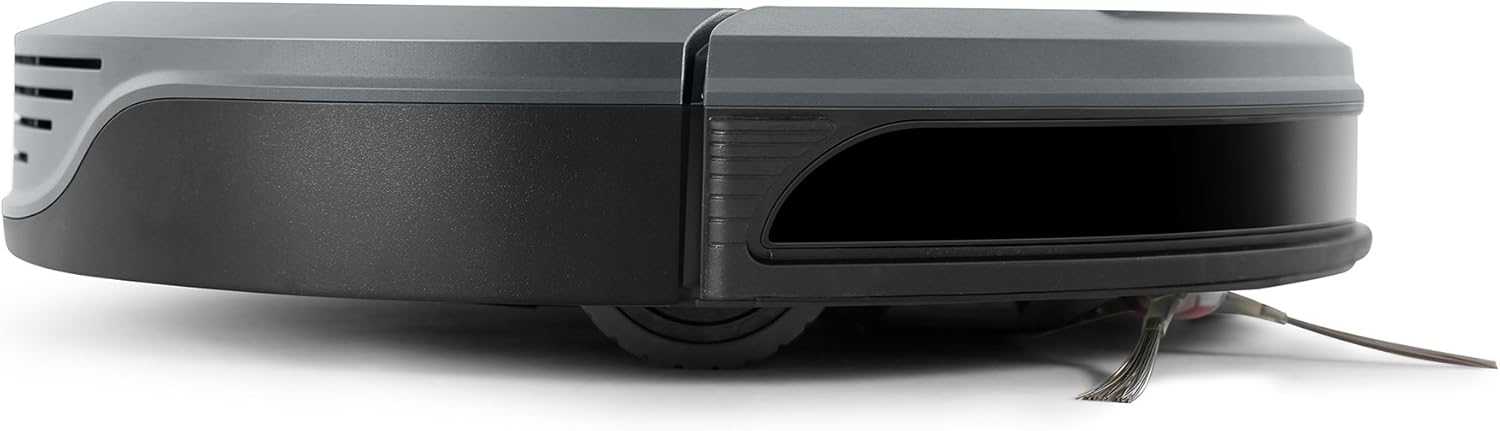
รูปที่ 4.3: โปรด้านข้างfile of the DEEBOT M81PRO, showing its compact design.
5. การตั้งค่า
5.1 การวางตำแหน่งแท่นชาร์จ
วางแท่นชาร์จบนพื้นผิวเรียบแข็งชิดผนัง ตรวจสอบให้แน่ใจว่ามีพื้นที่ว่างอย่างน้อย 0.5 เมตร (1.6 ฟุต) ทั้งสองด้านของแท่นชาร์จ และ 1.5 เมตร (4.9 ฟุต) ด้านหน้าแท่นชาร์จ เสียบอะแดปเตอร์แปลงไฟเข้ากับเต้ารับที่ผนัง

Figure 5.1: DEEBOT M81PRO correctly docked for charging.
5.2 ค่าบริการเริ่มต้น
Place the DEEBOT on the charging dock. The indicator light will show charging status. For first-time use, charge the DEEBOT for at least 4 hours to ensure the battery is fully conditioned.
5.3 การเชื่อมต่อแอพ
Download the ECOVACS HOME app from your smartphone's app store. Follow the in-app instructions to connect your DEEBOT M81PRO to your home Wi-Fi network. This enables remote control, scheduling, and monitoring features.
6. การดำเนินการ
โหมดทำความสะอาด 6.1 โหมด
The DEEBOT M81PRO offers multiple cleaning modes:
- โหมดอัตโนมัติ: For general cleaning of an entire area. The DEEBOT navigates systematically.
- โหมดเฉพาะจุด: For concentrated cleaning of a small, heavily soiled area. The DEEBOT cleans in a spiral pattern.
- โหมดขอบ: For cleaning along walls and furniture edges.
- โหมดเร่งรัด: Provides a more powerful clean for stubborn dirt.

Figure 6.1: DEEBOT M81PRO operating in Auto Mode on a hard floor.
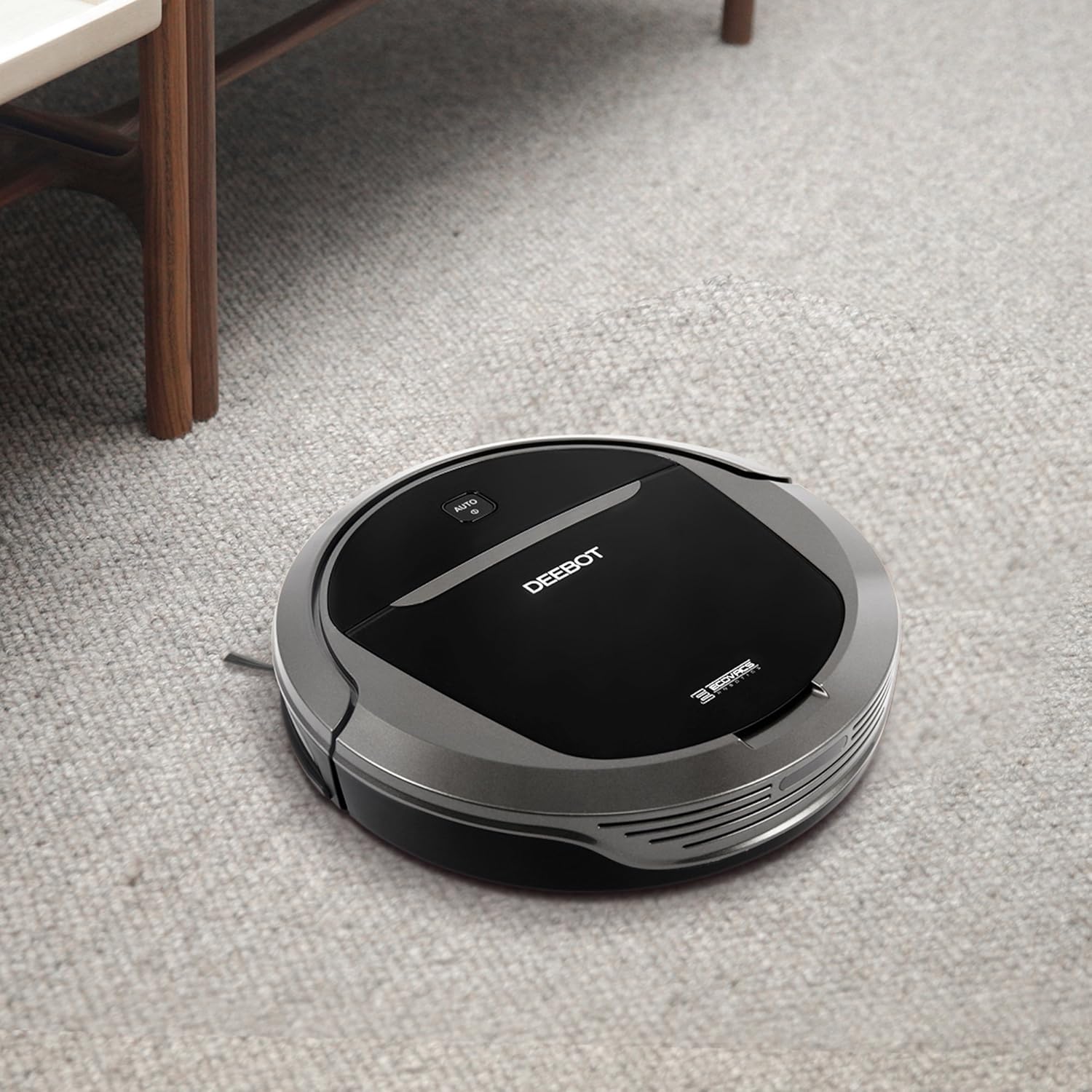
Figure 6.2: DEEBOT M81PRO cleaning on a carpet.
6.2 การจัดตารางงาน
Use the ECOVACS HOME app to set a cleaning schedule. You can program the DEEBOT to clean at specific times and days, even when you are away from home.
6.3 ฟังก์ชันถูพื้น
To use the mopping function, fill the water reservoir with clean water and attach the mopping pad. Install the reservoir onto the DEEBOT. The robot will then vacuum and mop simultaneously. Remove the water reservoir and mopping pad when not in use or when cleaning carpets.
Video 6.3: This video demonstrates the ECOVACS DEEBOT M81PRO in operation, showcasing its various cleaning modes, app control, and ability to navigate different floor types and obstacles. It also highlights the scheduling feature and safe operation tips.
7. การบำรุงรักษา
Regular maintenance ensures optimal performance and extends the lifespan of your DEEBOT M81PRO.
7.1 การเทขยะ
Empty the dustbin after each cleaning cycle. Press the dustbin release button, remove the dustbin, and discard collected debris. Clean the dustbin with a dry cloth.
7.2 การทำความสะอาดแปรง
- แปรงหลัก: Remove the main brush cover and lift out the brush. Use the cleaning tool to cut and remove any tangled hair or debris.
- แปรงด้านข้าง: Gently pull the side brushes upwards to remove them. Clean any hair or debris wrapped around the brush shafts. Reinstall by pressing them down until they click into place.
7.3 การทำความสะอาดตัวกรอง
Tap the high-efficiency filter to remove dust. For a more thorough clean, gently brush the filter with the cleaning tool. Do not wash the high-efficiency filter with water. The foam pre-filter can be rinsed with water and air-dried completely before reinstallation.
8 การแก้ไขปัญหา
If your DEEBOT M81PRO encounters an issue, refer to the following common solutions:
| ปัญหา | สาเหตุที่เป็นไปได้ | สารละลาย |
|---|---|---|
| DEEBOT สตาร์ทไม่ติด | แบตเตอรี่ต่ำ; ปิดสวิตช์ไฟ | Charge DEEBOT; Turn on power switch |
| DEEBOT ติดขัดบ่อยครั้ง | Obstacles (cords, rugs); Narrow spaces | กำจัดสิ่งกีดขวาง; ปิดกั้นพื้นที่ที่เป็นปัญหา |
| ประสิทธิภาพการทำความสะอาดแย่ | Full dustbin; Clogged brushes/filters | Empty dustbin; Clean brushes and filters |
| DEEBOT cannot find charging dock | Dock obstructed; Dock not powered | Ensure clear space around dock; Check power connection |
9. ข้อมูลจำเพาะ
| คุณสมบัติ | รายละเอียด |
|---|---|
| ยี่ห้อ | อีโคแวคส์ |
| ชื่อรุ่น | DEEBOT M81PRO |
| หมายเลขรุ่นสินค้า | DB3G |
| คุณสมบัติพิเศษ | ไร้ถุง |
| ประเภทตัวกรอง | ดิสก์ |
| อายุการใช้งานแบตเตอรี่ | 100 นาที |
| แหล่งพลังงาน | ใช้พลังงานจากแบตเตอรี่ |
| วิธีการควบคุม | Voice, App, Remote Control |
| อุปกรณ์ที่รองรับ | อเมซอน เอคโค่ |
| ขนาดสินค้า | 13.7 x 3.11 x 13.7 นิ้ว |
| น้ำหนักสินค้า | 6.51 ปอนด์ |
| คำแนะนำด้านพื้นผิว | Carpets, Hardwood, Floor |
| GTIN/UPC | 856560007009 |
10. การรับประกันและการสนับสนุน
The ECOVACS DEEBOT M81PRO typically includes a 1-year manufacturer's warranty. For detailed warranty information, technical support, or to purchase replacement parts, please visit the official ECOVACS webหรือติดต่อฝ่ายบริการลูกค้า เก็บใบเสร็จรับเงินไว้เพื่อใช้ในการเคลมประกัน


