การแนะนำ
Welcome to the LilGadgets Connect+ Pro Wired Kids Headphones user manual. These headphones are designed specifically for children, offering a safe and comfortable listening experience with features like volume limiting and SharePort Technology. This manual provides essential information for setting up, operating, maintaining, and troubleshooting your new headphones.
คุณสมบัติหลัก
- การจำกัดระดับเสียง: Equipped with 40mm drivers and a maximum volume of 93dB to ensure quieter, safer listening levels for children.
- Passive Noise Reduction: Helps to block out external noise, allowing for clearer audio even at lower volumes.
- SharePort Technology: Allows multiple headphones to connect to a single device without the need for a splitter, perfect for shared listening experiences.
- การออกแบบที่สะดวกสบาย: Features SoftTouch padding and an adjustable headband for a comfortable fit during extended use.
- โครงสร้างทนทาน: Built with metal extenders and flexible, strong plastics to withstand daily use by children.
- ไมโครโฟนแบบอินไลน์: Integrated microphone for clear communication during online classes or calls.
- สายเคเบิลที่ถอดออกได้: A 4-foot braided nylon cable that is detachable to prevent damage from tugs and for easy storage.
- เข้ากันได้สากล: Standard 3.5mm audio jack ensures compatibility with a wide range of devices, including iPads, tablets, phones, and computers.
- กระเป๋าเดินทาง: Includes a convenient travel pouch for portability and protection.
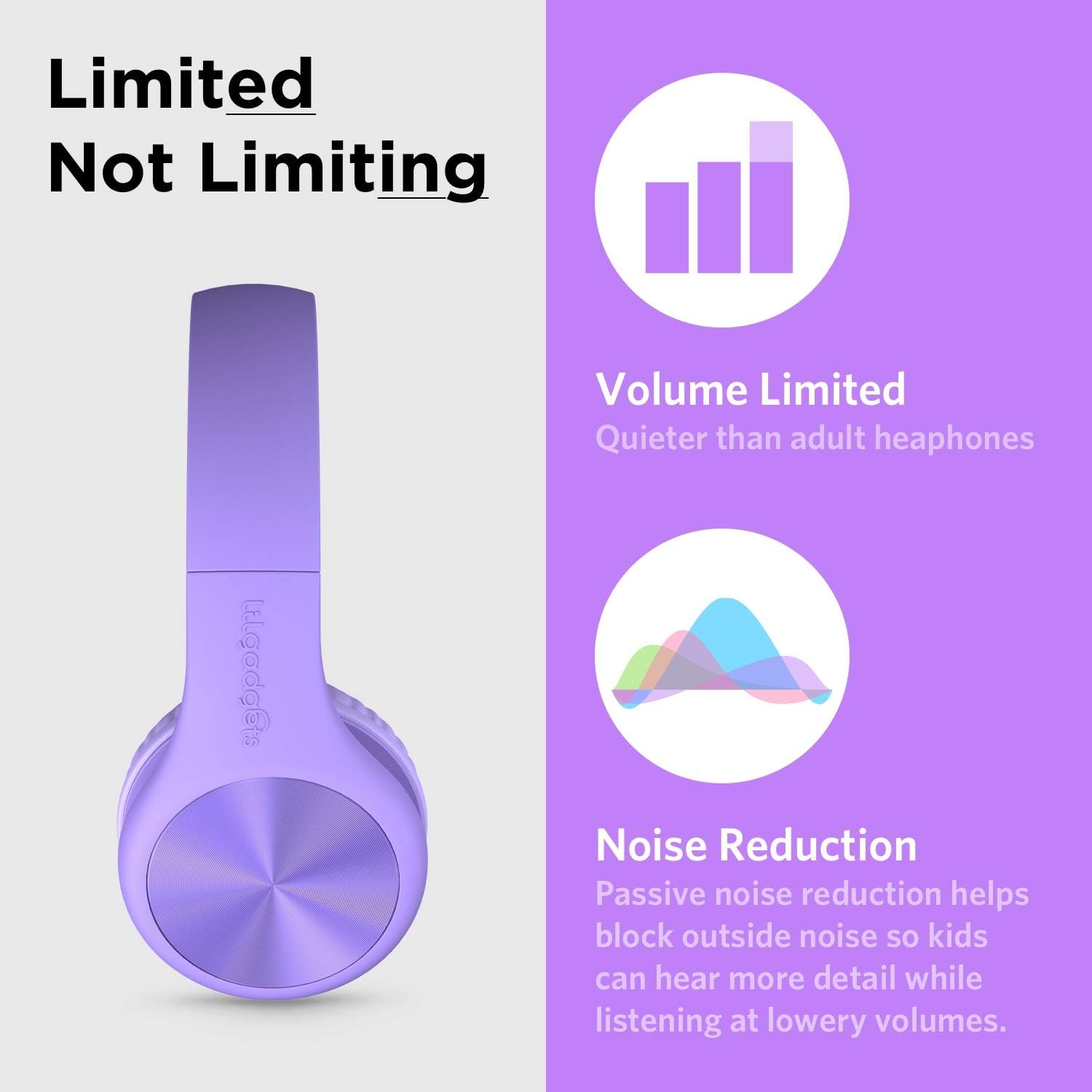
The headphones feature volume limiting and passive noise reduction for safe listening.

SharePort Technology allows multiple headphones to connect to a single device.
การตั้งค่า
- แกะ: Carefully remove the headphones, detachable audio cable, and travel pouch from the packaging.
- เชื่อมต่อสายสัญญาณเสียง: Insert the smaller end of the detachable 3.5mm audio cable into the audio jack located on the left earcup of the headphones. Ensure it is securely plugged in.
- เชื่อมต่อกับอุปกรณ์: Insert the other end of the 3.5mm audio cable into the audio output jack of your device (e.g., tablet, smartphone, computer).
- ปรับแถบคาดศีรษะ: Gently extend or retract the headband on both sides to fit the user's head comfortably. The SoftTouch padding on the earcups should fully cover the ears.

The headphones come with a detachable audio cable for easy connection.
คำแนะนำการใช้งาน
- เปิด/ปิดเครื่อง: As these are wired headphones, there is no power button. They operate when connected to an audio source.
- การควบคุมระดับเสียง: Adjust the volume directly on your connected device. The headphones have a built-in volume limit to protect hearing.
- การใช้ไมโครโฟน: The in-line microphone will automatically activate when connected to a device that supports microphone input (e.g., for calls or online meetings).
- SharePort Functionality: To share audio, plug the audio cable from a second pair of LilGadgets headphones into the empty 3.5mm jack on either earcup of the first pair. This allows two users to listen to the same audio source simultaneously.
- พับเก็บ: The headphones can be folded inward for compact storage. Gently fold the earcups towards the headband.
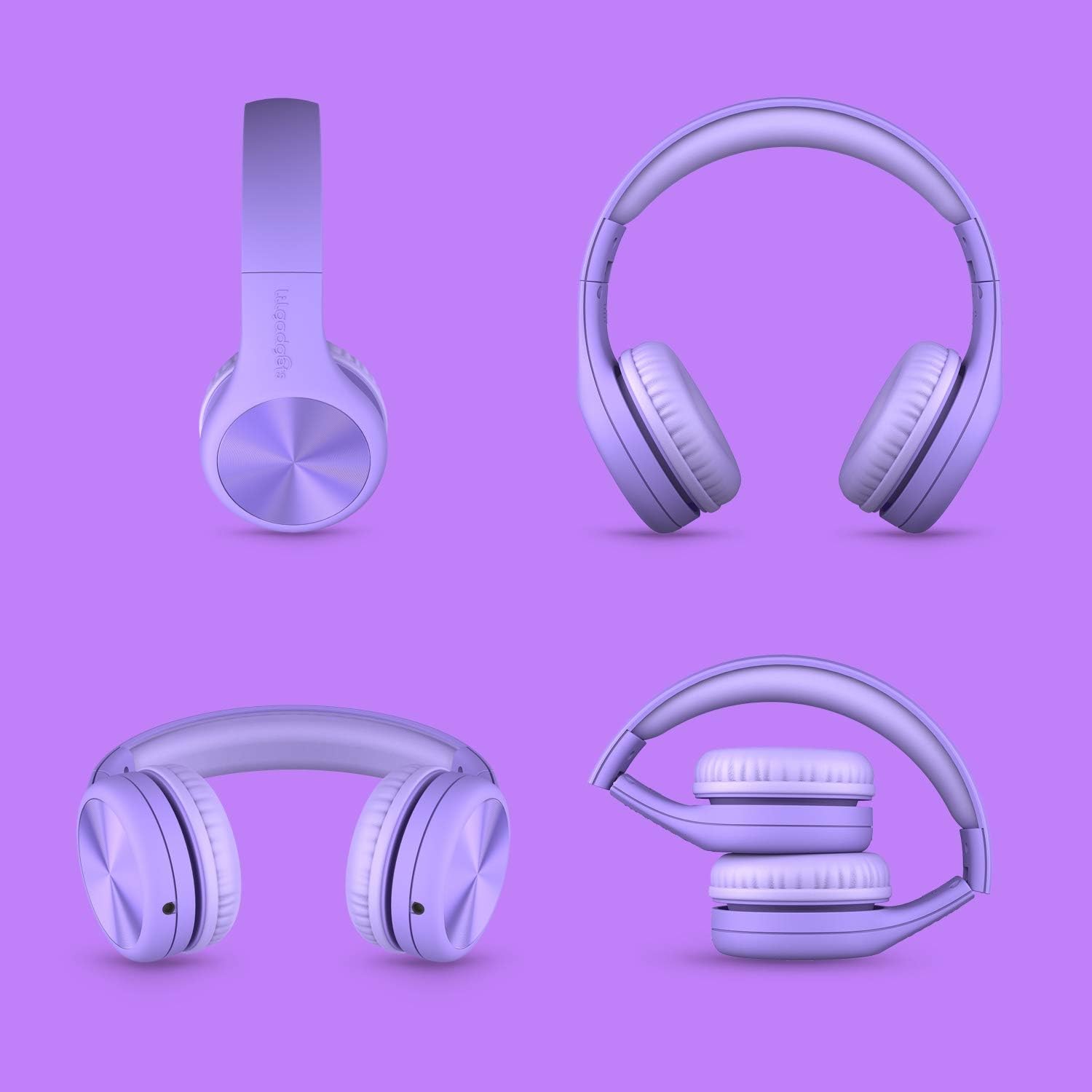
The headphones feature a foldable design for easy storage and portability.
การซ่อมบำรุง
- การทำความสะอาด: Use a soft, dry cloth to wipe down the headphones. For the SoftTouch padding, a slightly damp สามารถใช้ผ้าได้ แต่ควรหลีกเลี่ยงความชื้นที่มากเกินไป ห้ามใช้สารเคมีรุนแรงหรือน้ำยาทำความสะอาดที่มีฤทธิ์กัดกร่อน
- พื้นที่จัดเก็บ: When not in use, store the headphones in the included travel pouch to protect them from dust and scratches. Avoid storing them in extreme temperatures.
- การดูแลสายเคเบิล: Always grasp the plug, not the cable, when disconnecting from a device or the headphones to prevent damage to the cable or jacks.
- หลีกเลี่ยงการดึง: While durable, avoid excessive tugging or pulling on the cable or earcups to prolong the lifespan of the headphones.
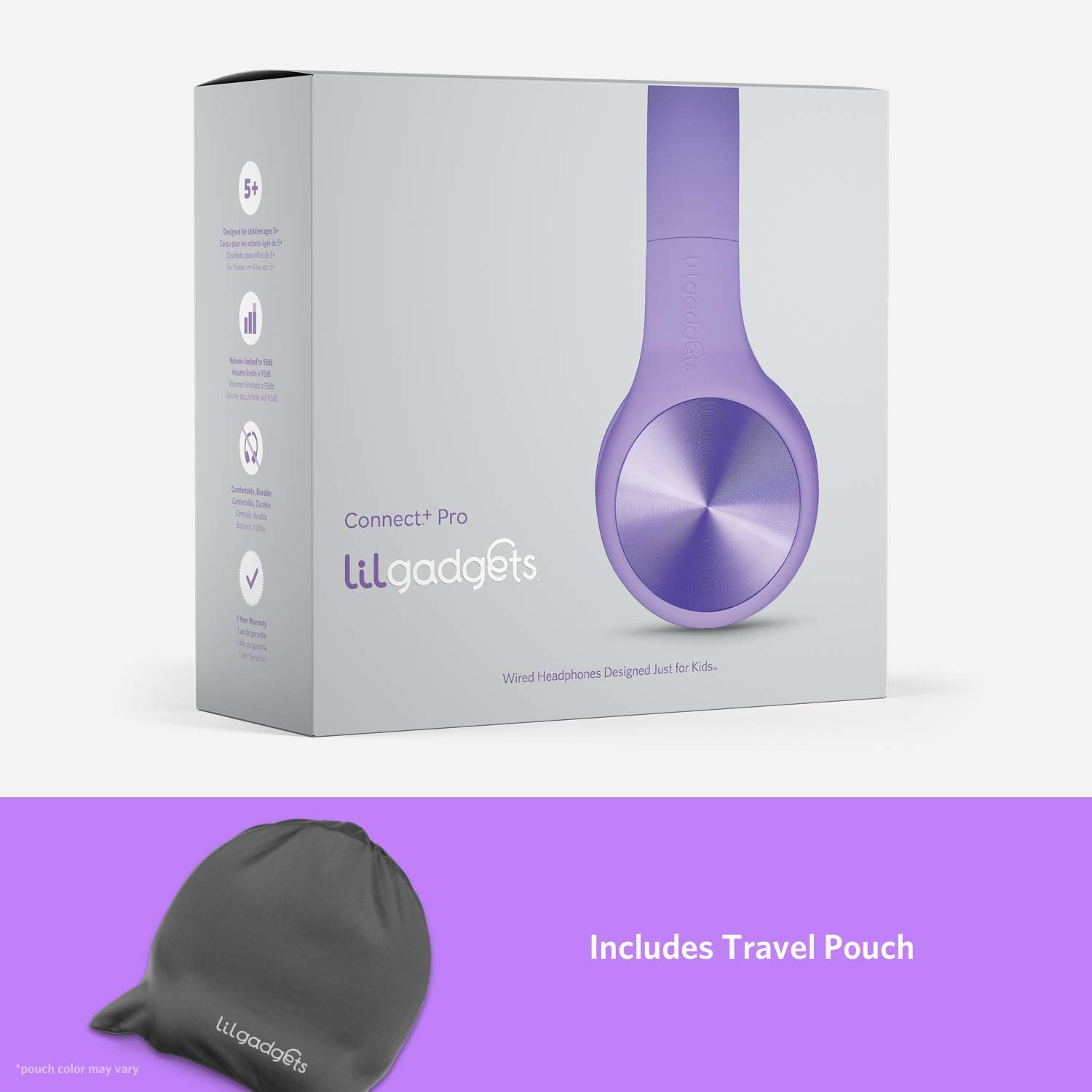
Store your headphones in the included travel pouch for protection.
การแก้ไขปัญหา
| ปัญหา | สาเหตุที่เป็นไปได้ | สารละลาย |
|---|---|---|
| ไม่มีเสียงจากหูฟัง | Cable not fully plugged in; device volume too low; incorrect audio output selected on device. | Ensure both ends of the 3.5mm cable are securely connected. Increase volume on the connected device. Check device audio settings to ensure output is directed to the headphone jack. Try with another device to rule out headphone issue. |
| เสียงมีการบิดเบือนหรือขาดหายเป็นระยะๆ | Loose cable connection; damaged cable; dirty audio jack on device. | Re-seat the audio cable firmly. Inspect the cable for any visible damage; if damaged, replace it. Clean the device's audio jack gently with a dry cotton swab. |
| ไมโครโฟนไม่ทำงาน | Device does not support in-line microphone; microphone input not selected on device. | Verify your device supports a 3.5mm jack with microphone input. Check your device's audio input settings to ensure the external microphone is selected. |
| หูฟังทำให้รู้สึกไม่สบาย | แถบคาดศีรษะไม่ปรับให้เหมาะสม | Adjust the headband length to ensure the earcups sit comfortably over the ears without excessive pressure. |
ข้อมูลจำเพาะ
| คุณสมบัติ | รายละเอียด |
|---|---|
| ชื่อรุ่น | Connect+ PRO |
| หมายเลขรุ่น | LGCR |
| เทคโนโลยีการเชื่อมต่อ | แบบมีสาย (แจ็ค 3.5 มม.) |
| ขนาดไดร์เวอร์ | 40มม. |
| ปริมาณสูงสุด | 93เดซิเบล |
| การตอบสนองความถี่ | 20เฮิรตซ์ - 20กิโลเฮิรตซ์ |
| อิมพีแดนซ์ | 32 โอห์ม |
| ความยาวสายเคเบิล | 4-foot (braided nylon) |
| การวางตำแหน่งหู | ครอบหู |
| ส่วนประกอบที่รวมอยู่ | Detachable Cable, Travel Pouch / Case |
| ขนาดสินค้า | 6.1 x 2.36 x 7.09 นิ้ว |
| น้ำหนักสินค้า | 8.8 ออนซ์ (0.25 กิโลกรัม) |
| สี | สีม่วง |
การรับประกันและการสนับสนุน
LilGadgets is committed to providing high-quality products and excellent customer satisfaction. While specific warranty details are not provided in this manual, LilGadgets stands strongly behind its products. For any questions, concerns, or support needs regarding your Connect+ Pro headphones, please visit the official LilGadgets webหรือติดต่อฝ่ายบริการลูกค้าโดยตรง
คุณสามารถค้นหาข้อมูลเพิ่มเติมและรายละเอียดการติดต่อได้โดยเข้าไปที่เว็บไซต์ LilGadgets Store on Amazon.


