1. บทนำ
This manual provides essential information for setting up, operating, and maintaining your Sony XBR-65X900E 65-inch 4K HDR Smart LED TV. This television combines stunning 4K Ultra HD clarity with High Dynamic Range (HDR) for a lifelike picture, powered by the 4K HDR Processor X1. Enjoy smart functionality with Android TV, offering access to a wide range of apps and content.
2. อะไรอยู่ในกล่อง
- Sony XBR-65X900E 65-inch 4K HDR Smart LED TV
- สายไฟ
- รีโมทคอนโทรล
- แท่นวางทีวี
3. การตั้งค่า
3.1 การแกะกล่องและการติดตั้งขาตั้ง
Carefully remove the TV from its packaging. It is recommended that two people handle the TV due to its size and weight. Attach the included stand to the bottom of the TV using the provided screws. Ensure the stand is securely fastened before placing the TV on a stable surface.

3.2 การติดตั้งบนผนัง
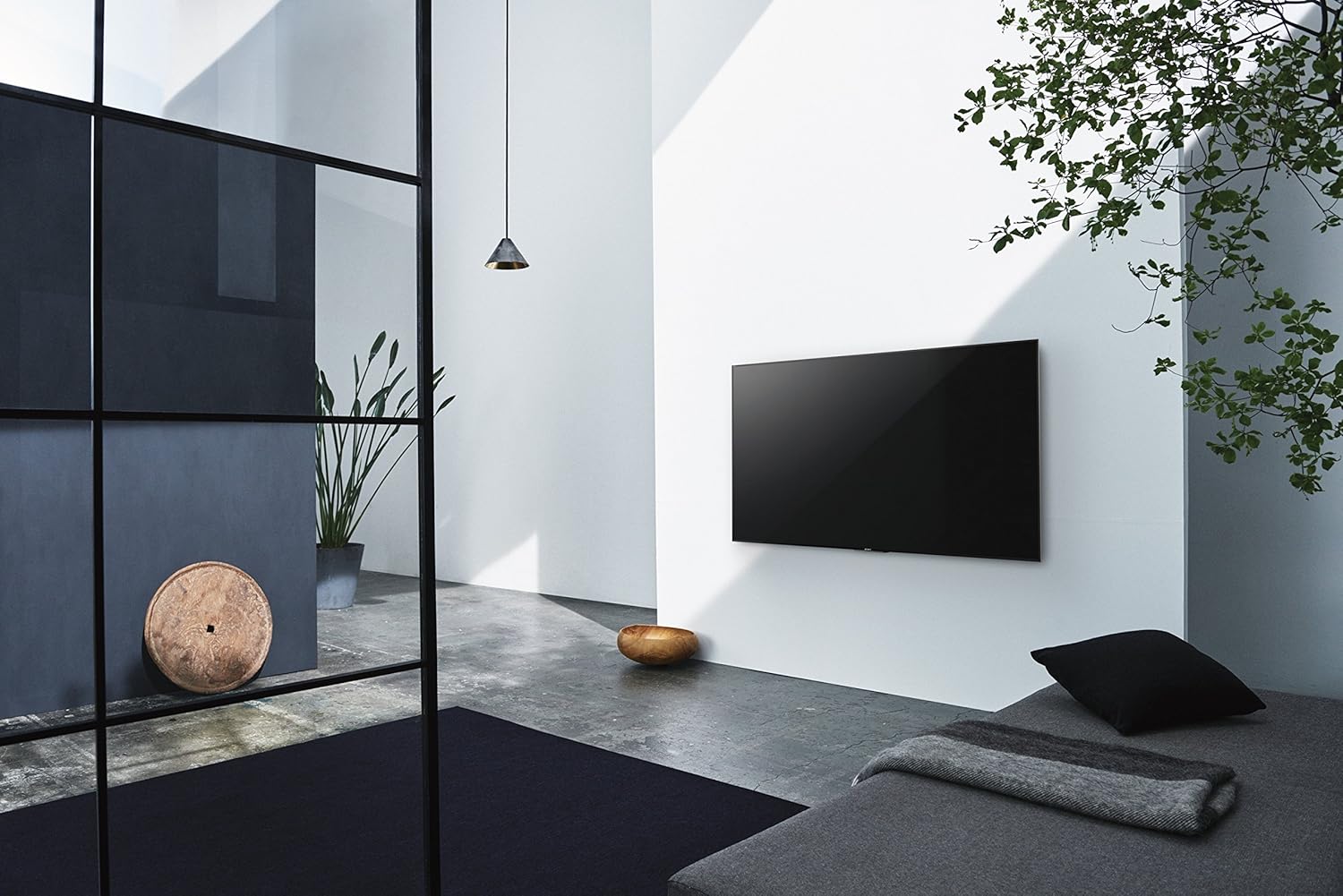
The TV can also be wall-mounted. It features standard VESA screw holes for compatible wall mounts (sold separately). Refer to your wall mount's instructions for proper installation. Ensure the wall can support the TV's weight (approximately 77.2 pounds).

3.3 การเชื่อมต่ออุปกรณ์ต่อพ่วง
Connect your devices to the TV's various input ports:
- ช่องต่อ HDMI: 4 HDMI ports for high-definition devices like Blu-ray players, gaming consoles, and cable boxes.
- ยูเอสบี: 2 USB 2.0 ports and 1 USB 3.0 port for connecting external storage or other USB devices.
- Component/Composite Hybrid: 1 พอร์ตสำหรับอุปกรณ์วิดีโอรุ่นเก่า
- คอมโพสิต: 1 dedicated composite video input.
- LAN: พอร์ตอีเทอร์เน็ตสำหรับการเชื่อมต่อเครือข่ายแบบใช้สาย
- เอาต์พุตเสียงดิจิตอลออปติคอล: สำหรับเชื่อมต่อกับซาวด์บาร์หรือเครื่องรับสัญญาณเสียง
- เสาอากาศ/สายเคเบิล: สำหรับเชื่อมต่อเสาอากาศหรือเคเบิลทีวี
3.4 การเปิดเครื่องครั้งแรกและการตั้งค่าเครือข่าย
After connecting all necessary cables, plug the power cable into an electrical outlet. Press the power button on the remote control. Follow the on-screen instructions to complete the initial setup, including connecting to your Wi-Fi network and logging into your Google account for Android TV features.
4. การใช้งานทีวีของคุณ
4.1 การควบคุมระยะไกล
The included remote control provides easy access to all TV functions. Key buttons include:
- พลัง: เปิด/ปิดทีวี
- ป้อนข้อมูล: Selects the input source (HDMI, USB, etc.).
- ระดับเสียง +/-: ปรับระดับเสียง.
- ช่อง +/-: เปลี่ยนช่องทีวี
- บ้าน: เข้าถึงหน้าจอหลักของ Android TV
- แผ่นนำทาง: สำหรับการนำทางเมนูและการเลือกตัวเลือก
- การควบคุมด้วยเสียง: เปิดใช้งาน Google Assistant สำหรับคำสั่งเสียง
- ปุ่มแอปเฉพาะ: Quick access to popular streaming services like Netflix, Amazon Video, Hulu, and YouTube.
4.2 คุณสมบัติของ Android TV
Your Sony XBR-65X900E is equipped with Android TV, providing a smart and intuitive user experience. Access thousands of apps from Google Play, including Netflix, Amazon Video, Hulu, and YouTube. The TV is also Google Home-compatible, allowing for seamless integration with your smart home ecosystem.

4.3 การตั้งค่าภาพ
Experience exceptional picture quality with advanced Sony technologies:
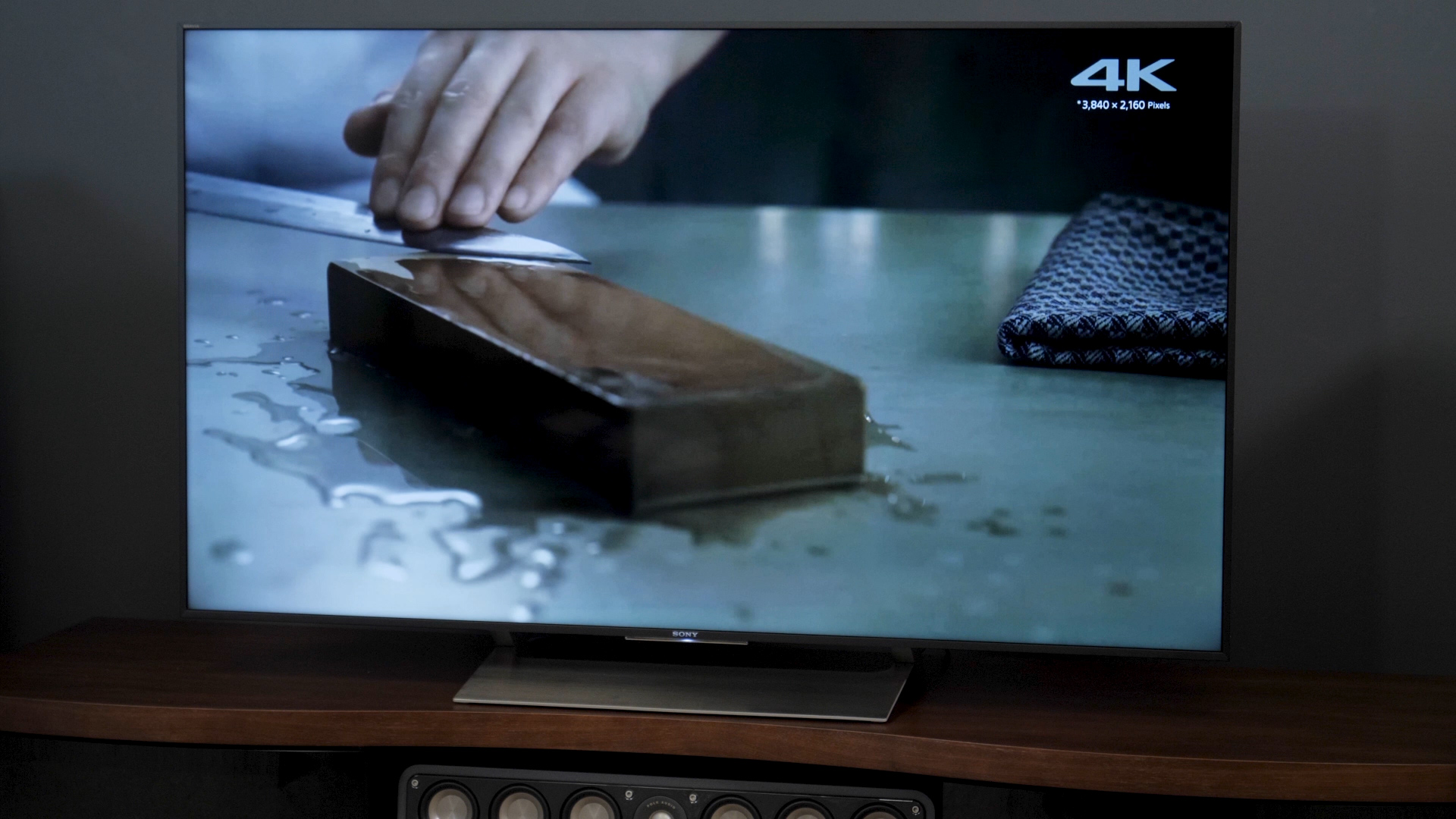
- โปรเซสเซอร์ 4K HDR X1: Enhances clarity, color, and contrast for a more realistic image.
- จอแสดงผล TRILUMINOS: Reproduces a wider, more vivid spectrum of colors.
- 4K HDR Super Bit Mapping: Optimizes colors for rich and natural results.
- 4K X-Reality PRO: Upscales images to near 4K clarity.
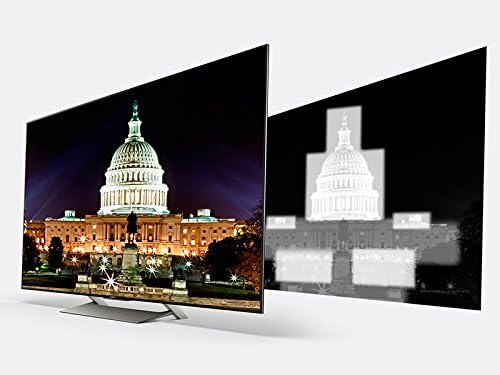
- X-tended Dynamic Range PRO 5x: Delivers five times the contrast range of conventional LED TVs.
- Motionflow XR 960: Ensures smooth, clear fast-moving action scenes.

4.4 การตั้งค่าเสียง
The TV features balanced light output across the screen for greater brilliance in every scene. For enhanced audio, connect an external sound system via the optical digital audio out port.
4.5 การเลือกอินพุต
To switch between connected devices, press the 'Input' button on your remote control and select the desired source from the on-screen menu.
5. การบำรุงรักษา
5.1 การทำความสะอาด
To clean the TV screen, gently wipe it with a soft, dry cloth. For stubborn smudges, lightly dampen the cloth with water or a specialized screen cleaner. Avoid using harsh chemicals or abrasive materials. Clean the TV's frame and stand with a soft, dry cloth.
5.2 การอัปเดตซอฟต์แวร์
Your Android TV will periodically receive software updates to improve performance and add new features. Ensure your TV is connected to the internet to receive these updates automatically. You can also manually check for updates in the TV's settings menu.
6 การแก้ไขปัญหา
If you encounter any issues with your TV, try the following basic troubleshooting steps:
- ไม่มีไฟฟ้า: Ensure the power cable is securely plugged into both the TV and the electrical outlet. Try a different outlet.
- ไม่มีภาพ/เสียง: Check the selected input source. Ensure all cables are securely connected to the TV and external devices.
- รีโมตไม่ตอบสนอง: เปลี่ยนแบตเตอรี่ในรีโมทคอนโทรล ตรวจสอบให้แน่ใจว่าไม่มีสิ่งกีดขวางระหว่างรีโมทและเซ็นเซอร์อินฟราเรดของทีวี
- ปัญหาการเชื่อมต่อเครือข่าย: รีสตาร์ทเราเตอร์และโมเด็ม ตรวจสอบการตั้งค่าเครือข่ายของทีวีเพื่อให้แน่ใจว่าเชื่อมต่อกับเครือข่าย Wi-Fi ที่ถูกต้อง หรือเสียบสายอีเธอร์เน็ตอย่างถูกต้อง
- Android TV Lag: Restart the TV by unplugging it from the power outlet for a few minutes, then plugging it back in. Close unused applications.
For more detailed troubleshooting, refer to the comprehensive help guide available through the TV's Android TV interface or visit the Sony support webเว็บไซต์.
7. ข้อมูลจำเพาะ
| คุณสมบัติ | ข้อมูลจำเพาะ |
|---|---|
| หมายเลขรุ่น | XBR65X900E |
| ขนาดหน้าจอ | 65 นิ้ว |
| ปณิธาน | 4K Ultra HD (3840 x 2160) |
| เทคโนโลยีการแสดงผล | LED with Full-Array Local Dimming |
| อัตราการรีเฟรช | 120Hz Native (Motionflow XR 960) |
| โปรเซสเซอร์ | โปรเซสเซอร์ 4K HDR X1 |
| แพลตฟอร์มสมาร์ททีวี | Android TV (Google Home Compatible) |
| ขนาด (ไม่รวมขาตั้ง) | ขนาด 57" x 32.8" x 2.4" (กว้าง x สูง x ลึก) |
| ขนาด (รวมขาตั้ง) | ขนาด 57" x 35.3" x 10.3" (กว้าง x สูง x ลึก) |
| น้ำหนักสินค้า | 77.2 ปอนด์ |
| อินพุต HDMI | 4 |
| พอร์ต USB | 2 (ยูเอสบี 2.0), 1 (ยูเอสบี 3.0) |
| การเชื่อมต่อ | ไวไฟ, อีเทอร์เน็ต |
| การใช้พลังงาน | 212 วัตต์ |

8. การรับประกันและการสนับสนุน
Your Sony XBR-65X900E TV comes with a manufacturer's warranty. For specific warranty details, please refer to the warranty card included with your product or visit the official Sony support website. For technical assistance, product registration, or service inquiries, please contact Sony Customer Support.


