การแนะนำ
Thank you for choosing the Logitech M331 SILENT PLUS Wireless Mouse. This manual provides detailed instructions for setting up, operating, maintaining, and troubleshooting your new wireless mouse. Designed for comfort and quiet operation, the M331 SILENT PLUS offers a reliable and precise navigation experience.
เนื้อหาแพ็คเกจ
- เมาส์ไร้สาย Logitech M331 SILENT PLUS
- ตัวรับสัญญาณนาโน
- แบตเตอรี่ AA 1 ก้อน (ติดตั้งไว้แล้ว)
- เอกสารประกอบการใช้งาน

Image: The Logitech M331 SILENT PLUS Wireless Mouse in red, showing its top view with the scroll wheel and Logitech logo.
คู่มือการติดตั้ง
1. การติดตั้งแบตเตอรี่
The Logitech M331 SILENT PLUS mouse comes with one AA battery pre-installed. If you need to replace it:
- ค้นหาฝาปิดช่องใส่แบตเตอรี่ที่ด้านล่างของเมาส์
- เลื่อนฝาเปิดออก
- Insert a new AA battery, ensuring the positive (+) and negative (-) terminals align correctly with the indicators inside the compartment.
- ปิดฝาช่องใส่แบตเตอรี่ให้แน่น
2. การเชื่อมต่อตัวรับสัญญาณนาโน
The Nano Receiver provides the wireless connection between your mouse and computer.
- Locate the Nano Receiver. It is typically stored inside the battery compartment of the mouse for safekeeping during transport.
- เสียบตัวรับสัญญาณ Nano เข้ากับพอร์ต USB ที่ว่างอยู่บนคอมพิวเตอร์ของคุณ
- คอมพิวเตอร์ของคุณจะตรวจจับและติดตั้งไดรเวอร์ที่จำเป็นโดยอัตโนมัติ ซึ่งอาจใช้เวลาสักครู่
3. Turning the Mouse On/Off
To conserve battery life, the mouse features an on/off switch.
- ค้นหาสวิตช์ไฟที่อยู่ใต้เมาส์
- Slide the switch to the "ON" position to use the mouse.
- Slide the switch to the "OFF" position when not in use for extended periods, such as overnight or during travel.

Image: A diagram highlighting key features of the Logitech M331 mouse, including silent clicks, wide rubber scroll wheel, contoured grips, high precision tracking, the storage location for the unifying receiver, and its 10-meter wireless range.
คำแนะนำการใช้งาน
ฟังก์ชันพื้นฐานของเมาส์
- คลิกซ้าย: Press the left mouse button to select items, open fileหรือเปิดใช้งานฟังก์ชันต่างๆ
- คลิกขวา: กดปุ่มเมาส์ขวาเพื่อเปิดเมนูบริบทหรือเข้าถึงตัวเลือกเพิ่มเติม
- ล้อเลื่อน: หมุนวงล้อเลื่อนขึ้นหรือลงเพื่อเลื่อนดูเอกสารต่างๆ และ web หน้า ปุ่มเลื่อนยังทำหน้าที่เป็นปุ่มคลิกกลางอีกด้วย
การทำงานแบบเงียบ
The M331 SILENT PLUS mouse is engineered for quiet operation, offering over 90% noise reduction on click sounds compared to standard Logitech mice. This feature ensures a quiet environment for you and those around you.
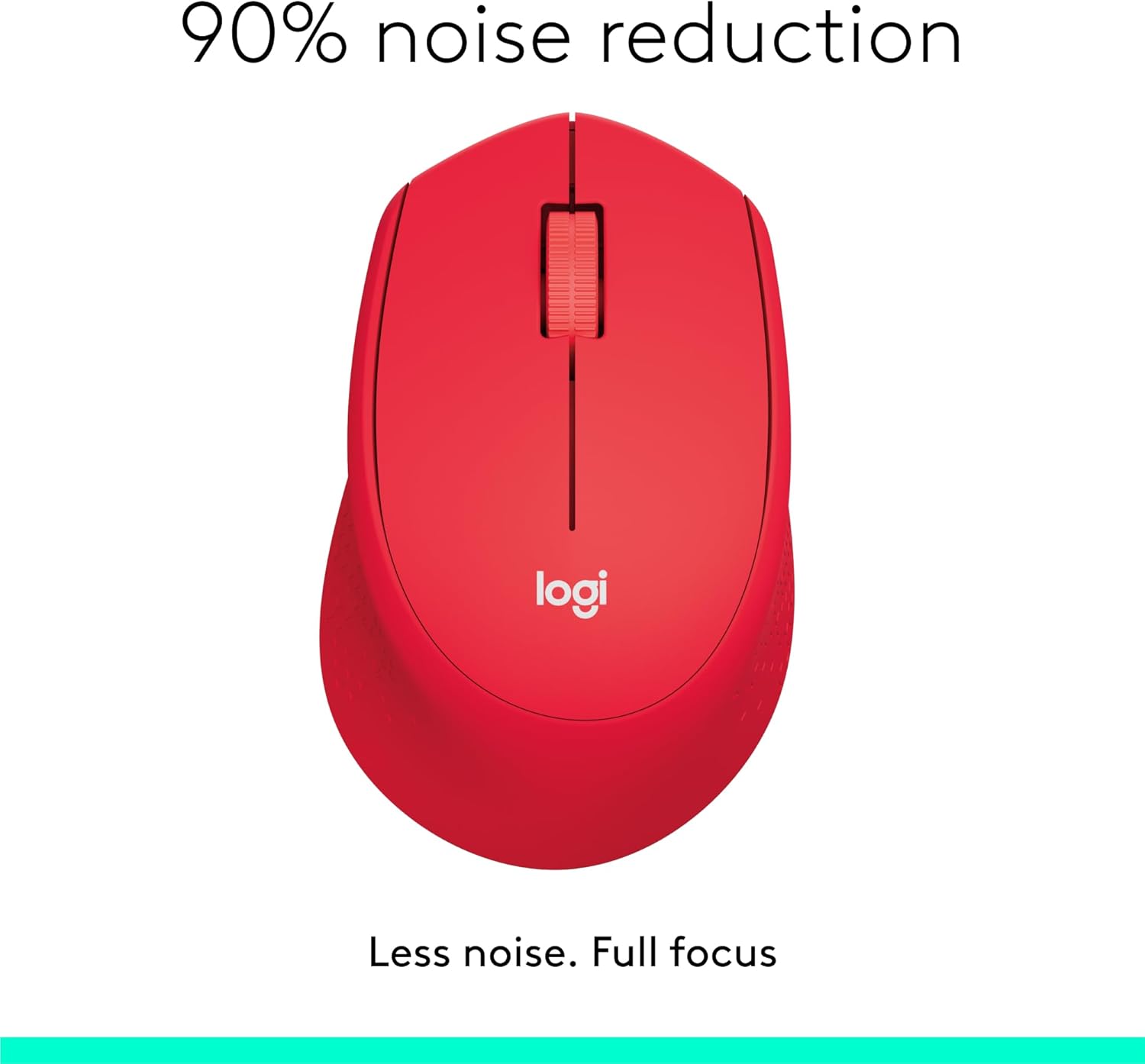
Image: The Logitech M331 mouse illustrating its 90% noise reduction capability, promoting a focused work environment.
การออกแบบตามหลักสรีรศาสตร์
The mouse is crafted with contoured grips and a curved shape to fit comfortably in your right hand, providing improved control and reducing strain during extended use.

Image: A hand demonstrating the comfortable grip on the Logitech M331 mouse, highlighting its contoured side grips designed for right-hand use.
การซ่อมบำรุง
ทำความสะอาดเมาส์ของคุณ
เพื่อรักษาประสิทธิภาพและสุขอนามัยที่ดีที่สุด ควรทำความสะอาดเมาส์ของคุณเป็นประจำ:
- Turn off the mouse and unplug the Nano Receiver from your computer.
- ใช้ผ้านุ่มไม่เป็นขุยค่อยๆ งampened with water or an electronics-safe cleaning solution to wipe the surface of the mouse.
- หลีกเลี่ยงไม่ให้ความชื้นเข้าไปในช่องเปิดต่างๆ
- For the optical sensor on the underside, use a dry cotton swab to gently remove any dust or debris.
การเปลี่ยนแบตเตอรี่
The M331 SILENT PLUS mouse boasts an impressive battery life of up to 24 months. When the battery is low, you may notice erratic behavior or the mouse becoming unresponsive. Refer to the "Installing the Battery" section under Setup Guide for replacement instructions.
การแก้ไขปัญหา
| ปัญหา | สาเหตุที่เป็นไปได้ | สารละลาย |
|---|---|---|
| Mouse is unresponsive or not moving. |
|
|
| Erratic or jumpy cursor movement. |
|
|
| Clicks are not registering. |
|
|
ข้อมูลจำเพาะ
| คุณสมบัติ | รายละเอียด |
|---|---|
| แบบอย่าง | 910-004916 |
| ขนาด (เมาส์) | 105.4 มม. (สูง) x 67.9 มม. (กว้าง) x 38.4 มม. (ลึก) |
| น้ำหนัก (เมาส์) | 91.0 g (with battery: 78 g / 2.75 oz) |
| Nano Receiver Dimensions | 14.4 มม. x 18.7 มม. x 6.1 มม. |
| Nano Receiver Weight | 1.8 กรัม |
| ประเภทการเชื่อมต่อ | 2.4GHz Wireless connection |
| ช่วงสาย | 10 เมตร (33 ฟุต) |
| เทคโนโลยีเซ็นเซอร์ | ระบบติดตามออปติคอลขั้นสูงของ Logitech |
| ความละเอียดเซนเซอร์ | 1000 จุดต่อนิ้ว |
| จำนวนปุ่ม | 3 (Left/Right-click, Middle click/Scroll wheel) |
| ล้อเลื่อน | Yes, 2D, optical, wide rubber wheel |
| ประเภทแบตเตอรี่ | แบตเตอรี่ AA 1 ก้อน |
| อายุการใช้งานแบตเตอรี่ | นานถึง 24 เดือน (อาจแตกต่างกันไปขึ้นอยู่กับผู้ใช้และสภาพการประมวลผล) |
| สวิตซ์เปิด/ปิด | ใช่ |
| ความต้องการของระบบ | Windows 10 or later, Windows 8, Windows RT, Windows 7, Mac OS X 10.5 or later, Chrome OS, Linux Kernel 2.6+2, USB connection (available USB port required) |
| การวางแนวมือ | ขวา |
| ประเภทวัสดุ | พลาสติก (พลาสติกรีไซเคิล 58%) |

Image: Detailed dimensions of the Logitech M331 mouse, showing its length, width, height, and weight with batteries.
การรับประกันและการสนับสนุน
For warranty information and technical support, please refer to the user documentation included in your package or visit the official Logitech support website. Logitech products typically come with a limited hardware warranty. Please retain your proof of purchase for warranty claims.
For further assistance, you may visit the Logitech support page: support.logi.com


