การแนะนำ
This manual provides essential instructions for the setup, operation, and maintenance of your ADE WS1000 Replacement Outdoor Sensor. This single-channel sensor is designed to provide accurate outdoor temperature readings for compatible ADE weather stations and alarm clocks. Please read this manual thoroughly before use to ensure proper functionality and longevity of your device.
เนื้อหาแพ็คเกจ
- 1 x ADE WS1000 Outdoor Sensor
หมายเหตุ: ต้องใช้แบตเตอรี่ AAA 2 ก้อนในการใช้งาน ซึ่งไม่ได้รวมอยู่ในบรรจุภัณฑ์
ความเข้ากันได้
The ADE WS1000 outdoor sensor is compatible with the following ADE devices:
- ADE Weather Stations: WS1703, WS1704, WS1711, WS1911, WS2132, WS2136, WS2324, WS2331
- ADE Projection Alarm Clock: CK2406
This sensor operates on a single channel and is intended as a replacement unit. It cannot be paired with other outdoor sensors simultaneously.
การตั้งค่า
1. การติดตั้งแบตเตอรี่
- Locate the battery compartment on the back of the ADE WS1000 sensor.
- เปิดฝาช่องใส่แบตเตอรี่
- Insert 2 new AAA batteries, ensuring correct polarity (+ and -).
- ปิดฝาช่องใส่แบตเตอรี่ให้แน่น
2. Pairing with Your Main Unit
After installing batteries, the sensor will automatically begin transmitting data. To pair it with your compatible ADE weather station or alarm clock:
- Ensure your main ADE unit (weather station or alarm clock) is powered on and within range of the sensor.
- Refer to your main unit's instruction manual for specific pairing instructions. Typically, this involves initiating a sensor search function on the main unit.
- Once paired, the outdoor temperature reading from the WS1000 sensor will appear on your main unit's display.
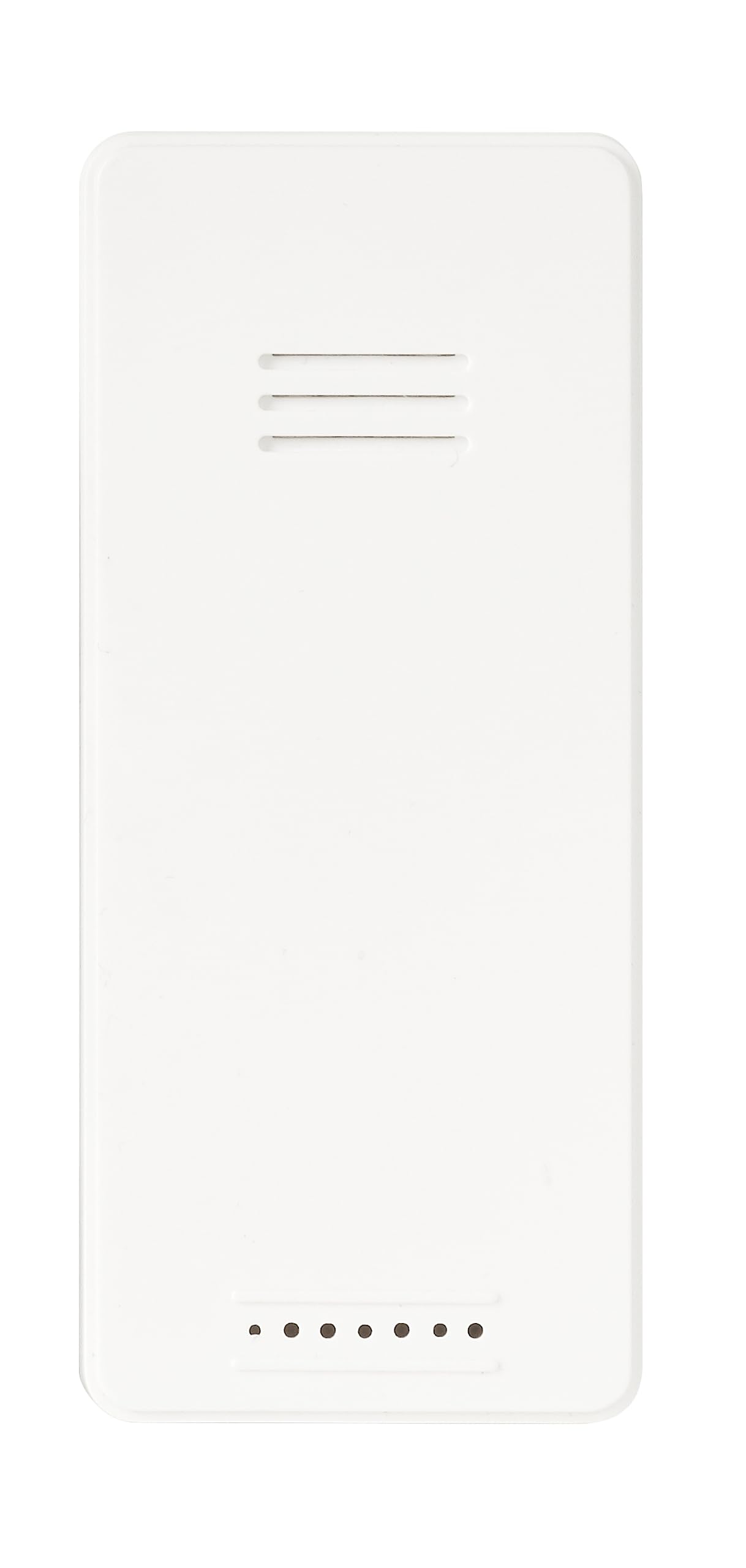
ภาพ: ด้านหน้า view of the ADE WS1000 Outdoor Sensor. The sensor is white, rectangular, with horizontal ventilation slits at the top and small indicator dots at the bottom.
คำแนะนำการใช้งาน
The ADE WS1000 sensor is designed for continuous operation once paired. It transmits outdoor temperature data to your main unit via a 433 MHz radio frequency.
- การจัดวาง: For accurate readings, place the sensor in a shaded area, protected from direct sunlight and precipitation. Ensure it is within the effective transmission range of your main unit.
- การส่งผ่านข้อมูล: The sensor automatically sends temperature updates at regular intervals.
- ไฟแสดงสถานะ: Some sensors may have a small LED indicator that flashes during data transmission.
การซ่อมบำรุง
- การทำความสะอาด: เช็ดเซ็นเซอร์เป็นระยะด้วยผ้าเนื้อนุ่มและแห้งamp ผ้า ห้ามใช้สารทำความสะอาดที่มีฤทธิ์กัดกร่อนหรือตัวทำละลาย
- การเปลี่ยนแบตเตอรี่: Replace batteries when the low battery indicator appears on your main unit, or if the sensor stops transmitting data. Always replace both batteries with new ones of the same type (AAA).
- การปกป้องสิ่งแวดล้อม: Although the sensor is weather-resistant, prolonged exposure to extreme conditions (e.g., heavy rain, snow, direct sun) can affect its lifespan. Consider placing it under an overhang or in a sheltered location.
การแก้ไขปัญหา
| ปัญหา | สาเหตุที่เป็นไปได้ | สารละลาย |
|---|---|---|
| No outdoor temperature display on main unit. |
|
|
| การอ่านอุณหภูมิไม่ถูกต้อง |
|
|
ข้อมูลจำเพาะ
| หมายเลขรุ่น | WS1000 |
| ยี่ห้อ | เอดีอี |
| ขนาด (สูง x กว้าง x ลึก) | 90 x 34 x 20 มม. (ประมาณ 3.54 x 1.34 x 0.79 นิ้ว) |
| น้ำหนัก | 30 กรัม (ประมาณ 1.06 ออนซ์) |
| แหล่งพลังงาน | แบตเตอรี่ AAA 2 ก้อน (ไม่รวม) |
| ความถี่ในการส่งสัญญาณ | 433 เมกะเฮิรตซ์ |
| วัสดุ | พลาสติก |
| คุณสมบัติพิเศษ | Portable, Weather-resistant |
การรับประกันและการสนับสนุน
Specific warranty information for the ADE WS1000 sensor is not provided in this document. Please refer to the warranty policy included with your original purchase or contact ADE customer support for details.
For further assistance or technical support, please visit the official ADE webหรือติดต่อฝ่ายบริการลูกค้า ข้อมูลการติดต่อมักจะอยู่บนบรรจุภัณฑ์ของผลิตภัณฑ์หรือเว็บไซต์ของผู้ผลิต webเว็บไซต์.


