การแนะนำ
The Macally WIFISD2 is a versatile device designed to enhance your mobile experience. It functions as a wireless travel router, a media hub for streaming and sharing files, and a portable external battery. This manual provides detailed instructions for setting up, operating, and maintaining your device, ensuring you can utilize all its features effectively.
สินค้าเกินview
Familiarize yourself with the various components and indicators of your Macally WIFISD2 device.

รูปที่ 1: ด้านหน้า view of the Macally WIFISD2, highlighting the power button, Micro USB input, USB output, Ethernet port, and SD card slot. LED indicators for battery, SD card, Wi-Fi, and internet connectivity are visible on the top surface.

รูปที่ 2: สูงสุด view of the Macally WIFISD2, displaying the LED indicators for battery status, SD card activity, Wi-Fi connection, and internet access.

รูปที่ 3: ภาพระยะใกล้ view of the device's side, showing the power button, Micro USB 'Input' port for charging, standard USB 'Output' port for charging other devices or connecting USB storage, and the Ethernet port.
ส่วนประกอบ:
- ปุ่มเปิด/ปิด: ใช้เพื่อเปิด/ปิดเครื่อง
- อินพุต Micro USB: For charging the WIFISD2's internal battery.
- เอาท์พุต USB: For connecting USB storage devices or charging external devices.
- พอร์ตอีเธอร์เน็ต: For wired internet connection or creating a Wi-Fi hotspot from a wired source.
- ช่องเสียบการ์ด SD: For inserting SD memory cards to access stored media.
- ปุ่มรีเซ็ต: (Small pinhole) For factory reset.
ไฟ LED แสดงสถานะ:
- ไฟแสดงสถานะแบตเตอรี่: แสดงระดับแบตเตอรี่ปัจจุบัน
- ตัวบ่งชี้การ์ด SD: Lights up when an SD card is inserted and active.
- ตัวบ่งชี้ Wi-Fi: Shows Wi-Fi network status.
- ตัวบ่งชี้อินเทอร์เน็ต: บ่งชี้สถานะการเชื่อมต่ออินเตอร์เน็ต
การตั้งค่า
1. การชาร์จอุปกรณ์
Before initial use, fully charge your Macally WIFISD2. Connect the provided Micro USB cable to the device's ป้อนข้อมูล port and the other end to a USB power adapter (not included) or a computer's USB port. The battery indicator LED will show charging status. The internal battery capacity is 2600mAh.
2. Inserting Storage Media
The WIFISD2 supports both SD cards and USB drives for media storage and sharing.
- การ์ด SD: Insert a full-size SD card into the SD card slot until it clicks into place. If using a Micro SD card, an appropriate adapter is required.

รูปที่ 4: The Macally WIFISD2 with an SD card correctly inserted into its dedicated slot.
- ยูเอสบีไดรฟ์: Plug a USB flash drive or external hard drive into the เอาท์พุต ช่องเสียบยูเอสบี.
3. การเปิด/ปิดเครื่อง
Press and hold the Power Button on the side of the device for approximately 3 seconds to turn it on. The LED indicators will light up. To turn off, press and hold the Power Button again until the lights extinguish.
4. Connecting to the Device's Wi-Fi
Once powered on, the WIFISD2 creates its own Wi-Fi network. On your smartphone or tablet:
- Go to your device's Wi-Fi settings.
- Look for a network named WIFISD2-XXXX (โดยที่ XXXX คือตัวระบุที่ไม่ซ้ำกัน)
- Connect to this network. The default password can be found in the quick start guide or on a label on the device.
- ดาวน์โหลด "Wi-Fi Disk" app from your device's app store (available for iOS and Android). This app is essential for accessing and managing files on the WIFISD2.
คำแนะนำการใช้งาน
1. Media Streaming and File Sharing (Wi-Fi Storage)
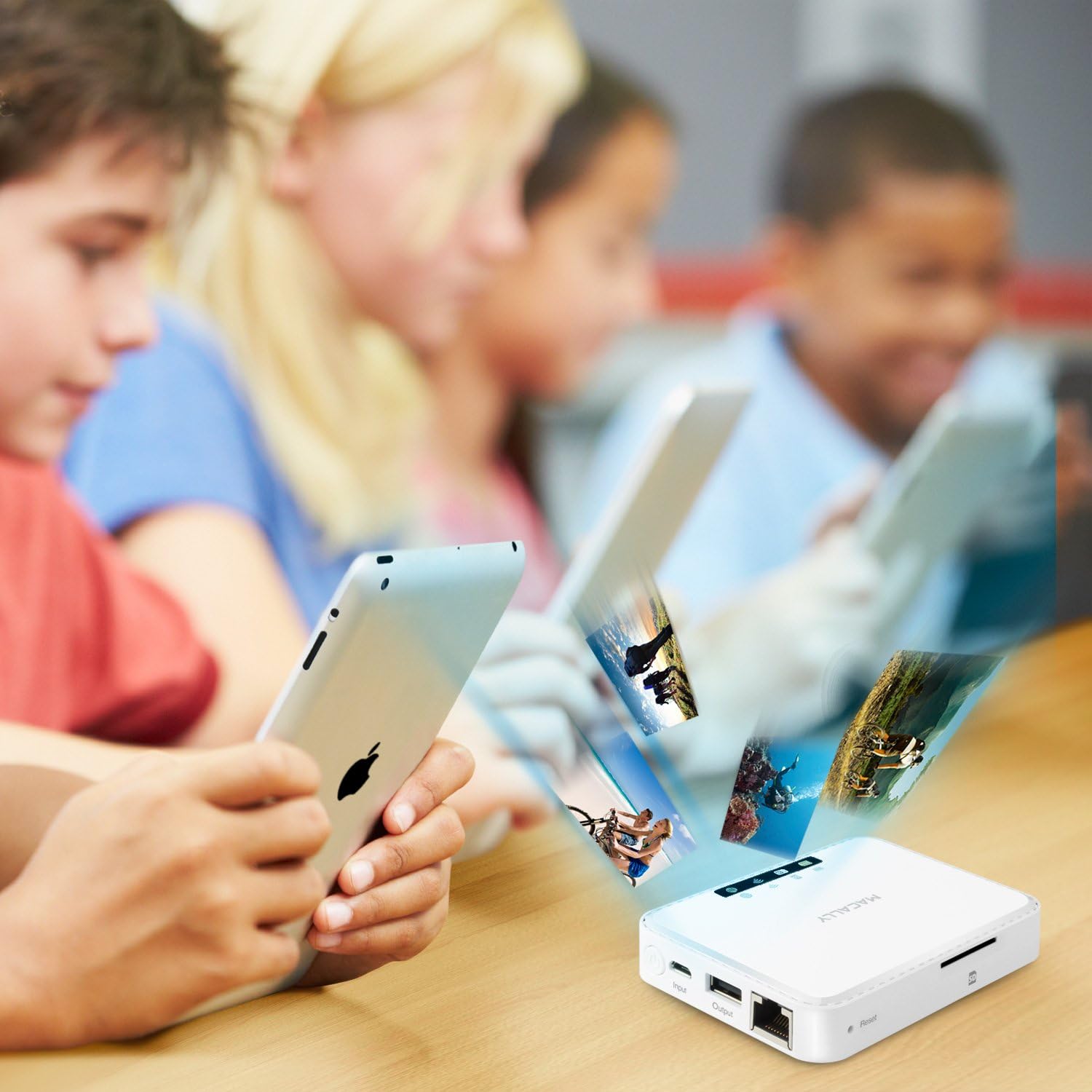
The WIFISD2 allows you to wirelessly stream media and share files stored on an inserted SD card or USB drive to multiple connected devices simultaneously.
- เปิด "Wi-Fi Disk" app on your connected smartphone or tablet.
- The app provides categories like Videos, Photos, and Music. While you can organize files into these folders on your computer, the app may not always automatically recognize them within these specific categories.
- For reliable access to all files, navigate to the "File/Folder" section within the app. From there, you can browse the contents of your SD card or USB drive directly.
- เลือก file ถึง view or stream. The device supports streaming to multiple devices, though performance may vary depending on the file type and number of concurrent streams.
2. Travel Router Functionality
The WIFISD2 can act as a travel router, providing internet access to your devices in various scenarios.
- Wi-Fi Pass-Through: Connect the WIFISD2 to an existing Wi-Fi network (e.g., hotel Wi-Fi) via the app's settings. Your devices connected to the WIFISD2 will then share this internet connection.
- Wired Access (Wi-Fi Hotspot): If you have access to a wired Ethernet connection (e.g., in a hotel room), plug the Ethernet cable into the WIFISD2's Ethernet port. The device will then convert this wired connection into a Wi-Fi hotspot, allowing your wireless devices to access the internet.
รูปที่ 5: The Macally WIFISD2 connected to an Ethernet cable, demonstrating its capability to create a Wi-Fi hotspot from a wired internet source.
3. External Battery Function
The built-in 2600mAh battery can be used to charge your smartphones or other USB-powered devices in emergencies.
- Connect your device's charging cable to the WIFISD2's เอาท์พุต ช่องเสียบยูเอสบี.
- การชาร์จจะเริ่มโดยอัตโนมัติ
- บันทึก: Using the WIFISD2 as an external battery will drain its internal power, potentially reducing its operating time for other functions.
4. File การสำรองข้อมูล
The device supports one-touch backup of photos and videos from your mobile devices to an attached USB flash drive, hard drive, or SD card. It also offers integration with Dropbox for cloud storage.
การซ่อมบำรุง
- การทำความสะอาด: ใช้ผ้านุ่มและแห้งเช็ดทำความสะอาดอุปกรณ์ หลีกเลี่ยงการใช้น้ำยาทำความสะอาดหรือวัสดุที่มีฤทธิ์กัดกร่อน
- พื้นที่จัดเก็บ: เก็บอุปกรณ์ไว้ในที่แห้งและเย็น หลีกเลี่ยงแสงแดดโดยตรงและอุณหภูมิที่สูงหรือต่ำเกินไป
- อัพเดตเฟิร์มแวร์: Periodically check the Macally webไซต์สำหรับการอัปเดตเฟิร์มแวร์ที่มีอยู่เพื่อให้มั่นใจถึงประสิทธิภาพและความเข้ากันได้ที่เหมาะสมที่สุด
- การรีเซ็ตอุปกรณ์: If the device is unresponsive or experiencing persistent issues, locate the small pinhole reset button. Use a paperclip or similar thin object to press and hold the button for a few seconds to perform a factory reset. This will revert all settings to their default values.
การแก้ไขปัญหา
If you encounter issues with your Macally WIFISD2, refer to the following common problems and solutions:
- อุปกรณ์ไม่เปิดเครื่อง:
- ตรวจสอบให้แน่ใจว่าอุปกรณ์ชาร์จเต็มแล้ว เสียบอุปกรณ์เข้ากับแหล่งจ่ายไฟและปล่อยให้ชาร์จอย่างน้อย 30 นาที ก่อนที่จะลองเปิดเครื่องอีกครั้ง
- Cannot connect to the WIFISD2 Wi-Fi network:
- Verify the device is powered on and the Wi-Fi indicator LED is active.
- Check that you are selecting the correct network name (SSID) and entering the correct password.
- Try restarting both the WIFISD2 and your connecting device.
- Files on SD card/USB drive are not visible in the app's categories (Videos, Photos, Music):
- The app's categorized views may not always automatically detect files. Navigate to the "File/Folder" section within the app to browse the storage media directly.
- Ensure the SD card or USB drive is properly inserted and recognized by the device (check SD card indicator LED).
- Streaming performance is poor or videos are choppy:
- ลดจำนวนอุปกรณ์ที่กำลังสตรีมพร้อมกันลง
- Ensure your device is close to the WIFISD2 for optimal Wi-Fi signal strength.
- The quality of streaming can depend on the video file format and resolution. Try lower resolution files if issues persist.
- No internet access when using travel router function:
- If using Wi-Fi pass-through, ensure the WIFISD2 is successfully connected to the external Wi-Fi network.
- If using wired access, ensure the Ethernet cable is securely connected and the external internet source is active.
- Check the internet indicator LED on the WIFISD2.
ข้อมูลจำเพาะ
| ยี่ห้อ | แม็กกี้ |
| ชื่อรุ่น | WIFISD2 |
| ประเภทไร้สาย | 802.11ข |
| ระดับย่านความถี่ | ดูอัลแบนด์ |
| จำนวนพอร์ต USB 2.0 | 1 |
| ระบบปฏิบัติการ | แอนดรอยด์, ไอโอเอส |
| น้ำหนักสินค้า | 0.479 ออนซ์ |
| ขนาดสินค้า | 8 x 1.4 x 5.5 นิ้ว |
| สี | สีขาว |
| เล่มที่tage | 5 โวลต์ (กระแสตรง) |
| แบตเตอรี่ | 2 Lithium Ion batteries (2600mAh, included) |
| เทคโนโลยีการเชื่อมต่อ | ยูเอสบี, ไวไฟ |
| คุณสมบัติพิเศษ | ดับบลิวพีเอส |
| อุปกรณ์ที่รองรับ | Smartphone, Tablet, Other Smart Devices |
การรับประกันและการสนับสนุน
The Macally WIFISD2 comes with a รับประกันหนึ่งปี from the date of purchase. For warranty claims, technical support, or further assistance, please refer to the official Macally webหรือติดต่อฝ่ายบริการลูกค้าโดยตรง โปรดเก็บหลักฐานการซื้อไว้เพื่อใช้ยืนยันการรับประกัน
For the latest drivers, software, and support resources, visit the ร้าน Macally บน Amazon or the official Macally support page.


