การแนะนำ
The CAD Audio MH100 are closed-back, midsized studio headphones designed for precision audio monitoring. Featuring 40mm neodymium drivers, they deliver extended frequency response, clarity, and detail. These headphones are engineered for comfort and effective sound isolation, making them suitable for extended listening sessions in studio environments.

ด้านหน้าโดยละเอียด view of the CAD Audio MH100 Closed-back Studio Headphones, showcasing the earcups and adjustable headband.
เนื้อหาแพ็คเกจ
The CAD Audio MH100 package includes:
- CAD Audio MH100 Closed-back Studio Headphones
การตั้งค่า
การเชื่อมต่อหูฟัง
The MH100 headphones utilize a standard 3.5mm audio jack for connectivity.
- Locate the audio output port on your device (e.g., audio interface, mixer, computer, or portable player).
- Insert the 3.5mm jack of the MH100 headphones firmly into the device's audio output port.
- ตรวจสอบให้แน่ใจว่าการเชื่อมต่อมีความปลอดภัยเพื่อป้องกันการรบกวนเสียง
ปรับให้สบาย
The headband is adjustable to fit various head sizes. Gently slide the earcups up or down along the headband until they rest comfortably over your ears.
The earcups are designed to provide sound isolation. Ensure they form a seal around your ears for optimal audio performance and comfort.
คำแนะนำการใช้งาน
การเล่นเสียง
Once connected, play audio from your source device. Adjust the volume level on your device to a comfortable listening level. Avoid excessively high volumes to protect your hearing.
การแยกเสียง
The closed-back design of the MH100 headphones provides passive noise isolation, reducing external distractions and preventing sound leakage. This feature is beneficial for studio monitoring and critical listening environments.
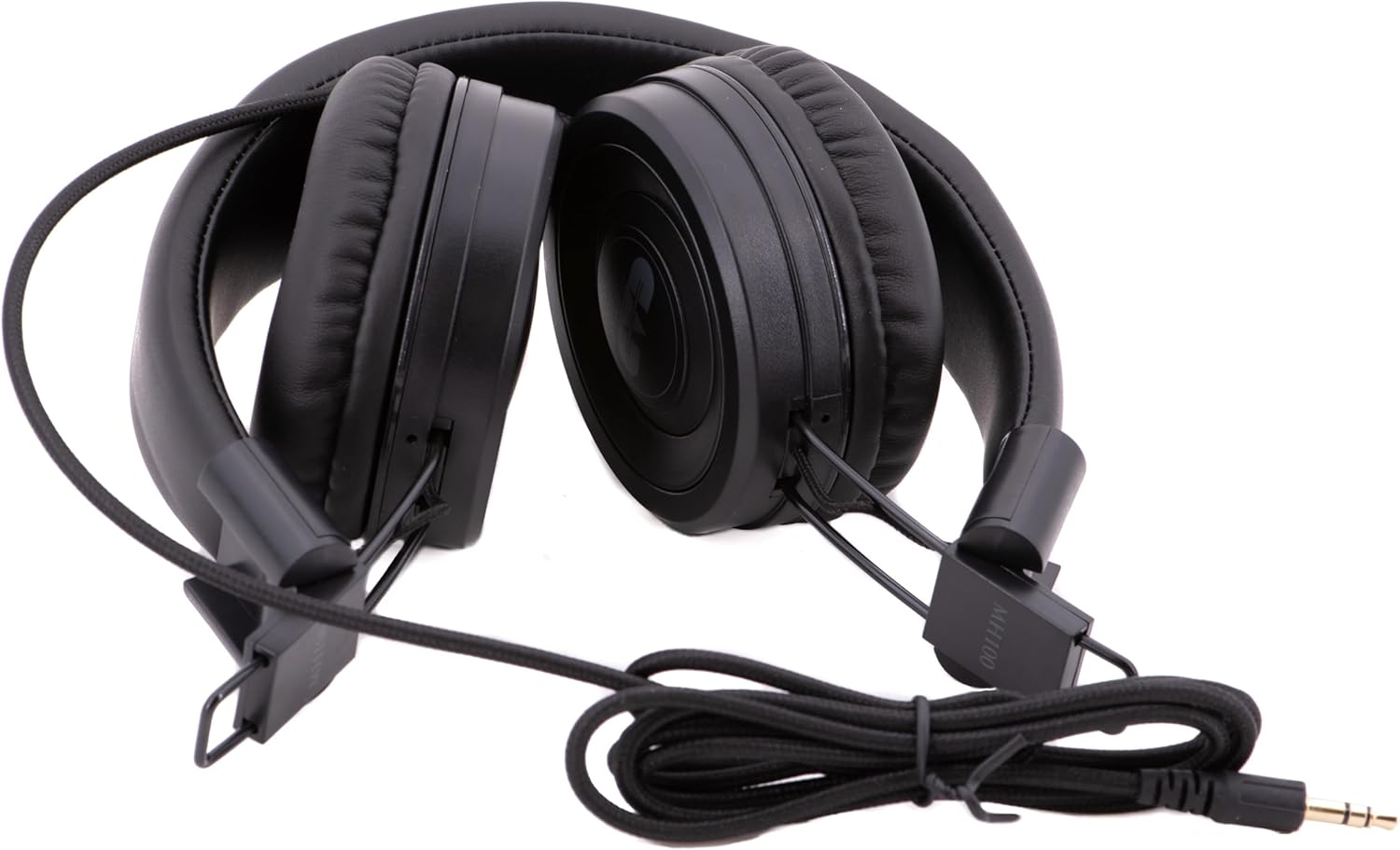
The CAD Audio MH100 headphones shown in a folded configuration, highlighting their portability and the coiled cable.
การบำรุงรักษาและการดูแล
การทำความสะอาด
To clean the headphones, use a soft, dry cloth. For ear cushions, a slightly damp สามารถใช้ผ้าชุบสบู่เหลวอ่อนๆ เช็ดได้ แต่ต้องแน่ใจว่าผ้าแห้งสนิทก่อนใช้งาน ห้ามใช้สารเคมีรุนแรงหรือน้ำยาทำความสะอาดที่มีฤทธิ์กัดกร่อน
พื้นที่จัดเก็บ
When not in use, store the headphones in a clean, dry place away from extreme temperatures and direct sunlight. Avoid placing heavy objects on them. The MH100 headphones can be folded for compact storage.
การดูแลสายเคเบิล
Avoid sharply bending or twisting the audio cable. Always grasp the plug, not the cable, when disconnecting from a device.
การแก้ไขปัญหา
ไม่มีเสียง
- ตรวจสอบให้แน่ใจว่าเสียบแจ็คเสียงขนาด 3.5 มม. เข้ากับหูฟังและอุปกรณ์ต้นทางเสียงจนสุดแล้ว
- ตรวจสอบระดับเสียงบนอุปกรณ์ต้นทางเสียงของคุณ
- Test the headphones with a different audio source or device to rule out a device-specific issue.
- ตรวจสอบสายเคเบิลว่ามีการชำรุดเสียหายใดๆ ที่มองเห็นได้
เสียงผิดเพี้ยน
- Reduce the volume level on your audio source.
- ตรวจสอบให้แน่ใจว่าแหล่งที่มาของเสียงนั้นเล่นเสียงคุณภาพสูง file.
- ตรวจสอบการเชื่อมต่อที่หลวม
Poor Sound Isolation
- Adjust the earcups to ensure they form a complete seal around your ears.
- Ensure the ear cushions are not worn or damaged.
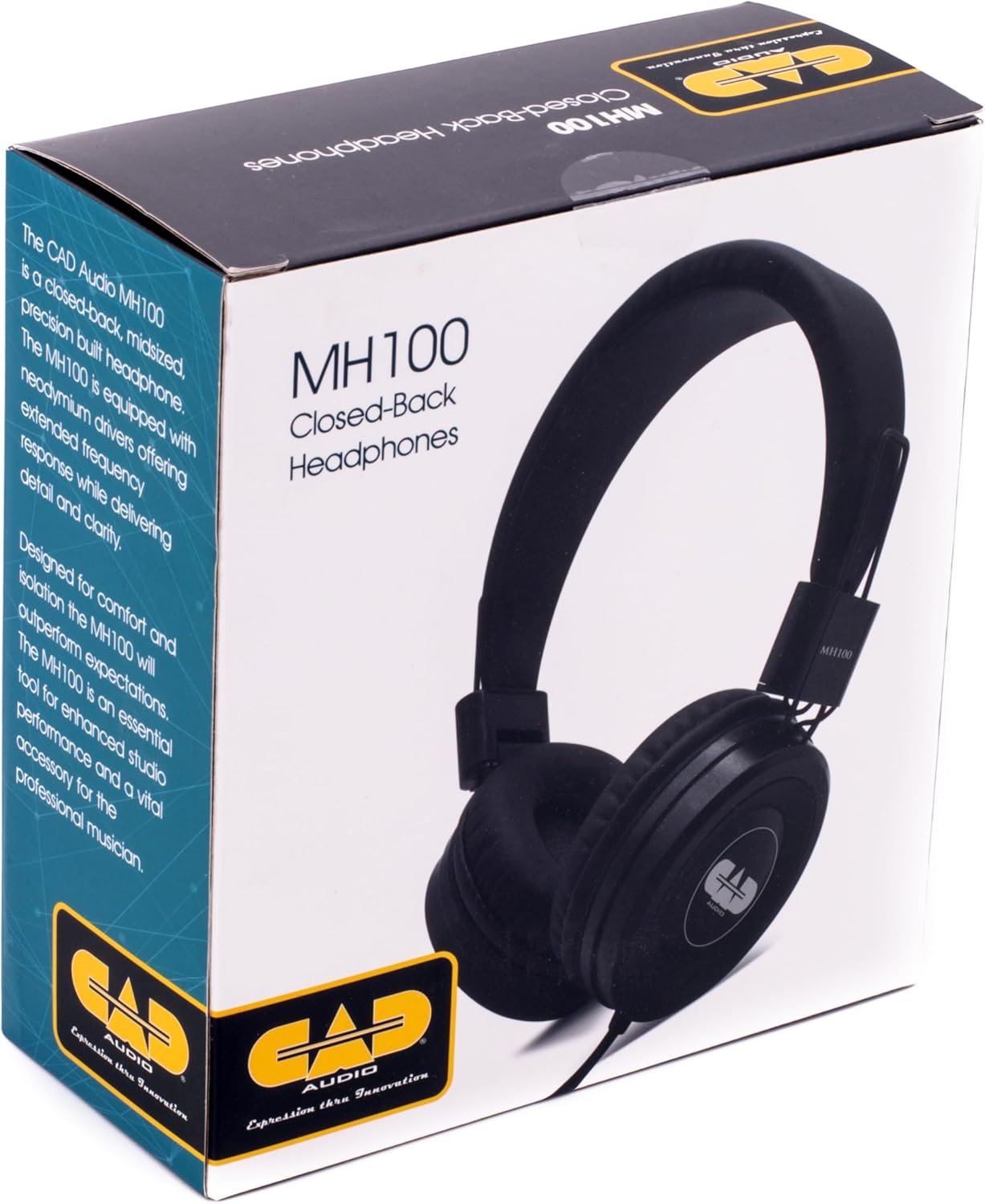
The retail box for the CAD Audio MH100 Closed-back Studio Headphones, displaying product information and branding.
ข้อมูลจำเพาะ
| แบบอย่าง | เอ็มเอช 100 |
| ประเภทไดรเวอร์ | Dynamic, Neodymium |
| ขนาดไดร์เวอร์ | 40มม. |
| การตอบสนองความถี่ | 20เฮิรตซ์-18กิโลเฮิรตซ์ |
| ความไวต่อความรู้สึก | 98เดซิเบล |
| การจัดการพลังงาน | 500มิลลิวัตต์ |
| การเชื่อมต่อ | Wired, 3.5mm Jack |
| รูปทรงของหูฟัง | ครอบหู |
| การควบคุมเสียงรบกวน | การแยกเสียง (แบบพาสซีฟ) |
| น้ำหนักสินค้า | 0.23 กิโลกรัม (ประมาณ 8 ออนซ์) |
| ขนาดสินค้า | 8.25 x 5 x 11.25 นิ้ว |
การรับประกันและการสนับสนุน
CAD Audio products are designed for reliability and performance. For specific warranty information, please refer to the warranty card included with your product or visit the official CAD Audio webเว็บไซต์.
For technical support, troubleshooting assistance, or service inquiries, please contact CAD Audio customer support through their official channels.
คุณสามารถค้นหาข้อมูลเพิ่มเติมและทรัพยากรสนับสนุนได้ที่ CAD Audio Store on Amazon.


