การแนะนำ
The HomeSeer HSM200 is a Z-Wave Plus multi-sensor designed for smart home automation. This device integrates motion, temperature, and light level detection into a single unit, providing comprehensive environmental monitoring. It also features an RGB LED indicator for visual alerts and functions as a Z-Wave repeater to strengthen your network. The HSM200 is line-powered, eliminating the need for batteries.
คุณสมบัติหลัก
- Z-Wave Plus Multi-Sensor: Detects motion, temperature, and light levels.
- Customizable RGB LED Indicator: Program the LED to glow in 7 different colors for visual alerts based on custom events.
- Line Powered: Plugs into a standard 120-volt US-style outlet, requiring no batteries.
- ฟังก์ชันการทำงานของตัวขยายสัญญาณ Z-Wave: Extends the range and improves the reliability of your Z-Wave network.
- ความเข้ากันได้กว้าง: Works with HomeSeer, Hubitat, Home Assistant, and SmartThings (with HomeSeer Edge Driver).
สินค้าเกินview
The HomeSeer HSM200 is a compact, plug-in device designed to blend seamlessly into your home environment.
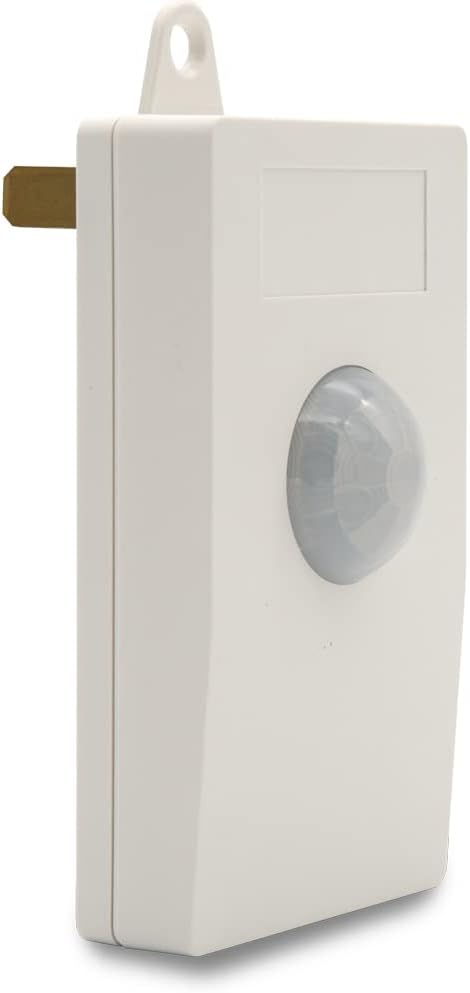
ภาพ: ด้านหน้า view of the HomeSeer HSM200 Z-Wave Multi-Sensor, showing the motion sensor dome and the white casing.

ภาพ: ด้านหลัง view of the HSM200, highlighting the standard US power prongs and Z-Wave Plus certification details. This confirms it is AC powered.
การตั้งค่า
1. การเปิดเครื่อง
The HSM200 is designed for continuous operation without batteries. Simply plug the device into a standard 120-volt AC wall outlet. Ensure the outlet is easily accessible for future maintenance or removal.
2. การรวมระบบ Z-Wave (การจับคู่)
- Place your Z-Wave controller or hub into inclusion mode. Refer to your controller's manual for specific instructions.
- With the HSM200 plugged into an outlet, press and release the Z-Wave button located on the side of the device. The LED indicator may flash to confirm inclusion mode.
- Your Z-Wave controller should confirm successful inclusion. The HSM200 will then appear as a new device in your Z-Wave network.
- If inclusion fails, try excluding the device first (see Z-Wave Exclusion below) and then attempt inclusion again.
3. Z-Wave Exclusion (Unpairing)
- Place your Z-Wave controller or hub into exclusion mode.
- Press and release the Z-Wave button on the side of the HSM200.
- Your Z-Wave controller should confirm successful exclusion.
4. ข้อควรพิจารณาในการจัดวาง
For optimal motion detection, place the HSM200 in an area where motion is expected, such as a hallway or room entrance. Avoid placing it directly facing heat sources or in direct sunlight, as this can affect temperature readings and potentially cause false motion triggers. The maximum motion detection range is approximately 12 meters.
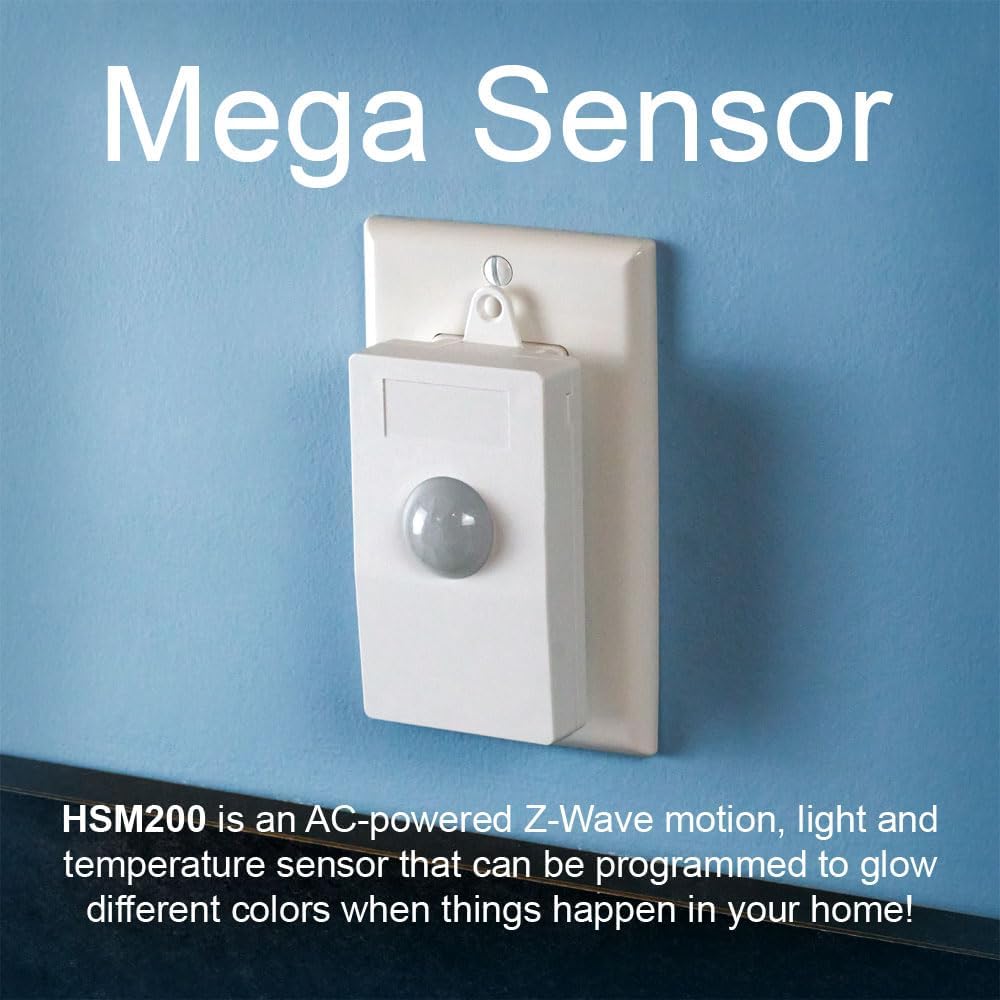
Image: The HSM200 sensor plugged into a standard wall outlet, demonstrating its compact form factor and how it integrates into a home environment.
คำแนะนำการใช้งาน
1. การตรวจจับการเคลื่อนไหว
The HSM200 detects movement within its field of view and reports it to your Z-Wave hub. This data can be used to trigger lighting, security alerts, or other automation routines.
2. การตรวจจับอุณหภูมิ
The integrated temperature sensor provides ambient room temperature readings to your Z-Wave network. This allows for climate control automation or monitoring.
3. Light Level Sensing
The light sensor measures the ambient light intensity in the room, enabling automation based on lighting conditions, such as turning on lights when it gets dark.
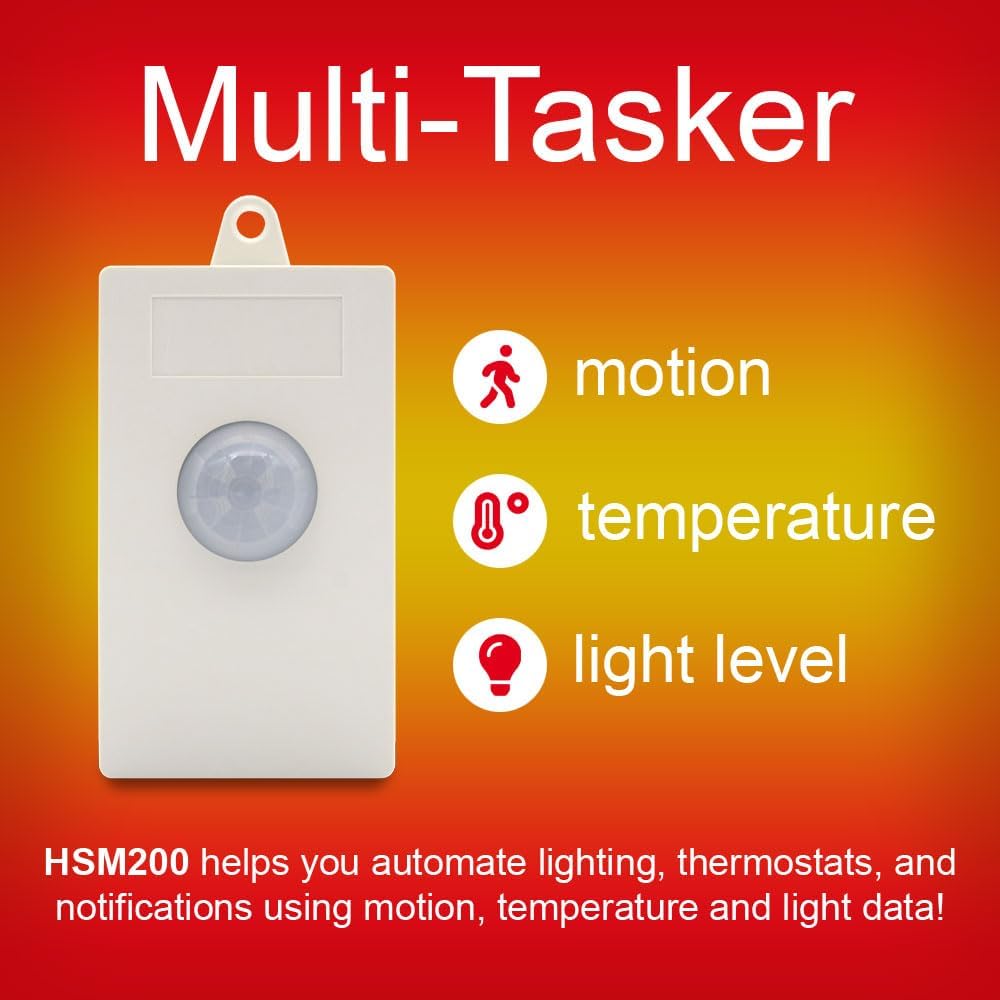
Image: Visual representation of the HSM200's multi-tasking capabilities, showing icons for motion, temperature, and light level sensing.
4. RGB LED Indicator
The HSM200 features a customizable RGB LED that can be programmed through your Z-Wave hub to display different colors based on specific events or conditions in your smart home. This provides a visual cue for various statuses.
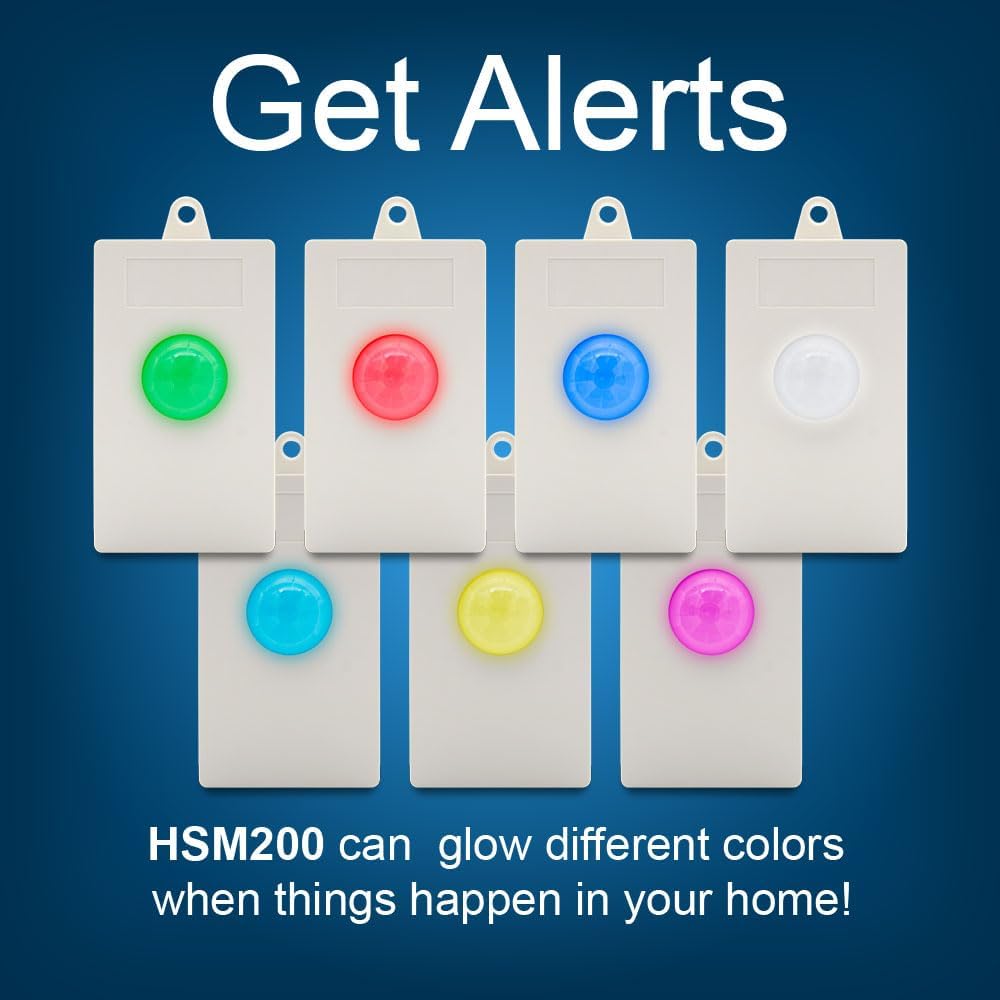
Image: Several HSM200 sensors displaying various LED colors (green, red, blue, white, cyan, yellow, magenta), illustrating the customizable visual alert feature.
5. Z-Wave Repeater Function
As a line-powered Z-Wave device, the HSM200 automatically acts as a repeater within your Z-Wave network. This helps to extend the communication range and improve the reliability of signals between your Z-Wave hub and other devices.
การซ่อมบำรุง
- การทำความสะอาด: เช็ดอุปกรณ์ด้วยผ้านุ่มและแห้ง ห้ามใช้น้ำยาทำความสะอาดที่มีฤทธิ์กัดกร่อนหรือตัวทำละลาย
- ไม่ต้องเปลี่ยนแบตเตอรี่: The HSM200 is line-powered and does not require batteries.
- อัพเดตเฟิร์มแวร์: Check with HomeSeer or your Z-Wave hub manufacturer for information on available firmware updates for improved performance or new features.
การแก้ไขปัญหา
- Device Not Including: Ensure your Z-Wave hub is in inclusion mode and the HSM200 is within range. Try performing an exclusion first, then re-attempt inclusion.
- False Motion Reports: Reposition the sensor to avoid direct sunlight, heat sources, or areas with frequent air currents. Adjust sensitivity settings if available through your Z-Wave hub.
- Inaccurate Temperature/Light Readings: Ensure the sensor is not exposed to direct heat or light sources that could skew readings.
- Limited Functionality with Specific Hubs: Some users have reported varying levels of compatibility or requiring custom drivers for certain Z-Wave hubs (e.g., Hubitat). Consult your hub's community forums or HomeSeer support for specific driver information.
- Z-Wave Network Issues: If other Z-Wave devices are also experiencing issues, consider optimizing your Z-Wave network by running a network heal or adding more Z-Wave repeaters.
ข้อมูลจำเพาะ
| คุณสมบัติ | รายละเอียด |
|---|---|
| หมายเลขรุ่น | เอชเอสเอ็ม200 |
| ยี่ห้อ | หน้าแรกSeer |
| แหล่งพลังงาน | ไฟฟ้ากระแสสลับ (120 โวลต์) |
| ประเภทการติดตั้ง | เสียบปลั๊กเข้าเต้าเสียบ |
| ช่วงการตรวจจับการเคลื่อนไหว | สูงสุด 12 เมตร |
| สี | สีขาว |
| น้ำหนักสินค้า | 2.39 ออนซ์ |
| ขนาดสินค้า | 3.25 x 2 x 1.5 นิ้ว |
| อุปกรณ์ที่รองรับ | HomeSeer, Hubitat, Home Assistant, SmartThings |
| โปรโตคอล Z-Wave | Z-Wave Plus |
การรับประกันและการสนับสนุน
For warranty information, technical support, or further assistance with your HomeSeer HSM200, please visit the official HomeSeer webหรือติดต่อฝ่ายสนับสนุนลูกค้าโดยตรง เก็บใบเสร็จรับเงินไว้เพื่อใช้ในการเคลมประกัน
หน้าแรกSeer Webเว็บไซต์: www.homeseer.com


