
Image: The Bluedio HT Turbine Wireless Bluetooth 4.1 Stereo Headphones, featuring a sleek black design with silver accents on the headband and earcups.
การแนะนำ
The Bluedio HT Turbine Wireless Bluetooth 4.1 Stereo Headphones are designed to deliver a rich audio experience with powerful bass and clear sound across all frequencies. Featuring Bluetooth 4.1 for stable connectivity and long battery life, these headphones offer both wireless convenience and the option for wired listening. The ergonomic design with soft earmuffs ensures comfort for extended use.
Key features include 57mm ultra-large dynamic drivers for surging low-frequency shock, acoustic echo cancellation and noise reduction for clear calls, and an audio sharing function to connect with another H(Shooting Brake) headphone. They also support 4 languages for voice prompts: Chinese, English, French, and Spanish.
มีอะไรอยู่ในกล่อง
Upon opening your Bluedio HT Turbine headphones package, you should find the following items:
- หูฟังบลูทูธไร้สาย Bluedio HT Turbine
- Micro-USB charging cable (5ft)
- สายสัญญาณเสียง 3.5 มม
- คู่มือการใช้งาน

Image: The Bluedio HT Turbine headphones, along with their included micro-USB charging cable, 3.5mm audio cable, and user manual, neatly packaged in their retail box.
การตั้งค่า
การชาร์จหูฟัง
Before first use, ensure your Bluedio HT Turbine headphones are fully charged. Connect the provided Micro-USB charging cable to the charging port on the headphones and the other end to a USB power source (e.g., computer USB port, USB wall adapter). A full charge typically takes approximately 2 ชั่วโมง.
จับคู่กับโทรศัพท์มือถือ
- รักษาระยะห่างระหว่างชุดหูฟังและโทรศัพท์มือถือของคุณภายใน 1 เมตร ยิ่งใกล้ยิ่งดี
- When the headset is off (if not, power off the headset first), press and hold the MFB (ปุ่มมัลติฟังก์ชั่น) for 5 seconds or so, only when you see the LED remains blue can you release the button, the headset is in pairing mode.
- เปิดบลูทู ธ ของโทรศัพท์มือถือของคุณเพิ่ม / ค้นหาอุปกรณ์
- When "H" or "Bluedio" appears, select it. (If asked for a pass code: Enter "0000")
ความสนใจ:
If pairing is not successful within 60 seconds, the LED goes out and the headset is out of pairing mode. Repeat the pairing procedure.

Image: Visual guide illustrating the steps to pair the Bluedio HT Turbine headphones with a mobile device, showing the multi-function button, blue LED indicator, and a smartphone's Bluetooth menu.
คำแนะนำการใช้งาน
ควบคุมมากกว่าview
The Bluedio HT Turbine headphones feature intuitive controls located on the earcup for easy management of your audio and calls. These include touch controls for media playback and volume adjustment.
- ปุ่มมัลติฟังก์ชัน (MFB): Power On/Off, Pairing, Play/Pause, Answer/End Calls.
- เพิ่มระดับเสียง/เพลงถัดไป: Increase volume, skip to next song.
- ลดระดับเสียง/เพลงก่อนหน้า: Decrease volume, go to previous song.
- พอร์ตไมโครยูเอสบี: สำหรับการชาร์จหูฟัง
- แจ็คเสียงขนาด 3.5 มม.: For wired connection when battery is low or for non-Bluetooth devices.

ภาพ: รายละเอียด view of the right earcup of the Bluedio HT Turbine headphones, highlighting the control buttons for power, volume, track control, and the charging port.
ฟังก์ชั่นการแบ่งปันเสียง
The Bluedio HT Turbine headphones support an Audio Sharing function. This allows you to connect your headphones to another H(Shooting Brake) headphone via an audio cable (sold separately) to share music instantly. It is recommended to use headphones with an impedance of 32 Ohms or higher for optimal audio sharing performance.
การซ่อมบำรุง
To ensure the longevity and optimal performance of your Bluedio HT Turbine headphones, follow these maintenance guidelines:
- การทำความสะอาด: Use a soft, dry cloth to clean the headphones. Do not use abrasive cleaners, alcohol, or chemical solvents, as these may damage the surface.
- พื้นที่จัดเก็บ: เมื่อไม่ได้ใช้งาน ให้เก็บหูฟังไว้ในที่แห้งและเย็น หลีกเลี่ยงแสงแดดโดยตรงและอุณหภูมิที่สูงหรือต่ำเกินไป
- หลีกเลี่ยงความชื้น: Do not expose the headphones to water or excessive moisture. If they get wet, wipe them dry immediately.
- จัดการด้วยความระมัดระวัง: Avoid dropping the headphones or subjecting them to strong impacts, which can damage internal components.
- การชาร์จ: Charge the headphones regularly, even if not used frequently, to maintain battery health. Avoid overcharging for extended periods.
การแก้ไขปัญหา
If you encounter issues with your Bluedio HT Turbine headphones, refer to the following common troubleshooting steps:
| ปัญหา | วิธีแก้ปัญหาที่เป็นไปได้ |
|---|---|
| หูฟังไม่สามารถเปิดเครื่องได้ | Ensure the headphones are fully charged. Connect to a power source and allow sufficient charging time. |
| ไม่สามารถจับคู่กับอุปกรณ์ได้ |
|
| ไม่มีเสียงหรือเสียงเบา |
|
| เสียงผิดเพี้ยนหรือการเชื่อมต่อไม่ต่อเนื่อง |
|
ข้อมูลจำเพาะ
Detailed technical specifications for the Bluedio HT Turbine Wireless Bluetooth 4.1 Stereo Headphones:
| คุณสมบัติ | รายละเอียด |
|---|---|
| เวอร์ชันบลูทูธ | วี4.1 |
| บลูทูธ โปรfiles | A2DP, AVRCP, HSP, HFP |
| ความถี่ในการส่งสัญญาณบลูทูธ | 2.4กิกะเฮิร์ตซ์-2.48กิกะเฮิร์ตซ์ |
| ระยะการทำงาน | Up to 10m (free space) |
| การตอบสนองความถี่ | 20เฮิรตซ์-20กิโลเฮิรตซ์ |
| เวลาสนทนา | นานถึง 45 ชั่วโมง |
| เวลาเพลงบลูทู ธ | นานถึง 40 ชั่วโมง |
| เวลาสแตนด์บาย | นานถึง 1625 ชั่วโมง |
| เวลาในการชาร์จ | 2 ชั่วโมง |
| ขนาดไดร์เวอร์เสียง | 57 มิลลิเมตร |
| อิมพีแดนซ์ | 16 โอห์ม |
| การวางตำแหน่งหู | ครอบหู |
| วัสดุ | Artificial Protein Leather, Soft Earmuffs |
| น้ำหนักสินค้า | 7.7 ออนซ์ |
| ขนาดสินค้า | 7.2 x 6.9 x 3.4 นิ้ว |
| ประเภทแบตเตอรี่ | แบตเตอรี่ลิเธียมโพลิเมอร์ 1 ก้อน (รวมอยู่ด้วย) |
การรับประกันและการสนับสนุน
For warranty information, technical support, or any inquiries regarding your Bluedio HT Turbine headphones, please contact Bluedio customer service directly.
You can find more information and support resources on the official Bluedio webเว็บไซต์:
Alternatively, you may contact them via email:
อีเมล: accessoryservice2@bluedio.com
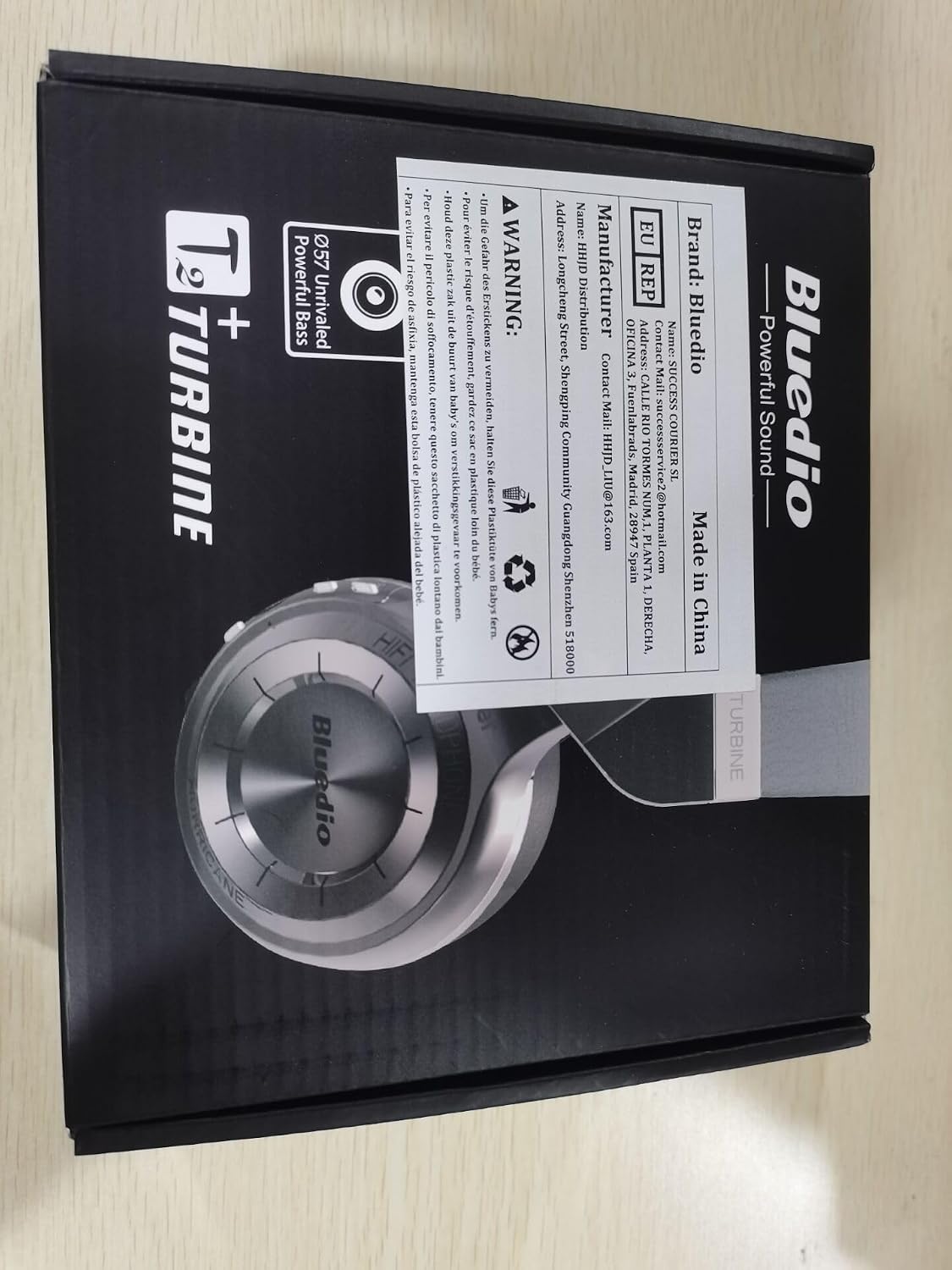
Image: The back of the Bluedio HT Turbine product box, displaying manufacturer details, contact email, and other product information.


