1. บทนำ
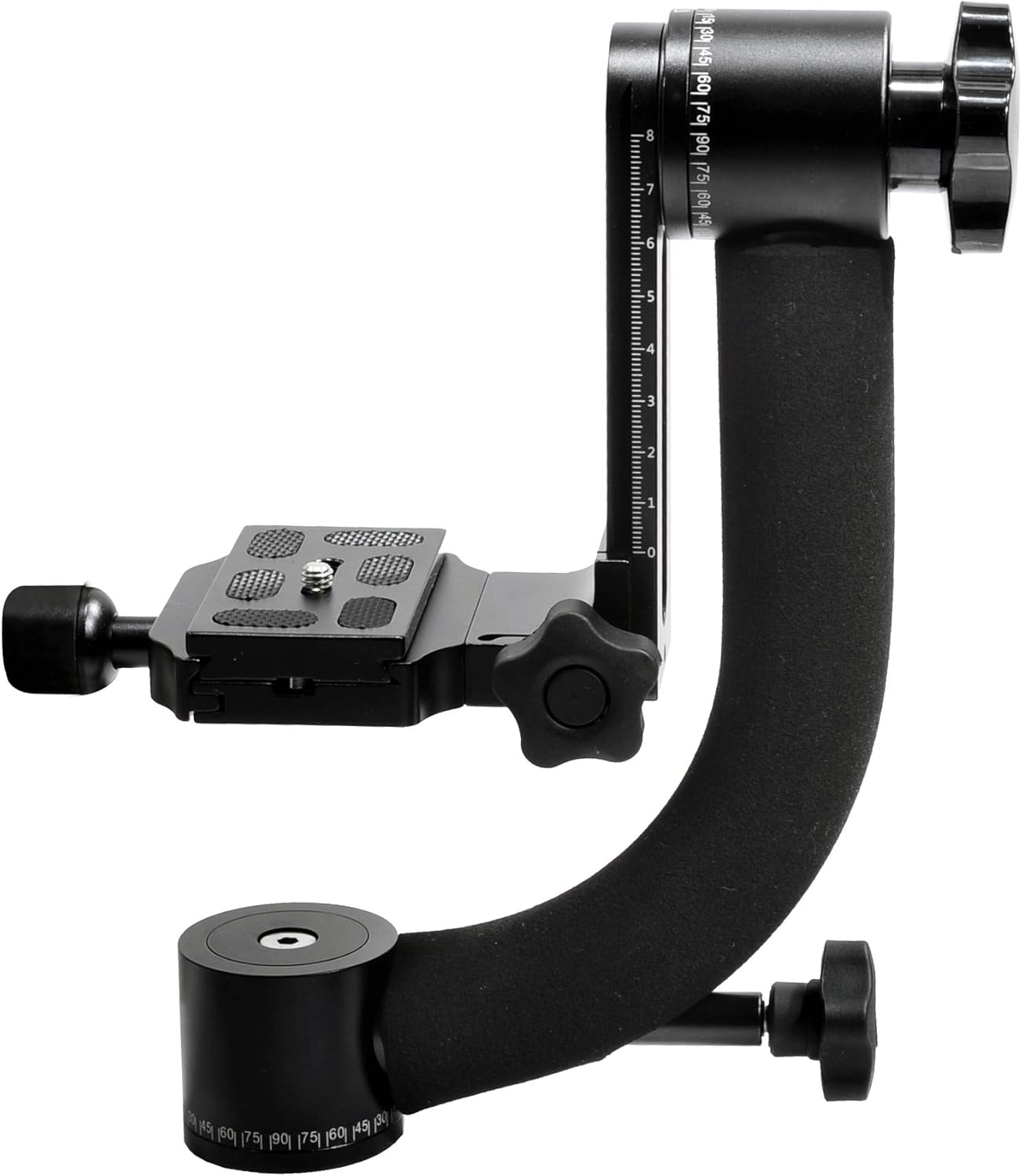
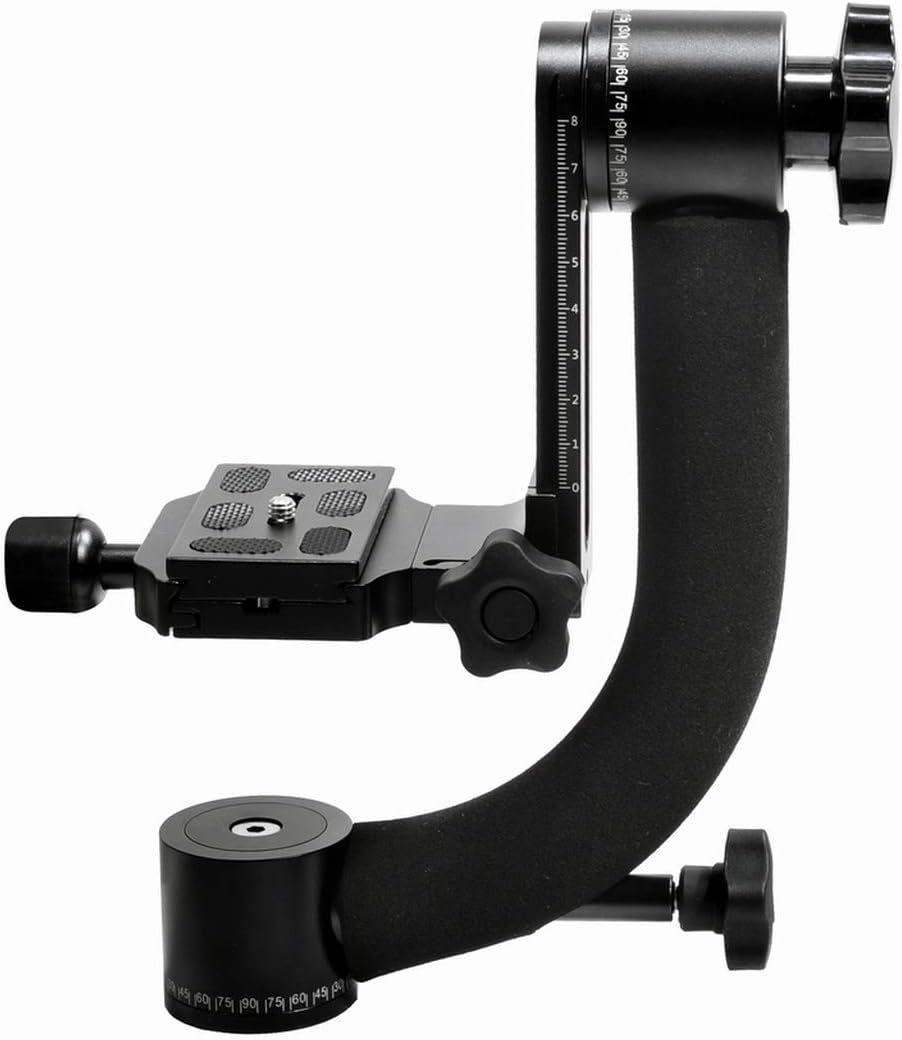
The ProMaster 5111 GH-10 Professional Gimbal Head is engineered for photographers and videographers requiring precise, stable, and fluid movement for heavy camera and lens setups. Constructed from lightweight aluminum alloy, it is designed to manage long telephoto lenses with ease, providing a steady platform for capturing dynamic action and intricate shots.
2. สินค้าหมดview
The GH-10 Gimbal Head features a robust design optimized for performance and durability. Its key attributes include:
- วัสดุ: Precision machined from lightweight aluminum alloy.
- ความจุในการรับน้ำหนัก: Supports a maximum load of 26 lb (12 kg).
- น้ำหนัก: The unit itself weighs 1 lb 15 oz (0.87 kg).
- Vertical Working Height: Adjustable from a minimum of 4 1/2" (11.5 cm) to a maximum of 8" (20.4 cm).
- แผ่นปลดเร็ว: Utilizes an industry-standard interlocking quick release plate with a 1/4"-20 screw.
- ความเคลื่อนไหว: Offers fully adjustable height and tilt control, along with 360° panning and working arc for smooth, precise camera positioning.
3. การตั้งค่า
- การติดตั้งบนขาตั้งกล้อง: Secure the gimbal head to your tripod's mounting plate using the standard 3/8"-16 screw. Ensure it is tightened firmly to prevent any wobble.
- Mounting the Camera/Lens: Attach your camera or lens (if it has a tripod collar) to the quick release plate. The plate features a 1/4"-20 screw for secure attachment.
- Balancing the Setup:
- Loosen the vertical and horizontal locking knobs.
- Adjust the position of the quick release plate along the horizontal arm until the camera and lens are balanced. The camera should remain stationary when released.
- Adjust the vertical height of the camera platform until the center of gravity is aligned with the tilt axis. This ensures smooth tilting motion.
- Once balanced, tighten all locking knobs to secure the position.
4. คู่มือการใช้งาน
The ProMaster GH-10 is designed for intuitive operation, allowing for fluid control over your camera's movement.
- การแพนกล้อง 360°: The base of the gimbal head allows for full 360° rotation. Loosen the base locking knob to pan the camera smoothly. Tighten the knob to lock the position.
- การเอียงในแนวตั้ง: The vertical arm provides a wide range of tilt motion. Loosen the tilt locking knob to adjust the camera's vertical angle. Tighten the knob to secure the desired tilt.
- การปรับความตึง: Both the panning and tilting mechanisms feature adjustable tension controls. These can be set to your preference for smoother or more resistant movement, allowing for precise control during tracking shots.
- Quick Release Plate Usage: The quick release plate allows for rapid attachment and detachment of your camera. Ensure the plate is securely clamped ก่อนใช้งาน
5. การบำรุงรักษา
Proper maintenance ensures the longevity and optimal performance of your gimbal head.
- การทำความสะอาด: Use a soft, dry cloth to clean the gimbal head. Avoid abrasive cleaners or solvents that could damage the finish or internal components.
- การหล่อลื่น: The moving parts are factory-lubricated. Do not attempt to lubricate internal mechanisms unless specifically instructed by ProMaster support.
- พื้นที่จัดเก็บ: Store the gimbal head in a dry, dust-free environment. If storing for extended periods, consider using a protective bag.
- การตรวจสอบ: Periodically check all screws and knobs for tightness. Ensure the quick release plate mechanism operates smoothly.
6 การแก้ไขปัญหา
If you encounter issues with your ProMaster GH-10, consider the following common solutions:
- การเคลื่อนไหวที่แข็งทื่อ: If panning or tilting feels stiff, ensure that the tension knobs are not overtightened. Loosen them slightly to achieve desired fluidity.
- Loose Joints/Wobble: Check all locking knobs and mounting screws for tightness. Ensure the gimbal head is securely attached to the tripod and the camera/lens is firmly mounted on the quick release plate.
- ความยากในการทรงตัว: Re-evaluate the balance of your camera and lens setup. Ensure the quick release plate is positioned correctly to achieve a neutral balance point on both the horizontal and vertical axes.
7. ข้อมูลจำเพาะ
| คุณสมบัติ | ข้อมูลจำเพาะ |
|---|---|
| ขนาดสินค้า | 1 x 1 x 1 นิ้ว |
| น้ำหนักสินค้า | 2 ปอนด์ (0.87 กก.) |
| โหลดสูงสุด | 26 ปอนด์ (12 กก.) |
| Maximum Vertical Working Height | 8 นิ้ว (20.4 ซม.) |
| Minimum Vertical Working Height | 4 1/2 นิ้ว (11.5 ซม.) |
| ประเภทแผ่น | Industry standard interlocking quick release with 1/4"-20 screw |
| การร่อน | 360° Panning and Working Arc |
| หมายเลขรุ่น | 4332320772 |
| ยูพีซี | 029144051112 |
| สี | สีดำ |
| ผู้ผลิต | PROMASTER |
8. ข้อมูลการรับประกัน
For specific warranty details regarding your ProMaster 5111 GH-10 Professional Gimbal Head, please refer to the warranty card included with your product or visit the official ProMaster webโดยทั่วไปเงื่อนไขการรับประกันจะครอบคลุมถึงข้อบกพร่องจากการผลิตและความผิดพลาดของวัสดุภายใต้การใช้งานปกติ
9. การสนับสนุน
Should you require further assistance, technical support, or have questions not covered in this manual, please contact ProMaster customer service. Contact information can typically be found on the ProMaster webไซต์หรือบนบรรจุภัณฑ์ผลิตภัณฑ์


