1. บทนำ
The EPOS Sennheiser IMPACT SC 660 USB ML is a premium, wired, double-sided USB headset designed for professionals. It is optimized for Unified Communications (UC) and certified for Skype for Business, offering outstanding sound performance, convenient call handling, durability, and all-day comfort. This headset features HD sound, an ultra noise-cancelling microphone, and a USB connector for seamless integration with various devices and platforms.

รูปที่ 1 : ด้านหน้า view of the EPOS Sennheiser IMPACT SC 660 USB ML Headset.
2. อะไรอยู่ในกล่อง
Carefully unpack your EPOS Sennheiser IMPACT SC 660 USB ML headset and ensure all components are present:
- IMPACT SC 660 USB ML Headset
- เคสป้องกัน
- Cable clip mounted on headset
- Leatherette ear pad/s (spare)
- ที่ยึดแม่เหล็ก
- คู่มือแนะนำ
- คู่มือความปลอดภัย
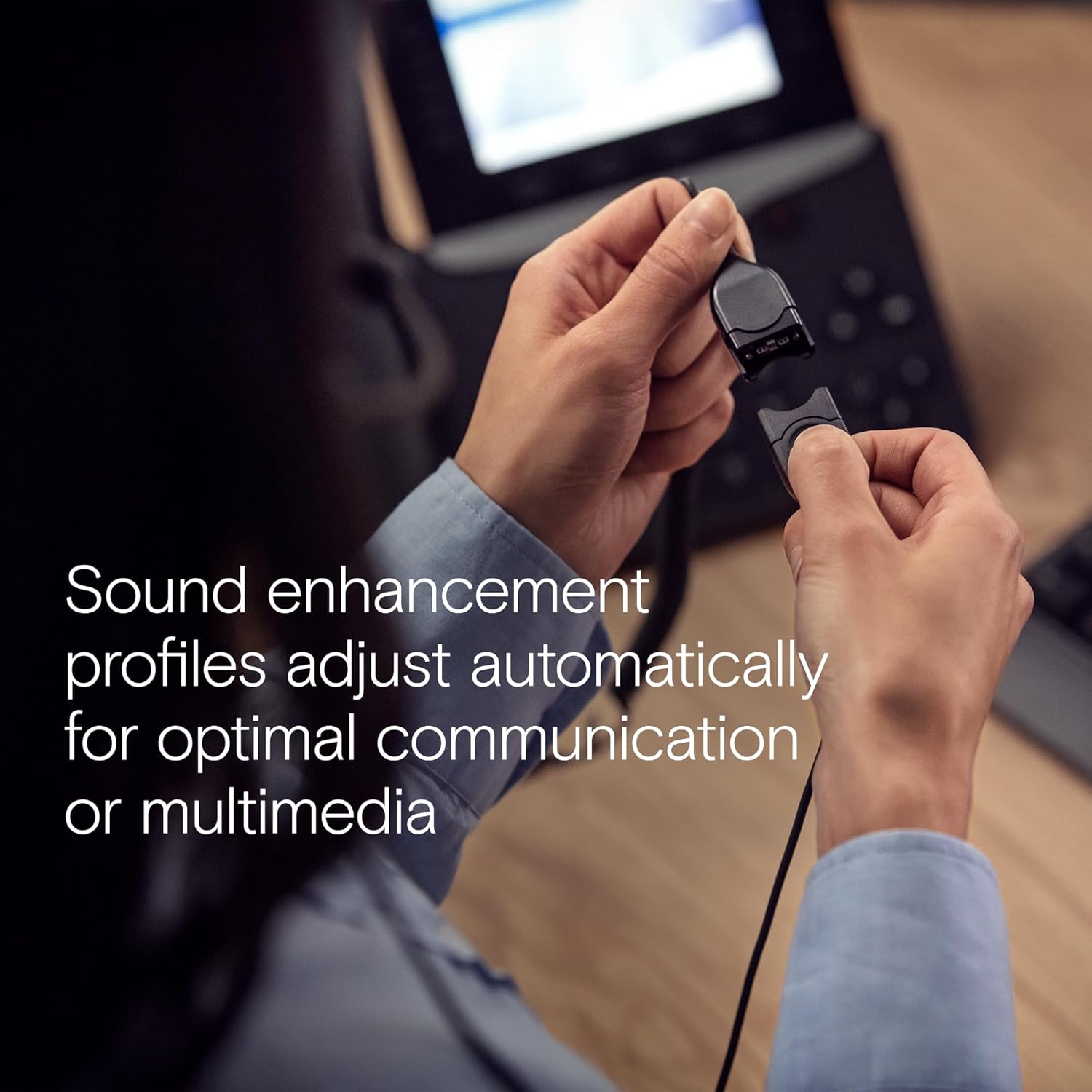
Figure 2: All included components: headset, carry pouch, in-line call control, clothing clip, USB connector, leatherette ear pads, ear pad holders, safety guide, and quick guide.
3. การตั้งค่า
The IMPACT SC 660 USB ML headset is designed for simple plug-and-play setup.
3.1 การเชื่อมต่อชุดหูฟัง
- ค้นหาพอร์ต USB ที่ว่างอยู่บนคอมพิวเตอร์หรืออุปกรณ์ที่ใช้งานร่วมกันได้ของคุณ
- เสียบขั้วต่อ USB ของหูฟังเข้ากับพอร์ต USB
- The headset will be automatically recognized by your operating system. No additional drivers are typically required for basic functionality.
3.2 ความเข้ากันได้ของซอฟต์แวร์
This headset is optimized for Unified Communications (UC) and certified for various platforms, ensuring seamless integration and optimal performance:
- สไกป์สำหรับธุรกิจ
- ไมโครซอฟต์ทีม
- การประชุมผ่าน Google
- อัลคาเทล-ลูเซนท์ เอ็นเตอร์ไพรส์
- Webอดีตโดย Cisco
- อาวาย่า
- ใช้งานได้กับ Chromebook

Figure 3: The headset is optimized for various Unified Communications platforms, including Microsoft Teams, Google Meet, Alcatel-Lucent Enterprise, Webex by Cisco, Avaya, and Chromebook.
3.3 การสวมชุดหูฟัง
Adjust the headband and microphone boom for a comfortable and secure fit. The microphone boom is flexible to allow for optimal positioning near your mouth.

Figure 4: A person wearing the headset, demonstrating proper microphone positioning for natural, clear conversations with EPOS Voice and noise-cancelling microphone technology.
Video 1: Official product description video for the EPOS Sennheiser IMPACT SC 600 Series, highlighting key features and benefits for business communication.
4. คู่มือการใช้งาน
The IMPACT SC 660 USB ML headset provides intuitive controls for managing your calls and audio.
4.1 In-Line Call Control Unit
The headset features an in-line call control unit for easy management of calls and audio settings:
- รับ/วางสาย: Press the dedicated call button to answer or end a call.
- การควบคุมระดับเสียง: ใช้ปุ่ม '+' และ '-' เพื่อปรับระดับเสียงการฟัง
- ปิดเสียงไมโครโฟน: Press the microphone mute button to mute or unmute your microphone.
- โทรซ้ำ: Some applications may support redialing directly from the control unit.
4.2 การใช้งานไมโครโฟน
The ultra noise-cancelling microphone filters out unwanted background noise, ensuring crystal-clear conversations. Position the microphone approximately two fingers' width from the corner of your mouth for optimal voice pickup.
4.3 คุณสมบัติเสียง
- HD Sound: Powered by a neodymium speaker, the headset delivers clear and natural voice and audio experiences.
- ActiveGard Technology: This technology protects users against acoustic injury caused by sudden sound bursts on the line.
- Sound Enhancement Profiles: The headset automatically adjusts sound enhancement profiles for optimal communication or multimedia listening.

รูปที่ 5: ด้านข้าง view of the headset, highlighting the in-line call control unit and USB connector.
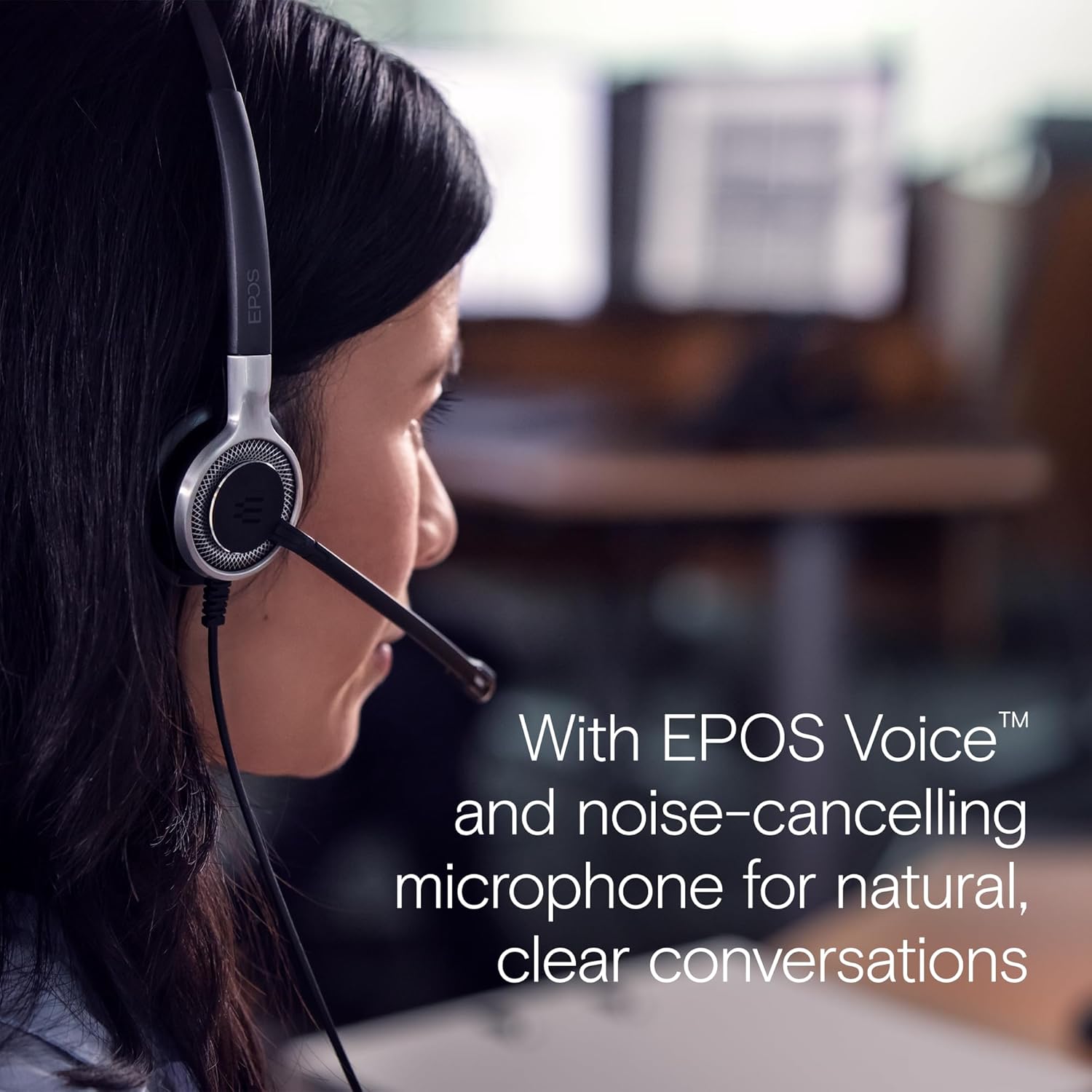
Figure 6: Image illustrating how sound enhancement profiles adjust automatically for optimal communication or multimedia experiences.
5. การบำรุงรักษา
Proper care and maintenance will extend the life and performance of your headset.
5.1 การทำความสะอาด
- แผ่นรองหู: The soft leatherette ear pads can be gently wiped with a damp cloth. Ensure they are completely dry before use.
- ตัวชุดหูฟัง: Use a soft, dry cloth to clean the headset body. Avoid using harsh chemicals or abrasive materials.
5.2 พื้นที่จัดเก็บ
When not in use, store the headset in its protective case. The ear cups can be folded flat for easy transportation and storage, protecting the headset from damage.
5.3 การดูแลสายเคเบิล
The headset features Vectran reinforced cables for enhanced durability. Avoid sharp bends or excessive pulling on the cable to prevent damage.
6 การแก้ไขปัญหา
If you encounter issues with your headset, try the following basic troubleshooting steps:
- ไม่มีเสียง/ไมโครโฟนไม่ทำงาน:
- ตรวจสอบให้แน่ใจว่าเสียบขั้วต่อ USB เข้ากับพอร์ตจนสุดแล้ว
- Check your computer's audio settings to ensure the headset is selected as the default playback and recording device.
- Verify that the microphone is not muted using the in-line control unit.
- ลองเสียบหูฟังเข้ากับพอร์ต USB อื่น หรือคอมพิวเตอร์เครื่องอื่น เพื่อตรวจสอบว่าปัญหาไม่ได้เกิดจากพอร์ตหรือระบบโดยเฉพาะ
- คุณภาพเสียงไม่ดี:
- Adjust the volume using the in-line control or your computer's settings.
- Ensure the microphone is positioned correctly near your mouth for clear voice pickup.
- ตรวจสอบความเสียหายทางกายภาพของสายเคเบิลหรือขั้วต่อ
- ไม่รู้จักชุดหูฟัง:
- รีสตาร์ทเครื่องคอมพิวเตอร์ของคุณ
- ตรวจสอบให้แน่ใจว่าระบบปฏิบัติการของคุณเป็นเวอร์ชันล่าสุด
For more complex issues, refer to the detailed Safety Guide or Quick Guide included in the box, or contact EPOS customer support.
7. ข้อมูลจำเพาะ
| ชื่อรุ่น | IMPACT SC 660 USB ML |
| ยี่ห้อ | อีพอส |
| เทคโนโลยีการเชื่อมต่อ | ยูเอสบี |
| แจ็คหูฟัง | ยูเอสบี |
| การวางตำแหน่งหู | บนหู |
| ฟอร์มแฟกเตอร์ | บนหู |
| สี | สีดำ |
| วัสดุ | พลาสติก |
| น้ำหนักสินค้า | 7.9 ออนซ์ (224 กรัม) |
| ขนาดสินค้า | 13 x 2.44 x 2.44 นิ้ว |
| การตอบสนองความถี่ (ไมโครโฟน) | 150 – 6,800 เฮิรตซ์ (แบนด์กว้าง) |
| Frequency Response (Speaker) | 50 – 18,000 เฮิรตซ์ |
| อิมพีแดนซ์ | 200 โอห์ม |
| การควบคุมเสียงรบกวน | Noise Cancellation (Microphone) |
| คุณสมบัติพิเศษ | น้ำหนักเบา |
| อุปกรณ์ที่รองรับ | Laptops, Tablets (via USB) |
| คุณสมบัติสายเคเบิล | Retractable, Vectran reinforced |
| ประเภทการควบคุม | Call Control (in-line remote) |
8. การรับประกันและการสนับสนุน
8.1 ข้อมูลการรับประกัน
The EPOS Sennheiser IMPACT SC 660 USB ML headset comes with a ฮิตปีรับประกันระหว่างประเทศ. This warranty covers manufacturing defects and ensures peace of mind regarding the quality and durability of your headset. Please retain your proof of purchase for warranty claims.
8.2 การสนับสนุนลูกค้า
For technical assistance, warranty claims, or further inquiries, please visit the official EPOS website or contact their customer support directly. Refer to the contact information provided in your Safety Guide or on the EPOS webเว็บไซต์.


